Template details
Julia
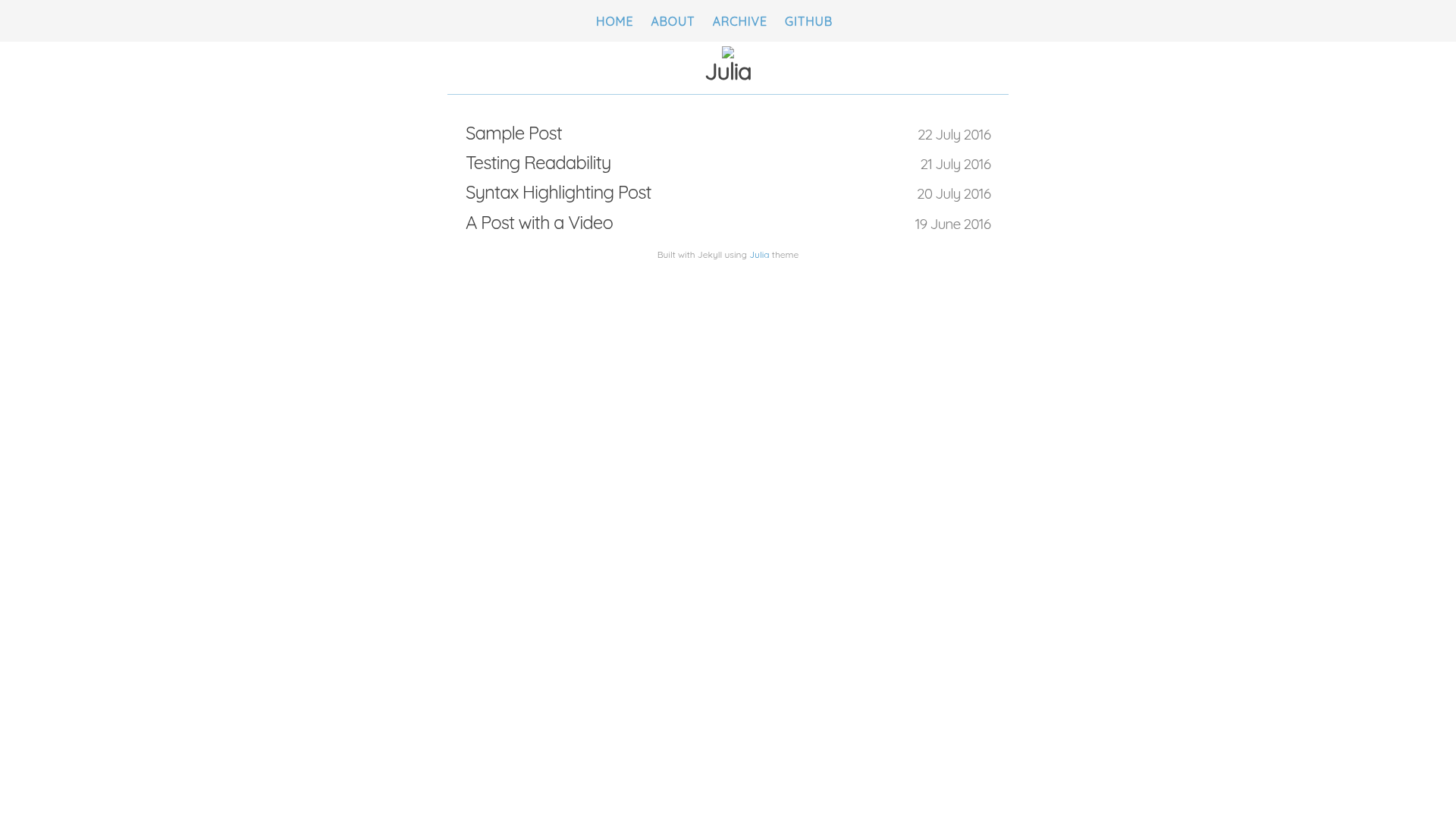
A minimalistic Jekyll theme for personal blogs, featuring an archive page, Disqus comments, and Google Analytics.
About this template
Julia is a minimalistic Jekyll theme for personal blogs and simple websites. It takes Markdown post and page files, processes them with the Jekyll static site generator, and outputs a clean HTML site ready to host on GitHub Pages or any static host. The theme is developed by GitHub user kuoa and distributed as an open-source repository.
What is Julia?
Julia is a minimalistic Jekyll theme for personal blogs and simple websites. It takes Markdown post and page files, processes them with the Jekyll static site generator, and outputs a clean HTML site ready to host on GitHub Pages or any static host. The theme is developed by GitHub user kuoa and distributed as an open-source repository.
Key Features
- Minimalistic design — The theme strips away unnecessary decoration, focusing on readable typography for long-form content.
- Archive page with categories and tags — Posts are listed by category on the Archive page, and each post's tags are displayed alongside.
- Long post layout — The theme supports splitting long posts into parts (part one, part two) with a consistent layout.
- Configurable brand color — Change the base color by editing
$brand-colorin/css/main.scss. - Disqus comments integration — Enable comments by setting the
disqus_shortnamein_config.yml. - Google Analytics support — Turn on analytics by setting
google-analyticsto true and pasting a tracking code in/_includes/google_analytics.html. - Custom navbar links — Add or edit links in the
linkssection of_config.ymlto tailor the navigation.
Who is it for?
Julia is aimed at personal bloggers and writers who want a clean, no-frills theme to publish their thoughts. It's also suitable for Jekyll beginners who want a small, well-structured base to learn from, and for developers who prefer to customize a theme by editing SCSS variables and config files.
What can you do with Julia?
- Personal bloggers: Publish Markdown posts and automatically get an organized archive sorted by category and tag.
- Writers: Split long articles into sequential parts while keeping a consistent reading experience.
- Developers: Fork the repository, adjust the brand color via
$brand-color, and deploy a static site with Jekyll.
How does Julia work?
Installation is straightforward: fork the repository, clone it locally, run bundle install to install dependencies, then jekyll serve to start a local development server. After editing _config.yml to set links, comments, or analytics, rebuild the site and deploy.
Pricing
Julia is free and open source. The full source code is available on GitHub, and you can use, modify, and redistribute it under the terms of the license included in the repository.
FAQ
Is Julia free?
Yes, Julia is released as an open-source Jekyll theme on GitHub, so you can download and use it without cost.
How do I change the brand color?
Edit /css/main.scss and set the $brand-color variable to your desired color. Rebuild the Jekyll site to see the change.
How do I enable comments?
Add your Disqus shortname to the disqus_shortname field in _config.yml. Once set, Disqus comment threads will appear on your posts.
Does Julia support Google Analytics?
Yes. Set google-analytics to true in _config.yml and paste your tracking code into /_includes/google_analytics.html to start collecting site analytics.
How do I add my own links to the navigation bar?
Edit the links section in _config.yml to define the label and URL for each navbar item.