Template details
Hexo Theme Typing
A pure and fresh Hexo theme.
About this template
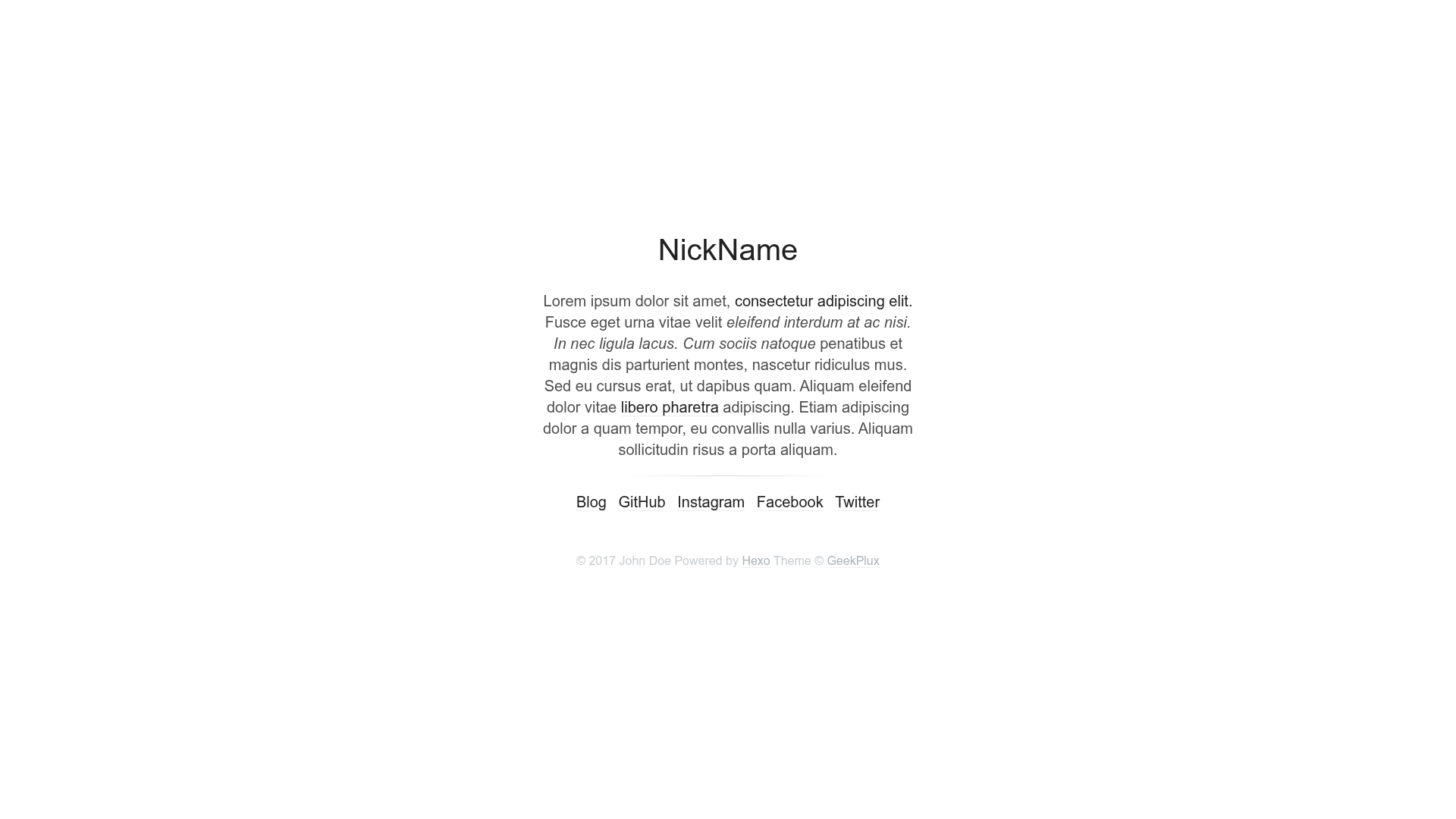
Typing is a pure and fresh Hexo theme created by geekplux that turns standard Hexo markdown posts into a minimal, cleanly designed static blog. It runs on the Hexo static site generator (version 2.4 or above) and is distributed as a GitHub repository that you clone directly into your Hexo site's themes directory. The theme outputs a static site with a configurable navigation menu, a profile area showing nickname and description, footer links, and optional lightbox and comment support. It is released under the MIT license and has 288 stars on GitHub as of its repository metadata.
What is Hexo Theme Typing?
Typing is a minimal and clean Hexo theme built for personal blogs and archives. It takes standard Hexo posts and pages as input and produces a static blog with a clean layout, dark/light mode switching, and a configurable profile sidebar. The theme is maintained by geekplux and requires Hexo 2.4 or above, installed by cloning the repository into the themes directory.
Key Features
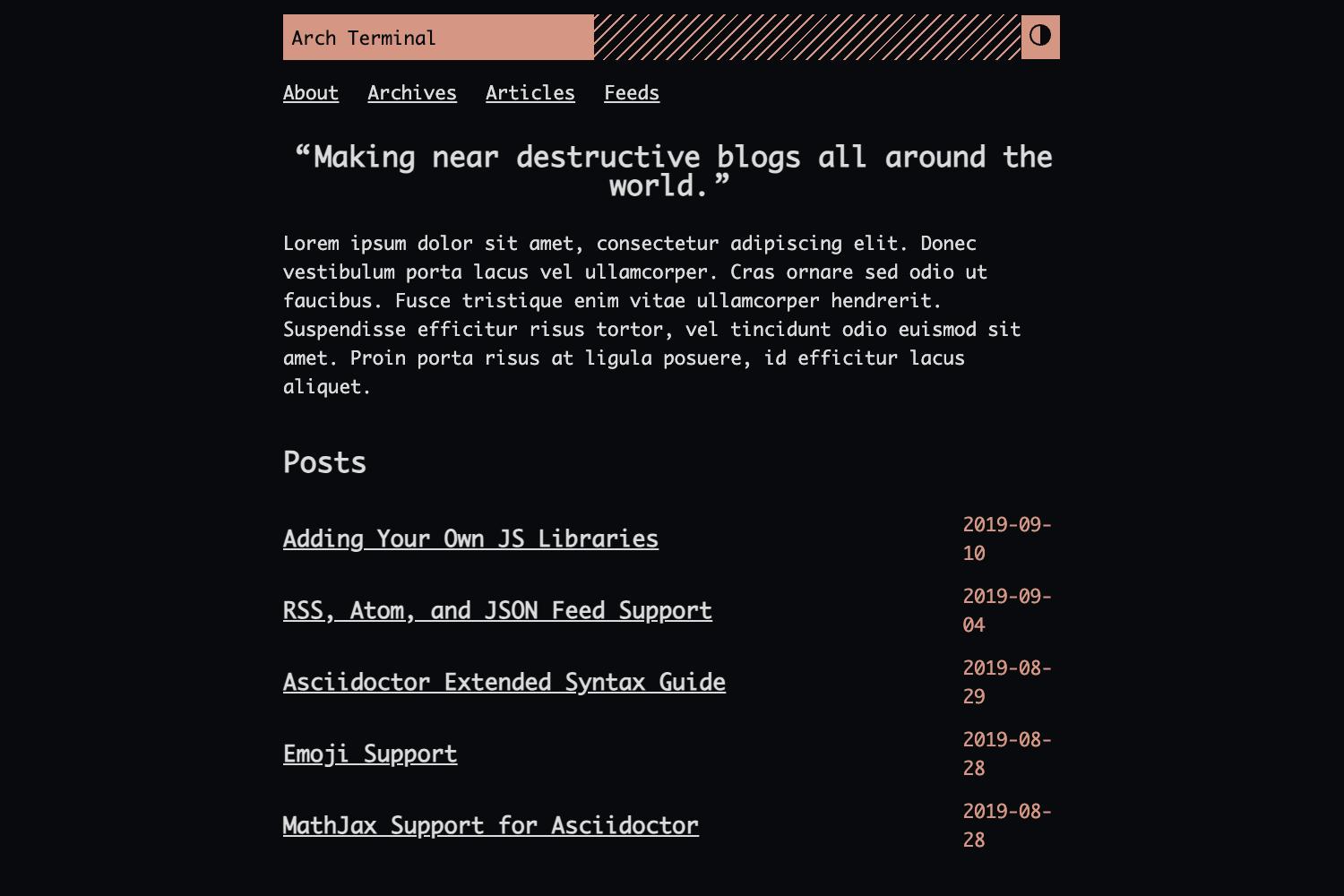
- Dark and light modes — Use the
darksetting in the theme config to switch the entire site between light and dark appearances; both themes are shown in the repository previews. - Optional ForkAwesome icons — Set
icons: trueto render footer links as ForkAwesome icons (specified without thefa-prefix), or leave it false to show plain text links. - Customizable menu — Define navigation items like Home and Archives through the
menumap, each pointing to a URL of your choice. - Profile block — Display a
nicknameand a Markdown-formatteddescriptionin the header, giving your blog a personal touch. - Fancybox integration — Enable the
fancyboxoption to add lightbox-style image zoom on your posts. - Gitment comments — Configure the
gitmentblock with your GitHub owner, repo, and client credentials to attach GitHub-backed comments to your posts. - Donation links — Set up GitHub, PayPal, Bitcoin (including a QR code), AliPay QR, or WeChat QR donation buttons through the
donateconfig. - Footer customization — Use
archive_footer_contentandpost_footer_contentto add Markdown-supported text to the footers of archive and post pages.
Who should use Typing?
Typing is built for Hexo users who want a straightforward, minimal theme with a modern clean look. Developers who prefer editing a single _config.yml file over writing template code will find the theme easy to configure, from navigation to social links. Bloggers who want dark mode and comment support without heavy JavaScript can achieve that by enabling the corresponding options. Contributors to open-source Hexo themes can also use the provided development workflow with the hexo-theme-unit-test repository to test changes.
What can you do with Typing?
- Personal bloggers: Set up a minimal blog with navigation, profile, and archives, then enable dark mode and Gitment comments for a complete publishing setup.
- Hexo theme developers: Use the unit-test fork-and-clone workflow to run the theme locally at 127.0.0.1:4000 and iteratively refine its templates and styles.
- Markdown fans: Write posts in standard Hexo markdown and let Typing render them in a clean layout, with optional excerpts and "Read More" links on the archives page.
How does Typing work?
Installing Typing involves three steps: clone the repository into themes/typing inside your Hexo site, set the theme config to typing, and if your site is in English, explicitly set language: "en". To update, run git pull from the themes/typing folder. After configuration, run hexo server to preview locally or hexo generate to produce the static site.
FAQ
Is Typing free to use?
Yes, Typing is an open-source theme released under the MIT license, so you can use, modify, and redistribute it freely for personal or commercial projects.
Does Typing support dark mode?
Yes, Typing includes both light and dark modes. Set dark: true in the theme configuration to enable dark mode globally on your site.
How do I add comments to Typing?
Typing supports Gitment, a comment system that uses GitHub issues. You need to configure the gitment section in the theme config with your GitHub owner, repository, and client ID/secret.
What Hexo version do I need?
Typing requires Hexo 2.4 or above. If you are using an older version, upgrade Hexo before installing the theme.
Can I customize the footer links?
Yes, the links config option defines footer links. When icons: true is set, link names are interpreted as ForkAwesome icon names without the fa- prefix; otherwise they appear as plain text.