Template details
Insane.pink
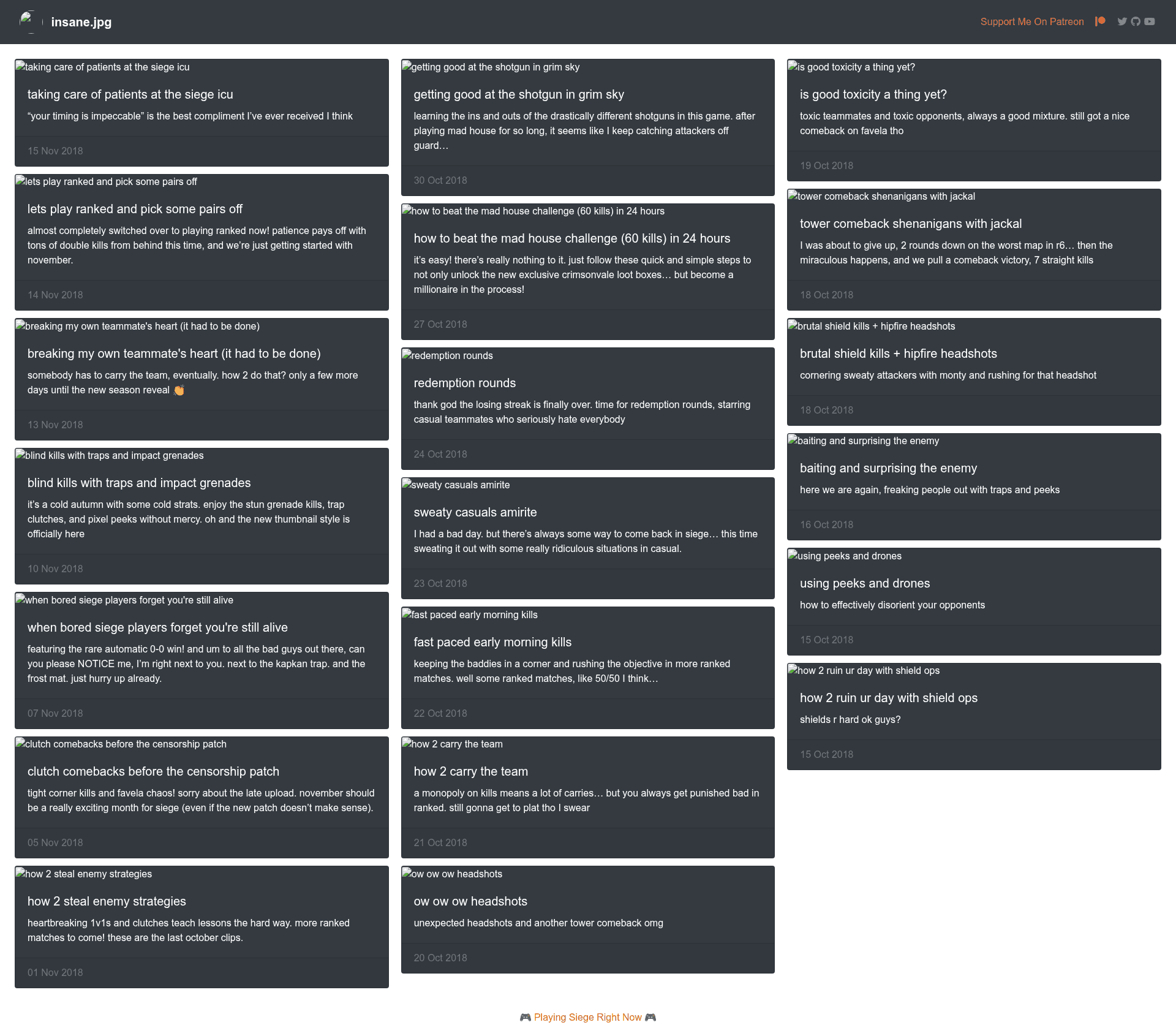
Jekyll website template that auto-posts YouTube videos and shows Steam player status, deployable to Google Cloud and GitHub Pages.
About this template
Insane.pink is a Jekyll-powered static website template built for insane.jpg, a YouTube channel focused on Rainbow Six Siege videos, and it exists to automatically turn each new YouTube upload into a blog post on the site.
What is Insane.pink?
Insane.pink is a Jekyll static site generator project created by Julian Weiss (insanj) as the companion website for his insane.jpg Siege YouTube videos. It takes a YouTube channel feed as input via a Node.js sync script and produces a static blog-style site with posts for each video, along with a live Steam player card. The site runs on Jekyll with a Ruby environment and is designed for deployment to Google Cloud App Engine (insane.pw) or GitHub Pages (insane.pink). The repository also documents alternative Google Cloud setups using Docker custom environments and Cloud Storage buckets.
Key Features
- Jekyll static site generation — The site is built with Jekyll and can be served locally with
bundle exec jekyll serve, or built to static files withbundle exec jekyll build. - YouTube sync script — Running
npm run youtubeexecutesinsane_sync.js, which creates a new post from the latest insane.jpg YouTube video, so the site stays current without manual posting. - Steam API integration — A dedicated component shows how to register a Steam API key, look up a Steam ID in SteamID64 format, and call the
GetPlayerSummariesendpoint to display player status, last logoff, avatar, and currently played game (e.g., Tom Clancy's Rainbow Six Siege). - Multiple deployment targets — The repository includes configurations for Google Cloud App Engine (Ruby flex environment), a custom Docker App Engine setup, Google Cloud Storage buckets, and GitHub Pages, with step-by-step instructions for each.
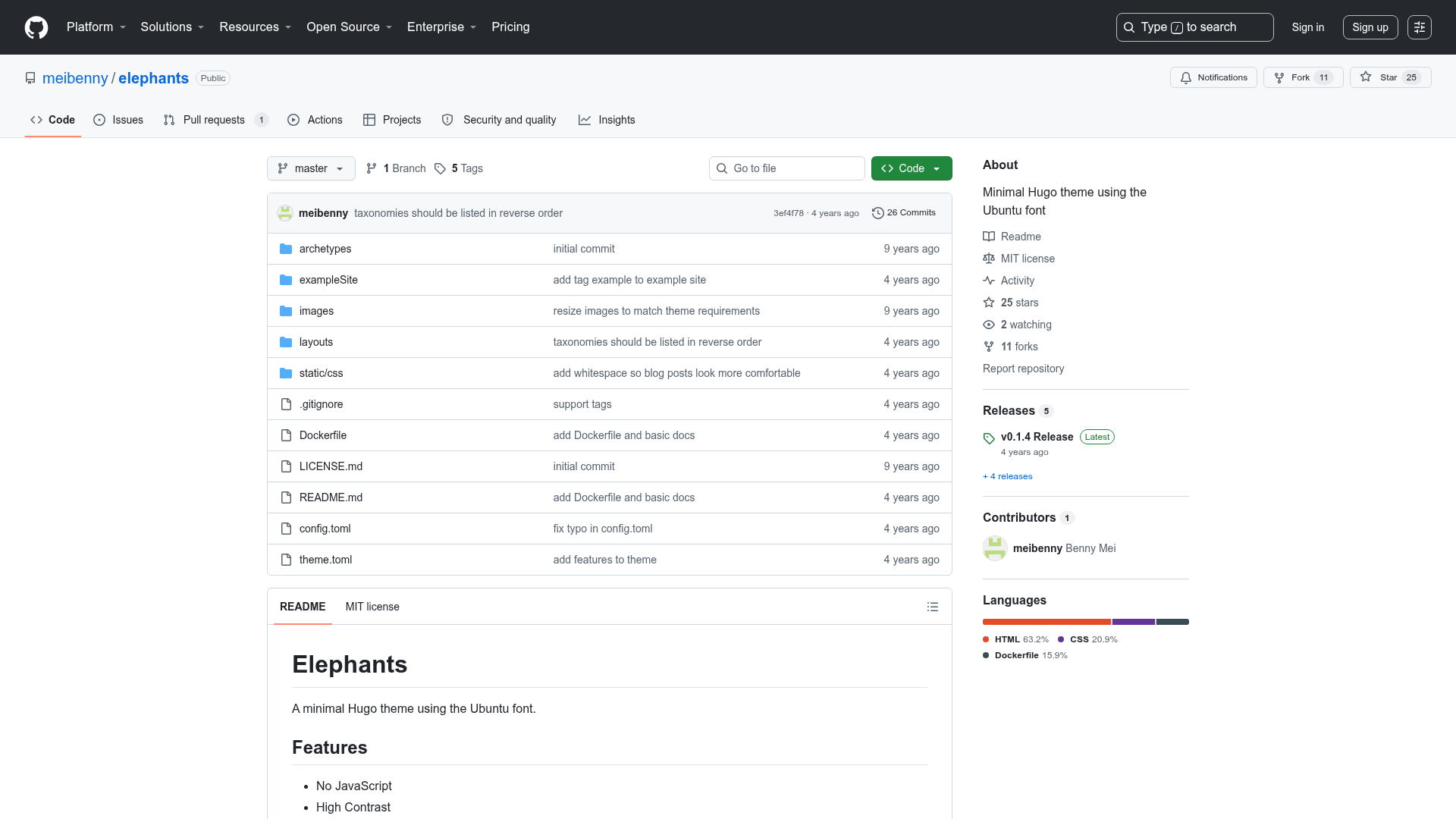
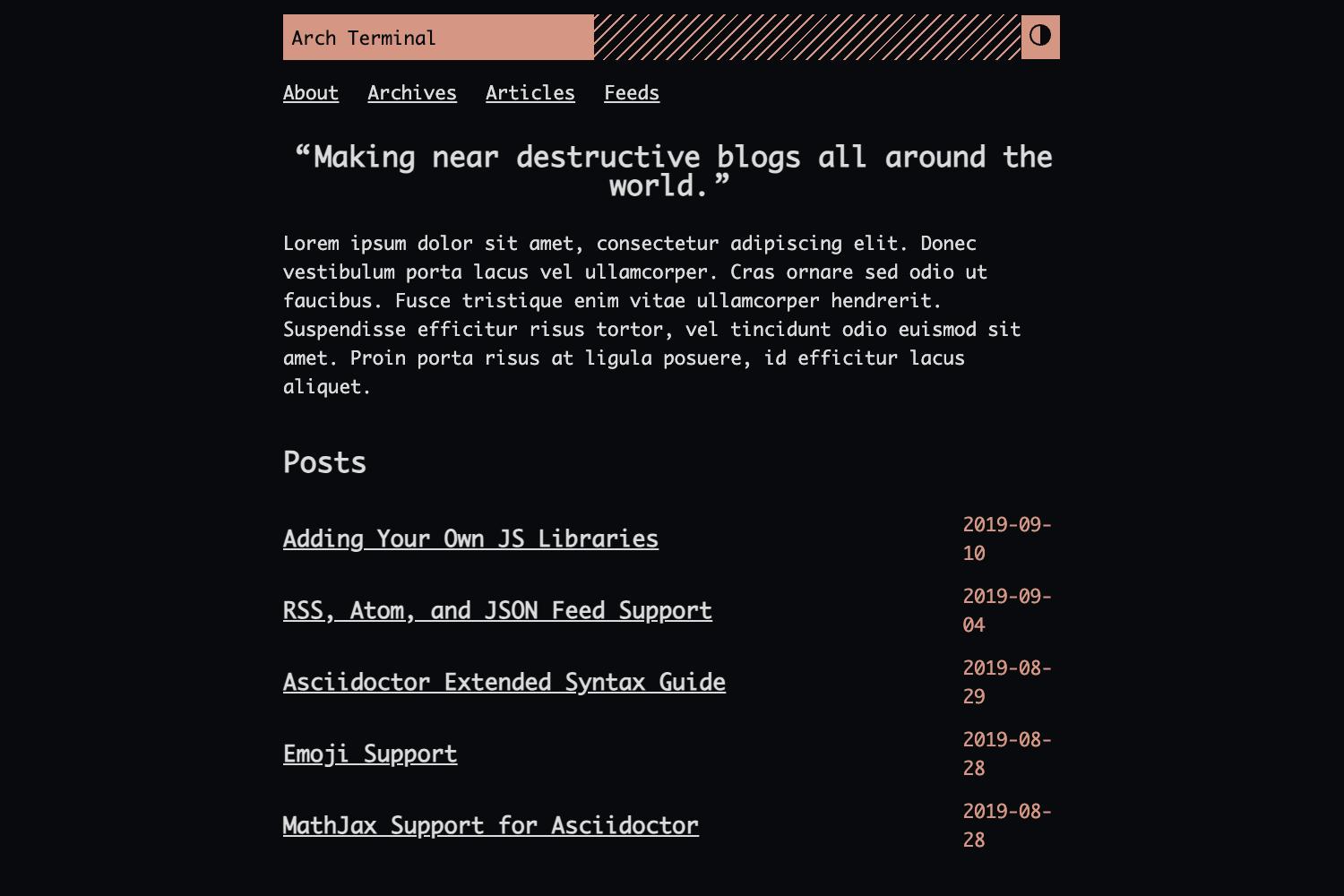
- Production and development sites — The template provides both a production URL (insane.pw on Google Cloud) and a development URL (insane.pink on GitHub Pages), along with a theme note: insane.pw uses the barber-jekyll theme.
- GPL-3.0 licensed — The project is open source under the GPL-3.0 license, and the published site copyright is stated as 2018.
Who is it for?
- YouTube content creators — A gamer or video creator who wants a static companion site that automatically posts their latest YouTube upload can use the included Node.js sync script to keep the blog updated without manual copying.
- Jekyll developers interested in Google Cloud deployment — The README provides detailed tutorials for deploying Jekyll to Google Cloud App Engine using Ruby, Docker, and Cloud Storage, making it a useful reference project for anyone wrestling with Jekyll on Google Cloud.
- Gamers and streamers — The Steam API integration demonstrates how to display a live player card with the current game and profile link, which can be reused on a personal site.
Use cases
- Content creator blog: Run
npm run youtubeafter publishing a video to instantly generate a new Jekyll post matching the latest upload on insane.jpg. - Gaming portfolio: Display Steam profile status, avatar, and current game (such as Rainbow Six Siege) alongside the video blog using the GetPlayerSummaries endpoint.
- Deployment experimentation: Follow the four documented hosting paths to benchmark Google Cloud App Engine (Ruby, Docker), Cloud Storage, and GitHub Pages for serving the same Jekyll site.
How does Insane.pink work?
The workflow is documented in the README's Usage section. First, install dependencies with bundle install, then serve the development site with npm start (which runs bundle exec jekyll serve) or build production files with npm run build. To pull in new video content, run npm run youtube to execute the Node.js sync script that creates a new post from the latest YouTube video. Deployment is handled by jekyll build --destination docs && gcloud app deploy, which generates a static site for GitHub Pages and uploads to Google Cloud.
FAQ
Is Insane.pink free to use?
Yes, the source code is licensed under GPL-3.0, so you can freely use, modify, and distribute it with the same license. The GitHub repository is public.
What does the YouTube sync script do?
The insane_sync.js script, run via npm run youtube, fetches the latest video from the YouTube channel and creates a new Jekyll post from it. This automates updating the site's video blog content.
Does the template require a Steam API key?
Only if you want to use the Steam player integration. The README explains how to register a free Steam API key at the Steam Dev Community and replace the sample SteamID64 (76561198017375926) with your own.
What is the difference between insane.pw and insane.pink?
insane.pw is the production site deployed on Google Cloud App Engine, while insane.pink is the development site hosted on GitHub Pages. Both serve the same Jekyll project, but they use different hosting services and the production site uses the barber-jekyll theme.