Template details
material-jekyll-theme
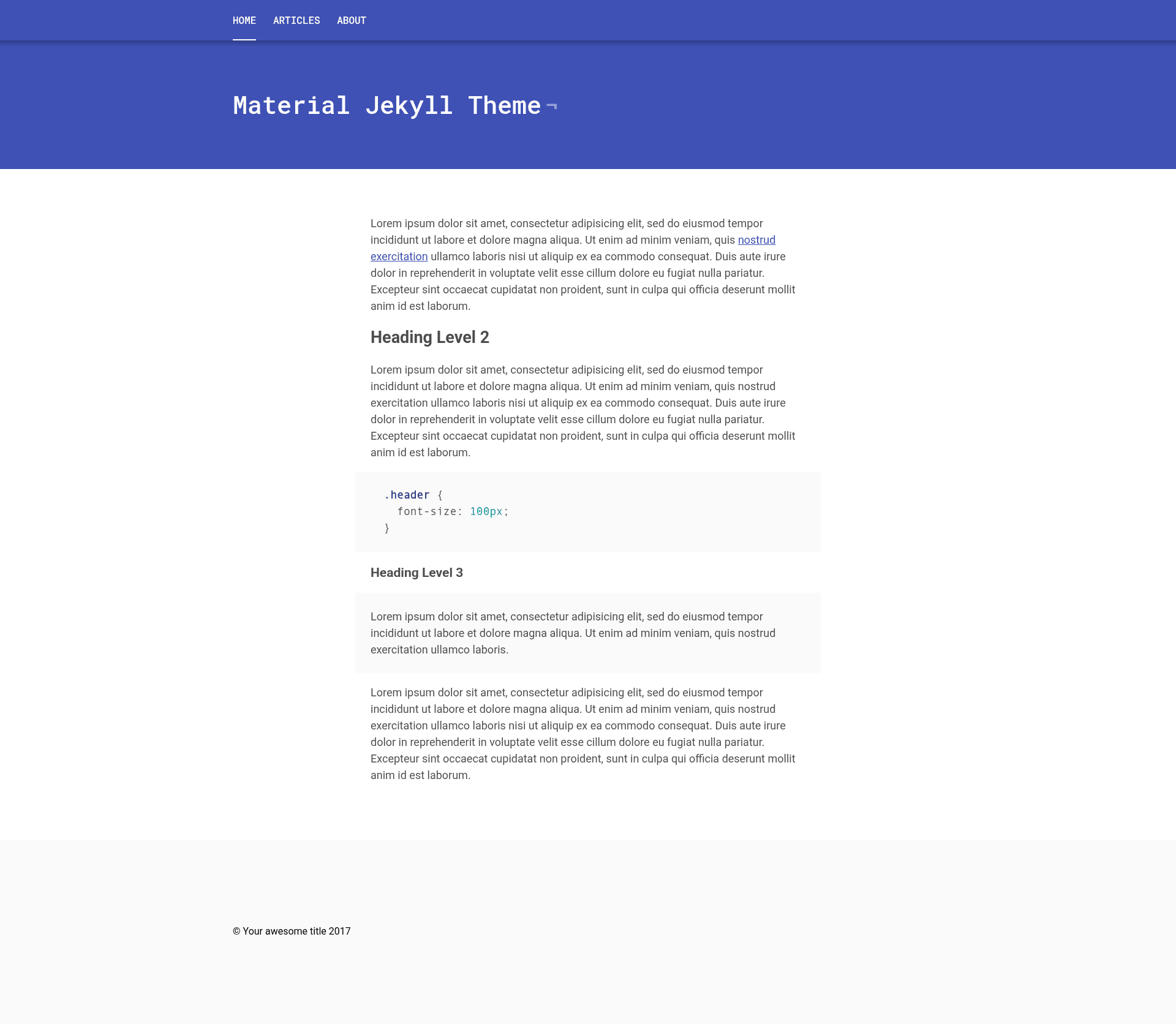
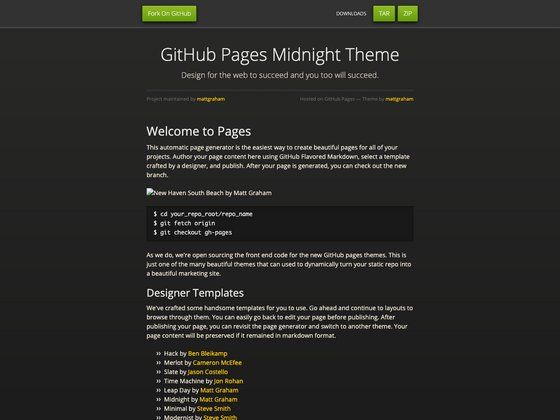
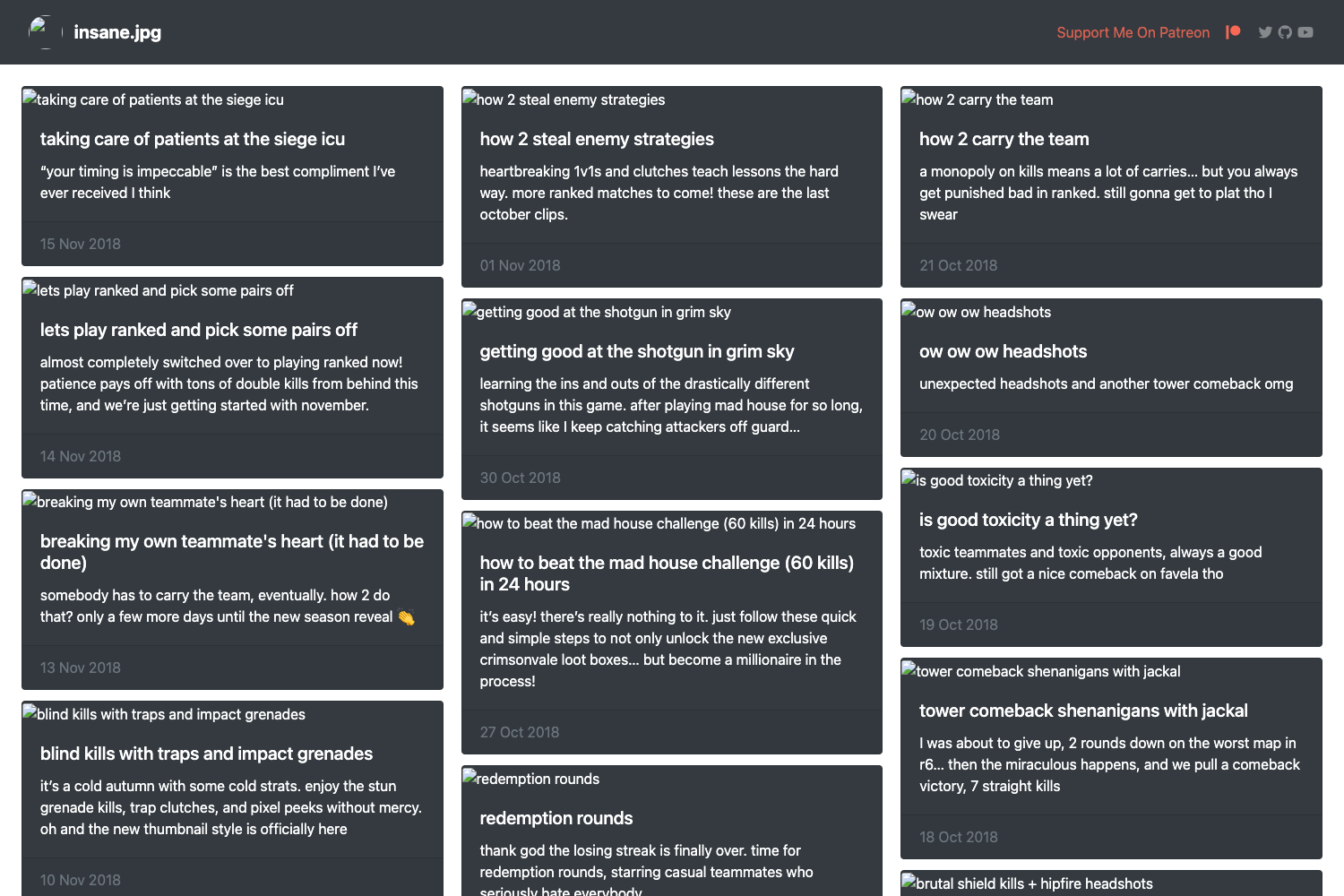
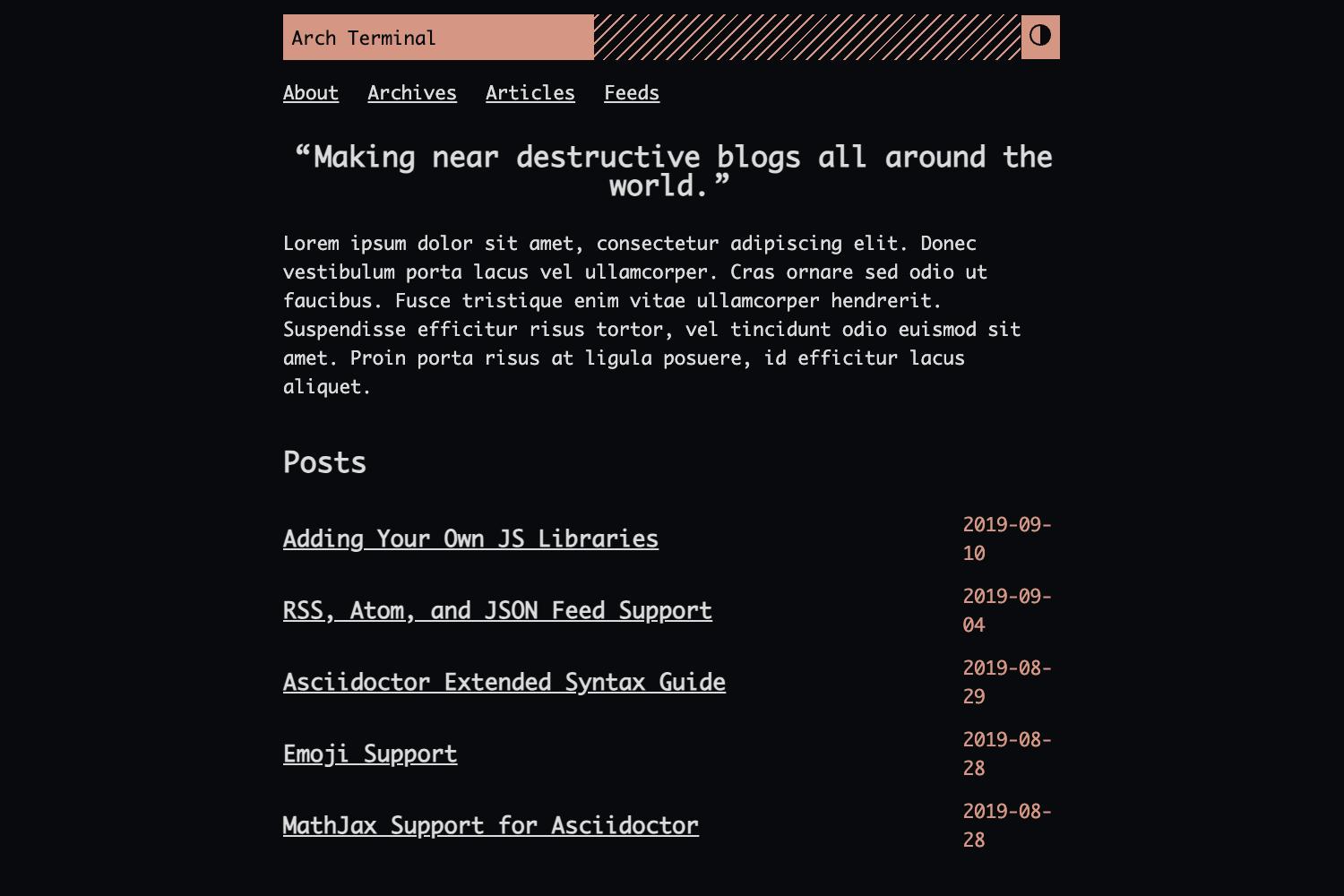
Material Design inspired Jekyll theme with color and navigation options.
About this template
material-jekyll-theme is a Material Design–inspired Jekyll theme for building personal blogs and portfolio sites on GitHub Pages. It gives you a clean, card-based layout and a set of configurable options — five color themes and a fixed navigation toggle — all controlled through a single _config.yml file. The theme was created by Alex Carpenter and is available on GitHub.
What is material-jekyll-theme?
material-jekyll-theme is a Jekyll-based static site template that applies Google's Material Design visual language to a blog or personal website. It takes content written in Markdown (standard Jekyll posts and pages) and renders a HTML site with a responsive, colored top bar and fixed navigation option. The theme runs on Jekyll, the Ruby static site generator, so it can be hosted on GitHub Pages for free without a database or server.
Key Features
- Material Design styling — The theme's layout uses Material Design principles with a colorful header and card-based content presentation.
- Five color themes — Switch the primary color between Green, Blue, Orange, Purple, and Grey directly in
_config.yml. - Fixed navigation toggle — Set the fixed navigation option to true or false to control whether the menu stays pinned while scrolling.
- Single-file configuration — All theme options, site title, and social links are edited in one
_config.ymlfile. - GitHub Pages ready — Because it's a standard Jekyll theme, you can publish the generated site by pushing the repository to GitHub Pages.
- Demo available — A live demo is hosted at alexcarpenter.github.io/material-jekyll-theme so you can see the default layout and color schemes before cloning.
Who is material-jekyll-theme for?
- Jekyll developers — Users already comfortable with Jekyll's folder structure and Liquid templates can clone the repo and adapt it quickly.
- Bloggers — Writers who want a Material Design look without building a theme from scratch can use the provided layout and post templates.
- Portfolio owners — Designers and developers who need a simple, colorful personal site to showcase projects can customize the color and navigation options.
What can you do with material-jekyll-theme?
- Start a personal blog — Clone the repo, add your Markdown posts to the
_postsfolder, and serve the site locally withbundle exec jekyll serve. - Build a portfolio page — Customize the theme color and use pages to present your work with a clean, Material Design header.
- Create a project landing page — Use it as a minimal documentation or project page hosted on GitHub Pages.
How does material-jekyll-theme work?
It works like any standard Jekyll theme: you clone the repository, edit _config.yml with your site details and chosen options, then run bundle install followed by bundle exec jekyll serve to preview locally. When satisfied, push the repository to a GitHub Pages–enabled branch to publish.