Template details
Futu
A minimal Hugo theme for blogs, styled with water.css and featuring multilingual and AMP support.
About this template
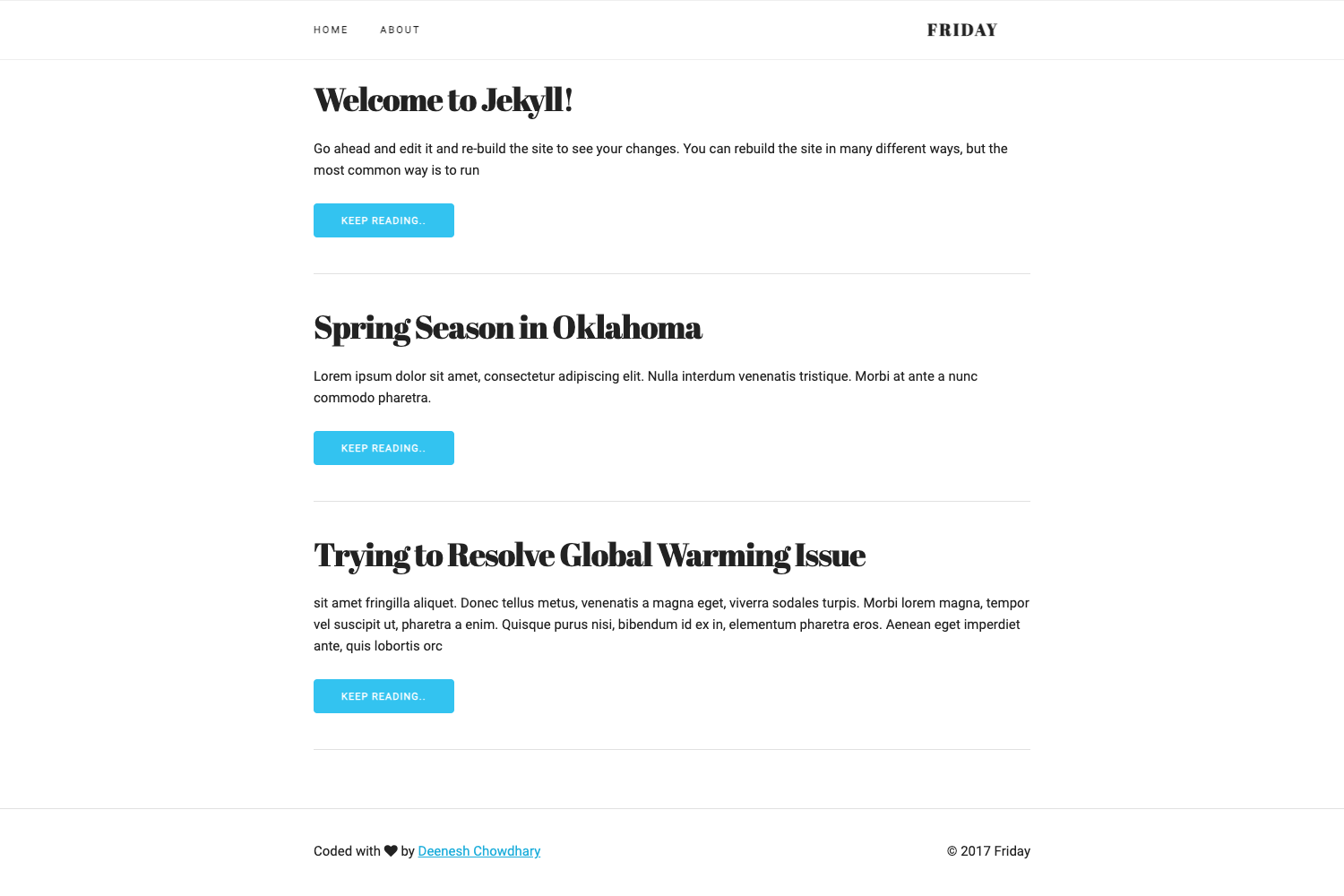
Futu is a minimal Hugo theme for building multilingual blogs and AMP-accelerated pages, styled with a modified version of water.css. Released under the MIT license, it is designed as a lightweight starting point for Hugo users who want a clean, fast blog without heavy dependencies.
What is Futu?
Futu is an open-source Hugo theme that takes standard Hugo content files and renders them into a minimal static blog website. It runs on the Hugo static site generator, requiring at least version v0.108.0. The theme's built-in styles are based on water.css, a classless CSS framework, and it ships with a sample configuration file for quick setup.
Key Features
- Minimal design — The theme uses water.css as its base, providing a clean, class-light look without a heavy UI framework.
- Multilingual support — Built-in i18n lets you publish content in multiple languages using Hugo's native translation system.
- AMP integration — Pages can be served as Accelerated Mobile Pages, reducing load time on mobile devices.
- Quick installation — Copy the provided config.toml.example to your project, rename it to config.toml, and adjust settings.
- Custom favicons — Instructions show how to generate favicons with favicon.io and place them in your static directory.
- MIT license — Free to use, modify, and distribute for personal or commercial projects.
- Actively used — The theme powers Yuanji's Blog, demonstrating real-world use.
Who is it for?
Futu suits Hugo developers and bloggers who want a minimal, fast-loading site without learning a complex theme system. It is especially useful for multilingual content authors who need built-in language support out of the box, and for publishers targeting mobile audiences through AMP.
What can you do with Futu?
- Personal bloggers: Launch a clean personal blog with a simple, readable layout and low maintenance overhead.
- Multilingual authors: Publish the same post in several languages using Hugo's translation workflow.
- Performance-conscious publishers: Enable AMP on your pages to serve lighter, faster versions to mobile browsers.
How does Futu work?
Start by copying config.toml.example from the theme's repository into your Hugo project and renaming it to config.toml. Then edit the configuration values for your site. If you want custom favicons, generate them on favicon.io and place the extracted files directly under your project's static directory. The theme requires Hugo v0.108.0 or newer.
License
Futu is released under the MIT License, which permits free use, modification, and redistribution with attribution.
FAQ
Is Futu free to use?
Yes, Futu is open-source under the MIT License, so it is free for personal and commercial projects, and you may modify it as you like.
What Hugo version does Futu need?
Futu requires Hugo v0.108.0 or later. Older versions may not render the theme correctly.
Does Futu support multiple languages?
Yes, multilingual support is a built-in feature, letting you translate content across languages using Hugo's standard i18n system.
How do I set up custom favicons?
Generate your own favicon set using favicon.io, then place all extracted files directly into the static directory of your Hugo project to overwrite the defaults.