Template details
Html Invoice Generator
JavaScript tool that will transform your HTML invoice template to fully functional invoice editor
About this template
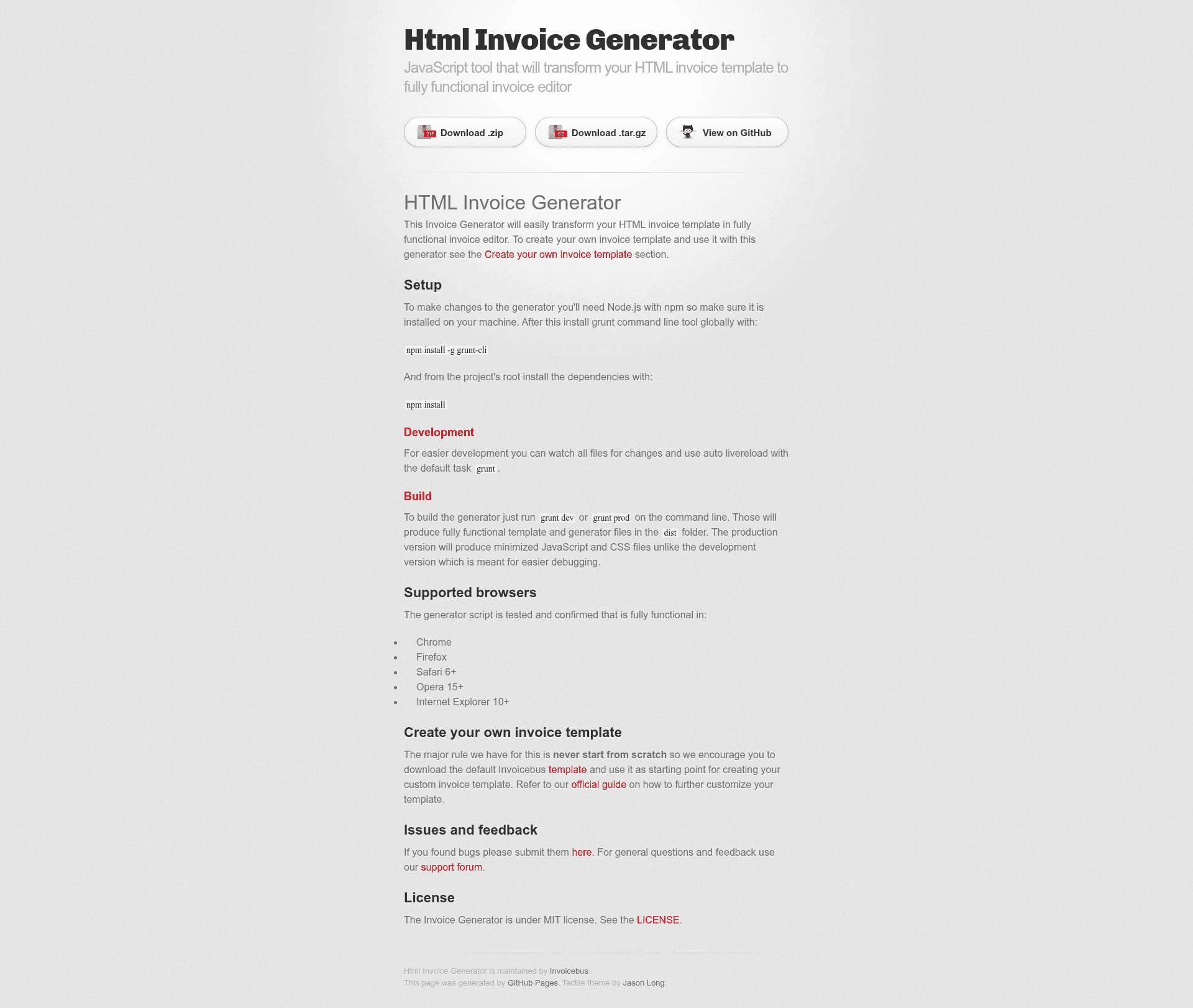
The Html Invoice Generator is an open-source JavaScript tool from Invoicebus that converts a static HTML invoice template into a fully functional invoice editor, where users can fill in invoice fields and generate the final document.
What is the Html Invoice Generator?
The Html Invoice Generator is a JavaScript tool, released under the MIT license, that transforms a static HTML invoice template into a fully functional invoice editor. It takes an HTML invoice template as input and produces an interactive invoice editor that lets users enter data such as line items, quantities, and prices. The generator is built by Invoicebus and hosted on GitHub. It requires a development environment with Ruby, Sass, Compass, Node.js, and Grunt to build.
Key Features
- HTML template conversion — Turns an existing HTML invoice template into a usable invoice editor instead of a static page.
- Sample invoice demo — A working version of a sample invoice is available online to see the editor in action.
- Sass and Compass styling — Styles are written using Sass and compiled with Compass, requiring Ruby to be installed.
- Grunt-based build system — Uses Grunt tasks (
grunt,grunt dev,grunt prod) to watch files, live-reload during development, and build deployable files. - Production builds — Running
grunt prodgenerates minimized JavaScript and CSS files in thedistfolder;grunt devproduces unminified files for debugging. - Cross-browser support — Tested and confirmed working in Chrome, Firefox, Safari 6+, Opera 15+, and Internet Explorer 10+.
- Template creation guide — Invoicebus provides a default template and an official guide to help you build and customize your own invoice template.
- MIT license — The generator is free to use, modify, and distribute under the permissive MIT license.
Who is it for?
The Html Invoice Generator is intended for web developers and designers who build custom invoice templates and want to give end users a visual editing interface. Freelancers and agencies that need branded, reusable invoice editors can use it to deploy a tailored invoicing solution. Businesses that manage recurring invoice templates can leverage the generator to turn a design into a working editor without building invoicing software from scratch.
What can you do with the Html Invoice Generator?
- Web designers — Convert a client's branded HTML invoice mockup into an interactive editor they can hand over to the client.
- Developers — Use the Grunt build pipeline to produce minified production files for deployment to a web server.
- Invoicebus users — Download the default Invoicebus template and follow the official customization guide to create a personalized invoice template.
- Agencies — Reuse the generator to offer invoice-editing pages in client projects, rather than coding each invoice form separately.
How does the Html Invoice Generator work?
To set up the generator, install Ruby, then run gem install sass and gem install compass. Install Node.js with npm, then install Grunt globally with npm install -g grunt-cli, and run npm install from the project root. During development, run the default grunt task to watch files and trigger auto live-reload; for builds, run grunt dev or grunt prod to output files to the dist folder.
Pros and cons
- Pro: Free and open source under the MIT license.
- Pro: Cross-browser support includes Chrome, Firefox, Safari 6+, Opera 15+, and IE 10+.
- Con: Requires a Ruby toolchain (Sass, Compass) in addition to Node.js and Grunt, which is a heavier setup than a pure JavaScript build.
- Con: Does not include a visual designer UI; you must create or download an HTML invoice template first.
Pricing
The Html Invoice Generator is completely free, released under the MIT license. There are no paid tiers or licenses to purchase; you can use and modify the source code without cost.
FAQ
Is the Html Invoice Generator free?
Yes, the generator is open source under the MIT license, so it is free to use, modify, and distribute for personal or commercial projects.
Which browsers does the generator support?
The generator script is tested and confirmed to work in Chrome, Firefox, Safari 6+, Opera 15+, and Internet Explorer 10+.
How do I create my own invoice template?
Download the default Invoicebus template and never start from scratch. Refer to the official guide at invoicebus.com/create-html-invoice-template/ for customization steps.
Do I need Ruby to use the generator?
Yes, the styles are built with Sass and Compass, which require Ruby. You also need Node.js with npm and Grunt for the build and development tasks.
Where can I report issues?
Submit bugs on the GitHub issues page and use the Google Groups support forum for general questions.