Template details
Total.js UI
Client-side library for building reusable UI components and single-page applications, with 300+ components.
About this template
Total.js UI (internally called jComponent) is a client-side JavaScript library for building reusable UI components and complete single-page applications, backed by a library of 300+ ready-made components.
What is Total.js UI?
Total.js UI is a client-side library from the Total.js platform that provides a component model for building web interfaces. It takes plain HTML5 and JavaScript as inputs and outputs reusable UI components that can be combined into full single-page applications. The library is currently at version v20 and its official documentation lives at docs.totaljs.com/components.
Key Features
- Reusable component system — Encapsulate markup, styling, and behavior into HTML5/JavaScript components that you can drop into any page.
- Single-page application toolkit — Contains the core primitives needed to assemble SPAs without pulling in a separate front-end framework.
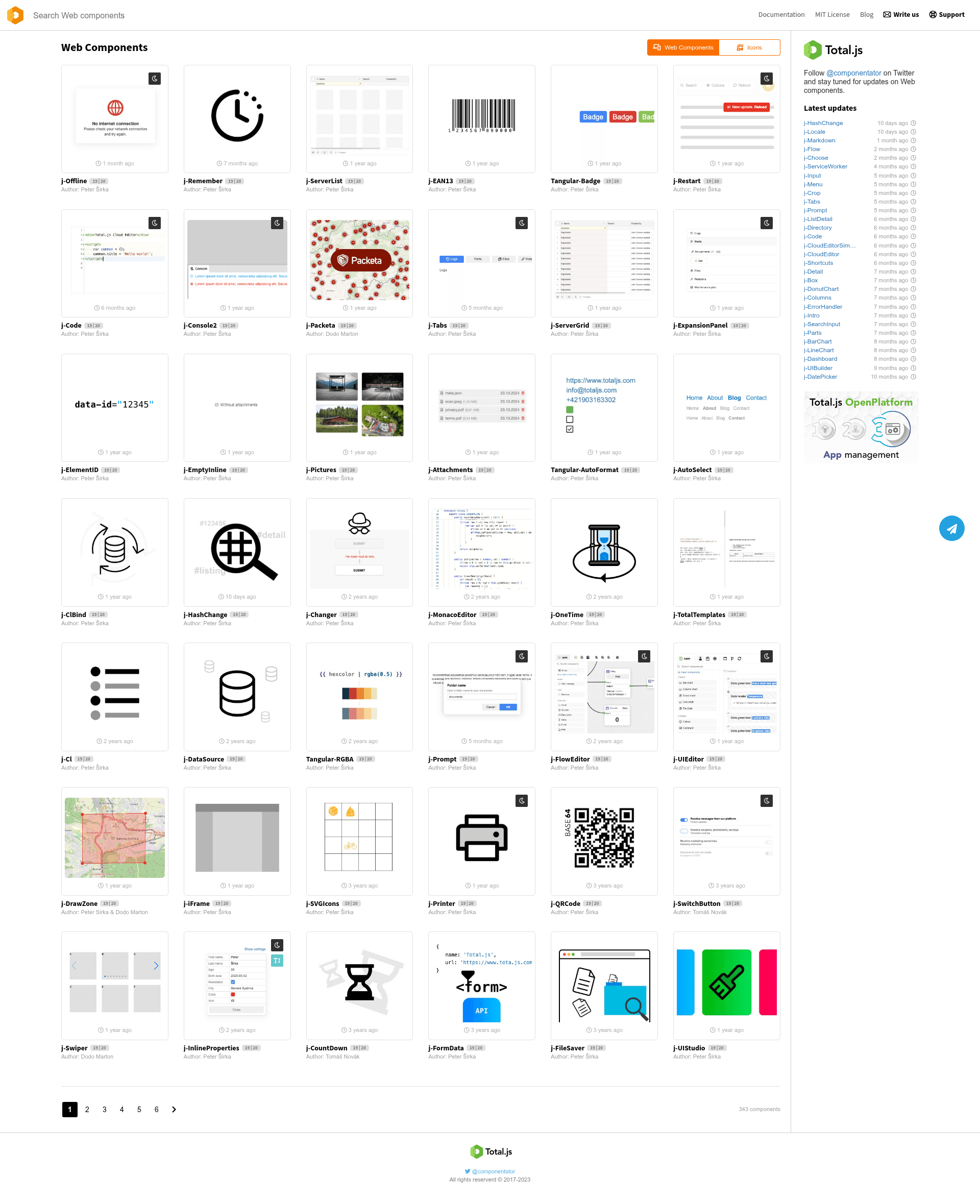
- 300+ existing components — The componentator.com directory lists hundreds of components you can browse, use, and modify.
- Current version v20 — The library is actively versioned; v20 is the latest release referenced on the project page.
- Official documentation — The docs.totaljs.com/components site provides component-specific guides and API references.
- Community support channels — Contact options include the Total.js contact form, a built-in messenger on platform.totaljs.com, and an official Telegram group.
Who is it for?
Developers who want a component-driven approach to client-side development without adopting a heavier framework. UI engineers who prefer writing plain HTML and JavaScript and want a lightweight library to formalize component reuse. Teams already invested in the Total.js ecosystem who need a consistent UI layer across their products.
What can you do with Total.js UI?
- SPA developers — Wire up reusable components to build complete single-page applications, relying on the library's component API rather than hand-rolling every interaction.
- Component authors — Create your own custom components with the library and share them through componentator.com for others to use.
- Front-end integrators — Drop existing components from the directory into your HTML pages to speed up construction of forms, navigation, and other UI patterns.