Template details
terminal-hugo-theme
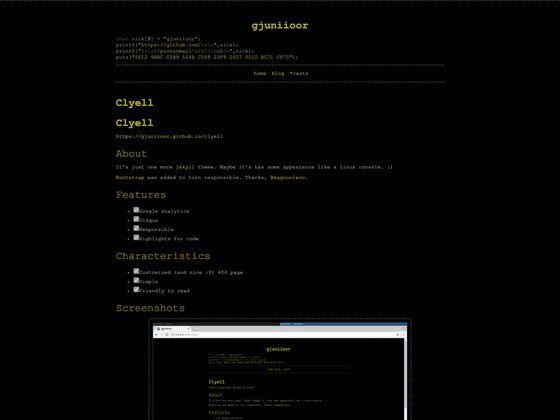
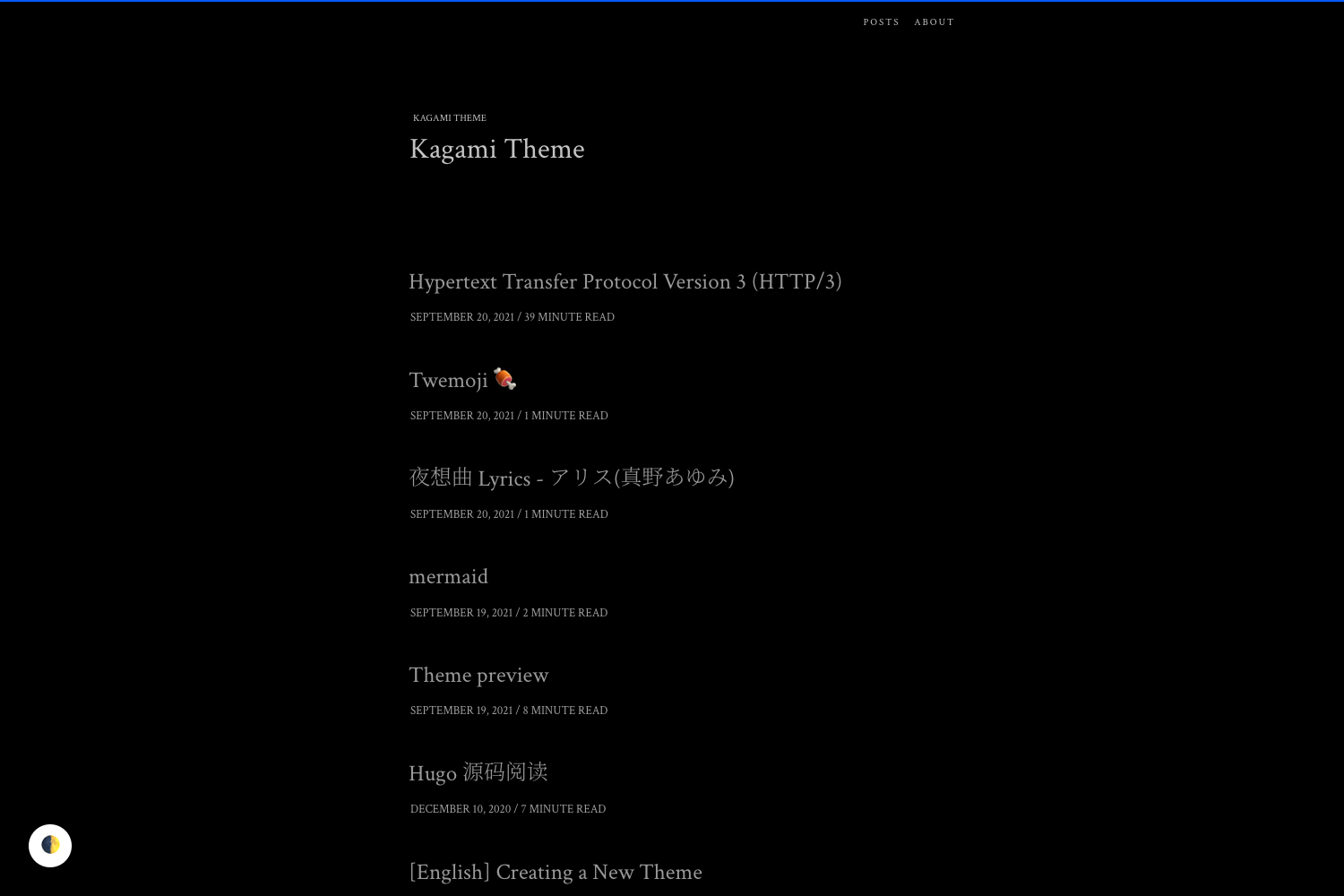
A minimal dark Hugo theme built with Tailwind CSS and a monospace font family for terminal-style personal blogs.
About this template
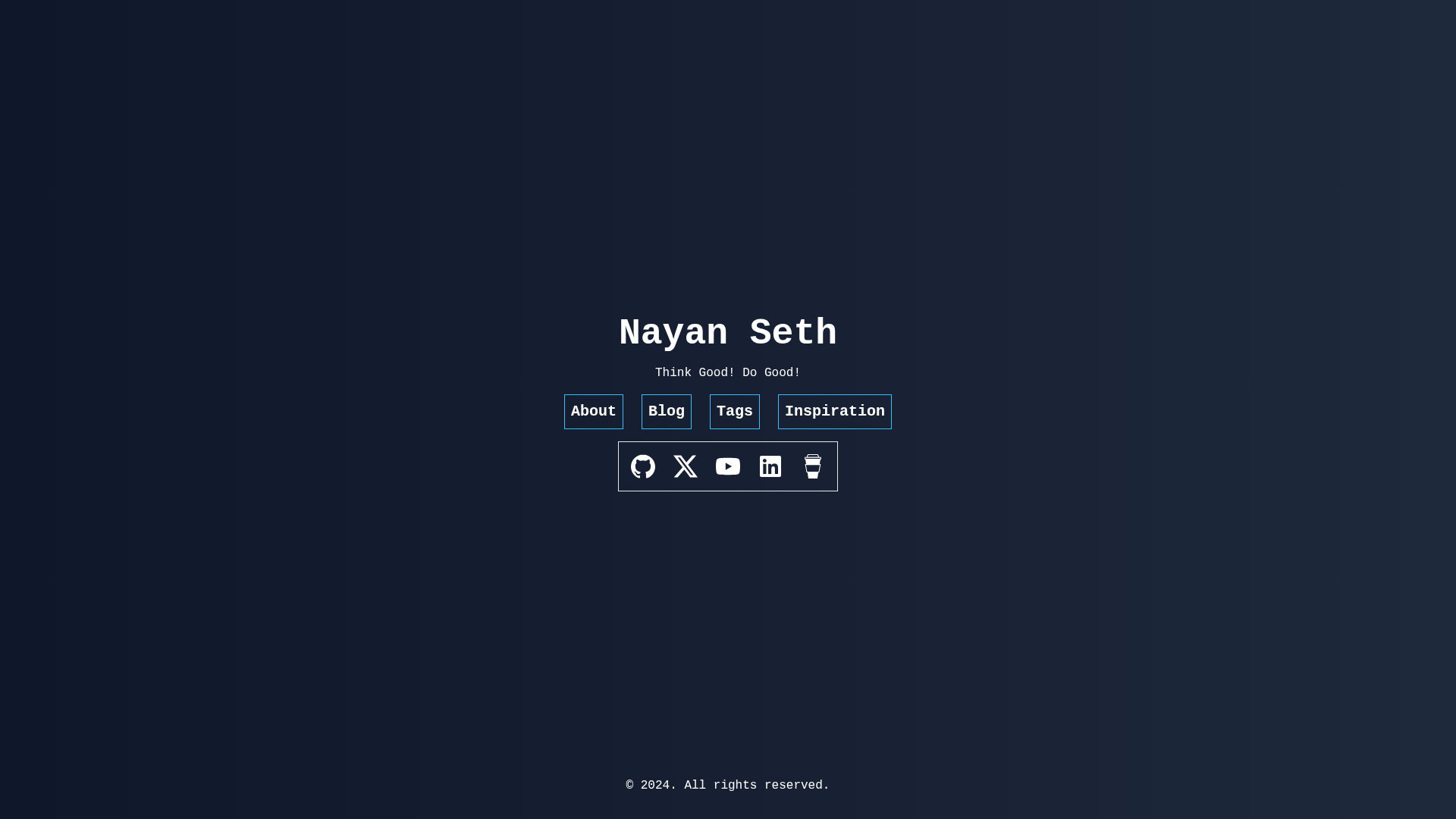
terminal-hugo-theme is a Hugo theme built with Tailwind CSS and a monospace font family that turns a static site into a minimal, dark, terminal-style personal blog. It is an open-source theme developed by techbarrack, available on GitHub, and includes a live demo at nayanseth.com.
What is terminal-hugo-theme?
terminal-hugo-theme is an open-source Hugo theme that uses Tailwind CSS for styling and a monospace font family for a terminal-like look. It takes a Hugo static site as input and produces a minimal, dark-themed blog with support for custom JavaScript, SVG icons, and raw HTML shortcodes. The theme is designed to be installed as a git submodule and configured by replacing the site's hugo.yaml.
Key Features
- Tailwind CSS based styling — Styling is built on the Tailwind CSS library, with separate development and production configuration files; the development config generates all possible classes while the production config generates only the classes the theme actually uses.
- Monospace font family — The entire theme uses a single monospace font, giving content a distinctive terminal or command-line aesthetic.
- Third-party JavaScript partials — HTML files placed in the
layouts/partials/third_party_jsdirectory are automatically injected before the closing body tag, so services like Google Analytics or Disqus can be added without editing theme templates. - SVG icon shortcode — Content authors can embed SVG icons in markdown using a custom shortcode; SVGs are stored as
.htmlfiles underlayouts/content/svg. - Raw HTML shortcode — A shortcode lets you insert raw HTML blocks directly inside markdown files, useful for embeds, custom layouts, or interactive elements.
- Git submodule installation — The theme is designed to be added to a site via
git submodule addfrom the techbarrack/terminal-hugo-theme repository, and the site's configuration can be replaced with the theme'shugo.yaml. - Dark and minimal aesthetic — The theme's topics and descriptions emphasize dark mode and minimal design, producing a high-contrast monochrome layout suited to personal blogs.
Who is it for?
terminal-hugo-theme is aimed at Hugo users who want a simple, personal blog with a dark terminal aesthetic. It suits developers and technical writers who publish notes, tutorials, and articles and prefer working in markdown. Site owners who need to add analytics, comments, or other third-party scripts will find the dedicated partials folder convenient. Bloggers who want custom SVG icons rather than a generic icon font can take advantage of the built-in SVG shortcode.
What can you do with terminal-hugo-theme?
- Personal bloggers: publish markdown-based posts and pages on a minimal, dark-themed Hugo site, using the terminal-style monospace font for a distinctive look.
- Developers and technical writers: create a technical blog or knowledge base on Hugo with the ability to embed raw HTML for code demos, iframes, or interactive widgets inside posts.
- Site maintainers: add Google Analytics, Disqus, or other tracking scripts by dropping a partial file into the designated folder, then keep them out of the theme itself.
- Designers who want custom icons: use the SVG shortcode to insert custom icons as inline SVGs in any markdown content, with icons stored as HTML files.
How does terminal-hugo-theme work?
Installation follows a linear workflow: create a new Hugo site with hugo new site, add the theme as a git submodule, copy the theme's hugo.yaml into the site root, and create the layouts/partials/third_party_js directory before running the Hugo development server. The theme's Tailwind setup offers two npm scripts: npm run dev generates every possible CSS class and npm run prod generates only the classes used in the theme. Content is added by replicating the sample content structure found in the theme's content directory.
FAQ
Does terminal-hugo-theme support dark mode?
Yes. The theme is explicitly designed as a dark and minimal theme, with dark-mode and dark-theme listed among its GitHub topics. The live demo at nayanseth.com shows the default dark appearance.
How do I install terminal-hugo-theme?
The README instructs you to create a Hugo site, add the theme repository as a git submodule, replace the site's hugo.yaml with the theme's configuration, and create the layouts/partials/third_party_js directory. Then run hugo server with the flags listed in the setup section.
Can I add Google Analytics or Disqus?
Yes. Any HTML partial placed in layouts/partials/third_party_js is automatically inserted before the closing body tag, so you can use it for Google Analytics, Disqus, or any other third-party script.
How do I add SVG icons to a post?
Use the SVG shortcode (shown in the README) and place the SVG file as an .html file in layouts/content/svg. The shortcode accepts a logo attribute that identifies the icon file to render.