Template details
Hugo Fabric
A minimal Hugo blog theme with archives, tags, Disqus, Highlight.js, and social sharing links.
About this template
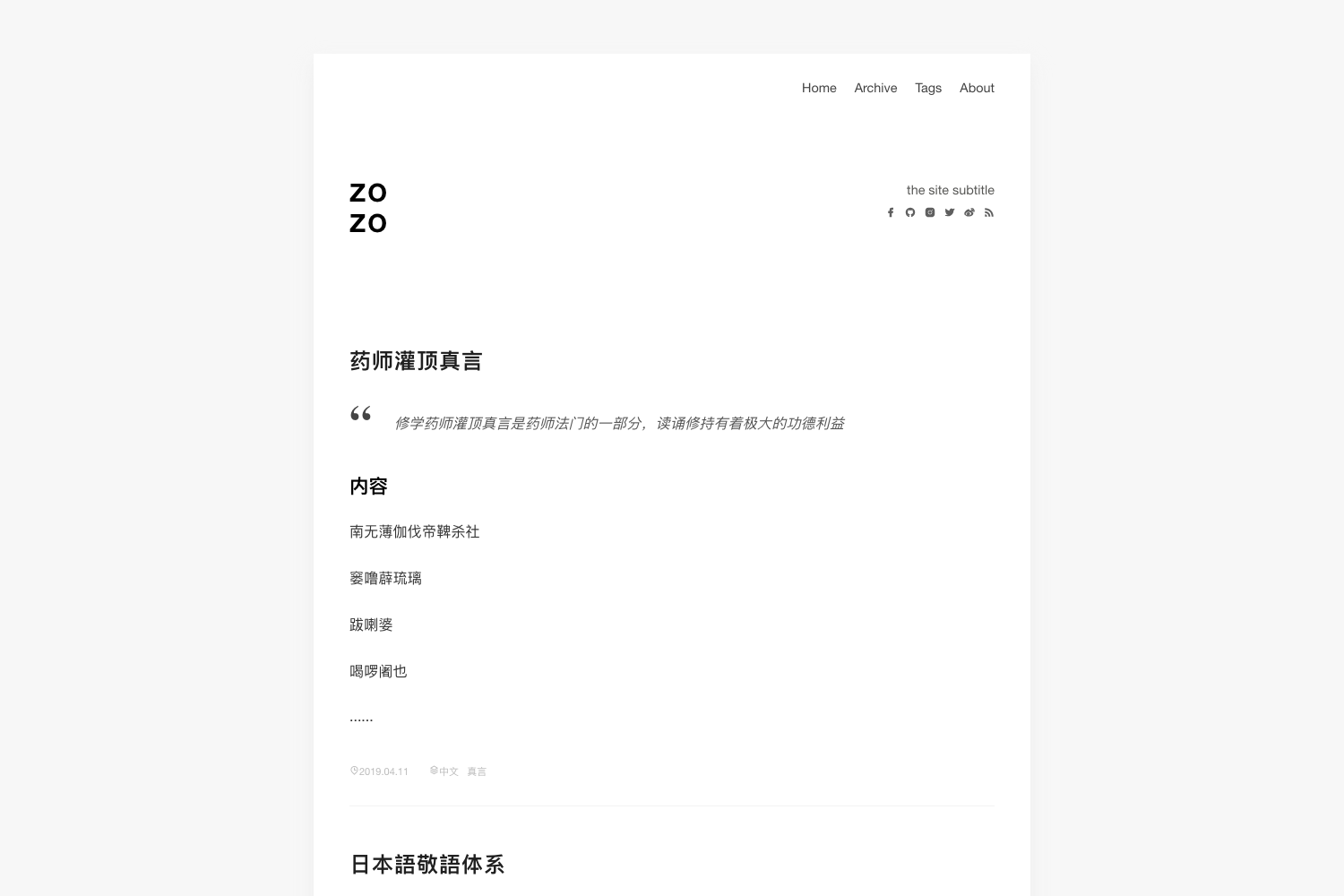
Hugo Fabric is a minimal Hugo blog theme forked from the hexo-fabric design, offering a single-column layout with archive and tag pages, Disqus comments, and Highlight.js code highlighting.
What is Hugo Fabric?
Hugo Fabric is a theme for the Hugo static site generator, originally forked from the hexo-fabric theme for Hexo. It takes your Markdown content and config.toml settings and produces a static blog with an index of posts, an archives page, a tags list, RSS output, and per-post social sharing links. The theme is maintained as an open-source project on GitHub at wd/hugo-fabric and currently has 10 stars.
Key Features
- Archives page — Create a page with a front matter type of archives to list your posts by date; note that the archives and tags pages do not support pagination.
- Tags list — Automatically generates a tags page that groups posts by their tags from front matter.
- RSS and social links — Supports RSS output with customizable feed name (e.g. atom.xml) and links to GitHub and Twitter profiles via theme parameters.
- Disqus integration — Enable comments per site or post by setting the disqus shortname in config.toml.
- Highlight.js code highlighting — Includes Highlight.js for syntax highlighting, with a customizable CSS file at static/css/hljs.css; the CDN version supports 23 languages and you can replace it for more.
- Post sharing buttons — Optional Facebook Like and Twitter Tweet buttons activated through theme parameters, plus an AddThis profile ID setting.
Who is it for?
Hugo users who want a clean, minimal design for a personal blog or tech journal. Bloggers who need archive and tag pages without a page builder. Developers who are comfortable editing config.toml and want to tweak the theme via parameters, custom highlighting CSS, and favicon replacement. The theme is also suitable for those migrating from Hexo, given its origin as a port of hexo-fabric.
What can you do with Hugo Fabric?
- Personal bloggers: Publish Markdown posts with front matter and get a responsive site with automatic RSS and social sharing.
- Technical writers: Use Highlight.js to display code snippets in tutorials, customizing the highlight theme by swapping the hljs.css file.
- Hexo migrants: Move content to Hugo and reuse a familiar flat design without rebuilding a layout from scratch.
How does Hugo Fabric work?
The theme reads your Hugo site's content and config.toml. To install, clone the repository into your themes directory and set the theme name to hugo-fabric. Then add theme-specific parameter blocks—like author, subtitle, social usernames, and Disqus shortname—and create an archives page if needed. The theme uses partials and templates under the layouts directory to render your content as HTML.
FAQ
Does Hugo Fabric support pagination on archives or tags pages?
No. The README explicitly states that the archives page and tags page do not support pagination, so they are best for sites with a moderate number of posts.
Is Hugo Fabric free to use?
Yes. Hugo Fabric is an open-source theme hosted on GitHub, with the repository visible publicly. There is no mention of any paid tier.
Can I change the code highlighting style?
Yes. The theme relies on Highlight.js. You can download another highlight theme CSS and replace the static/css/hljs.css file, or create a custom Highlight.js build and edit the head partial to change language support beyond the default 23.
Does the theme include TOC support?
No. TOC support is listed under the Todo section, meaning it is not yet implemented.