Template details
JAMStack Personal Blog Starter
Free starter files by Kevin Powell for building a JAMStack blog, including HTML/CSS, 5 Markdown posts, and design assets.
About this template
The JAMStack Personal Blog Starter (repository name: 11ty-Site) is a free set of starter files created by Kevin Powell for the Codementor DevProjects challenge "Create a fast and secure blog using JAMStack", designed to let developers build a static blog without having to write design or content from scratch.
What is the JAMStack Personal Blog Starter?
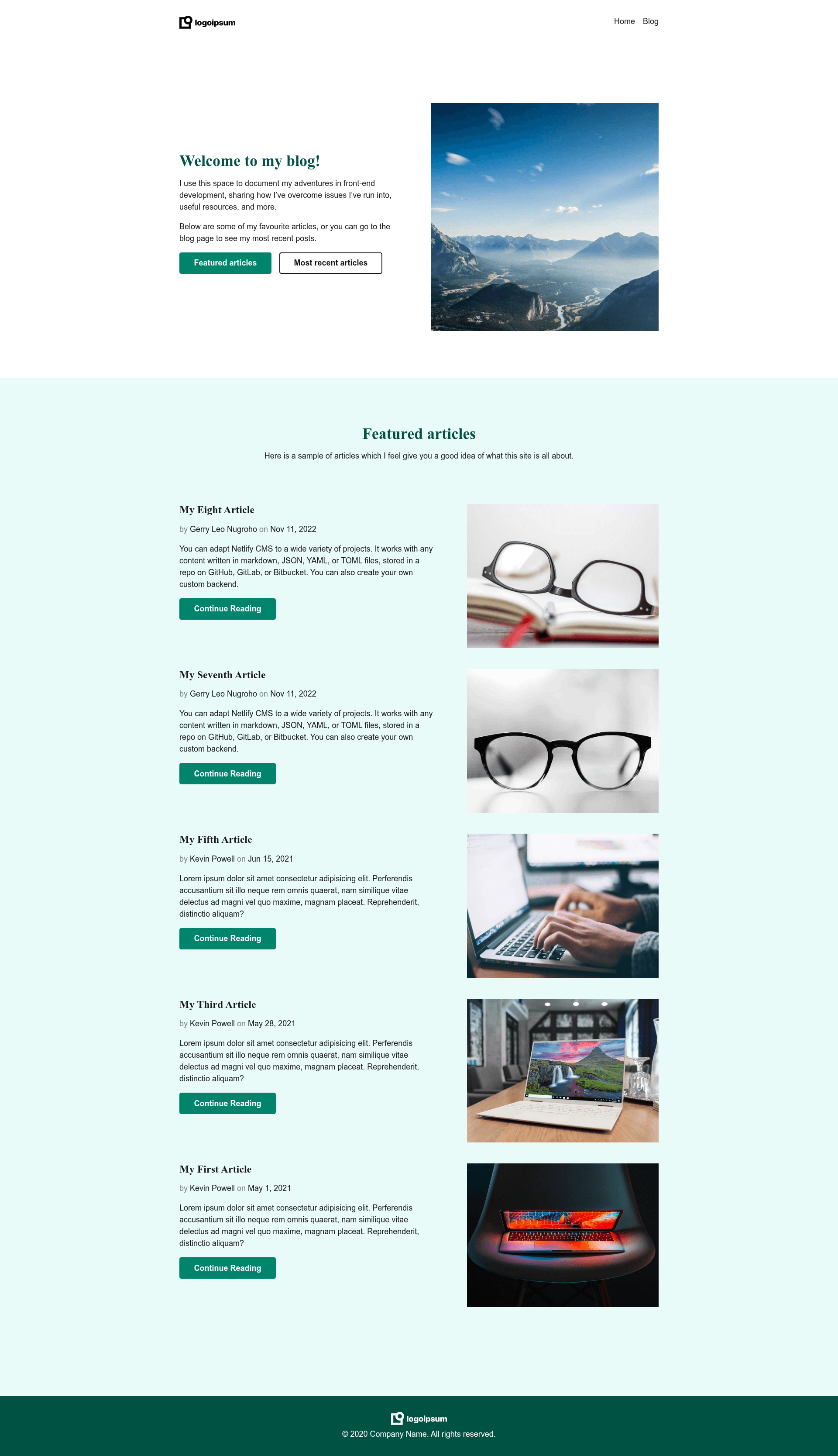
It is a boilerplate starting point rather than a finished deployable blog: it provides complete HTML page layouts, a finished CSS file, five Markdown blog articles with Front Matter, and an assets folder with images and a logo. You take these files, break the HTML into templates and partials using a static site generator of your choice, and generate a static blog. The accompanying tutorial uses Eleventy, Netlify, and Netlify CMS to turn the starter into a full-featured blog built entirely from static files. The repository is maintained by Kevin Powell and is explicitly free to use for the challenge.
Key Features
- Pre-built HTML layouts — The src folder contains finished HTML files for different page layouts that can be converted into templating syntax for any static site generator.
- Completed CSS styling — A single CSS file already provides all page styling, so you can skip design work unless you want to rebuild it from the provided design files.
- Five Markdown articles — The blog folder contains five articles written in Markdown with Front Matter, ready to be consumed by Eleventy or another static site generator (front matter may need slight edits per SSG).
- Design source files — The design-files folder includes a Figma file and a JPG image of the intended design if you prefer to build from scratch.
- Assets included — The assets folder holds images and a logo referenced by the page templates.
- Eleventy + Netlify tutorial — A linked video walks through creating a full-featured blog using Eleventy, Netlify, and Netlify CMS with these exact starter files.
Who is it for?
- JAMStack beginners — Developers who want to practice turning static HTML/CSS into SSG templates without spending time on content creation.
- DevProjects challenge participants — Anyone taking the "Create a fast and secure blog using JAMStack" challenge who needs a compliant starting point.
- Eleventy learners — Web developers following Kevin Powell's tutorial to learn Eleventy, Netlify, and Netlify CMS integration.
What can you do with it?
- Build a static blog step by step — Convert the supplied HTML files into Eleventy layouts, add the five Markdown posts, and generate a secure, fast blog deployed to Netlify.
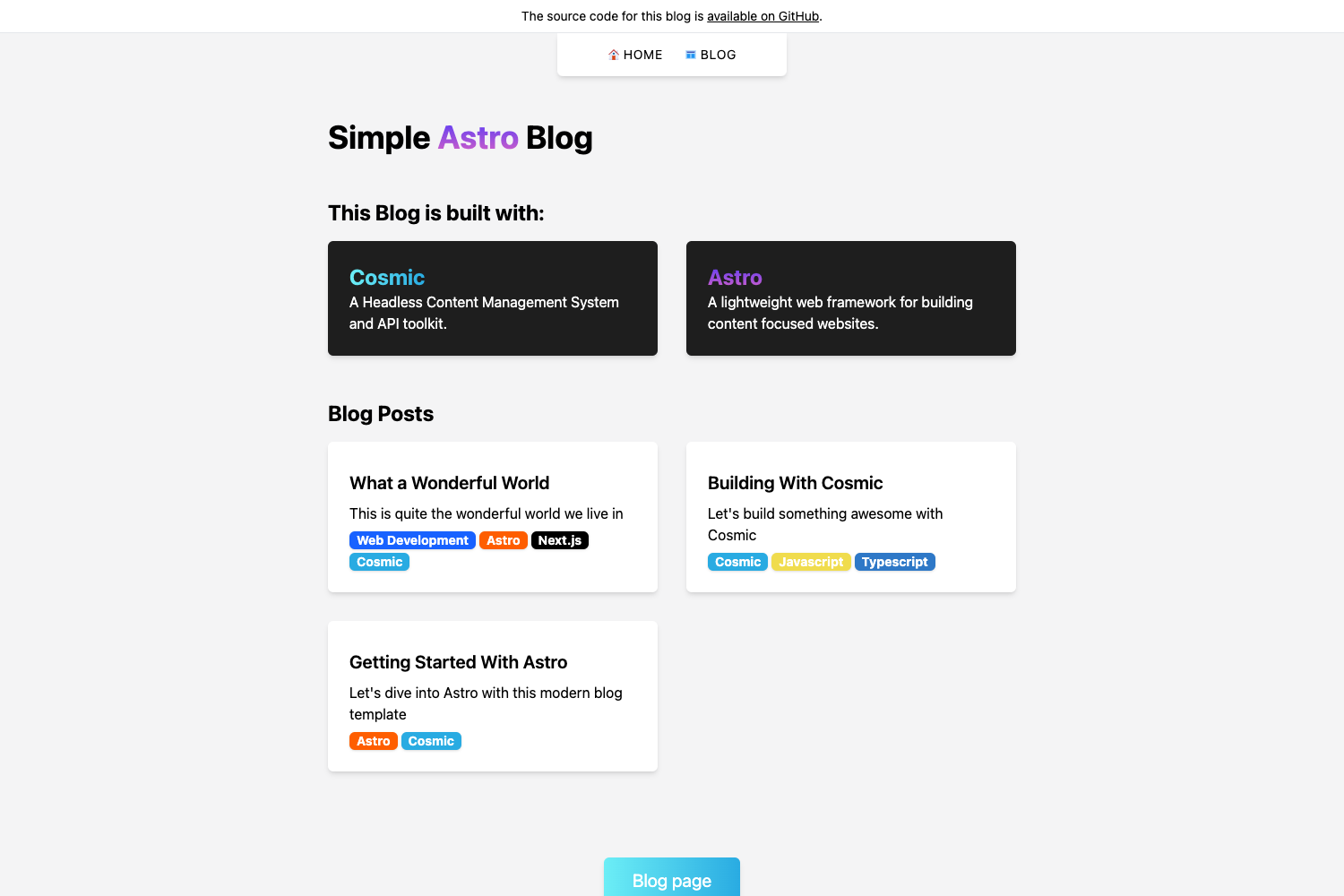
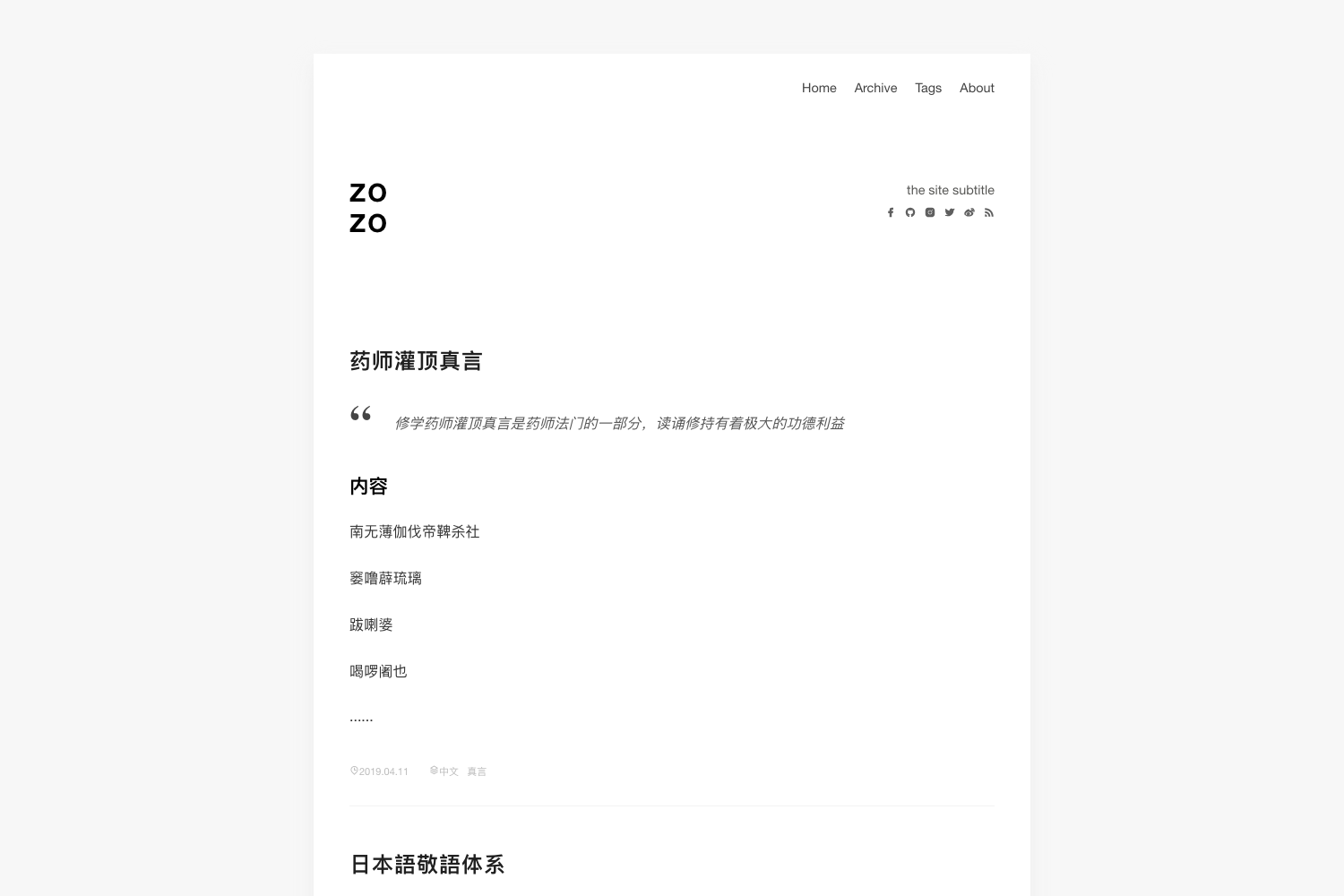
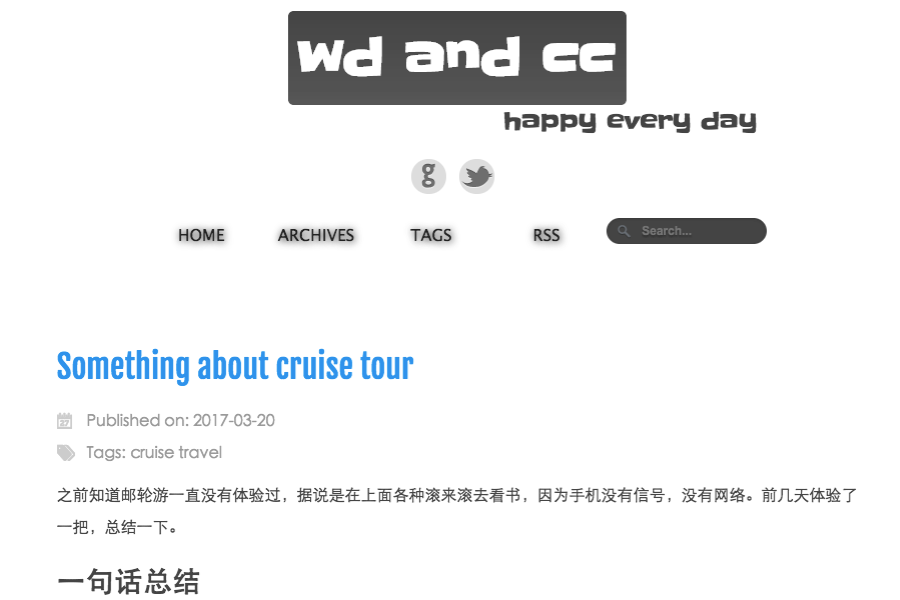
- Experiment with different static site generators — Because the source is plain HTML and Markdown, you can adapt the files to Hugo, Gatsby, or Astro by adjusting the Front Matter and template syntax.
- Practice design-to-code — Use the included Figma file and JPG to recreate the design from scratch while testing your HTML/CSS skills.
How does it work?
The starter gives you the complete source inside the src folder: page templates, styles, and content. You choose a static site generator (the tutorial demonstrates Eleventy), break the HTML into base layouts and partials, and point the SSG at the Markdown articles. Once built, the site compiles to static HTML/CSS/JS that can be deployed to Netlify or any static host.
FAQ
Is the JAMStack Personal Blog Starter free?
Yes. Kevin Powell provides these files freely as starter files for the Codementor DevProjects challenge, and you are permitted to use them however you want to get started.
What static site generator should I use with it?
The files are SSG-agnostic. The official tutorial uses Eleventy with Netlify and Netlify CMS, but since the source is plain HTML and Markdown, you can adapt it to other generators like Hugo, Gatsby, or Astro.
Does the starter include blog posts?
Yes, the src/blog folder contains five articles written in Markdown with Front Matter, ready to be included in your site build.
Do I need to design the pages myself?
No. The CSS is already complete, and finished HTML files are included. If you prefer to build the design yourself, the design-files folder has a Figma file and a JPG of the intended design.