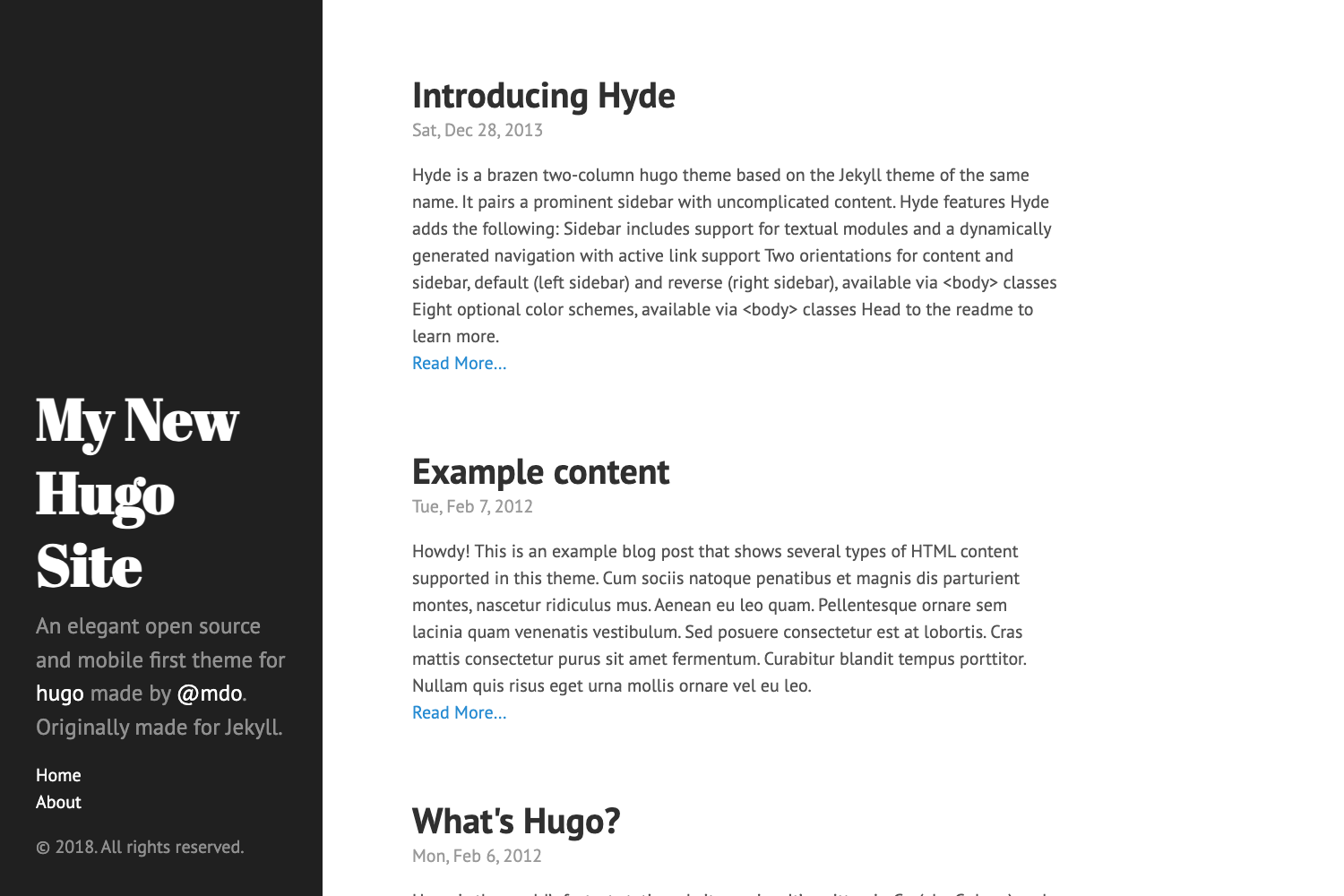
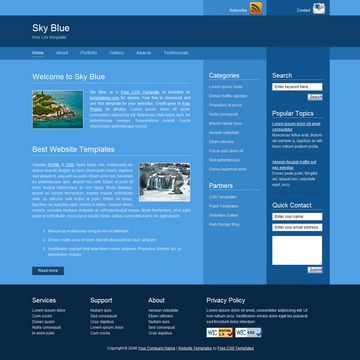
Template details
Simple Astro Blog
A simple astro blog powered by the Cosmic CMS
About this template
Simple Astro Blog is a starter template that pairs the Astro static-site framework with the Cosmic headless CMS to produce a lightweight blog styled with Tailwind CSS.
What is Simple Astro Blog?
Simple Astro Blog is a minimal blog template published on the Cosmic marketplace. It takes content managed in a Cosmic bucket (via the API v3) and renders it as a static blog with Astro. The template includes a home page and a blog page, styled with the Tailwind CSS utility framework, and is set up for one-click deployment to Vercel. It is maintained by Cosmic, the headless CMS provider.
Key Features
- Astro framework — Built on Astro, which the project describes as a framework for production that makes it easy to spin up a full-stack application; the source lives in
src/pages/index.astro. - Cosmic headless CMS integration — Content is fetched from a Cosmic bucket using two environment variables:
PUBLIC_COSMIC_BUCKET_SLUGandPUBLIC_COSMIC_READ_KEY. - Tailwind CSS styling — The template uses Tailwind, a utility-first CSS framework composed directly in markup, so no separate CSS files are needed for basic styling.
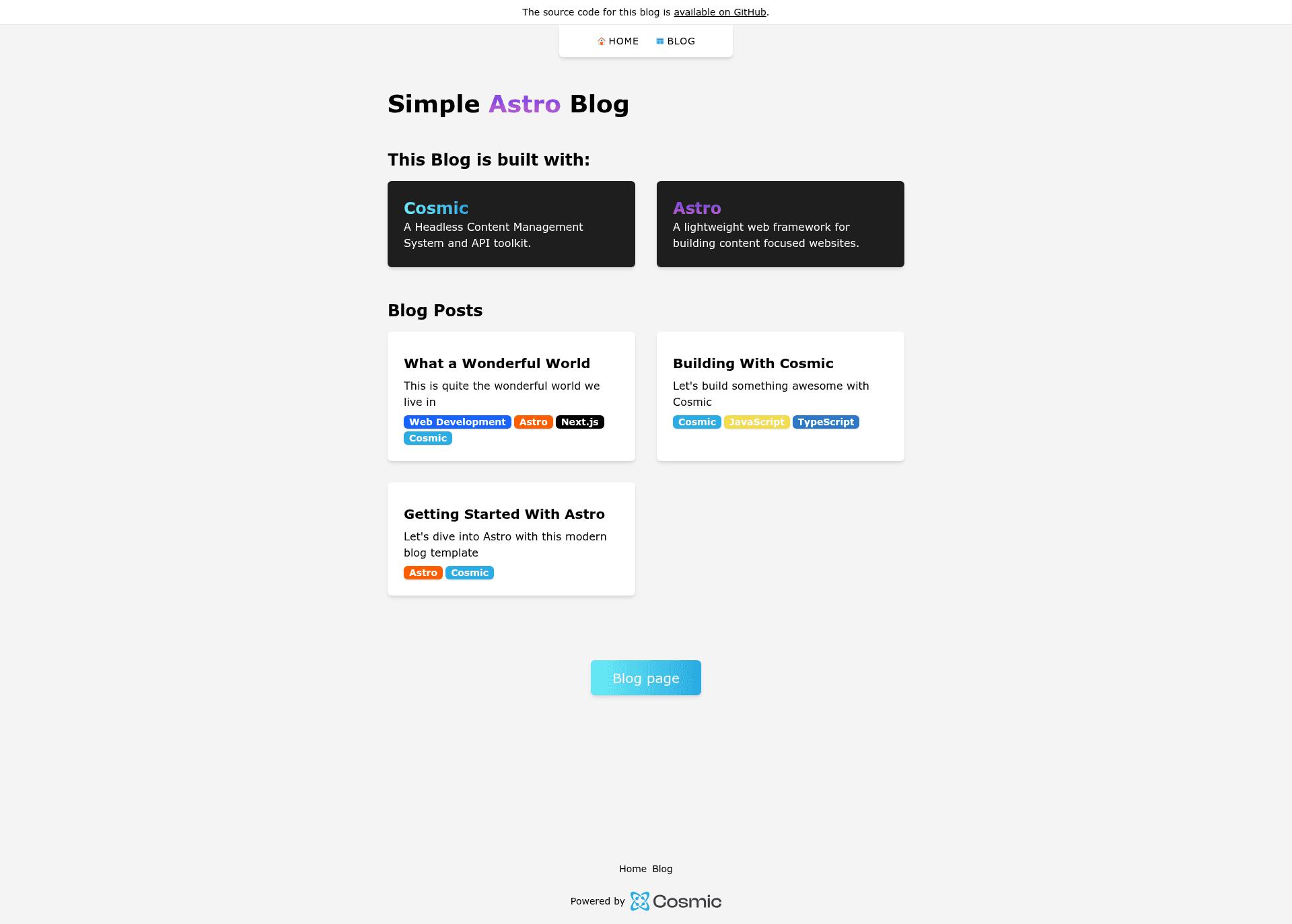
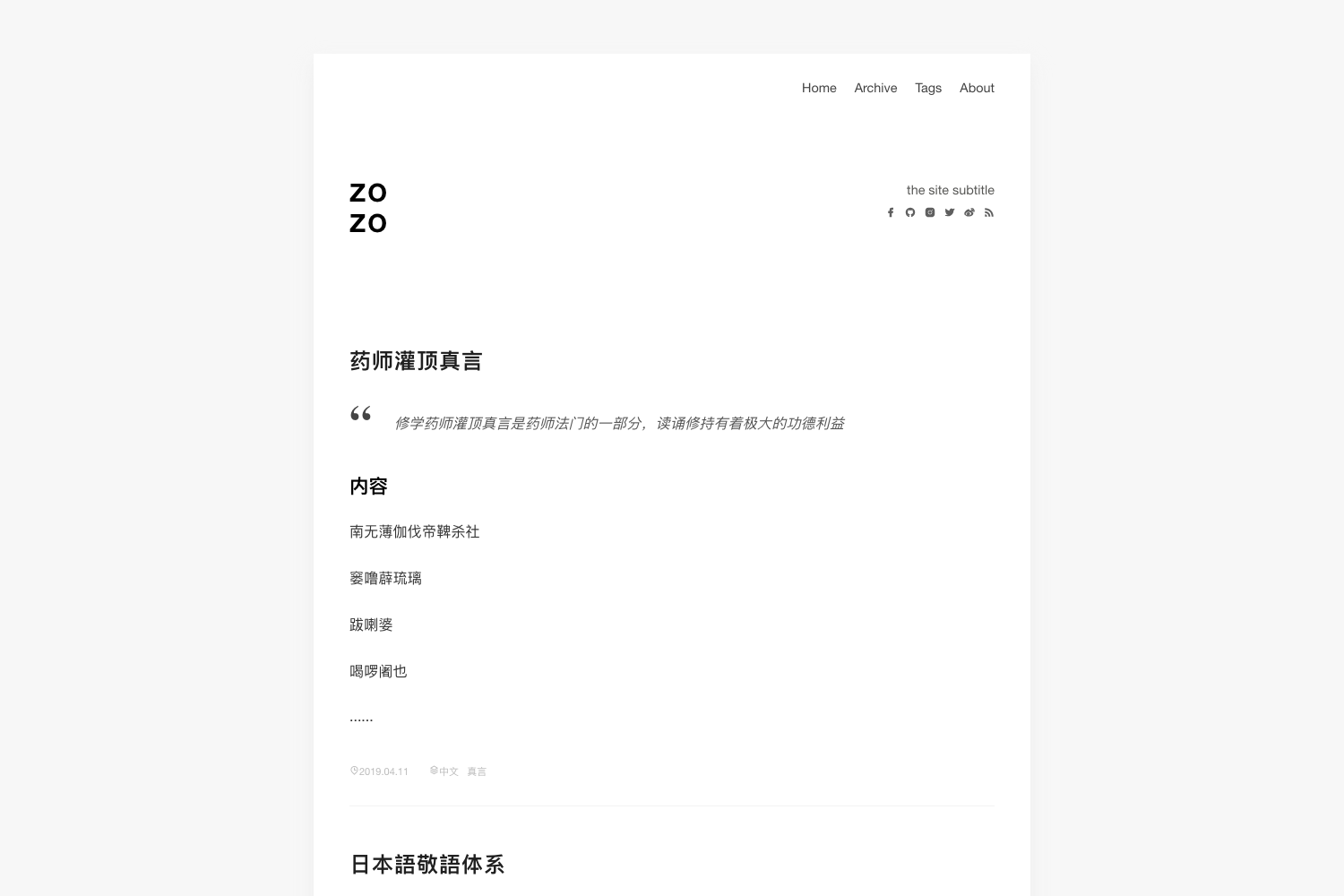
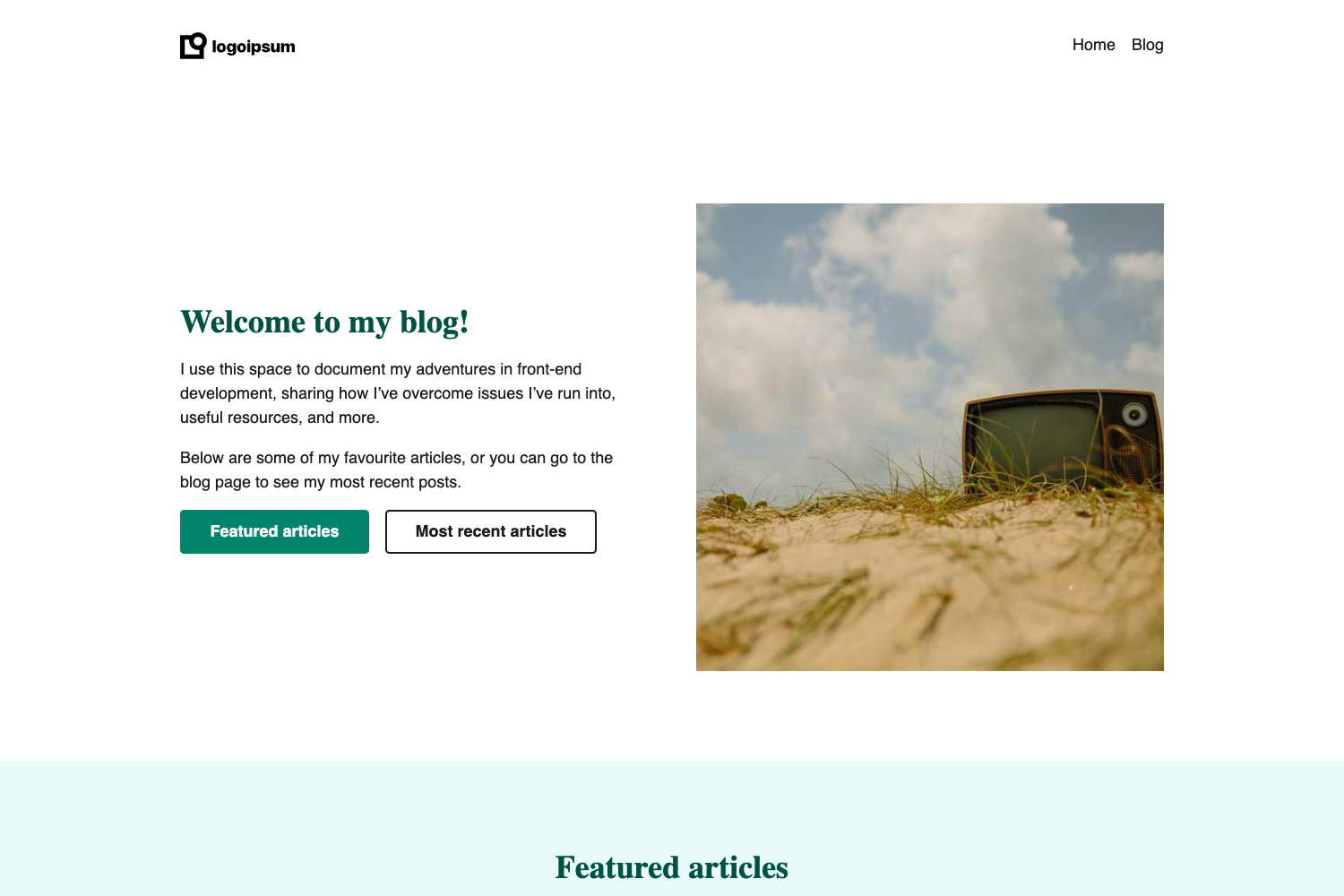
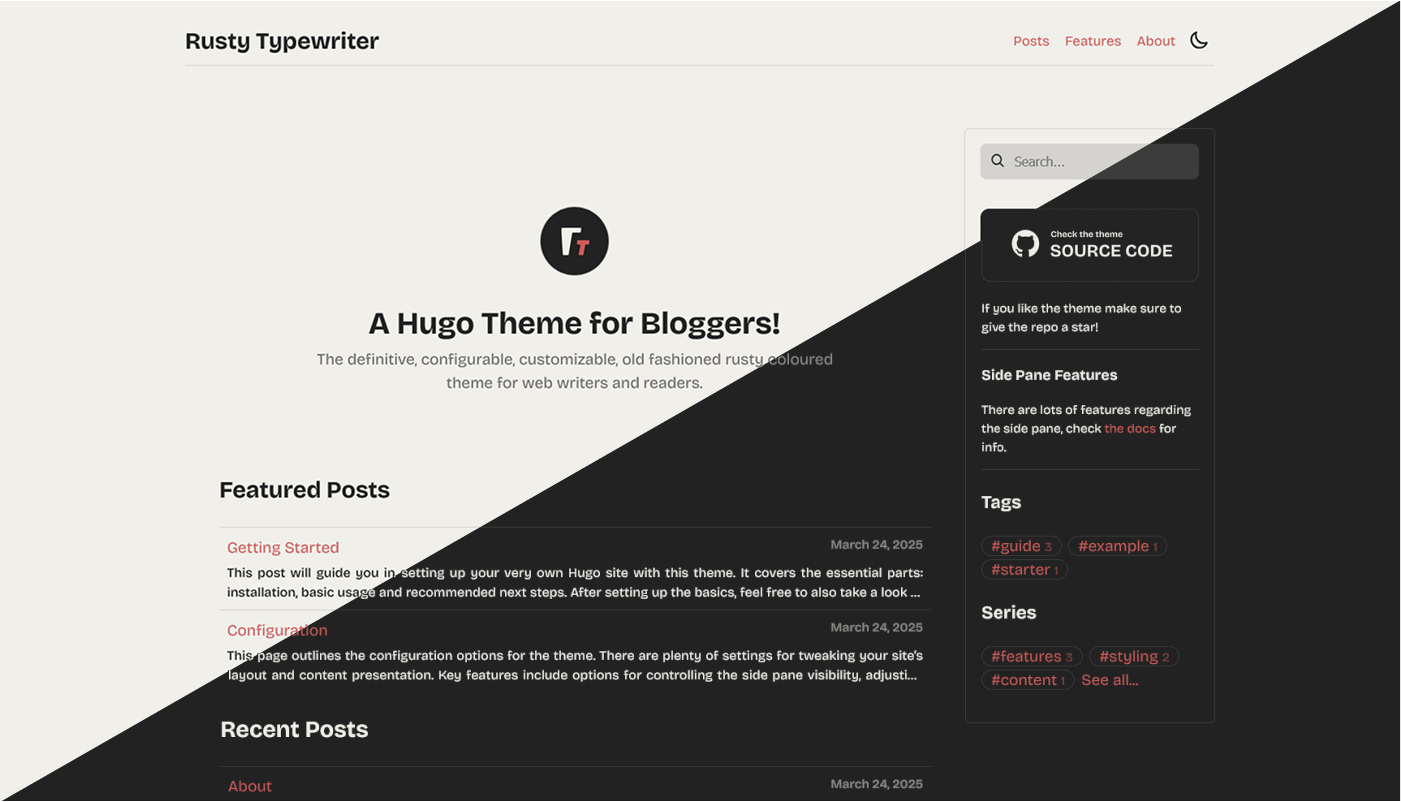
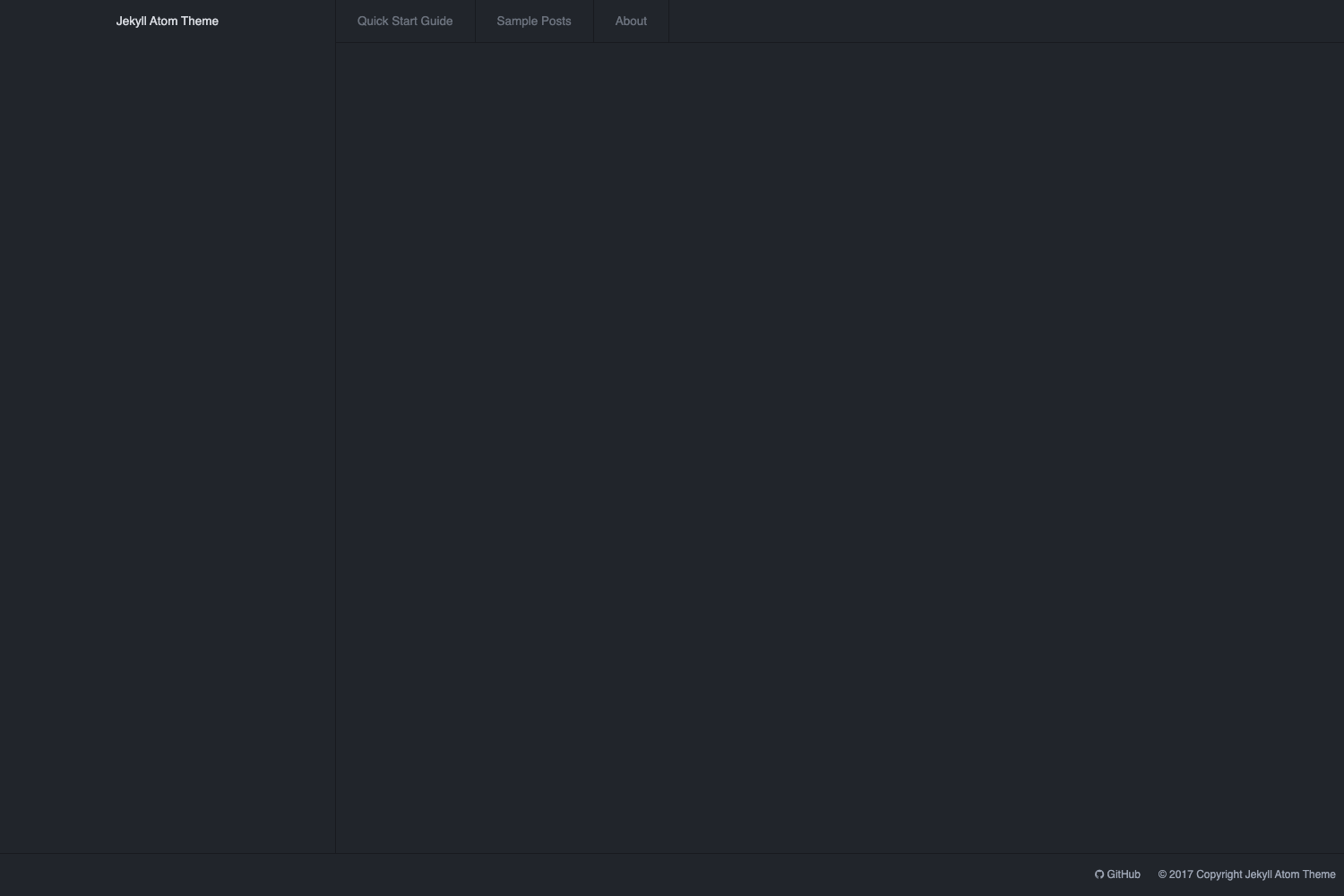
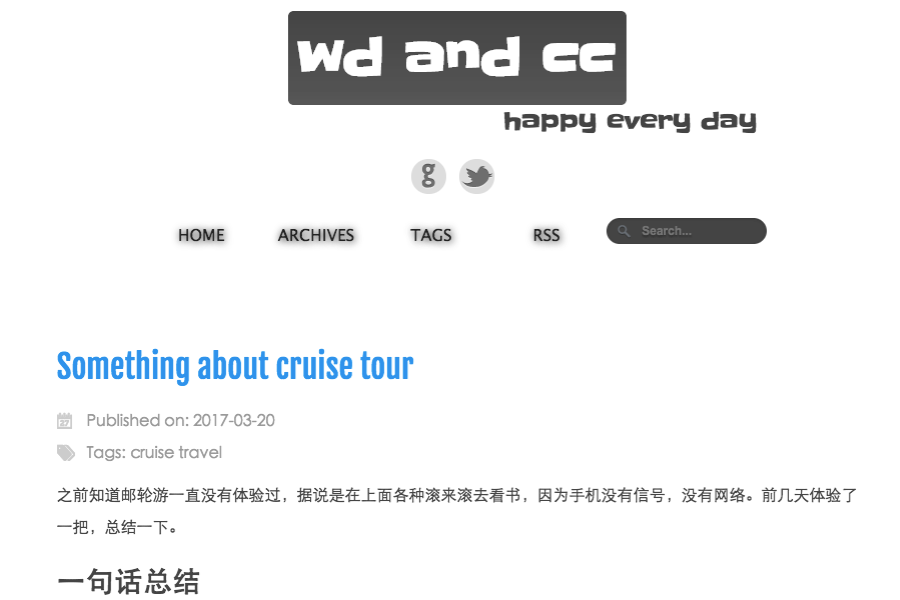
- Simple page structure — Screenshots show a home page and a blog page, giving you the two core views a content blog needs out of the box.
- Multiple package managers — Dependencies can be installed with pnpm, yarn, or npm, and the dev server runs with the corresponding command.
- Vercel deployment button — A deploy button on the project page clones the repository and prompts for the two environment variables, making hosting setup fast.
- Live demo — The template has a deployed example at simple-astro-blog.vercel.app, so you can preview output before installing.
Who is it for?
- Developers starting a personal blog — Set up a clean Astro blog connected to Cosmic CMS without building the plumbing yourself.
- Cosmic CMS customers — Use the template as a reference for how to query content with API v3 and render it in Astro.
- Static-site enthusiasts — Get a fast, low-configuration blog that deploys to Vercel in a few clicks.
What can you do with Simple Astro Blog?
- Writers: Publish posts by entering content in the Cosmic dashboard; the template renders them on the blog page without requiring code changes.
- Developers: Customize the homepage layout by editing
src/pages/index.astro, which auto-updates in the browser during development. - Marketers: Stand up a company blog quickly, using the included Vercel deploy button to launch with environment variables pre-configured.
How does Simple Astro Blog work?
Start by copying the repository and creating a .env file in the project root with your Cosmic bucket slug and read key from Bucket Settings > API Access. Then install dependencies with pnpm install (or npm/yarn) and run pnpm run dev to start the local development server at http://localhost:3000. Edit src/pages/index.astro and the browser will refresh automatically.
FAQ
What Cosmic credentials do I need?
You need a Cosmic bucket slug and a read key. In the Cosmic dashboard, go to Bucket Settings > API Access to find both values, then place them in a .env file as PUBLIC_COSMIC_BUCKET_SLUG and PUBLIC_COSMIC_READ_KEY.
Can I use npm instead of pnpm?
Yes. The getting-started instructions show equivalent commands for pnpm, yarn, and npm. For example, install with npm install and start the dev server with npm run dev.
Where do I change the homepage?
The homepage is defined in src/pages/index.astro. The development server watches this file and will hot-reload changes, so you can see edits immediately in the browser.
How do I deploy to production?
The project includes a Vercel deploy button that clones the repository and asks for the two environment variables. After that, Vercel builds the Astro site and hosts it, with the live demo showing the expected result.