Template details
Hugo Identity
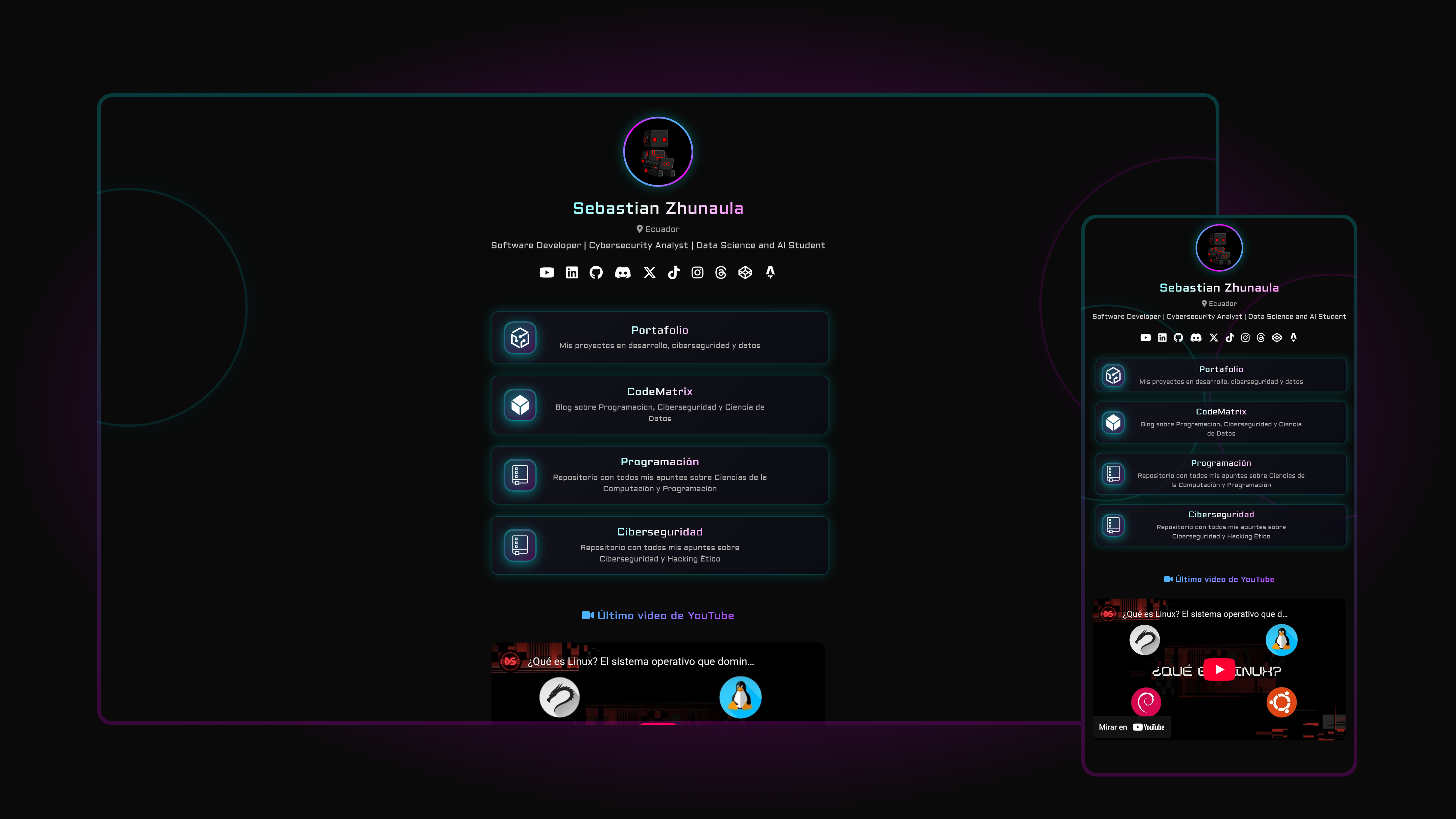
A configurable, card-style personal profile theme for Hugo, ported from the Identity template by HTML5 UP.
About this template
Hugo Identity is a single-page, card-style personal profile theme for the Hugo static site generator, ported by GitHub user aerohub from the Identity template by HTML5 UP. It renders an avatar, name, short bio, and social links into a responsive static page using a config.toml file as the only required input.
What is Hugo Identity?
Hugo Identity is a Hugo theme that produces a one-page personal profile card with an avatar, a short bio, social links, and an optional contact form. Its input is a standard Hugo config.toml where you define avatars, background images, social profile URLs, an analytics ID, and contact settings; its output is a fully static, responsive HTML page that can be hosted anywhere static files are served. The theme is a port of the Identity template by HTML5 UP, originally designed by n33, and it is listed in the official Hugo themes gallery with a live demo.
What makes Hugo Identity stand out?
Nearly every visual element — avatars, background images, social links, and site strings — is controlled from config.toml, and the underlying layout is the Identity card design from HTML5 UP.
- HTML5 UP Identity port — a Hugo-native implementation of the Identity template, preserving its card layout and full-screen background image treatment.
- Responsive design — the page adapts to phone and desktop screen widths with no extra configuration.
- Config-driven appearance — avatars and background images are set in config.toml, so templates never need to be edited for visual changes.
- Configurable social links — social profiles are declared in the configuration file, making add or remove operations a single line edit.
- Contact form with Formspree — the static form relays submissions through formspree.io, whose free tier accepts up to 1,000 messages per month without extra charges.
- Google Analytics support — tracking is enabled by placing your analytics ID in the config file.
- Custom CSS — your own stylesheet can be added to the assets folder and included with the
custom_cssparameter in config.toml. - Example site included — the exampleSite folder ships a ready-to-copy config.toml and demo avatars so the theme runs immediately.
Who should use Hugo Identity?
The theme suits anyone who wants a one-page Hugo profile in minutes; the most natural audiences are freelancers, fans of the HTML5 UP design language, and people learning Hugo.
- Freelancers and developers — publish a minimal personal landing page with a contact form and social links without building a custom layout.
- Designers who like HTML5 UP aesthetics — get the Identity card design inside a Hugo workflow instead of hand-converting the original static HTML template.
- Hugo learners — study a small, readable theme that demonstrates config-driven theming; the port was created "for training and fun" according to its author.
What can you do with Hugo Identity?
The theme takes you from a fresh Hugo site to a live personal card page, and it adds a working contact form and analytics without writing any templates.
- Launch a personal profile page — swap the sample avatars and background images for your own in config.toml, then run
hugo server -wand open localhost:1313 to preview. - Collect contact messages — enable the form by setting
enabletotruein the contact settings, confirm your Formspree account, and have submissions forwarded to your email. - Measure page traffic — add your Google Analytics ID to the config file and track visits on the static page.
How does Hugo Identity work?
Setup takes four steps: copy the config.toml from the exampleSite folder to your Hugo site's root, customize the avatars, background images, social links, and contact email, confirm the Formspree account if you use the contact form, and preview with Hugo's built-in local server. The contact form specifically requires that you set enable to true, upload the generated site, send a dummy email to yourself, and click the confirmation link that Formspree sends back.
Pricing
The theme itself is free to use under the Creative Commons Attribution 3.0 Unported License. The optional contact form depends on formspree.io, which offers a free tier of up to 1,000 submitted messages per month.
License
Hugo Identity is released under the Creative Commons Attribution 3.0 Unported License, the same license used by the original HTML5 UP Identity template.
FAQ
Is Hugo Identity free?
Yes, the theme is open source under the Creative Commons Attribution 3.0 Unported License, so it is free to use as long as the required attribution is kept.
How do I customize the theme?
Copy the exampleSite config.toml to the root of your Hugo site and edit the values for avatars, background images, social links, and strings. For deeper styling, add your own CSS to the assets folder and reference it with the custom_css parameter in config.toml.
How do I set up the contact form?
Enter your email address under email in config.toml, set enable to true in the contact settings, upload the generated site, then send a dummy email through the form and click the confirmation link from Formspree. After that, visitor messages are relayed to your inbox.
Does the theme support Google Analytics?
Yes, Google Analytics support is built into the theme and is activated through the config file, so no template edits are required to begin tracking visits.
What is the free allowance for the contact form?
Formspree's free tier accepts up to 1,000 submitted messages per month without incurring extra charges, as stated in the theme's setup instructions.