Template details
Personal About Me
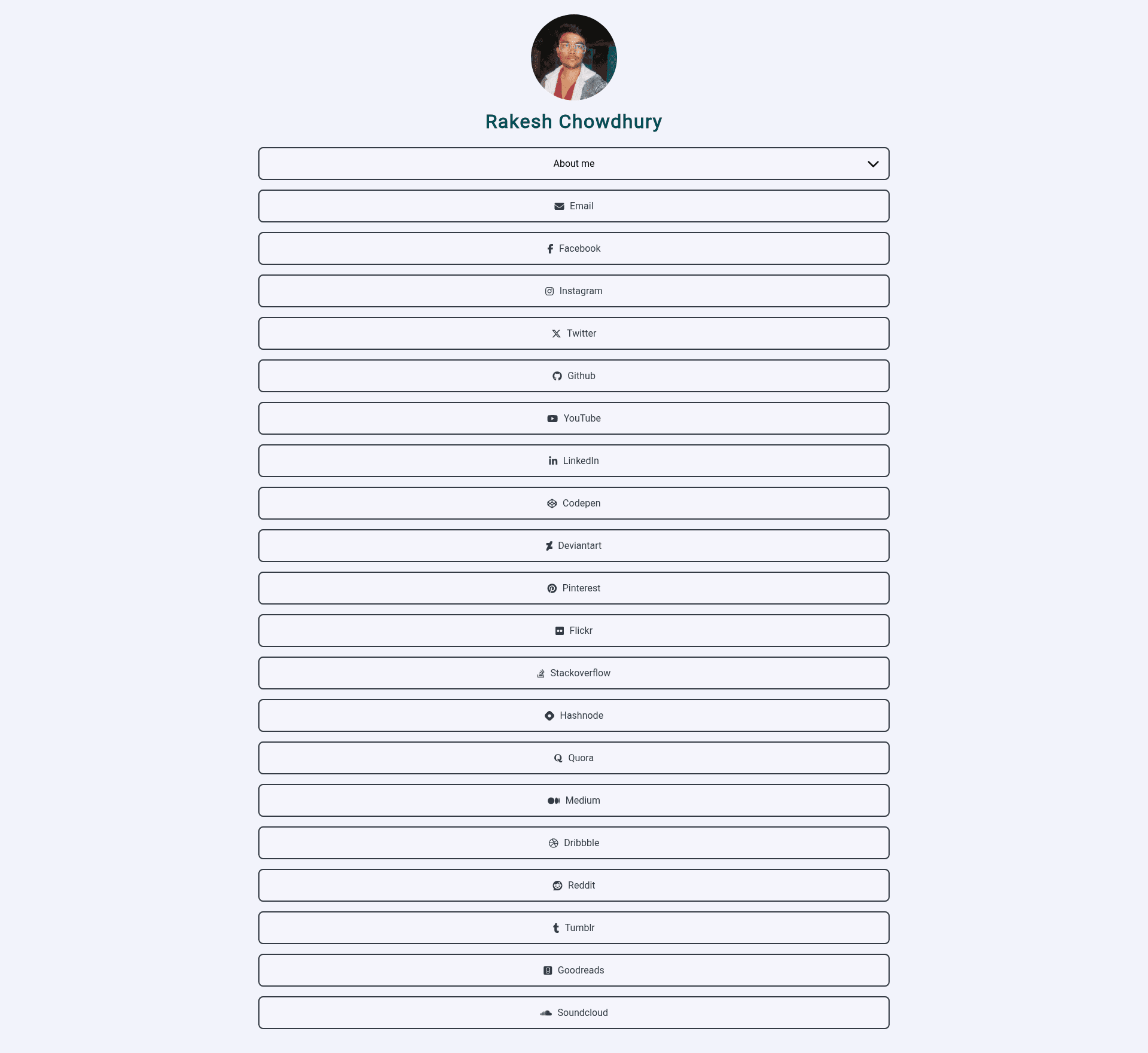
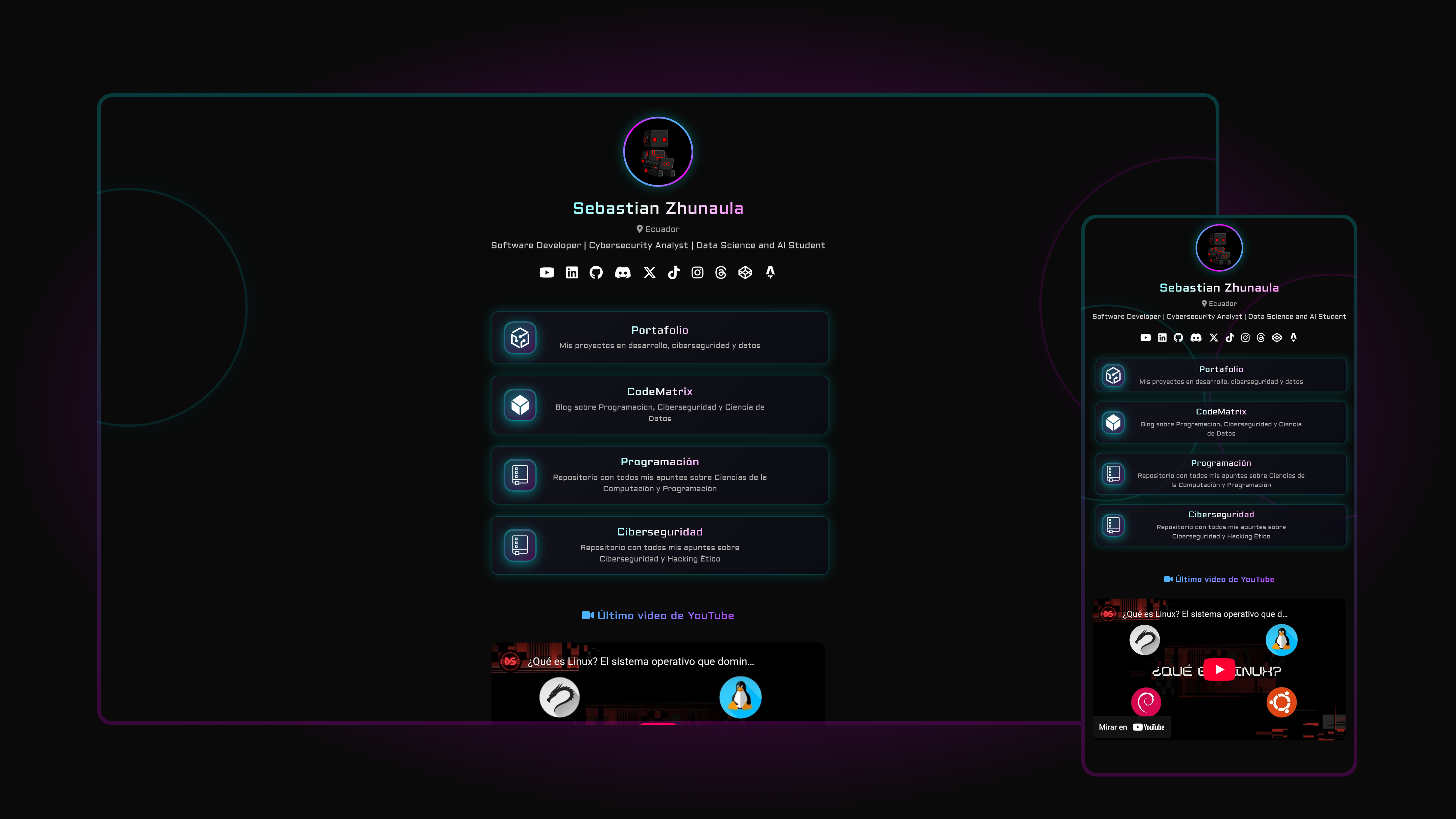
A one-page personal portfolio website built with HTML, CSS, and JavaScript, focused on showcasing your social media following.
About this template
Personal About Me is a one-page personal portfolio website template built with plain HTML, CSS, and JavaScript, designed to present your identity and social media links in a clean, responsive layout.
What is Personal About Me?
Personal About Me is a static one-page personal about-me website that takes your name, photo, personal details, and social media URLs and turns them into a single, clean webpage. It runs entirely in the browser with no backend, so you can host it on any static file server or free service like GitHub Pages. The project is authored by rakeshid03 and is available as an open-source repository on GitHub.
Key Features
- Responsive design — The layout adapts to all device sizes, from mobile phones to desktop monitors, without any framework or build step.
- Clean and simple layout — A minimal one-page structure that emphasizes your content and social media links rather than complex UI elements.
- Easy customization — You edit the HTML and CSS files directly to replace the placeholder image, name, personal details, and social media URLs; no JavaScript build tooling is required.
- Built with modern HTML, CSS, and JavaScript — Uses standard web technologies, so it loads fast and works on any hosting provider that serves static files.
- Social media showcase — The page is intentionally focused on presenting your existing social media following, making it a lightweight alternative to a full portfolio site.
- Free GitHub Pages deployment — The demo is hosted on GitHub Pages, and the README explains how to upload the files to your own repository to publish the site for free.
Who is it for?
- Creators with an existing social media audience — They can set up a simple, mobile-friendly page in minutes that consolidates all their social profiles into one link.
- Students or early-career developers — They can use this template as a starting point to build their first personal website and learn by editing the HTML and CSS.
- Professionals who need a minimal online presence — They get a no-frills page that can be deployed without installing dependencies or managing a server.
What can you do with it?
- Social media link hub: Replace the HTML placeholders with your Twitter, Instagram, GitHub, and other profile URLs to create a single link to share in bios and business cards.
- Personal brand page: Use the one-page layout to state your name, add a short bio, and link to your latest work or profile pages.
- Learning project: Modify the color scheme, font style, and layout elements in the CSS to practice front-end web development.
How does it work?
The README outlines a three-step process: first, download or clone the repository; second, edit the HTML and CSS files to replace the placeholder content with your own image and details; third, upload the files to any web hosting provider or to a GitHub Pages repository for free hosting. No additional configuration or build tools are involved.
FAQ
Is Personal About Me free to use?
Yes. The source code is publicly available in a GitHub repository, and the README encourages contributions, indicating it is an open-source project you can freely copy, modify, and deploy.
How do I customize the website?
Download the project files, then edit the HTML file to change your name, image, and personal details, and edit the CSS file to adjust the color scheme and font styles. The README states that customization is done by editing these two files directly.
Can I use it with GitHub Pages?
Yes. The live demo is hosted on GitHub Pages, and the deployment section of the README explains that you can upload the files to a GitHub repository to host the site for free.
Does the template include any build process or dependencies?
No. The site is built with plain HTML, CSS, and JavaScript, so there are no package managers, frameworks, or build steps. You can open the files directly in a browser or serve them from any static hosting provider.