Template details
Hugo Notepadium Mod
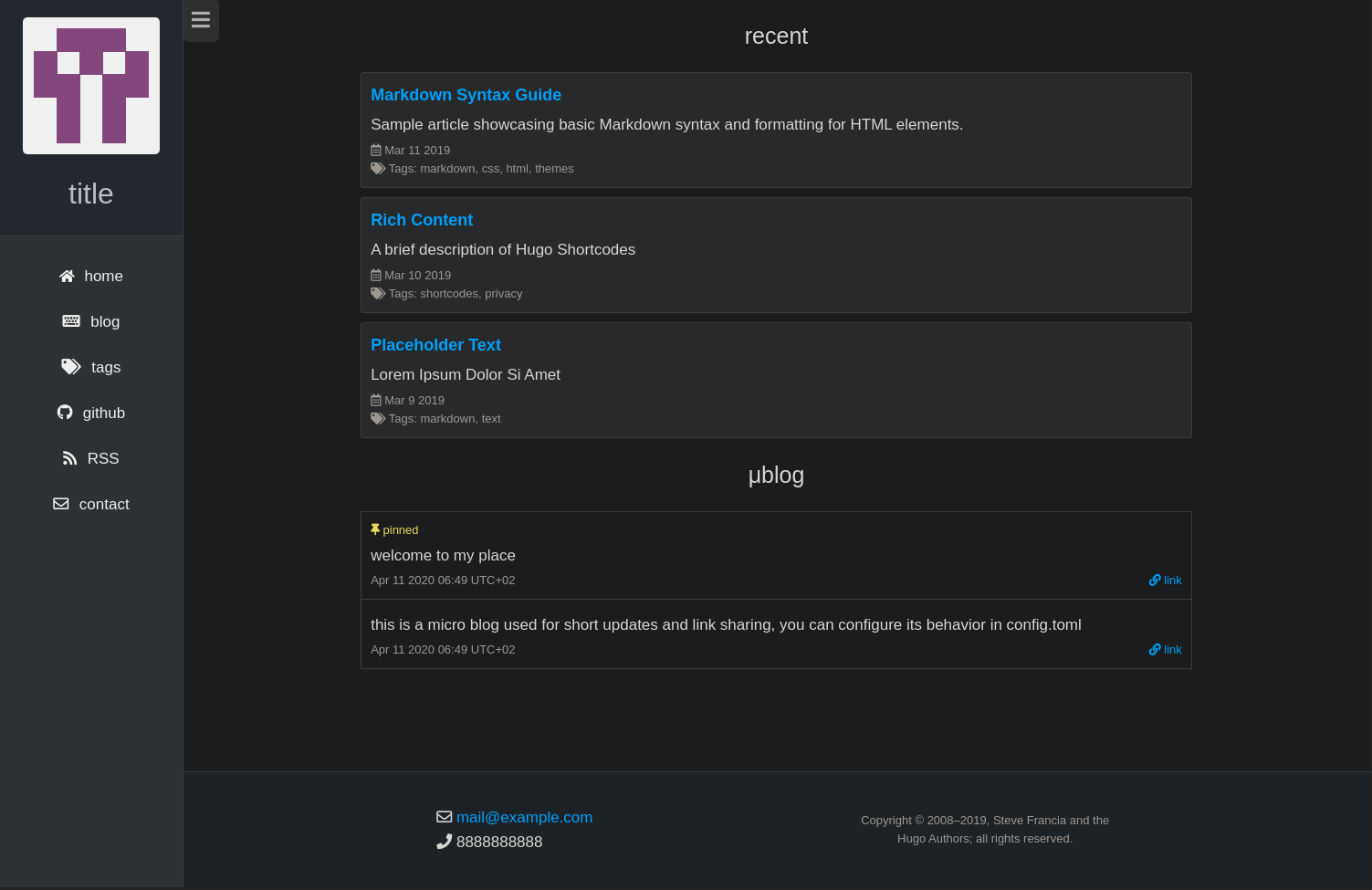
A fast, 100% JavaScript-free Hugo blog theme forked from Notepadium, adding grid layout, tags cloud, dark mode, and built-in search.
About this template
Hugo Notepadium Mod is a 100% JavaScript-free Hugo blog theme forked from the early version of hugo-notepadium, built for fast static blogs with a grid layout, tags cloud, and optional site search.
What is Hugo Notepadium Mod?
Hugo Notepadium Mod is a minimal blog theme for the Hugo static site generator, requiring Hugo 0.68.0 or later. It takes Markdown content and produces a static website with features like a table of contents, tags cloud, archive page, and pagination. The theme is forked from the hugo-notepadium v2.1.0 release and is maintained by qdzhang on GitHub.
Key Features
This theme enhances the original Notepadium with a grid layout, tags cloud, and search, while keeping the runtime free of JavaScript.
- Grid layout — Arranges content using CSS grid, supported in all modern browsers.
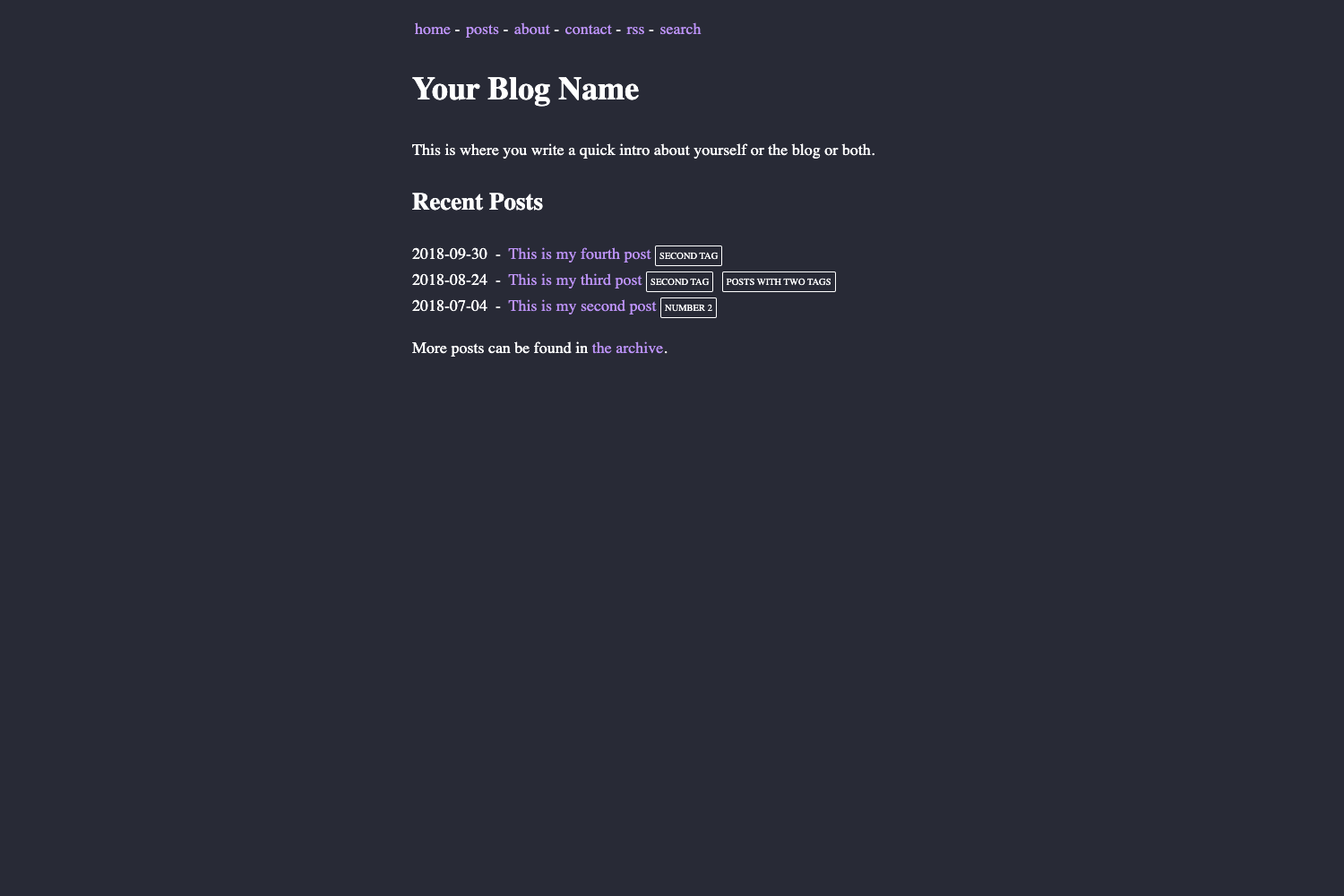
- Light and dark theme — Configurable via the style parameter as auto, light, or dark.
- Site search — Powered by Stork, allowing full-text search of the site.
- Table of contents — Automatically generated from headings, with configurable start and end levels.
- Tags cloud and archive page — Provides a tags cloud at /tags/ and a chronological archive at /archives/.
- Math rendering — Supports both KaTeX and MathJax, with per-page or global enablement.
- Syntax highlighting — Uses Chroma with configurable styles like Dracula.
- Custom assets and navigation — Declare custom CSS and JS files, plus custom nav items in the TOML config.
Who is it for?
Hugo Notepadium Mod is for bloggers and developers who want a lean, high-performance default with no JavaScript dependencies.
- Hugo bloggers — who write Markdown posts and want automatic TOC, tags cloud, and an archive page with minimal configuration.
- Developers — who prefer Hugo modules for dependency management and want to customize the theme with their own CSS and JS.
- Technical writers — who need math rendering via KaTeX or MathJax and syntax highlighting for code examples.
What can you do with Hugo Notepadium Mod?
The theme works as a complete blog site out of the box, with several common content use cases.
- Personal blogs: Publish a personal blog with a clean reading experience, dark mode, and fast load times thanks to inline critical CSS.
- Documentation sites: Use math and syntax highlighting to write technical documentation, with search to help readers find topics.
- Portfolio or content sites: Add custom navigation and header items to tailor the theme for a portfolio or content hub.
How does Hugo Notepadium Mod work?
Hugo Notepadium Mod is installed either as a Hugo module or as a git submodule. For module installation, you initialize the Hugo module in your site root, add the theme path to the module imports in config.toml, and run hugo mod get -u to update. For submodule installation, you clone the repo into your themes directory and set the theme name in config.toml.
Pros and cons
The theme keeps the site simple to operate, but the project is still evolving.
- Pros: 100% JavaScript-free; fast load from inline critical CSS; includes math and search; easy customization via config.toml.
- Cons: The project is marked as work in progress in the README; requires Hugo 0.68.0 or later.
Pricing
Free under the MIT License.
Alternatives
- hugo-notepadium — the original theme from which this is forked, which may have a different feature set.
FAQ
Is Hugo Notepadium Mod free?
Yes, the theme is open source and licensed under the MIT License, meaning you can use, modify, and redistribute it freely.
What are the system requirements?
Hugo Notepadium Mod requires Hugo version 0.68.0 or later, as stated in the README. It can be used with any Hugo site, including those with CJK language support.
Does Hugo Notepadium Mod support dark mode?
Yes, the theme uses a style parameter that can be set to auto, light, or dark. When set to auto, it automatically follows the user's system color scheme.
How can I update the theme?
If installed as a Hugo module, run hugo mod get -u to update all modules or specify the theme path. If installed as a git submodule, navigate to the theme directory and run git pull.
Can I customize the theme?
Yes, you can specify custom CSS and JavaScript files in the params.assets section of config.toml, add custom navigation items, and adjust many theme options through the configuration file.