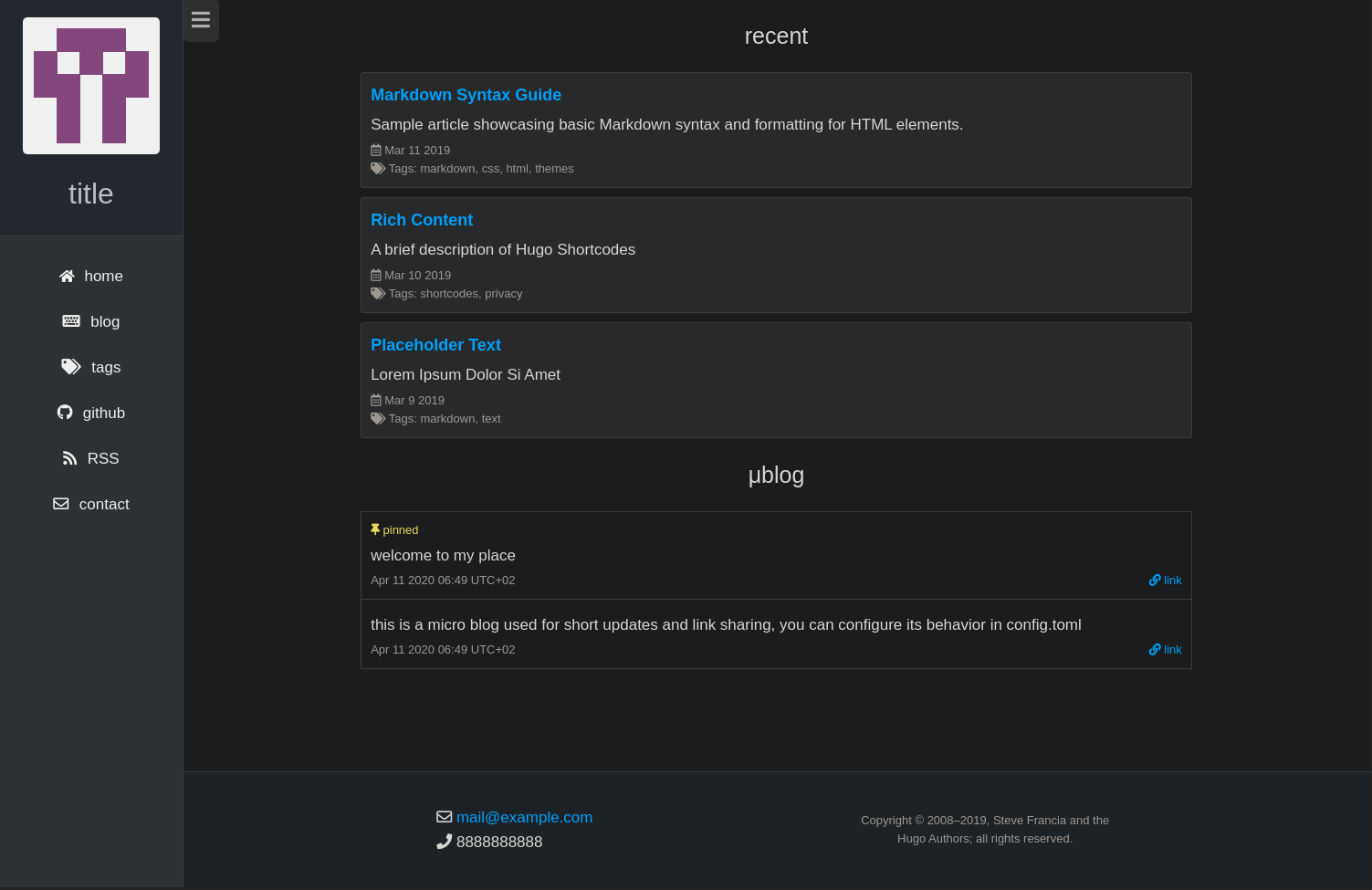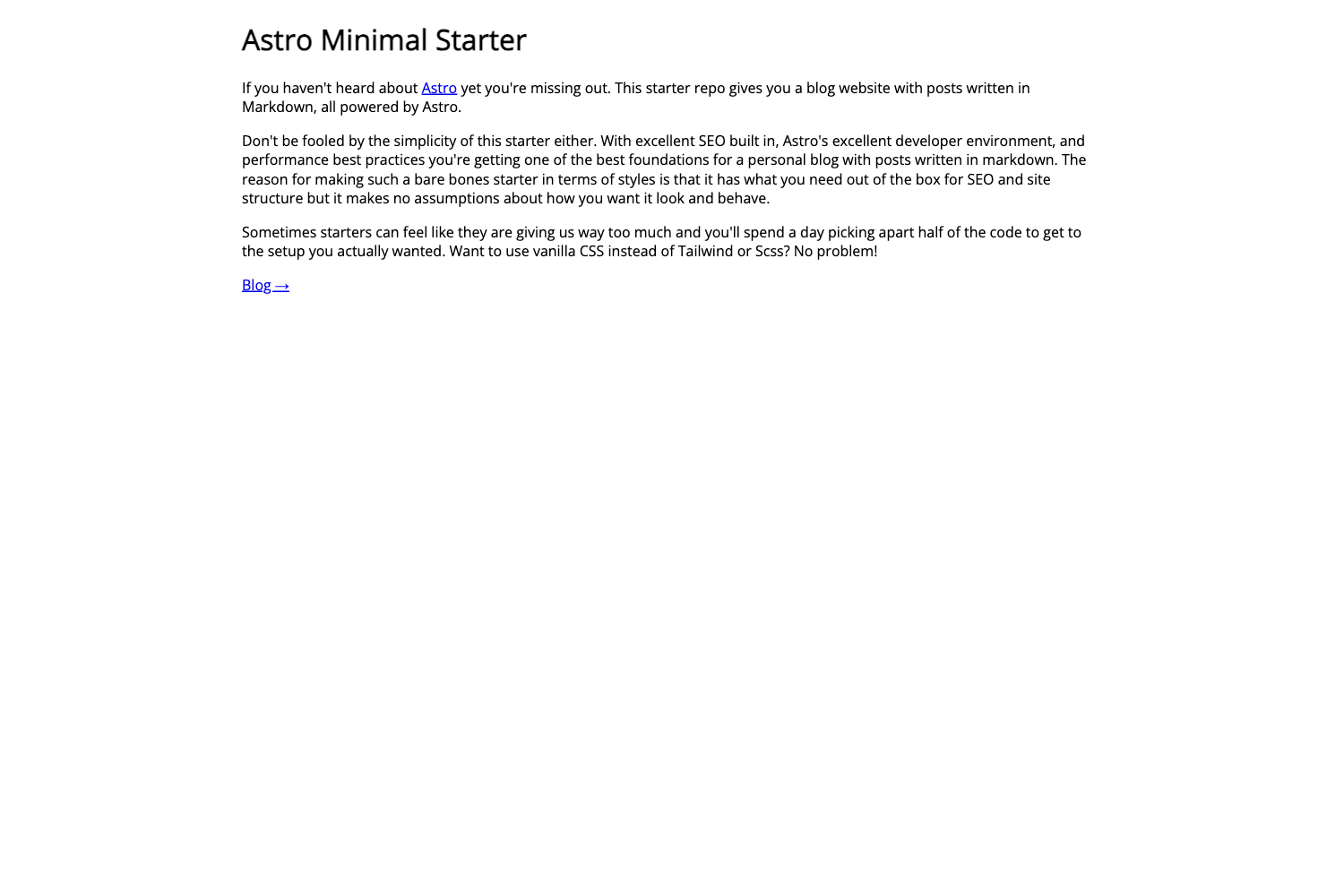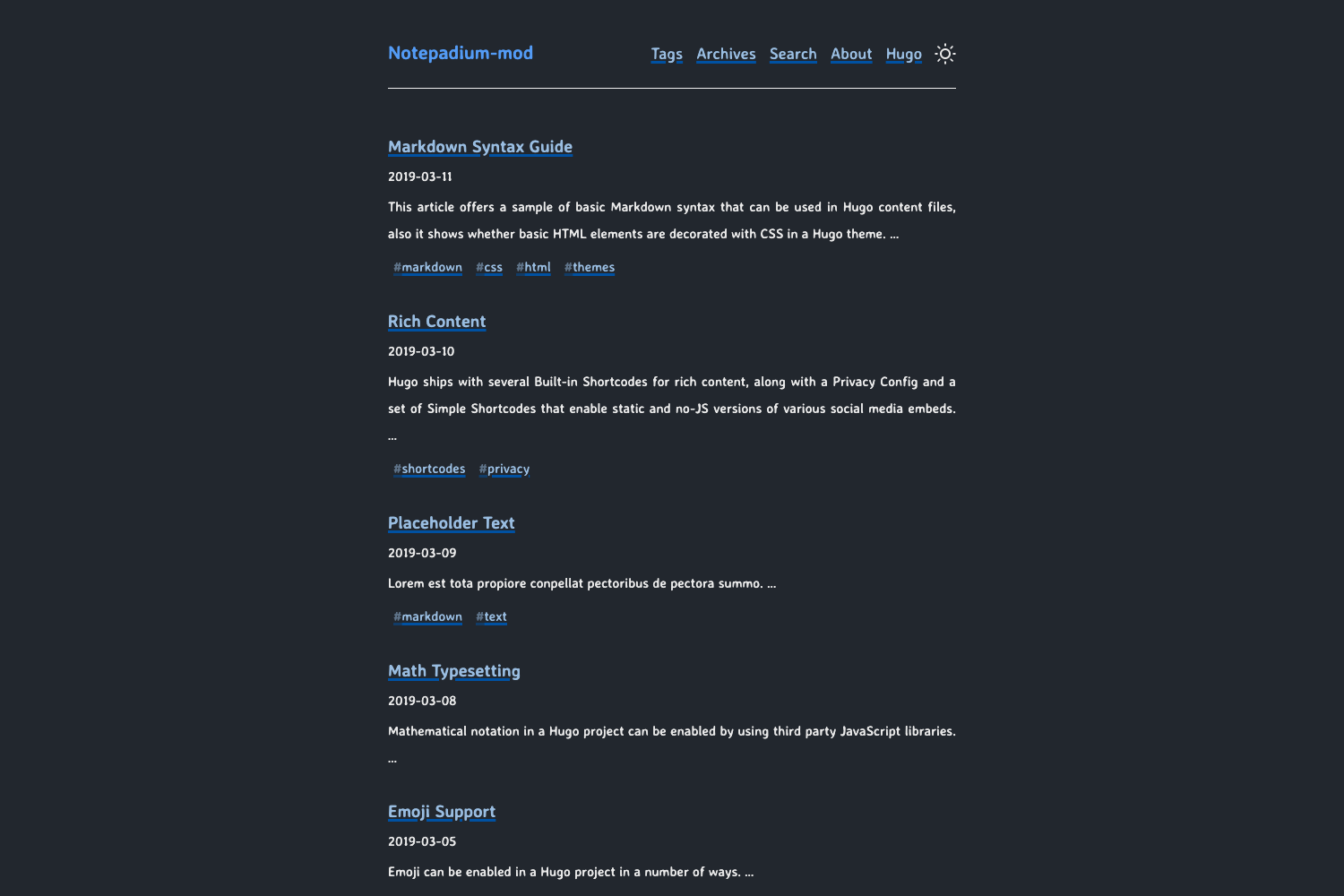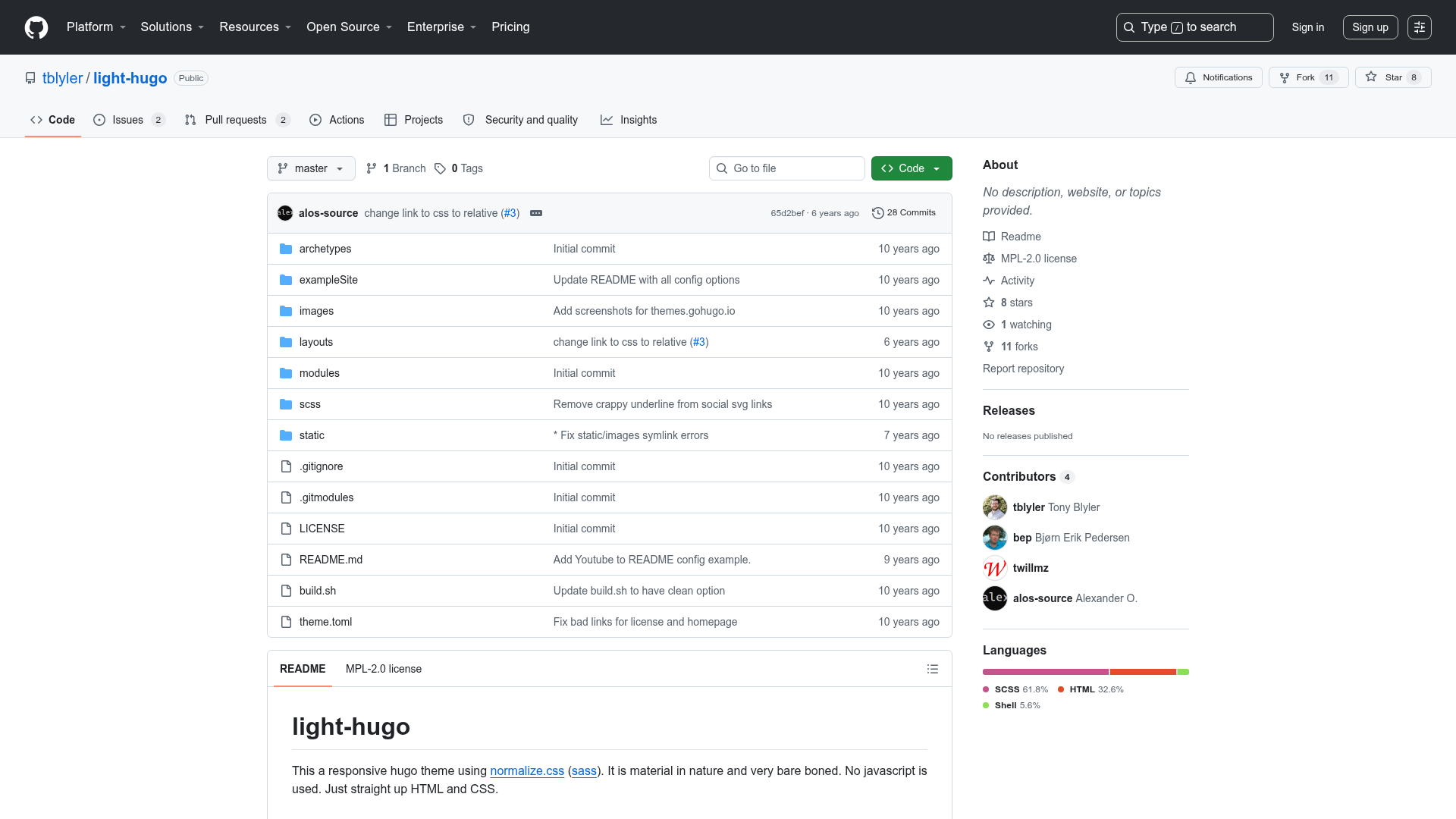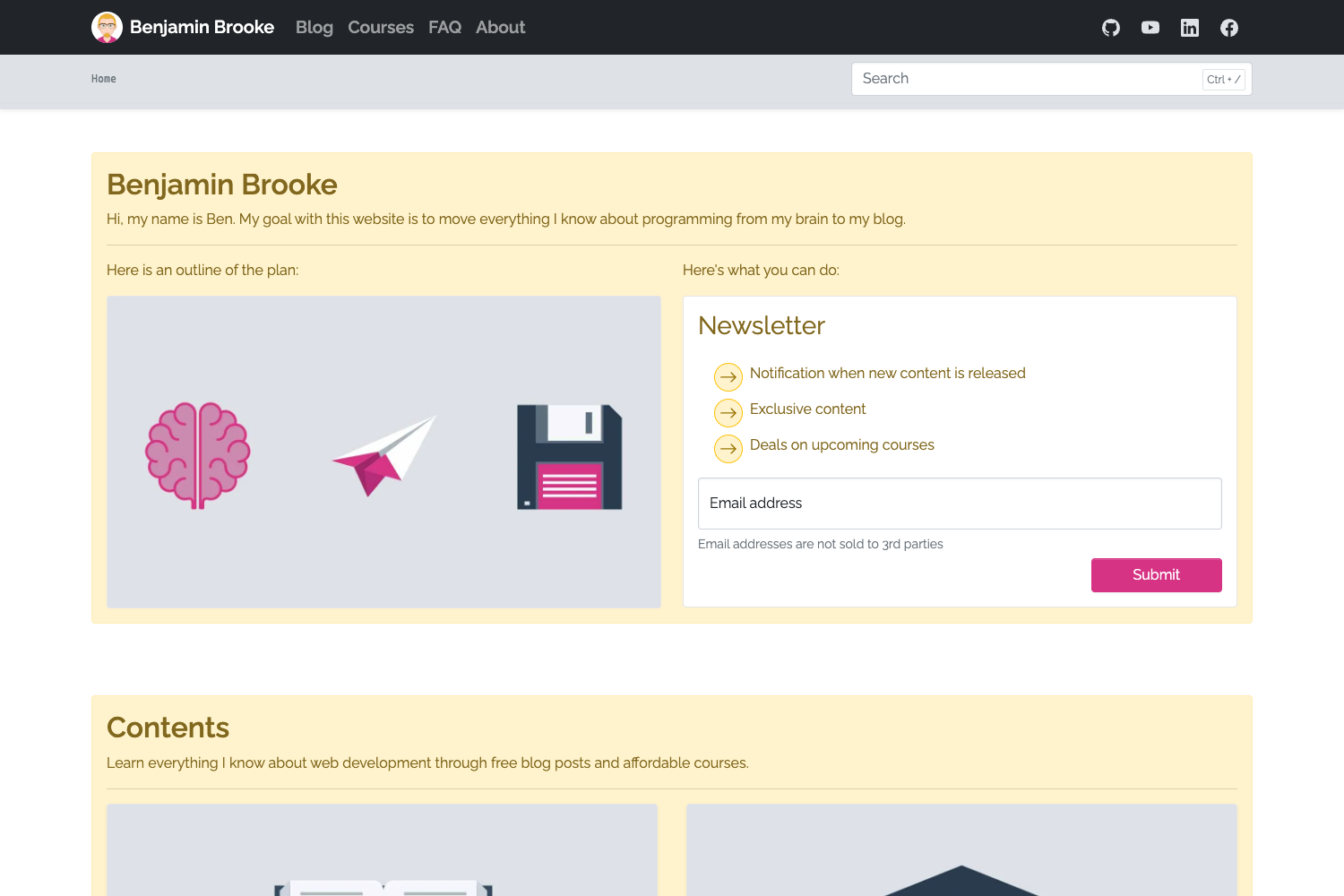
Template details
Minimal Developer
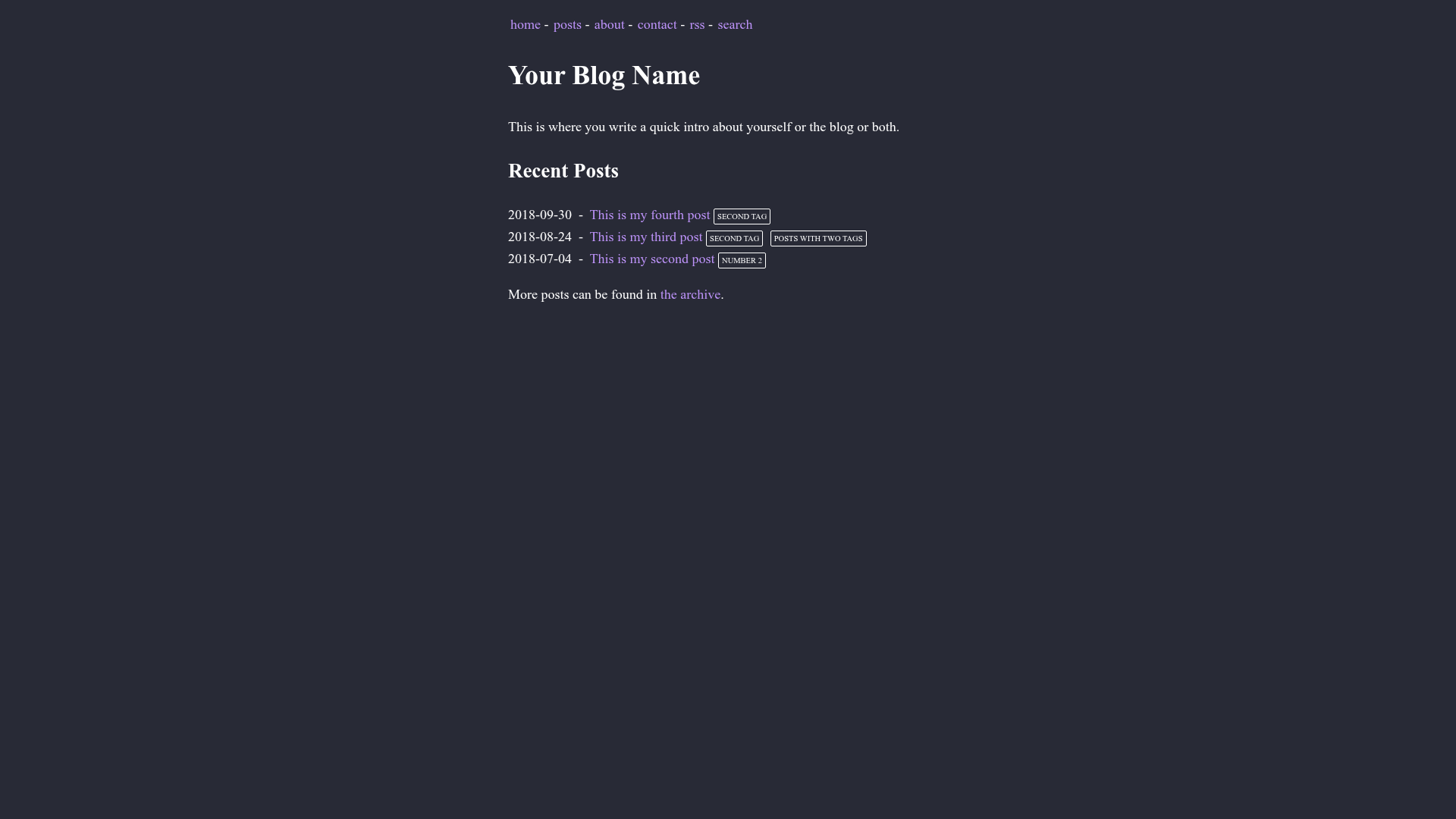
A very minimal developer blog theme using Eleventy.
About this template
Eleventy (11ty) starter template that generates a minimal developer blog with a post list and an RSS feed, built on the static site generator Eleventy.
What is Minimal Developer?
Minimal Developer is a very minimal developer blog theme built on Eleventy (11ty), a static site generator. It takes blog posts written in Markdown or any configured template format, plus a metadata file, and produces a static website with a home page, an about page, and an RSS feed. The site runs on Node.js and can be deployed to Netlify, as demonstrated by the included demo link. The project is hosted on GitHub under the repository name minimal-developer.
Key Features
- Nunjucks layouts — The theme ships with three layouts: base.njk for the top-level HTML structure, home.njk for the home page, and post.njk for blog posts, all wrapped through Nunjucks includes.
- Template flexibility — Blog posts do not have to be Markdown; any template format supported by Eleventy can be used. Supported formats are configured in the templateFormats option inside .eleventy.js.
- Passthrough copy — The css, js, and img directories in the input folder are copied unchanged to the output folder through addPassthroughCopy() in .eleventy.js.
- RSS feed — A feed template is provided at feed/feed.njk, which reads global site data from _data/metadata.json to generate the feed.
- Reusable post list — The file _includes/postlist.njk is a reusable Nunjucks include for displaying all posts, and index.njk shows an example of how to use it.
- Metadata configuration — Site options such as title and URLs are edited in a single _data/metadata.json file.
- Development commands — Supports npx @11ty/eleventy --serve for a local development server, --watch for automatic rebuilds when templates change, and DEBUG=* for debug output.
Who is it for?
This template is aimed at developers who want a simple, no-frills blog or portfolio site without a heavy frontend framework. It suits developers already comfortable with the command line and Node.js, and who want complete control over their HTML templates. It is also for anyone learning Eleventy, since the implementation notes explain how content pages, collections, and passthrough copy work.
What can you do with it?
- Developers: Clone the repository, customize _data/metadata.json, and publish a personal developer blog to Netlify within minutes.
- Designers: Use the three layouts and CSS/JS passthrough directories to build a minimal portfolio with an about page and a post listing.
- Technical writers: Write posts in Markdown in the posts/ directory and tag them with the post collection tag to have them automatically appear in the feed and post list.
How does it work?
Start by cloning the GitHub repository and navigating into the directory. Edit _data/metadata.json for site configuration, then run npm install to install dependencies. Build the site with npx @11ty/eleventy, or use --serve for local development and --watch for automatic rebuilds on template changes.
FAQ
Is this template free?
Yes, the project is open source on GitHub. The repository can be cloned and deployed to Netlify, and the demo shows a live version of the template.
What static site generator does it use?
It uses Eleventy (11ty), a JavaScript-based static site generator. Eleventy’s configuration file .eleventy.js controls template formats, passthrough copy, and other build options.
Can I write blog posts in formats other than Markdown?
Yes. The implementation notes say content can be any template format, and the supported formats are configured in the templateFormats option in .eleventy.js. The posts just need to be in the collection with the post tag.
Where is the RSS feed defined?
The feed template is located at feed/feed.njk. It uses global data from _data/metadata.json to generate the site’s feed output.
How do I add a new page to the site?
You can add a content page by creating a Markdown file, as shown by about/index.md. Any directory can hold these pages, and they will be rendered as long as they’re placed in the input directory.