Template details
npq-hugo
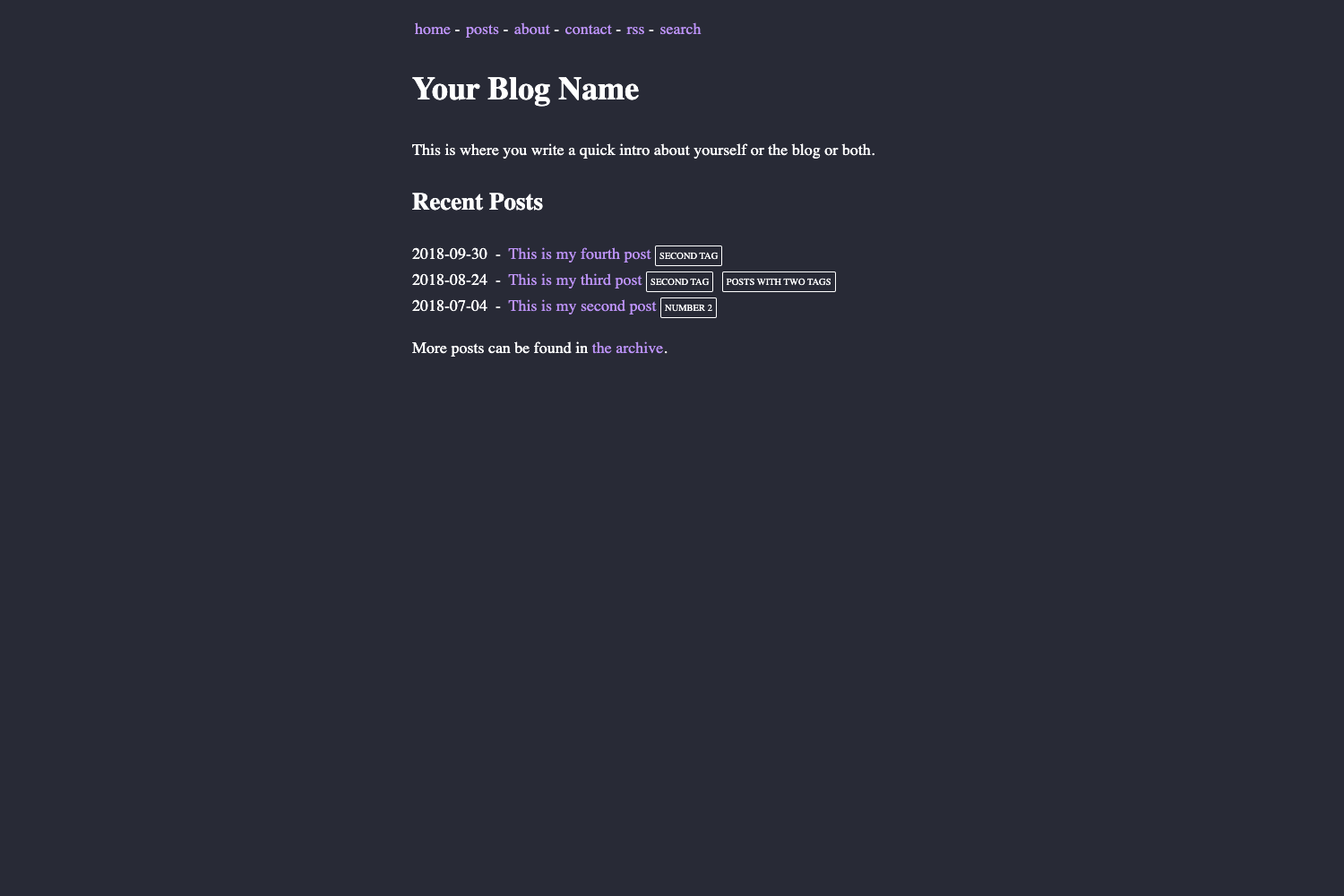
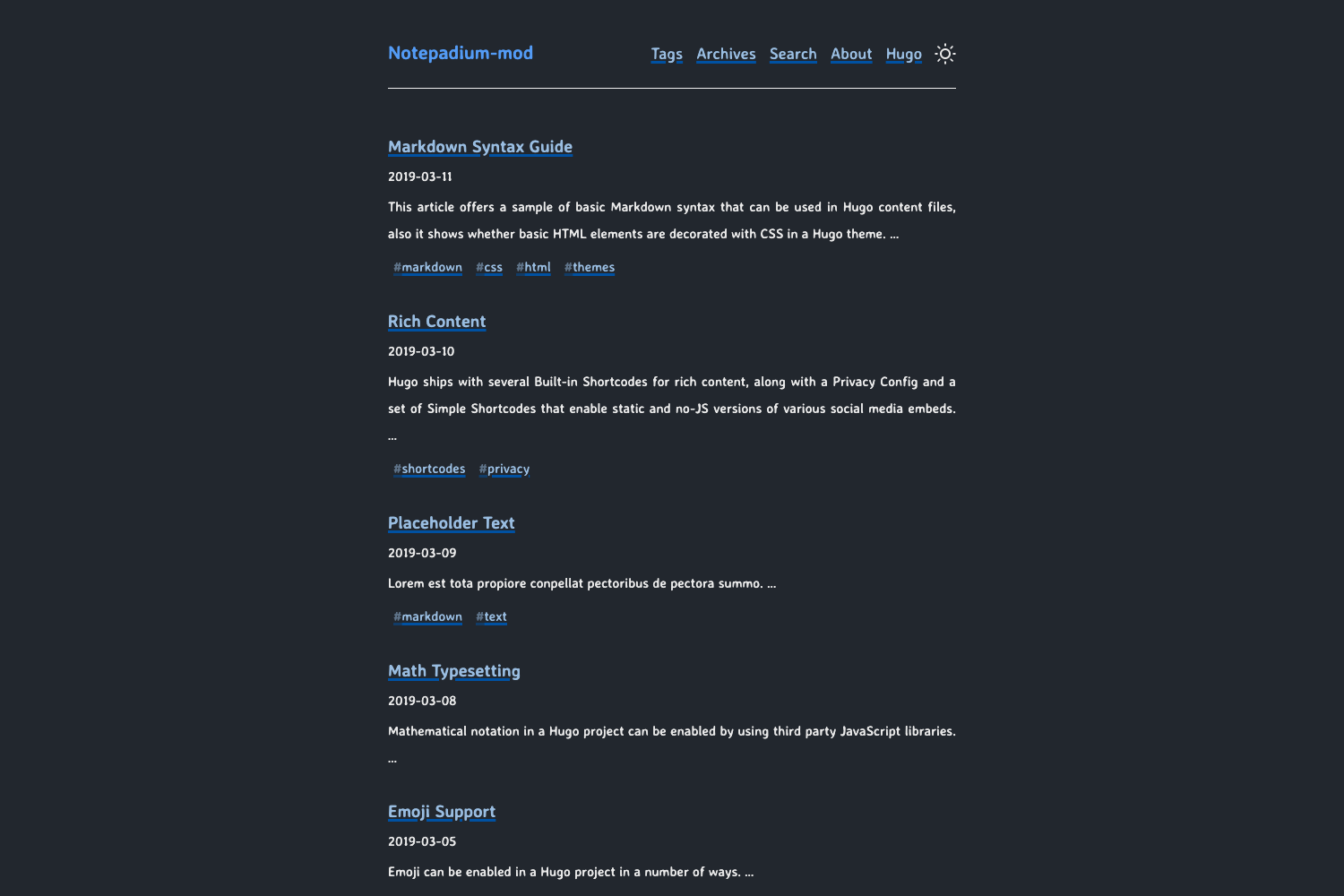
A dark, responsive Hugo blog theme with contact form, syntax highlighting, and micro-blog support.
About this template
npq-hugo is a dark, responsive Hugo blog theme that ships with a working contact form, syntax highlighting, and a micro-blog section, built for static site generation with Hugo.
What is npq-hugo?
npq-hugo is an open-source Hugo theme for personal blogs and portfolio-style sites, published on the Hugo Themes site. It takes standard Hugo content directories — such as a posts folder for micro-blog entries and regular pages for the rest — as input, and renders a fast, static, dark-themed website with a working contact page. The theme is configured entirely through Hugo's config.toml file, where you set site-wide parameters like author name, description, avatar usage, and the Formspree form ID.
Key Features
- Dark responsive design — The theme uses a dark color palette and scales cleanly from mobile to desktop without extra configuration.
- Contact form via Formspree — Set the
formspreeIDparameter inconfig.tomland the contact page will submit messages to your Formspree account; no server-side backend is needed. - Syntax highlighting — Enable Hugo's built-in Pygments highlighting by setting
pygmentsUseClasses = truein the config. - Avatar support — Turn on
useAvatarto display an avatar image on your blog, controlled through the config. - Automatic table of contents — Posts can render a table of contents based on Hugo's settings, making long articles easier to navigate.
- Micro-blog section — Content in the
postsdirectory (configurable viamicroBlogSection) appears as a micro-blog feed on the home page; setpinned: truein a post's front matter to keep it at the top. - Customizable menu — Every menu item supports a Font Awesome icon via the
prefield, a displayname, aurl, and aweightinteger to control ordering. - Recent posts widget — The layout can display a list of recent posts, with
recentMaxcontrolling how many appear (the example config sets it to 4).
Who should use npq-hugo?
- Personal bloggers — Anyone who wants a no-frills, dark-themed blog with a built-in micro-blog and a contact page, all rendering as static HTML that can be hosted anywhere.
- Hugo developers — Users who appreciate working with a theme that needs nothing beyond Hugo itself; configuration is done in
config.tomland there are no JavaScript build steps or third-party dependencies except for the optional Formspree account. - Freelancers and small businesses — People who need a simple online presence with a contact form that forwards messages to email, using a free Formspree plan instead of setting up a server.
What can you do with npq-hugo?
- Publish a blog with micro-posts — Write regular posts in Markdown and short micro-blog entries in the
postsdirectory; pin any post to the top by addingpinned: trueto its front matter. - Send contact messages — Use the out-of-the-box contact page with your own Formspree form ID to receive inquiries without storing data on your site.
- Customize navigation — Add or reorder menu items, attach Font Awesome icons, and point links to pages or external URLs, all through the
[menu.main]sections in the config.
How does npq-hugo work?
Installation is a standard Hugo workflow: after installing Hugo itself, clone the npq-hugo repository into your site's themes directory, then copy the example config.toml. Replace the placeholder values with your site's title, base URL, menu items, and Formspree ID, then run hugo server to preview. The theme reads front matter from your Markdown files — for example, pinned: true for micro-blog posts — and generates the complete static site.
FAQ
Is npq-hugo free?
Yes, npq-hugo is open-source software released under the GPLv3 license. You can use it for personal or commercial projects, and you are free to modify the theme as long as you retain the license.
Does the contact form require a backend?
No. The contact form uses Formspree. You create a free form on formspree.io, then add its form ID to the formspreeID variable in your config.toml. When visitors submit the form, the message is sent to your email through Formspree's service.
Can I pin a post to the top of the micro-blog?
Yes. Add pinned: true to the front matter of any post in the micro-blog section, and it will be pinned to the top of the list. The example config also supports newer front matter fields like date alongside the pinned flag.
What content directory does the micro-blog use?
By default, the micro-blog pulls content from the posts directory inside your Hugo content folder. You can change this by editing the microBlogSection parameter in the config, allowing you to use a different folder name if you prefer.
What configuration does the avatar require?
Set useAvatar = true in the [params] section of config.toml, then provide an avatar image. The theme will render that avatar in the appropriate areas of the layout. The exact image path and sizing are controlled by your Hugo site configuration.