Template details
Lagom
A minimal, responsive Jekyll blog theme inspired by the Swedish concept of 'just the right amount'.
About this template
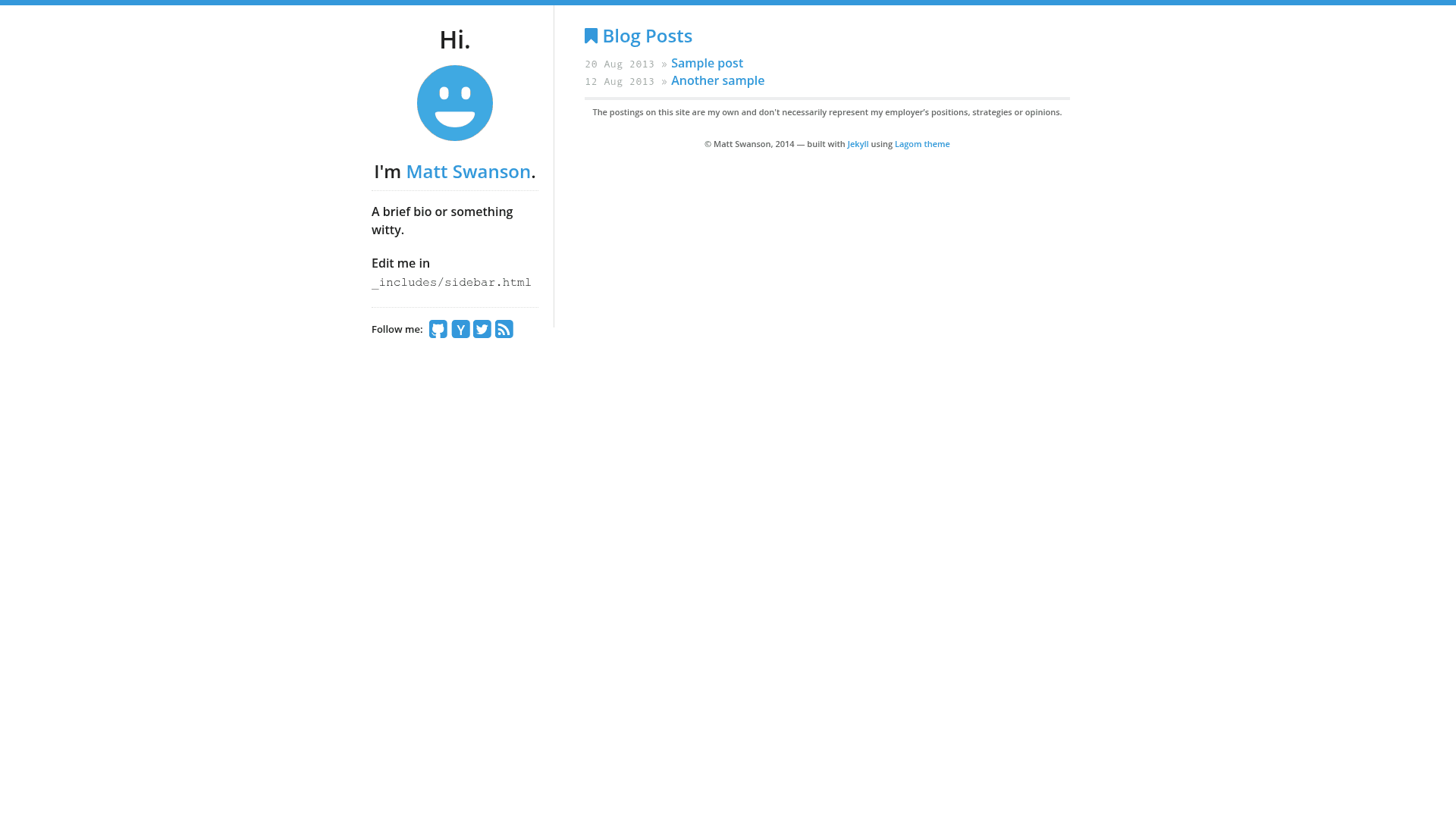
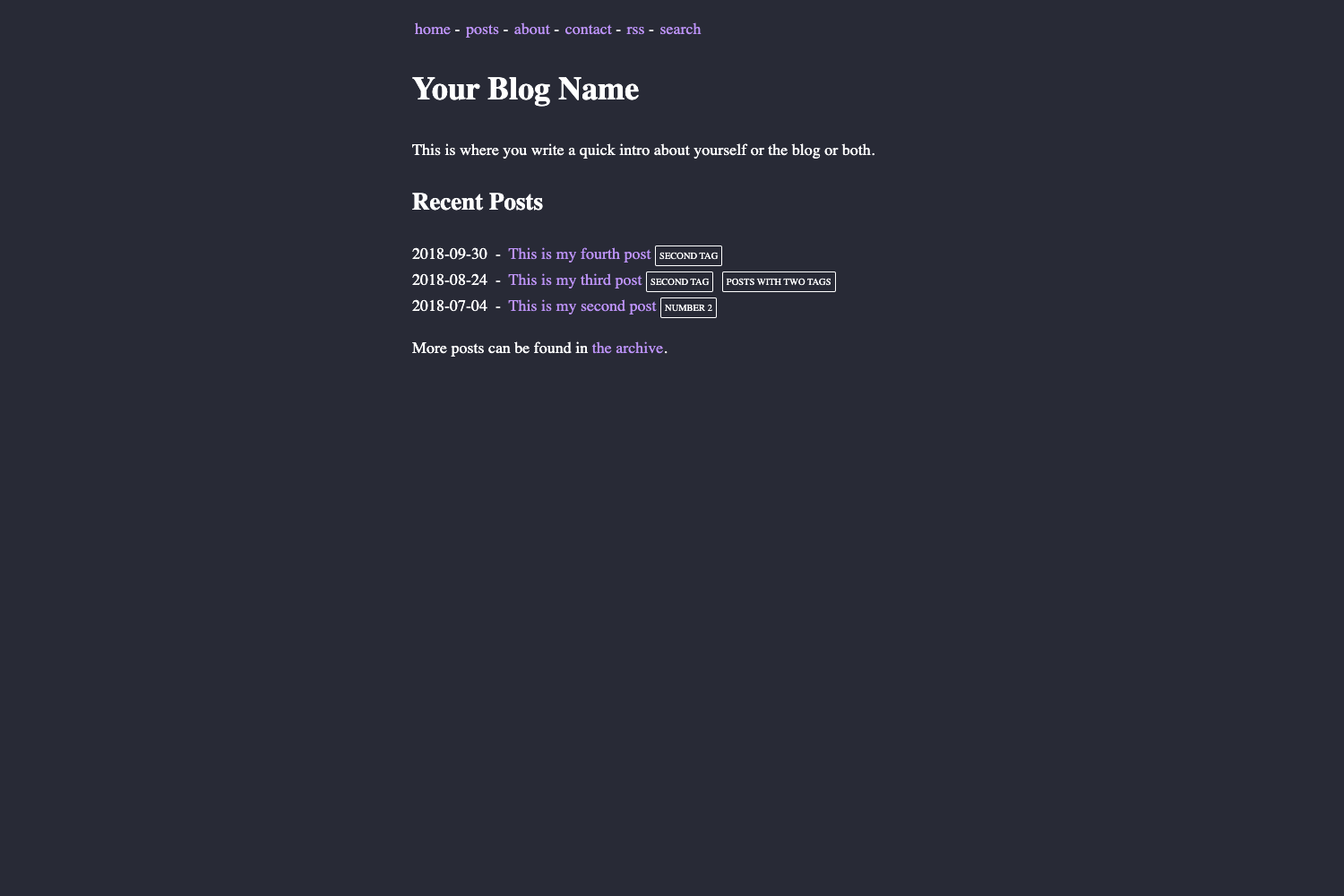
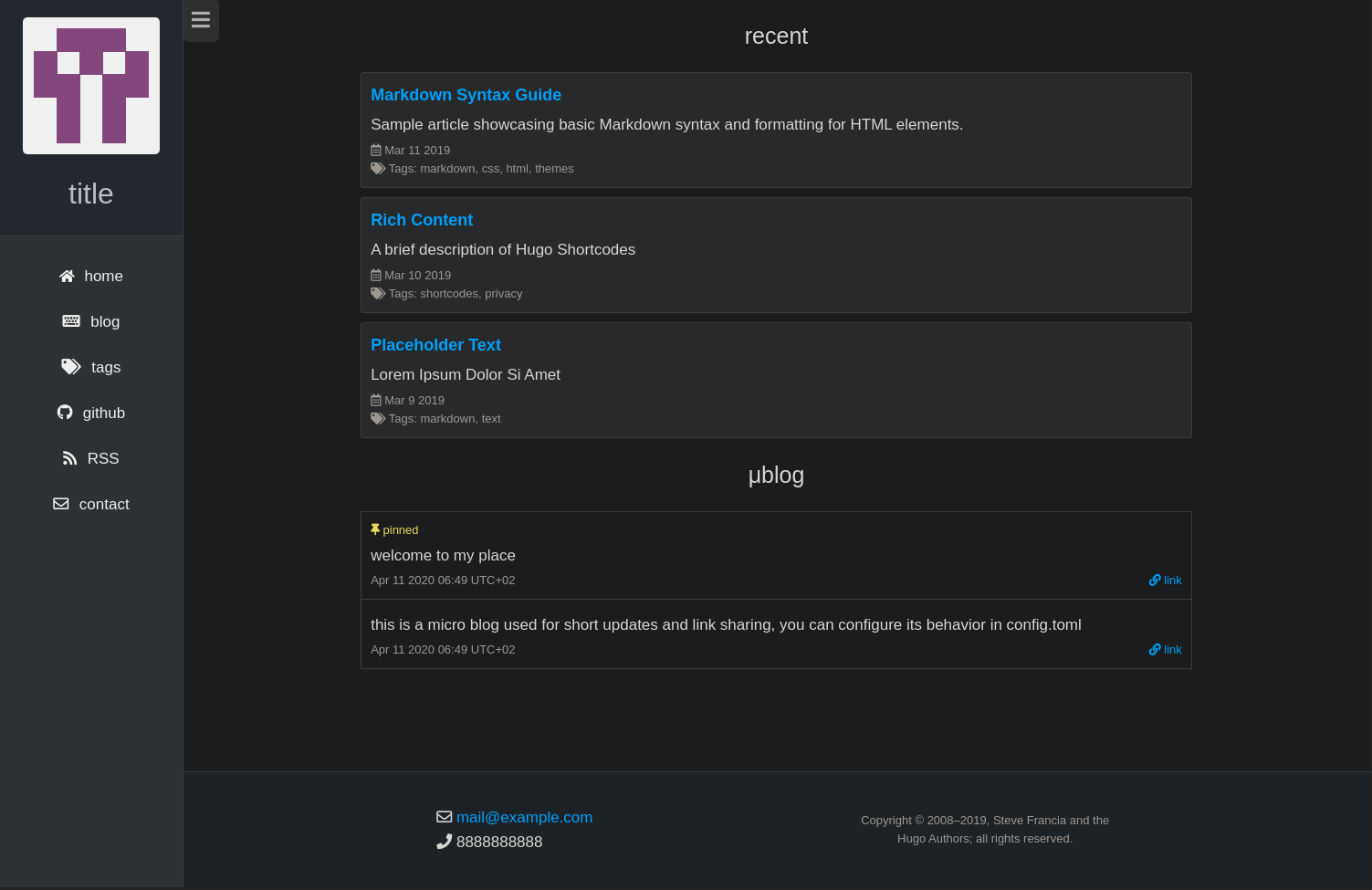
Lagom is a free, open-source Jekyll blog theme built for personal publishing, extracted by Matt Swanson from the source of his own site at mdswanson.com. The name comes from the Swedish word for 'just the right amount,' and the theme's styling matches that idea: a responsive, minimal layout with a focus on content.
What is Lagom?
Lagom is a Jekyll theme for blogs and personal sites. It takes a standard Jekyll project (posts written in Markdown, configuration in _data/theme.yml) and produces a static site with a responsive layout, an Atom feed, and Font Awesome icons. It runs on any Jekyll environment, including GitHub Pages via the gh-pages branch, and is distributed under the MIT license with no attribution required.
Key Features
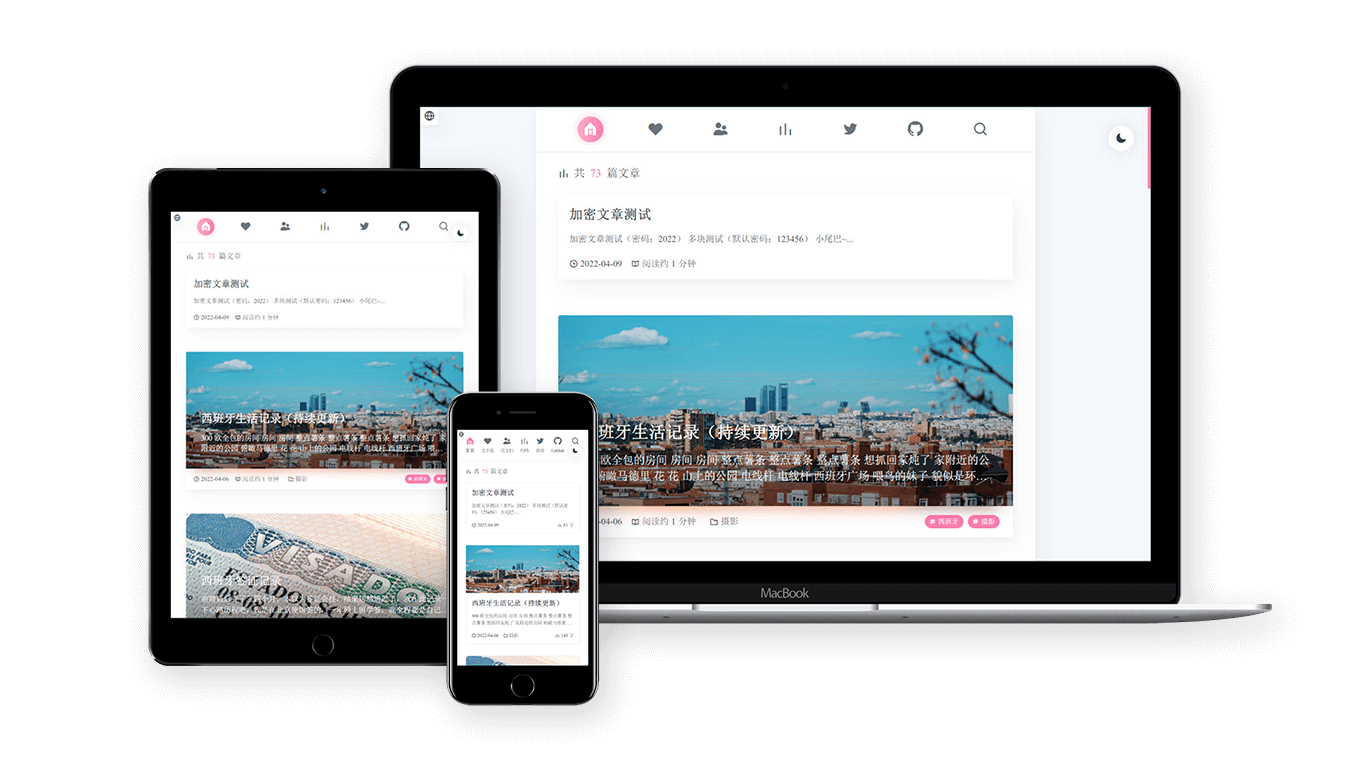
- Responsive layout — Built on the Skeleton CSS framework, so the theme adapts to mobile, tablet, and desktop widths without extra configuration.
- Font Awesome icons — Social links and other UI elements use Font Awesome icon fonts out of the box.
- Open Sans typography — Loads the Open Sans font from Google Web Fonts for readable body text.
- Built-in Atom feed — Generates an XML feed of your posts without needing a separate plugin.
- theme.yml configuration — Social links, accent color, and other site settings live in a single YAML data file.
- Simple deployment to GitHub Pages — The repository includes a
CNAMEfile for custom domains and works by renaming your repo tousername.github.io. - MIT licensed — You can use it on your own site without linking back or including a disclaimer.
Who is it for?
- Personal bloggers — Get a live blog on GitHub Pages in minutes by forking the repository and editing Markdown posts.
- Developers who know Git — The install flow assumes comfort with
git cloneandbundle install, so it suits technically inclined users who want a Jekyll theme they can tweak. - Design-conscious writers — The minimal Swedish-inspired aesthetic gives a calm reading experience without custom design work.
What can you do with Lagom?
- Publish a personal blog — Write posts in Markdown, run
jekyll servelocally, and push to GitHub Pages to go live. - Customize the brand — Change the accent color and social links in
theme.yml, replacelogo.pngandfavicon.png, and set your domain inCNAME. - Run a simple portfolio or content site — While it's positioned as a blog theme, the single-column layout can present a short bio, projects, or an about page using Jekyll's page system.
How does Lagom work?
Fork and clone the repository, then run bundle install to get the GitHub Pages gem (which includes Jekyll). Start the local server with jekyll serve, and edit the files under _data/theme.yml and _posts to shape the site. To deploy, rename your GitHub repository to your username.github.io and push; everything on the gh-pages branch is served automatically.
FAQ
Is Lagom free?
Yes. The theme is released under the MIT license with no added caveats, so you can use it on personal or commercial sites without paying or linking back to the author.
Do I need a separate Jekyll setup to use Lagom?
No. The repository includes everything you need. Running bundle install installs the GitHub Pages gem, which includes Jekyll and the dependencies, then jekyll serve starts a local server at http://localhost:4000.
Can I use a custom domain with Lagom?
Yes. Edit the CNAME file in the repository to contain only your domain name (for example, example.com), then push to GitHub Pages. The theme will respect the custom domain when your repository is set up correctly.
Does Lagom support social links?
Yes. Social links are configured in the _data/theme.yml file, and they render using Font Awesome icons in the header and footer.
What styling framework does Lagom use?
Lagom's responsive layout is based on Skeleton, a lightweight CSS framework. It doesn't use a build step or preprocessor; the CSS is plain and served as-is by Jekyll.