Template details
hugo-theme-basic
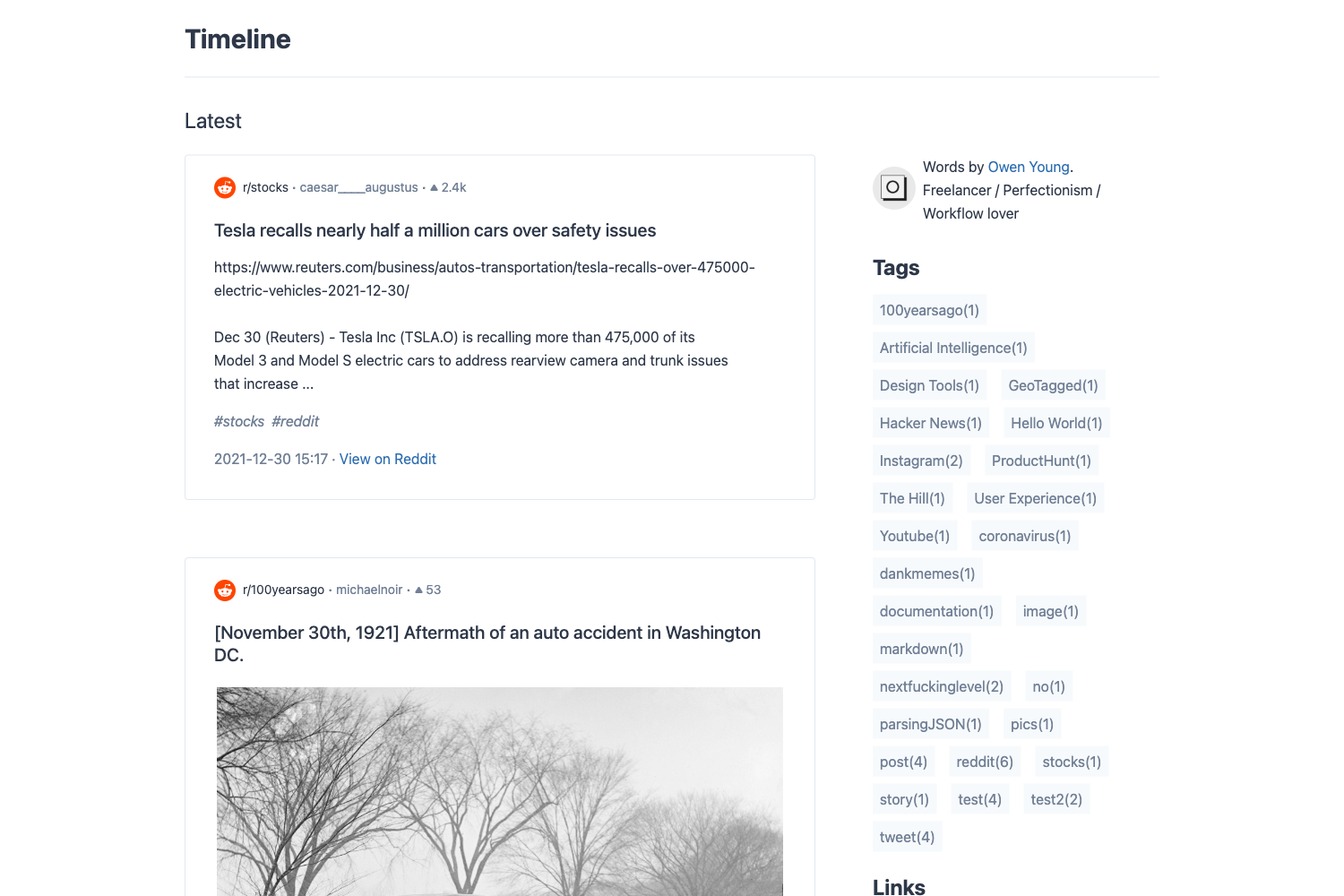
A minimal Hugo theme for personal sites with Tachyons styling, syntax highlighting, and a series taxonomy for blog posts.
About this template
hugo-theme-basic is a minimal Hugo theme for personal sites that combines Tachyons utility CSS, highlight.js syntax highlighting, and a built-in series taxonomy for grouping related blog posts.
What is hugo-theme-basic?
hugo-theme-basic is a Hugo theme designed for personal websites and blogs. It takes Markdown content — posts, pages, and projects — and renders a static HTML site. The theme is maintained by siegerts on GitHub and is released under the MIT license. A live demo is available at https://hugo-theme-basic.netlify.app/.
Key Features
- Tachyons styling — The theme is styled with the minimal functional CSS framework Tachyons, keeping the default look lightweight and composable.
- Syntax highlighting — Code blocks are highlighted with highlight.js; the color theme can be swapped by editing the stylesheet in
layouts/partials/head_includes.html. seriestaxonomy — A custom taxonomy groups related posts, and a "Read More" section appears at the bottom of a post when two or more posts belong to the same series.- Configurable menu — Menu links like blog, post series, and about are defined in order in the config file using the
params.menusetting. - Three content types — The theme supports
post,page, andprojectcontent types, each with their ownhugo newcommand, and project pages can be extended by customizing/layouts/section/project.html. - Example site and config — An
exampleSitedirectory provides a workingconfig.tomland content structure, making it easy to copy and adapt.
Who is it for?
- Personal bloggers — Publish a clean, fast-loading blog with posts organized into series for serialized content.
- Project developers — Showcase work on a portfolio using the dedicated
projectcontent type and a customizable section layout. - Hugo and blogdown users — The theme is included in the blogdown ecosystem (the repo is tagged for R stats), so R users can use it with blogdown’s site generation.
Use cases
- Writing multi-part tutorials: group related posts with the
seriestaxonomy so readers can navigate the entire series from a "Read More" block at the end of each post. - Building a personal landing page: use
pagecontent for an about page andpostfor a blog, all wired into the menu viaparams.menu. - Creating a project portfolio: add project entries with
hugo new project/<project-name>.mdand customize the project listing template.
How does it work?
Install the theme by cloning the repository into your Hugo themes directory or by adding it as a git submodule (git submodule add https://github.com/siegerts/hugo-theme-basic.git themes/hugo-theme-basic). Then copy the sample config.toml from the exampleSite folder to the root of your site, create content with the hugo new commands, and run hugo server to preview the site locally.