Template details
Minimal Mistakes Template
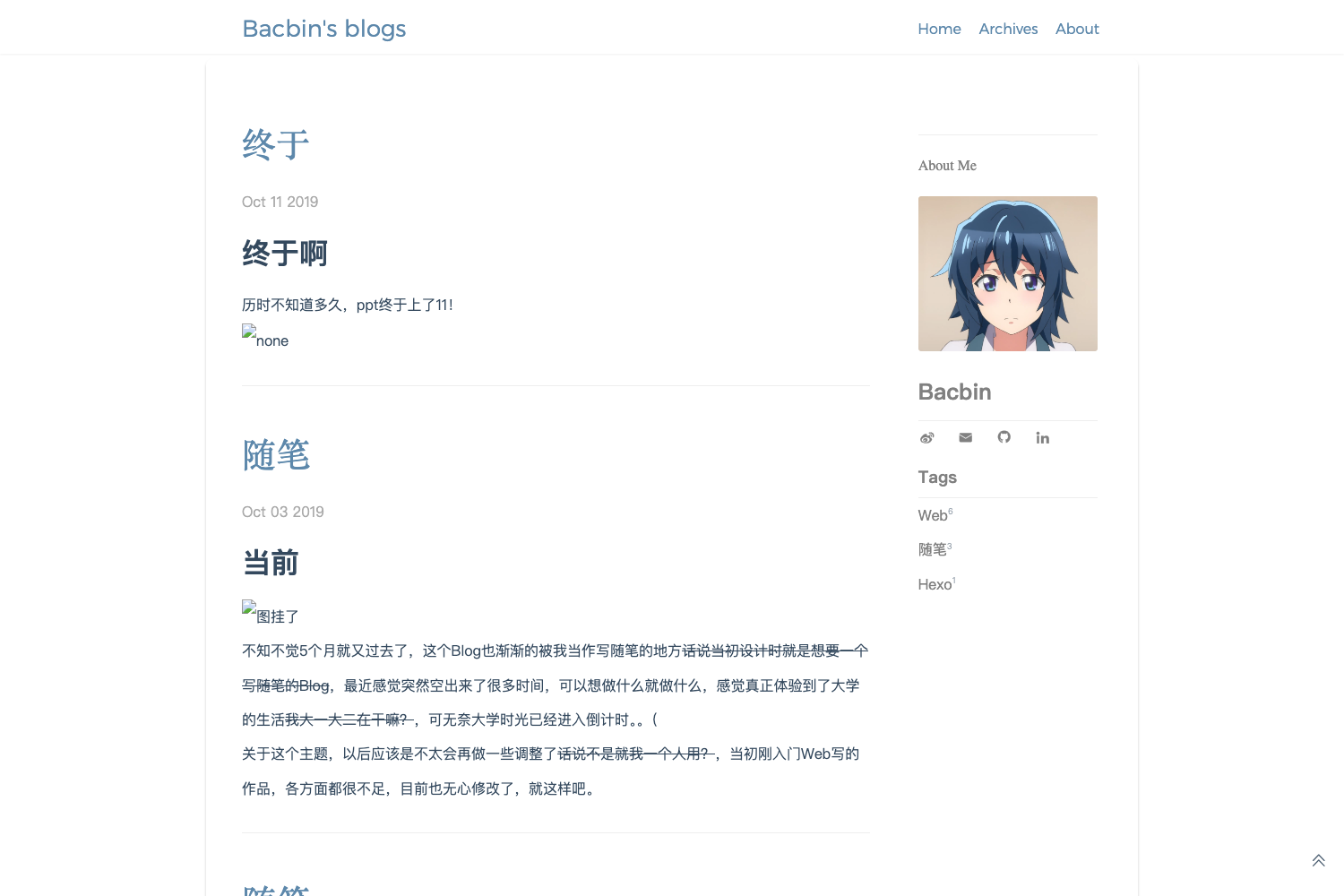
Create your personal blog with MathJax, LaTex, and more built-in features by cloning this template.
About this template
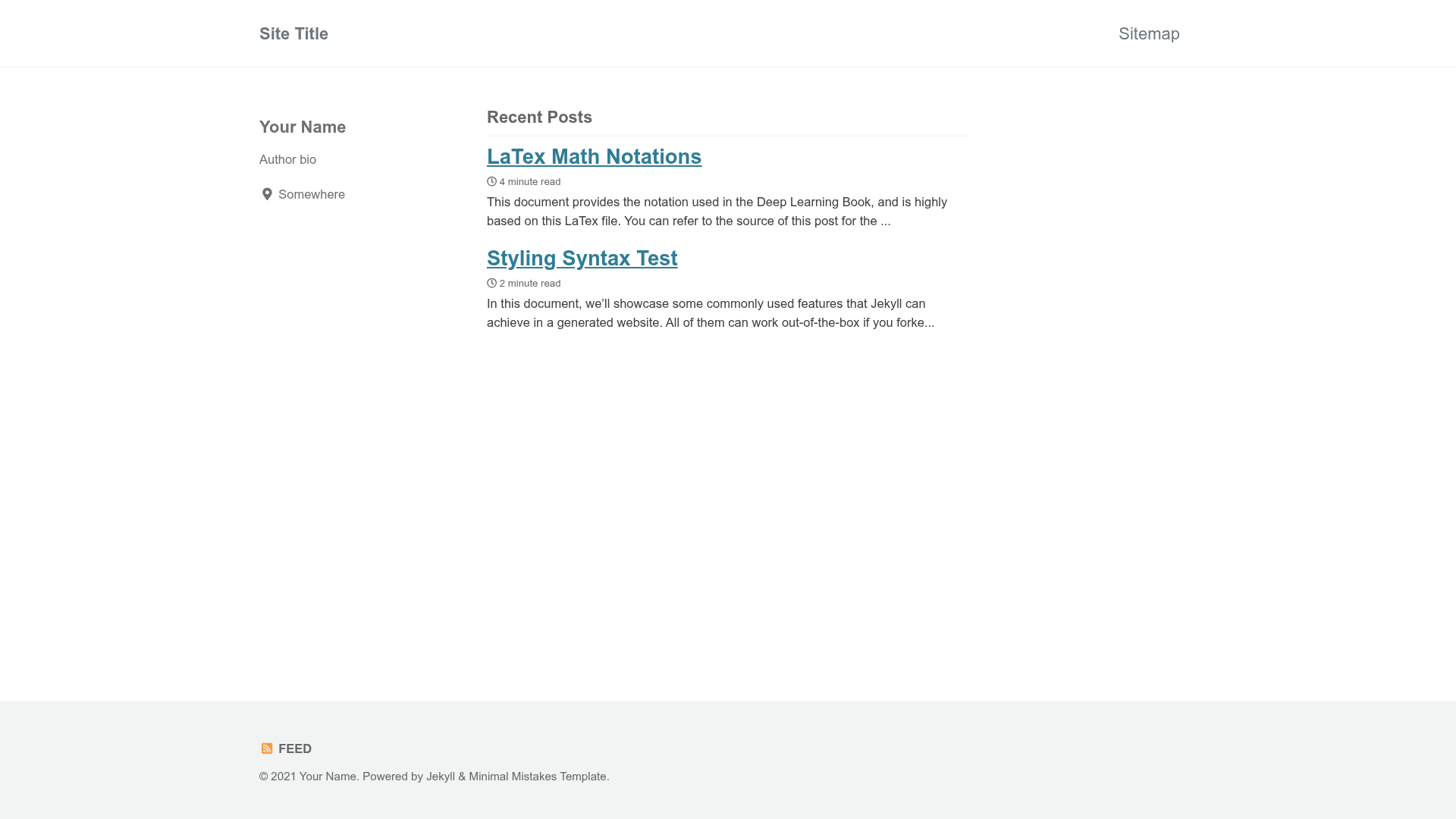
Minimal Mistakes Template is a Jekyll blog boilerplate that pre-configures MathJax, LaTeX, and the Minimal Mistakes theme so you can publish a technical blog on GitHub Pages by cloning a repository and pushing content.
What is Minimal Mistakes Template?
Minimal Mistakes Template is a minimal Jekyll blog template created by j3soon, customized from the Minimal Mistakes theme. It takes your Markdown posts and Jekyll configuration files as input and produces a static blog website with built-in MathJax and LaTeX rendering support. The template is designed to run on GitHub Pages, and it includes cross-platform scripts for local preview and deployment.
Key Features
- MathJax integration — MathJax is loaded via
_includes/scripts.html(Apache-2.0 licensed) so LaTeX math expressions in Markdown posts render correctly in the browser without additional configuration. - dlbook_notation support — A customized version of the
dlbook_notationlibrary from the Deep Learning book repository is included in_includes/dl-book-latex.html, giving you a set of LaTeX macros for consistent mathematical notation. - Cross-platform preview scripts — Linux and macOS users can run
scripts/preview.shafter installing Jekyll; Windows users get equivalent batch files (preview.bat,set_env_local.bat,set_env_ghpages.bat). - GitHub Pages deployment workflow — Use
set_env_local.shto prepare the environment for local preview andset_env_ghpages.shto revert it before committing; pushing to GitHub updates the live site. - Based on Minimal Mistakes — The template inherits the features of the Minimal Mistakes theme, with the Gemfile pinning the theme version (MIT licensed).
- Minimal and hackable — The repository is intentionally small, making it easy to inspect and modify every configuration file, layout, and include.
Who is it for?
- Jekyll users who want a ready-made blog setup without manually wiring up MathJax and LaTeX support.
- Technical writers and academics who regularly publish posts containing mathematical formulas and want them to render on GitHub Pages.
- Deep learning researchers who prefer notation consistent with the Deep Learning book via the preloaded dlbook_notation macros.
- Developers who want a simple static blog template that can be previewed locally and deployed to GitHub Pages with the included scripts.
What can you do with Minimal Mistakes Template?
- Academics: write blog posts in Markdown with LaTeX math expressions and have them rendered automatically by MathJax on your GitHub Pages site.
- Deep learning practitioners: use the customized dlbook_notation macros to write equations that match the notation style of the Deep Learning book.
- Open-source maintainers: clone the template, rename it, and quickly set up a project blog or documentation site using Jekyll's static site generation.
How does Minimal Mistakes Template work?
First install Jekyll following the official installation guide. Then clone the repository, run set_env_local.sh (or .bat on Windows) to set up local preview, and use preview.sh to start a local server. When you are satisfied with the preview, run set_env_ghpages.sh to revert the environment, then commit and push to GitHub to update the GitHub Pages site.
FAQ
Does Minimal Mistakes Template require Jekyll to be installed?
Yes. You must install Jekyll on your machine before using the local preview scripts. The template does not bundle a Jekyll executable; it relies on the system-wide Jekyll installation.
How do I deploy my blog to GitHub Pages?
After making changes, run scripts/set_env_ghpages.sh (or .bat on Windows) to revert any local preview settings. Then stage, commit, and push your changes to GitHub. The repository is configured to publish the site through GitHub Pages.
What is dlbook_notation and why is it included?
dlbook_notation is a collection of LaTeX macros from the Deep Learning book repository. This template includes a customized version for Jekyll, allowing you to write mathematical notation using the same commands as the book without defining them yourself.
What are the system requirements for Windows?
The Windows batch scripts were tested on Windows 10. You also need Jekyll installed on Windows and must run the commands from the command prompt or PowerShell.
Is the template free to use?
The template is publicly available on GitHub. Its main dependency, Minimal Mistakes, is licensed under the MIT License, and MathJax is licensed under Apache-2.0, so both are free to use and modify.