Template details
hugo-theme-virgo
A simple and pure Hugo blog theme with two display modes, local fonts, and an Obsidian-friendly tag list.
About this template
hugo-theme-virgo is a Hugo theme for personal blogs that offers a minimal reading experience through two display modes, local fonts, and a homepage tag list inspired by Obsidian.
What is hugo-theme-virgo?
hugo-theme-virgo is a static blog theme built for the Hugo site generator. It consumes Markdown files and Hugo settings and outputs a complete blog website with navigation, article listing, and tag pages. The theme is listed on the official Hugo Themes gallery; the repository page shows 115 stars on GitHub. The project’s usage guide is hosted separately on aituyaa.com, with the author explaining that this keeps README updates from triggering unnecessary theme commits.
Key Features
The theme's main value comes from a focused set of features that cover display modes, typography, navigation, and search. The following bullets list what each feature does in concrete terms.
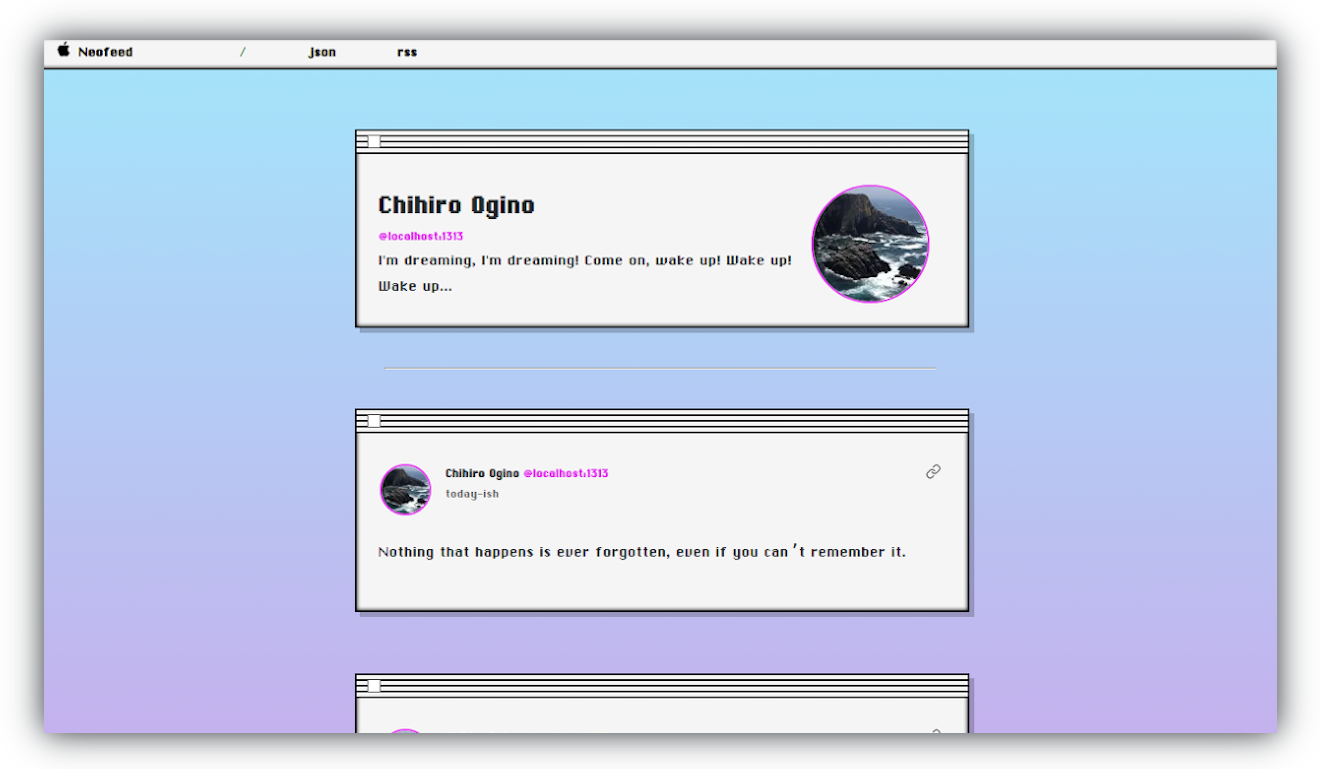
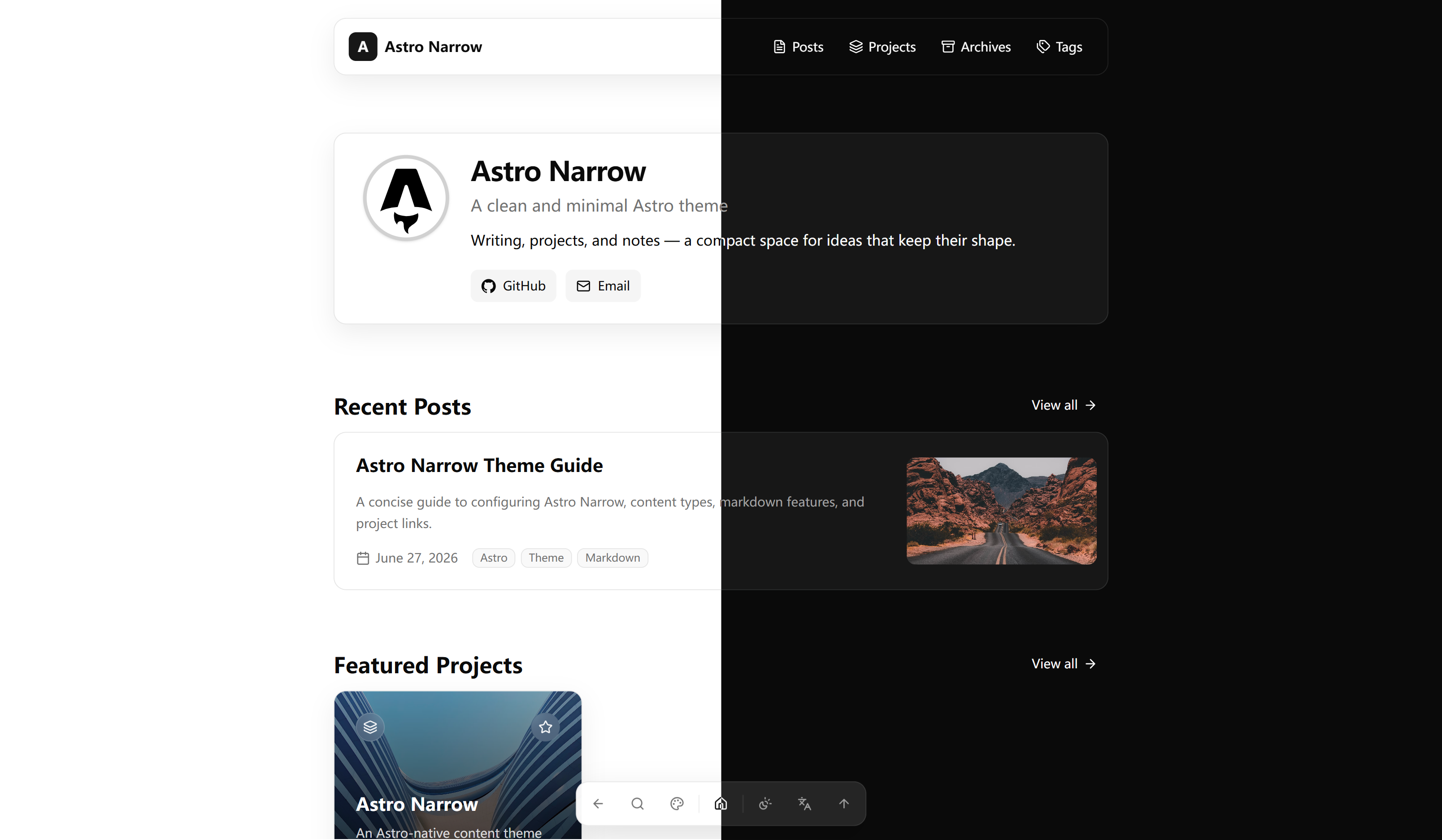
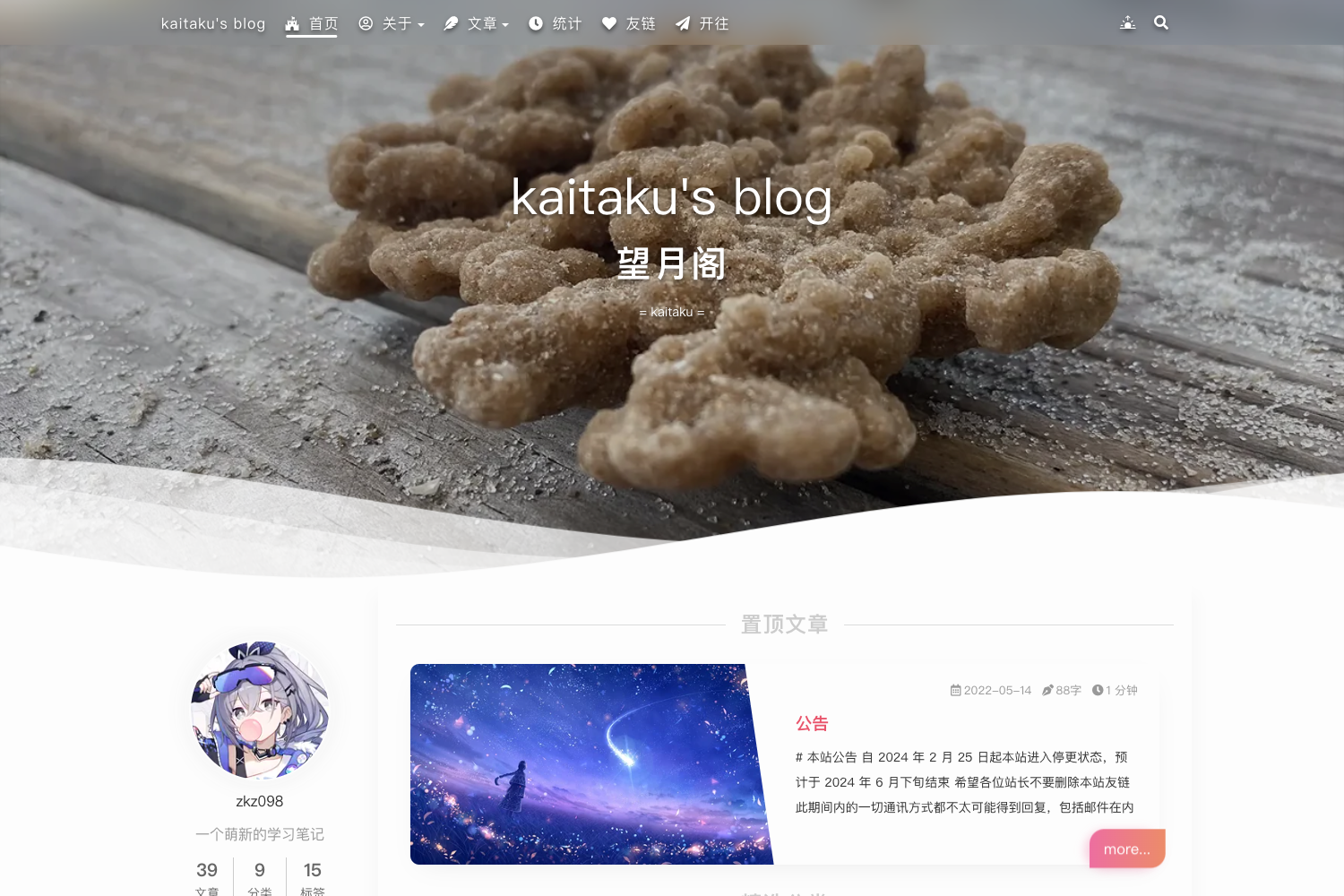
- Two display modes — The theme provides two visual styles: 纯净 (pure) and 酷爽 (cool), allowing you to change the site's appearance from the configuration.
- Local fonts included — Retained from the older release, the theme bundles local font files, so the site does not depend on Google Fonts or other CDN services.
- Highlighted hierarchical table of contents — Articles receive a highlighted, nested TOC based on their heading structure, which helps readers navigate long posts.
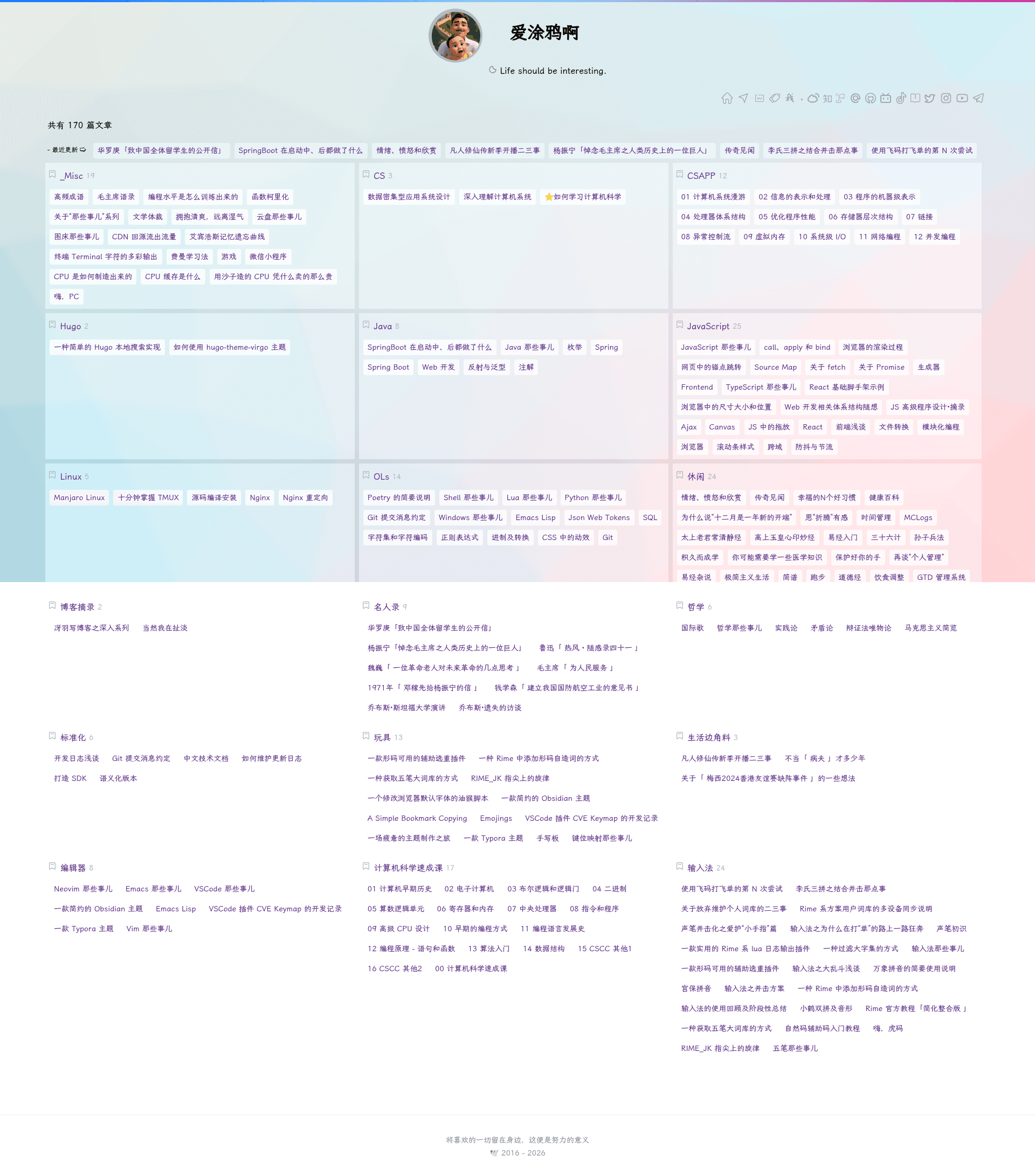
- Homepage tag list — In the new version, the archive page was replaced with a tag-only list placed directly on the homepage, matching how Obsidian organizes notes by tags.
- Simplified page structure — The new version merges the standalone article and archive pages into a single navigation, reducing the number of paths in the site.
- Legacy local real-time search — The older version includes a client-side search that filters articles instantly; this feature was removed in the new version to slim the theme.
Who is it for?
This theme is aimed at site owners who want a lean, content-focused blog without extra noise. It fits several specific user groups.
- Hugo users who want a clean blog theme — They can install hugo-theme-virgo and have a distraction-free reading environment with two style options.
- Obsidian users publishing notes — Since the homepage can display a tag list, anyone using Obsidian's tag-based organization can build a blog that reflects that structure.
- Developers who prefer minimal configuration — The new version trims configuration options, so you can get a working site with fewer settings to adjust.
What can you do with hugo-theme-virgo?
The theme supports day-to-day blogging tasks without requiring custom code. Here are the main use cases drawn from its actual features.
- Bloggers: Start a personal blog with Hugo and switch between pure and cool modes to find the visual tone you like.
- Obsidian note-takers: Publish your tagged Markdown notes as a blog, using the homepage tag list as a category index.
- Performance-conscious site owners: Use the included local fonts to avoid external requests and speed up page loads.
FAQ
Does hugo-theme-virgo include local search?
The legacy version includes a local real-time search feature. The new version removed it to simplify the theme, so if you rely on search, you should use the old release.
How do I install hugo-theme-virgo?
The theme is listed on the Hugo Themes gallery. The author's usage guide is available at aituyaa.com, which explains installation and configuration; the guide is intentionally kept separate from the README for easier updates.
Can I use hugo-theme-virgo with Obsidian?
The new version's homepage tag list is designed around Obsidian's tag-only modeling, so it is a good match for publishing Obsidian notes. No special plugin is documented; you simply write Markdown with tags.
What is the difference between the two versions?
The old version (aituyaa.github.io) is the full-featured release with local search, separate archive and article pages, and adjacent article navigation. The new version (aituyaa.com) is a lite redesign that removes those features, merges pages, and puts a tag list on the homepage.