Template details
Kira-Hexo
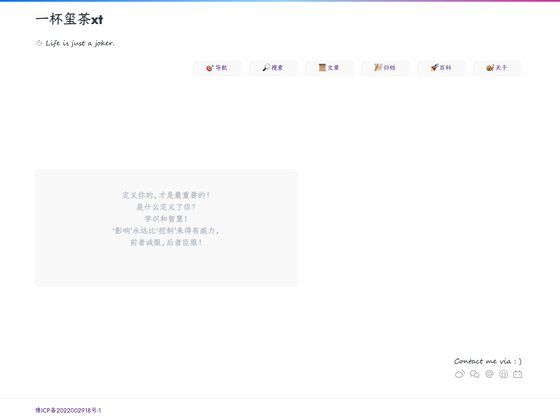
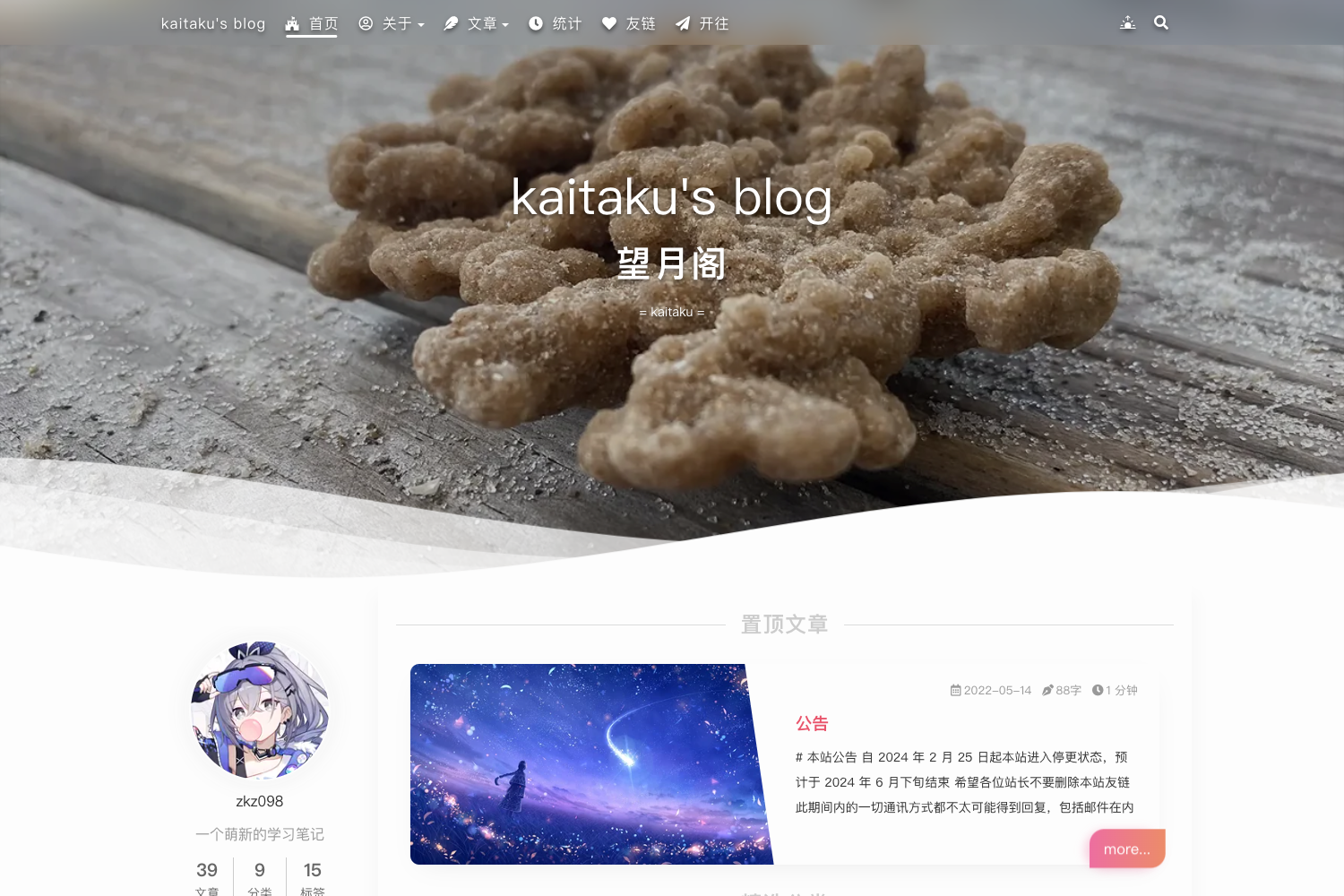
A sparkling Hexo theme for stylish personal blogs, inspired by nexmoe. Preview at https://kira.host/
About this template
Kira-Hexo, also known as hexo-theme-kira, is a Hexo blog theme designed to give personal sites a bright, eye-catching 'KiraKira' style, built with Stylus and inspired by the nexmoe theme.
What is Kira-Hexo?
Kira-Hexo is a styling theme for the Hexo static site generator. It takes Hexo site content — Markdown posts and pages — and outputs a fully styled blog site with a distinctive visual identity. The theme is distributed as an npm package (hexo-theme-kira) and its source is available on GitHub in the ch1ny/kira-hexo repository, where it has received 134 stars. Its design inspiration is explicitly credited to hexo-theme-nexmoe, a separate Hexo theme.
Key Features
- Template scaffolding — Generate a new blog quickly using the create command with npm, yarn, or pnpm:
npm create kira-hexo@latest my-blog,yarn create kira-hexo my-blog, orpnpm create kira-hexo my-blog. - Open-source distribution — The theme is published to npm and maintained on GitHub, with an issue tracker for submitting suggestions and feedback.
- Nexmoe-inspired design — The visual style is based on the nexmoe theme, giving blogs an unconventional, standout appearance rather than the default Hexo look.
- Hexo integration — Built specifically for Hexo, the popular Node.js static site generator, so it works with Hexo's standard folder structure and Markdown content.
- Live preview — A preview is available at https://kira.host/ to see the theme in action before installing.
- Documentation — A '快速开始' (Quick Start) guide is linked from the repository, walking users through setting up a styled site.
Who is it for?
- Hexo bloggers who want to move away from default themes and give their personal blog a more expressive, 'sparkling' aesthetic without writing a theme from scratch.
- Front-end developers who are comfortable with Hexo and want a theme that can be customized through Stylus styling and standard Hexo templating.
- Open-source enthusiasts who prefer themes distributed via npm and GitHub with an active issue tracker for community feedback.
What can you do with Kira-Hexo?
- Personal bloggers: Start a new Hexo blog in minutes using the scaffold command, then write posts in Markdown and have them rendered with the KiraKira visual style.
- Customizers: Modify the theme's Stylus files to adjust colors and layout, since the theme is built with Stylus.
- Hexo learners: Explore how a production Hexo theme is structured, from the npm package to the GitHub source code.
How does Kira-Hexo work?
Kira-Hexo works like a standard Hexo theme: you install it via npm or by cloning the GitHub repository, then run Hexo's generation commands to build your site. For a faster start, the project provides a scaffolding command — for example, npm create kira-hexo@latest my-blog — that creates a new blog directory with the theme already set up.
Alternatives
hexo-theme-nexmoe — the theme that inspired Kira-Hexo's design, available as a separate Hexo theme.
FAQ
How do I install Kira-Hexo?
You can use the scaffolding command with your preferred package manager, such as npm create kira-hexo@latest my-blog, or follow the '快速开始' quick start guide linked from the GitHub repository.
Is Kira-Hexo free?
The theme is open source and distributed through npm and GitHub, so it is free to use. Its source code is publicly available in the ch1ny/kira-hexo repository.
What is the design based on?
The repository states that the design inspiration comes from hexo-theme-nexmoe, and it thanks the original author for support.