Template details
Hugo Theme Zdoc
A documentation theme for Hugo with blog support, dark mode, search, and i18n.
About this template
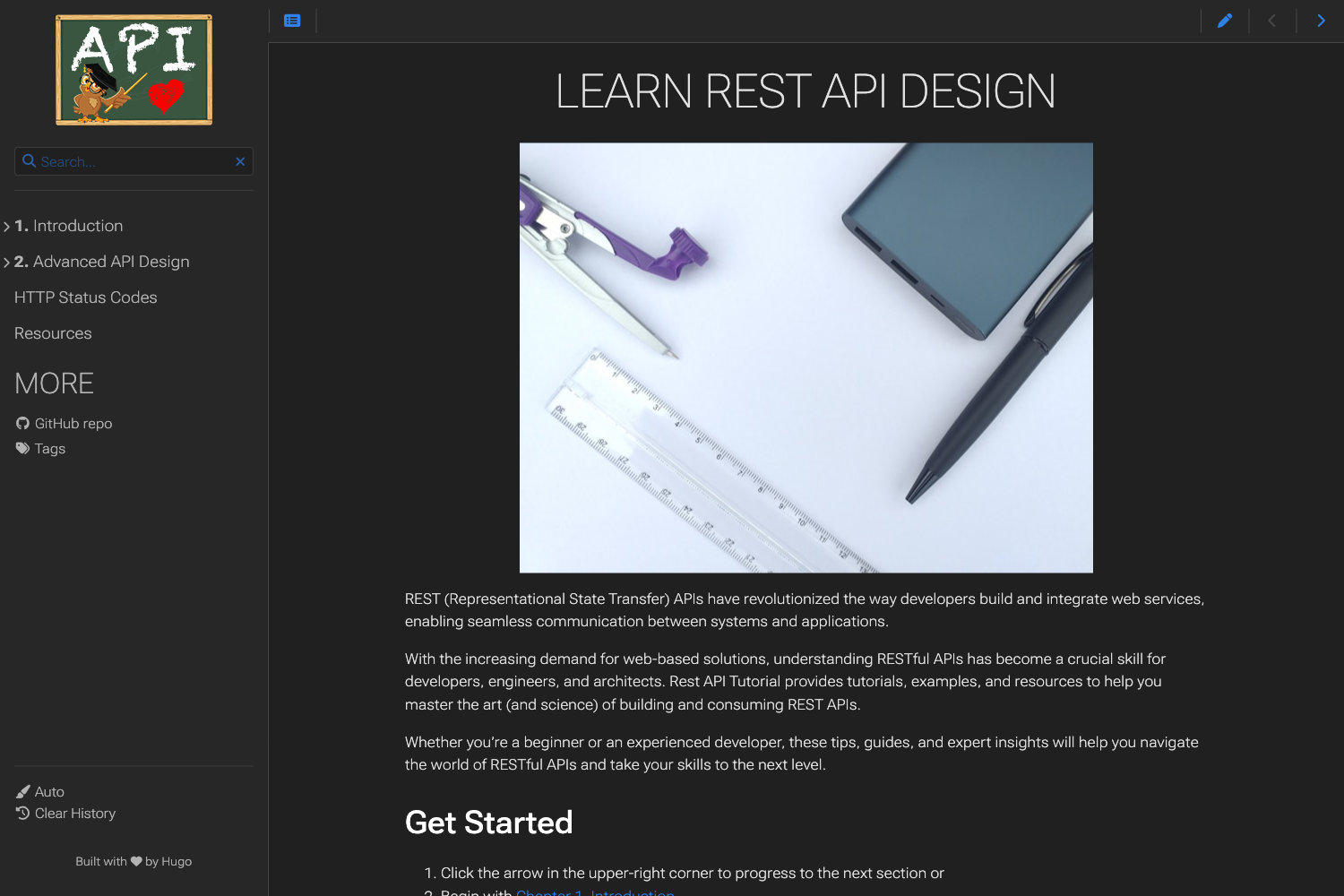
Hugo Theme Zdoc is a documentation-focused theme for the Hugo static site generator that produces simple, mobile-friendly documentation sites with built-in blog support. It runs on Hugo 0.65.0 or higher and outputs static HTML from Markdown content, making it a lightweight option for project docs, knowledge bases, and personal blogs.
What is Hugo Theme Zdoc?
Hugo Theme Zdoc is a Hugo theme designed specifically for building documentation websites. It accepts Markdown files as input and generates a static, fast-loading HTML site as output. The theme is maintained through donations via Buy Me a Coffee (username zzossig), and its official documentation is hosted at https://zzo-docs.vercel.app/zdoc. Beyond documentation, the theme can also be used to create a blog, giving users two content modes in one template.
Key Features
- Dark mode — Toggles between light and dark color schemes, improving readability in low-light environments.
- Mobile menu — Collapsible navigation that adapts to small screens for easier browsing on mobile devices.
- Search — Built-in client-side search to help readers find content quickly across the whole docs site.
- Search Engine Optimization (SEO) — Built-in SEO support to help pages rank better in search results without extra plugins.
- Multilingual (i18n) — Native support for multiple languages, letting you publish the same docs in several languages.
- Responsive design — The layout responds to different viewport widths, from phones to desktop monitors.
- Fast code highlighting — Code syntax highlighting is optimized for speed, so documentation pages with many code blocks still load quickly.
- Table of Contents (TOC) — Automatically generates a TOC for each page, helping readers navigate long articles.
- Code Tab — Lets you present multiple code examples in tabbed panels, useful for showing code in different languages or versions.
- Blog support — A separate blog section can be added to the same site, combining documentation with articles.
Who is it for?
Hugo Theme Zdoc is for anyone who needs to publish structured technical content on the web. Developers maintaining open-source projects can use it to create clean API references and user guides. Technical writers can leverage the TOC and code tab features to organize tutorials and examples. Teams building internal knowledge bases will appreciate the search and multilingual support. Bloggers who also want to document their projects can use the built-in blog section.
What can you do with it?
- Software teams: Build a project documentation site with versioned pages, code samples, and a searchable index.
- Technical writers: Write Markdown-based guides that automatically generate a table of contents and support multiple languages.
- Educators: Create course materials or tutorial hubs with fast code highlighting and code tabs for different programming languages.
- Hobbyist bloggers: Publish a personal blog and a documentation section under one Hugo site without maintaining separate templates.
How does it work?
Hugo Theme Zdoc works like any Hugo theme: you create Markdown files in Hugo's standard content directory, configure the theme in your site configuration (such as config.toml), and run the Hugo build command. The theme then transforms the Markdown into a static site with the documentation-specific layouts, navigation, and search. Because it requires Hugo 0.65.0 or higher, you should update Hugo before using the theme.
FAQ
Is Hugo Theme Zdoc free?
Yes, the theme is free to use, and the project accepts optional donations through Buy Me a Coffee. There is no mention of a paid license or premium tier in the project's documentation.
What Hugo version is required?
Hugo Theme Zdoc requires Hugo version 0.65.0 or higher. If you are using an older version, you will need to upgrade Hugo before installing the theme.
Does Hugo Theme Zdoc support blogging?
Yes, the theme includes blog support. A blog section can be added alongside the main documentation pages, so you can publish articles and documentation from the same site.
Can I make the site multilingual?
Yes, the theme supports multilingual (i18n) sites. This allows you to provide documentation in multiple languages using Hugo's translation features.
Does it support code tabs?
Yes, the theme includes a "Code Tab" shortcode that lets you display multiple code examples in tabbed panels. This is useful for showing the same code snippet in different languages or versions.