Template details
Hugo Wiki
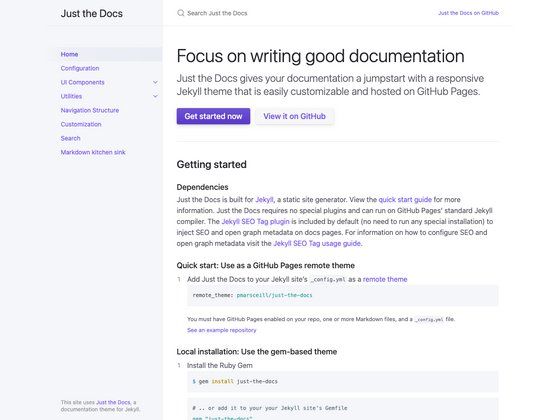
A Hugo theme for building wikis and documentation sites, based on Hugo-book v9.
About this template
Hugo Wiki is a Hugo static-site theme for building wikis and documentation sites, based on the Hugo-book v9 theme and released under the MIT license.
What is Hugo Wiki?
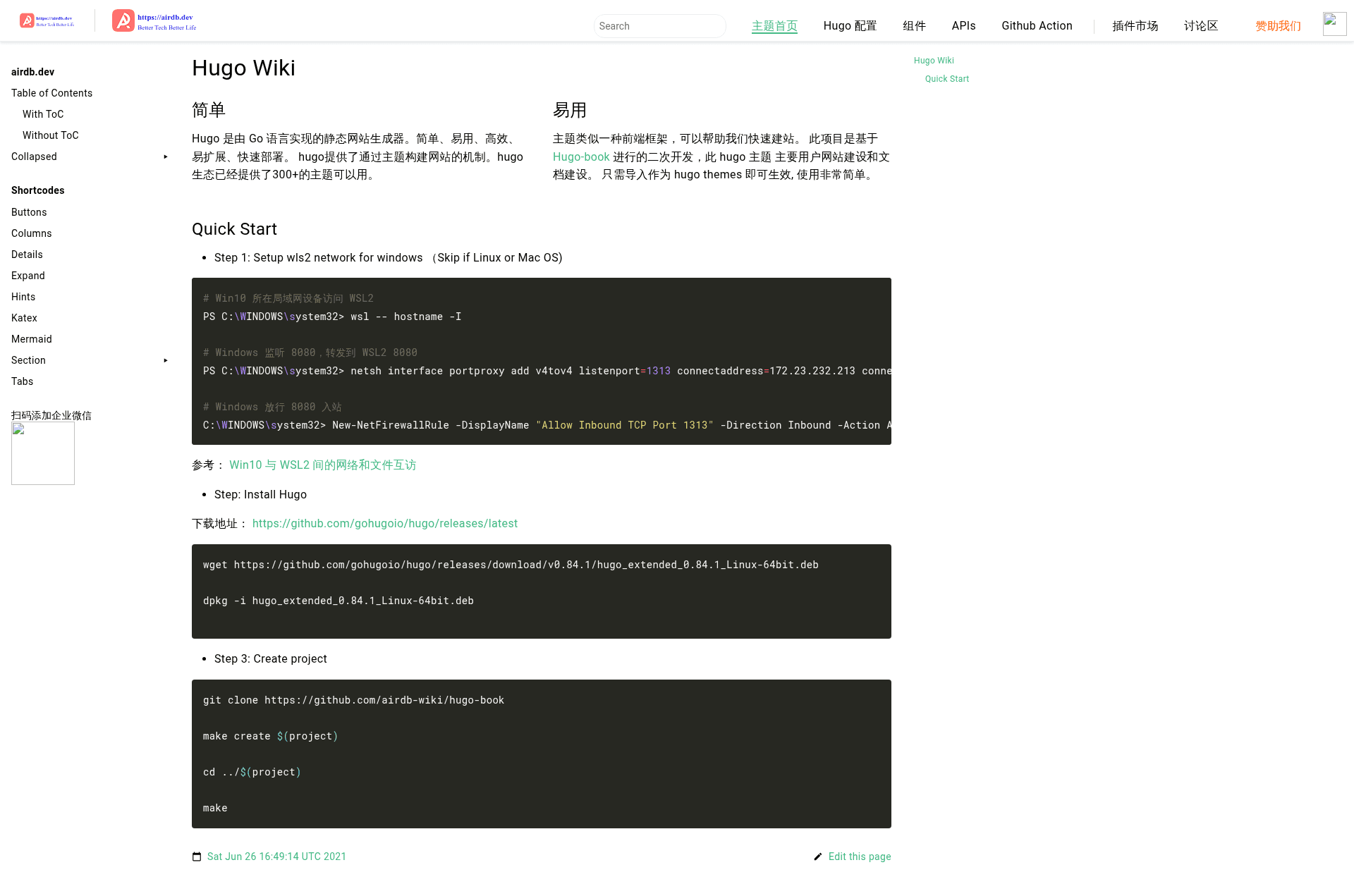
Hugo Wiki is a Hugo theme that transforms Markdown content into a navigable wiki or documentation website. It takes the Hugo-book v9 theme as its foundation and outputs a static site that can be hosted anywhere. The theme is made available under the MIT license and includes a GitHub Actions workflow for automatic builds. A live demo is hosted at airdb-wiki.github.io/hugo-book.
Key Features
- Hugo-based static output — The theme works with Hugo 0.83.1 or later, generating plain HTML and CSS files that require no server-side runtime.
- Hugo-book v9 foundation — This theme is a modified fork of the popular hugo-book theme, so it inherits the navigation and content organization patterns that hugo-book provides for documentation-style sites.
- MIT License — You can use, modify, and redistribute the theme freely for personal or commercial projects.
- GitHub Actions workflow — A pre-configured workflow named "Build with Hugo" is included, which compiles the site whenever changes are pushed to the repository.
- Live demo — The project provides a publicly hosted demonstration at airdb-wiki.github.io/hugo-book so you can preview the theme’s layout and behavior before installing it.
- Repository metadata for discoverability — The GitHub repository lists topics such as hugo, hugo-book, hugo-themes, and hugo-wiki, making it easy to find on GitHub.
Who is it for?
- Technical writers — Create a set of interconnected Markdown documents that render as a clean wiki-style site with the familiar hugo-book left navigation.
- Open-source maintainers — Publish project documentation using a Hugo-based theme that builds automatically through GitHub Actions.
- Teams that want a lightweight knowledge base — Use the theme as an internal wiki, taking advantage of Hugo’s fast static builds and the simple file-based content model.
- Hugo developers — Use the theme as a starting point for creating a customized documentation or wiki site, and because it is MIT licensed, you can adapt the source freely.
What can you do with Hugo Wiki?
- Publish documentation — Convert a folder of Markdown files into a browsable site with structured navigation, suitable for user guides and API references.
- Build a personal knowledge base — Maintain a wiki of notes, articles, and resources in Markdown and serve it as a static website.
- Create a project wiki — Host a wiki for an open-source project directly from the repository, using the included GitHub Actions workflow to rebuild the site on each commit.
FAQ
Is Hugo Wiki free to use?
Yes. The theme is released under the MIT license, which allows free use, modification, and redistribution, including in commercial projects.
Does Hugo Wiki require a specific Hugo version?
The badge in the repository indicates compatibility with Hugo 0.83.1 or later. You should use at least that version when building a site with this theme.
Is this theme different from Hugo Book?
Hugo Wiki is explicitly based on Hugo Book v9, so they share a common architecture. This project’s README states it is an improved version of that base, and it is published under the Hugo Wiki name with its own demo site.
Where can I see the theme in action?
The repository links to a live demo at airdb-wiki.github.io/hugo-book, hosted on GitHub Pages.