Template details
Compass
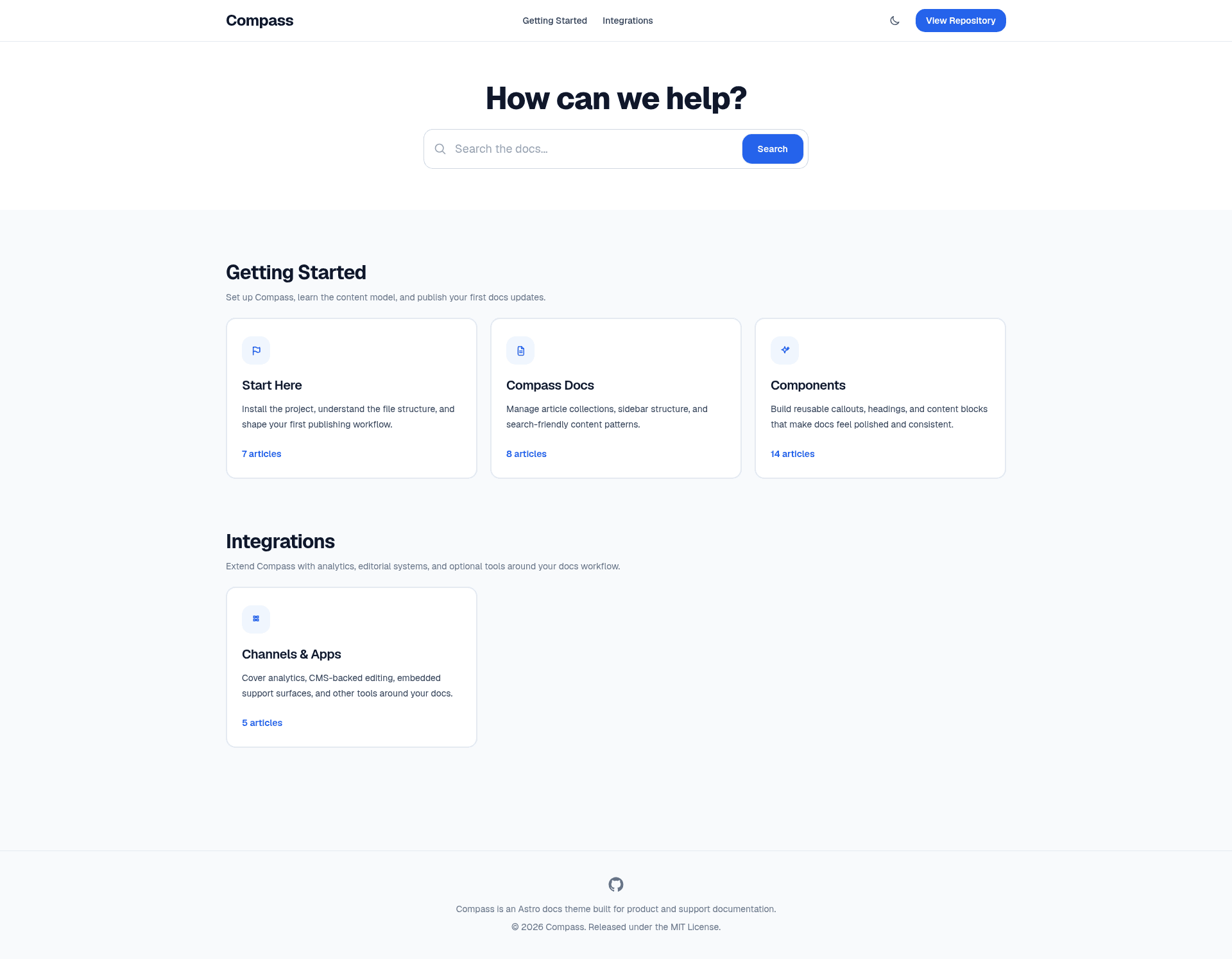
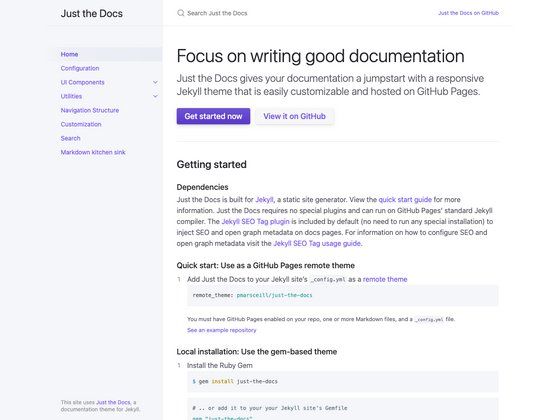
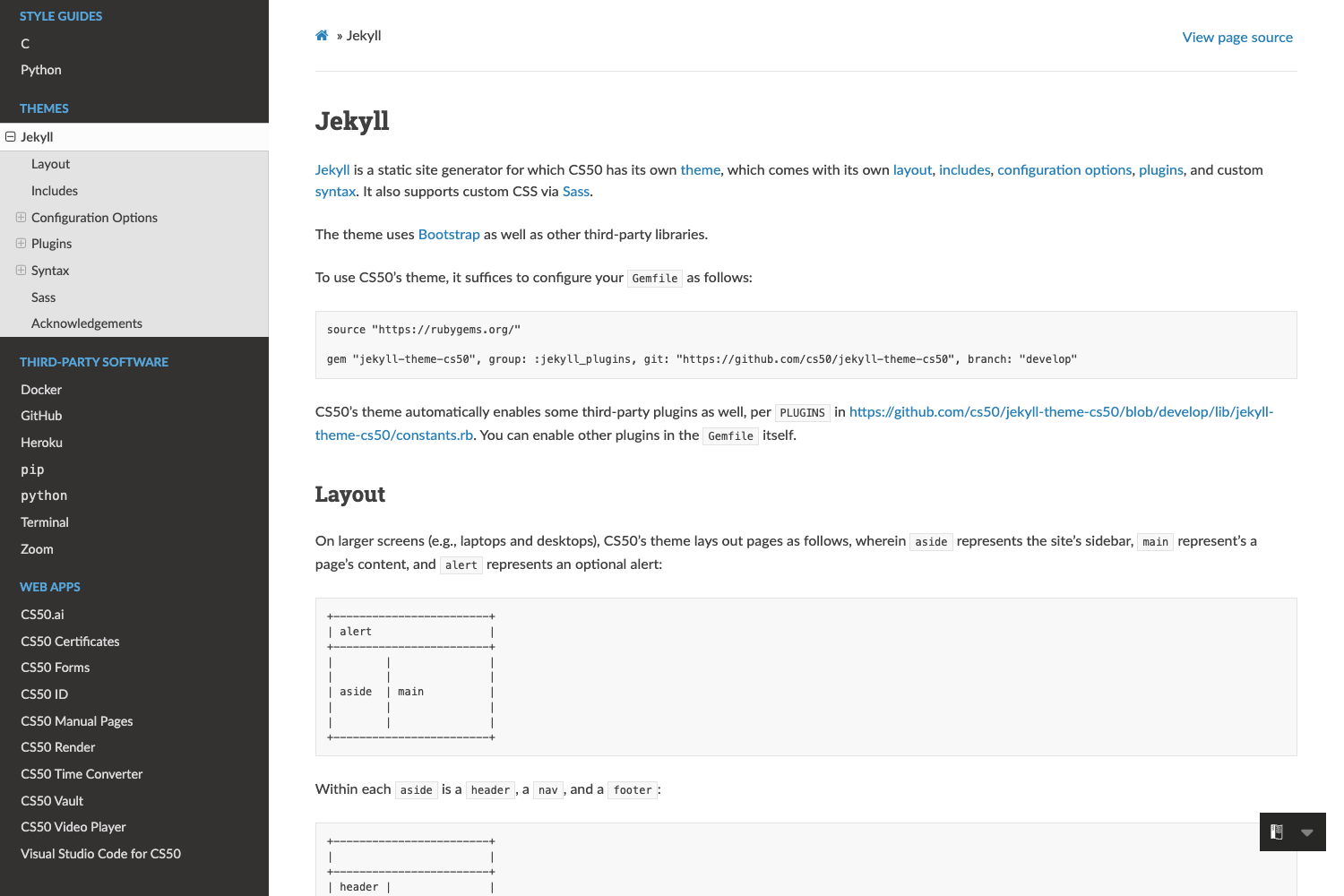
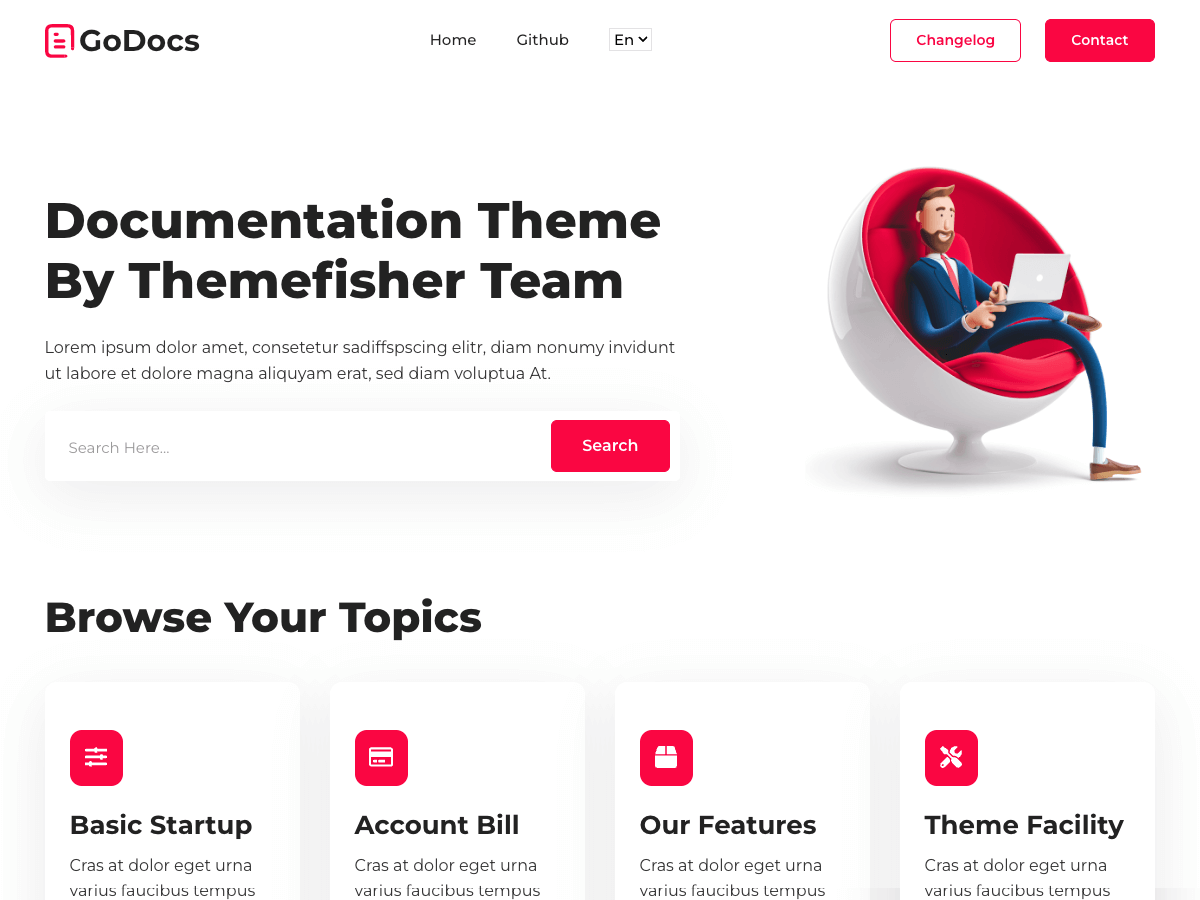
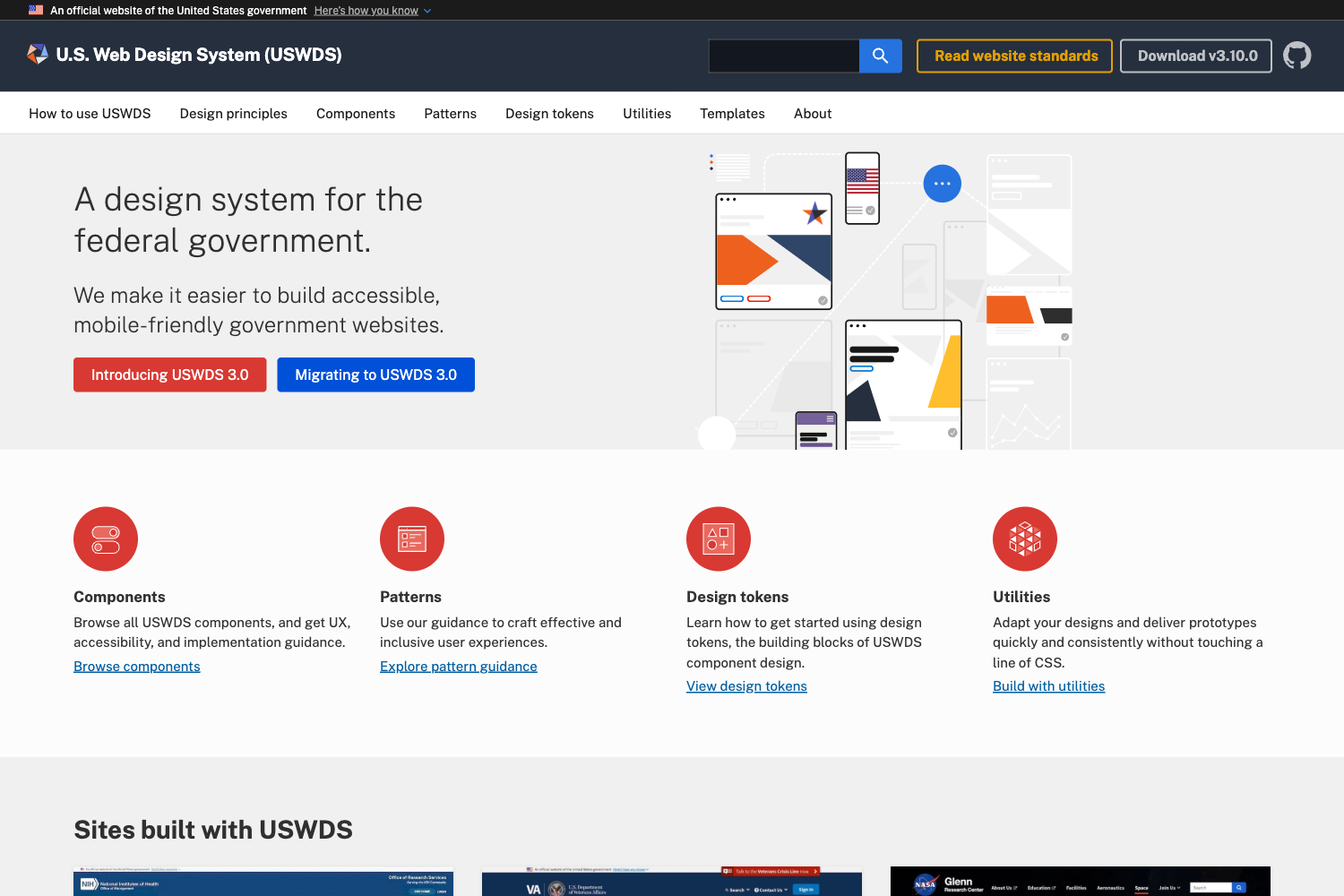
Astro documentation template for product docs, support centers, and internal knowledge bases with MDX, Pagefind search, and light/dark UI.
About this template
Compass is an Astro 7 documentation template for product docs, support centers, and internal knowledge bases, serving as a starting repository that you copy and customize rather than a prebuilt framework. It combines MDX content collections, category-driven navigation, Pagefind search, reusable MDX components, and a light/dark UI in one template without requiring a heavyweight documentation framework.
What is Compass?
Compass is an open-source (MIT-licensed) documentation theme distributed as a GitHub repository template, meant to be cloned and rebranded with your own content, structure, and site metadata. It runs on Astro 7 with Tailwind CSS 4 and TypeScript, takes Markdown/MDX articles placed in src/content/docs as input, and outputs a static docs site with parent landing pages, nested sub-category pages, article routes, an RSS feed at /rss.xml, a sitemap, and a Pagefind search bundle. The template's main configuration lives in site.config.mjs, where you set the site URL, name, title, description, GitHub link, navigation CTA, and footer text before publishing.
Key Features
- MDX content collections — Each article lives in its own folder inside
src/content/docswith a slug-matched.mdxfile, supporting extended frontmatter such astags,status,author,editUrl,heroImage,hideFromSearch,redirectFrom,relatedLinks, andorder. - Category-driven navigation — Categories defined in
src/data/docs.tspower homepage cards, parent category organization, sidebar navigation, and nested route generation. - Pagefind-powered search — A searchable docs landing page and sidebar search are generated by Pagefind during
npm run build, so testing the full search locally requiresnpm run previewrather thannpm run dev. - Reusable MDX components — Includes Callout, ButtonLink, Card, CardGrid, Badge, QuoteBlock, Accordion, Steps, Step, Tabs, CodeTabs, FileTree, Table, and Checklist, all registered in
src/components/docs/mdx-components.tsand available automatically in article routes. - Frontmatter-driven routing and filtering — Set
statustodraftorarchivedto exclude articles from generated routes, navigation, search, redirects, and RSS; useredirectFromto generate redirect aliases for renamed docs; usehideFromSearchto keep pages out of the Pagefind index. - RSS feed and sitemap — Compass generates an optional RSS feed for recent docs updates at
/rss.xmlvia@astrojs/rssand a sitemap via@astrojs/sitemap. - Image handling — Article hero images load through Astro's image pipeline with
astro:assets, and relative Markdown images are supported;public/is reserved for files needing stable direct URLs like favicons and Open Graph images. - Dark and light mode — Styled with Tailwind CSS 4 and
@tailwindcss/typography, with previous/next article navigation within each docs section.
Who is it for?
- Product teams who want to publish structured product documentation with parent pages, sub-categories, and per-article metadata like tags and status.
- Support teams who need a searchable help center with categories, related links, and a support CTA defined in
site.config.mjs. - Internal knowledge base maintainers who want to organize internal guides with article lifecycle states such as
draft,published,deprecated, andarchived. - Open-source project maintainers who want a docs site with an "Edit this page" link via
editUrl, a public repository template, and versioned releases through GitHub Releases.
What can you do with Compass?
- Launch a docs site quickly: use the repository template to create a new repo, edit
site.config.mjsandsrc/data/docs.ts, then add MDX articles undersrc/content/docs. - Write documentation with rich components: insert callouts, tabs, code tabs, file trees, accordions, cards, and checklists directly inside MDX articles for varied docs presentations.
- Manage content lifecycles: mark articles as
draftorarchivedto keep them out of the live site, or setredirectFromto preserve URLs when moving content. - Provide update feeds: automatically publish an RSS feed at
/rss.xmlso readers can subscribe to recent documentation updates.
How does Compass work?
Compass is used as a GitHub repository template. Open the repo, click "Use this template", create a new repository for your docs site, clone it locally, then run npm install and npm run dev to start editing at http://localhost:3000. Search is generated during npm run build, so use npm run preview to test the full search experience. Validate content and data with npm run check, and run npm run build to produce the static site, RSS feed, sitemap, and Pagefind bundle.
FAQ
Is Compass free?
Yes. Compass is released under the MIT License and is designed to be used as a public GitHub repository template. There is no paid tier or license key mentioned.
What do I need to change before publishing?
Update site.config.mjs with your own siteUrl, name, title, description, githubUrl, navCtaLabel, navCtaHref, and footerText. The file contains placeholder URLs by default, and astro.config.mjs uses the value of siteUrl for the canonical site URL.
How do I test search locally?
Run npm run build to generate the Pagefind search bundle, then run npm run preview. The dev server (npm run dev) does not include the generated search index.
Can I exclude pages from search?
Yes. Set hideFromSearch: true in an article's frontmatter to keep it out of the Pagefind index, or set status to draft or archived to exclude the page from routes, navigation, search, redirects, and RSS.
What URL structure does Compass use?
Parent pages use /:parent such as /getting-started, sub-category pages use /:parent/:category, and article pages use /:parent/:category/:slug. One-segment sub-category URLs are not generated by default.