Template details
Hugo UnoCSS Starter Theme
Starter theme for Hugo static sites using UnoCSS (Windi CSS successor) with typography preset, dark mode, and responsive nav.
About this template
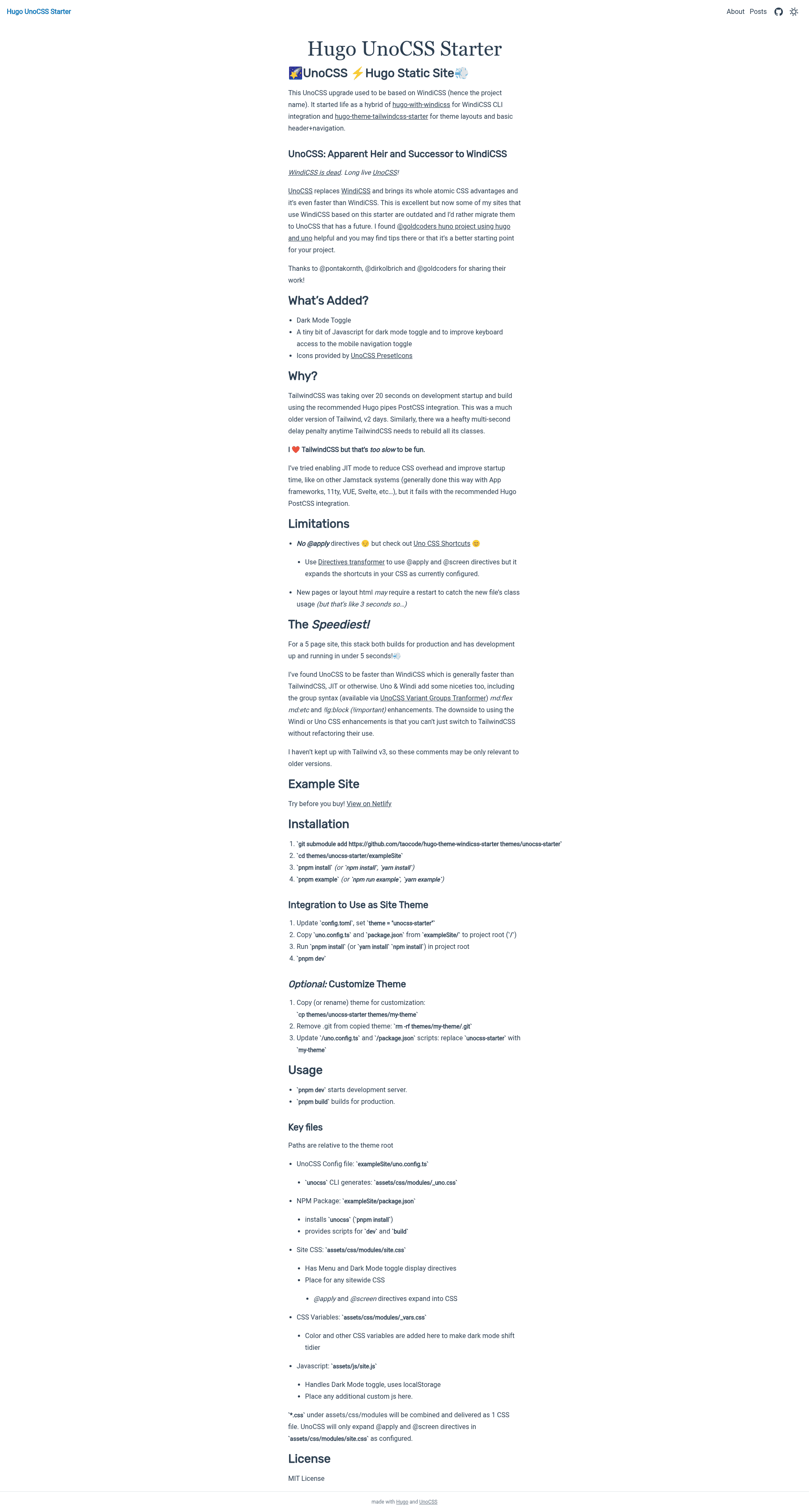
The Hugo UnoCSS Starter Theme is a boilerplate theme for Hugo static sites that wires the Hugo framework to the UnoCSS atomic-CSS engine (the successor to Windi CSS) so developers can create custom themes with utility classes and automatically generated CSS. The theme is not a ready-to-use site but a starter setup, as its readme states clearly, and it runs on Hugo version 0.69.0 or higher with Node.js for the UnoCSS CLI.
What is the Hugo UnoCSS Starter Theme?
The Hugo UnoCSS Starter Theme is a Hugo theme boilerplate that replaces the default Windi CSS integration with UnoCSS, its official successor. It takes a Hugo site's content (Markdown files) and layout templates as input, and outputs a static site with a single optimized uno.css file that contains only the utility classes actually used in the templates. The project is maintained on GitHub under the repository taocode/hugo-theme-windicss-starter and is intended for developers who want to build their own Hugo themes.
Key Features
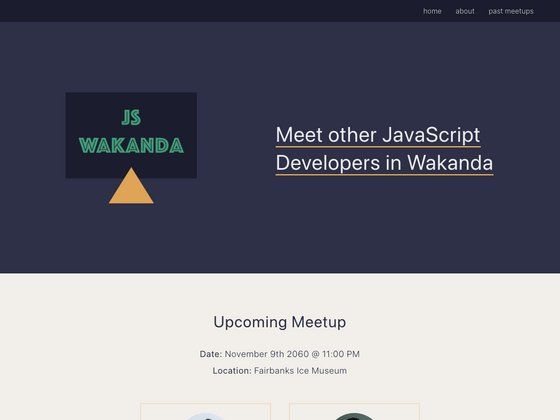
The starter includes several features that streamline theme development into a single workflow. First, it uses the UnoCSS CLI with the Directive Transformer so @apply and @screen directives work inside CSS, and it generates CSS with only used classes, eliminating the need for a separate purge step. Second, it bundles the UnoCSS typography preset, which styles Markdown content with dark-mode-friendly prose color fixes. The theme also provides a dark mode toggle and a responsive header with a mobile hamburger menu, both implemented with minimal JavaScript to preserve keyboard accessibility. For development, /partials/dev-parameters.html displays Hugo page parameters and /partials/dev-size-indicator.html shows a floating circle with the current UnoCSS responsive breakpoint. The exampleSite contains an index page, an about page, and a posts category.
Who is it for?
Hugo theme developers who want to use Utility-First CSS without adopting Tailwind will find this starter directly useful. Frontend developers comfortable with atomic CSS but new to Hugo can use the exampleSite and partials to learn how UnoCSS integrates with Go templates. People building a new Hugo site from scratch who want a minimal boilerplate with dark mode and responsive navigation can use this as a starting point.
What can you do with it?
- Hugo theme authors: clone the repository, remove the git history, rename the theme, and build custom layouts using UnoCSS utility classes while the CLI watches and regenerates the optimized CSS.
- Static site hobbyists: run the exampleSite locally with
npm installandnpm run exampleto see a working Hugo site with UnoCSS styling, then copy the setup into their own project. - Netlify users: deploy a Hugo site using this starter by copying
package.jsonanduno.config.tsfrom the exampleSite to the project root; Netlify automatically installs dependencies and builds withnpm run build.
How does the starter work?
The setup process is documented in the readme: clone the repo into a themes/unocss-starter folder, remove the .git directory, copy uno.config.ts, package.json, and optionally config.toml from exampleSite to the project root, and run npm install. Then edit config.toml to set the theme name and start a Hugo server. The UnoCSS CLI scans the templates and generates the final CSS.
FAQ
Is the Hugo UnoCSS Starter Theme free?
Yes, the repository is public on GitHub and the readme does not mention any license restrictions or paid tiers.
What minimum Hugo version does it require?
The readme states that you need Hugo version 0.69.0 or higher to work with this starter.
Does this theme use Tailwind CSS?
No, it uses UnoCSS, which is the successor to Windi CSS. The utility classes are similar in syntax to Tailwind, but the underlying engine is UnoCSS.
How do I deploy a site built with this starter to Netlify?
Copy the package.json and uno.config.ts files from the exampleSite directory to your project root. Netlify will run npm install during build, and you should set the build command to npm run build.
Is this theme ready for production?
No, the readme explicitly says it is a starter setup theme to aid in developing Hugo themes and is not a standalone theme ready to use.