Template details
Chef Web Docs
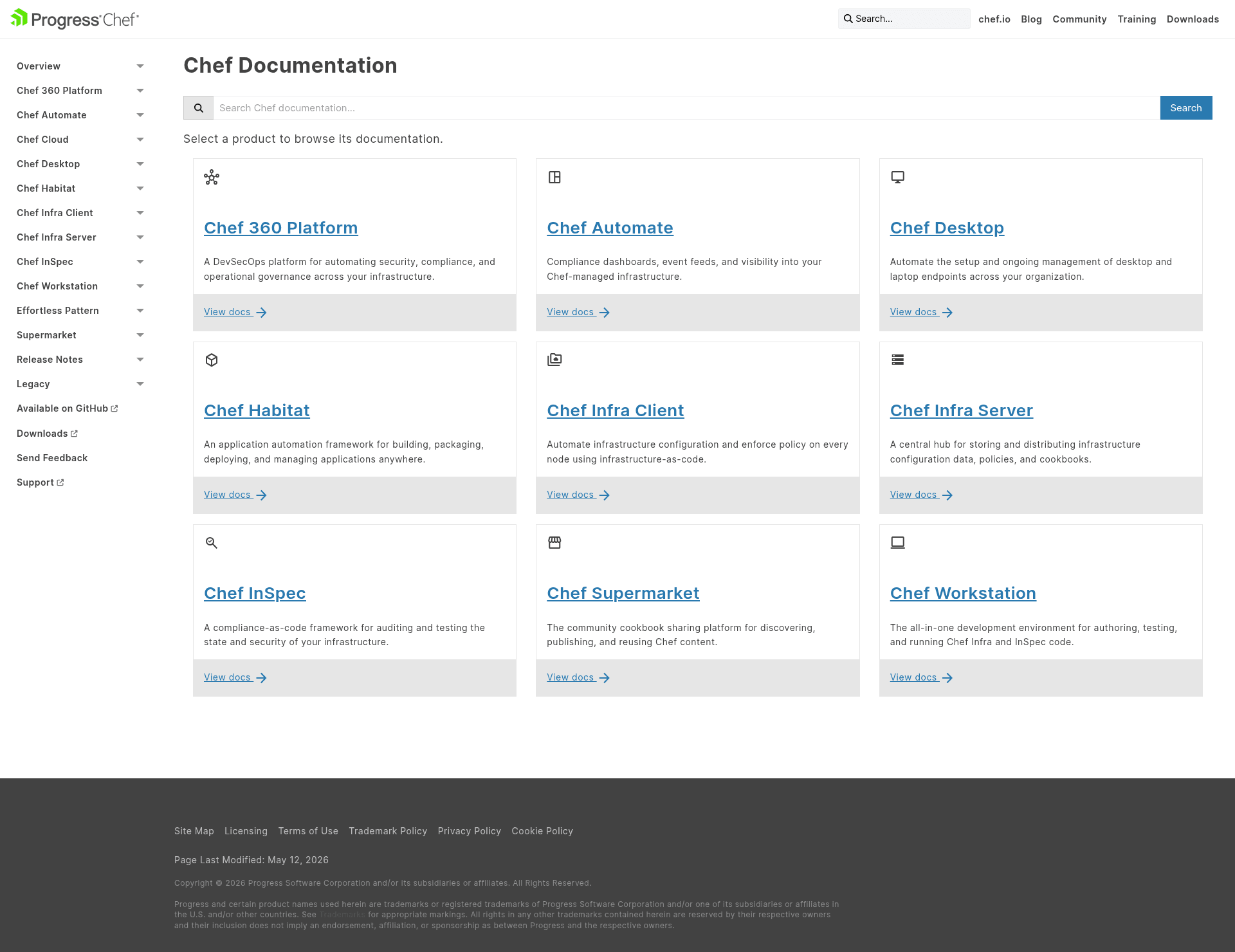
Hugo-powered documentation website template that compiles Chef product docs from multiple GitHub repos into docs.chef.io.
About this template
Chef Web Docs is the open-source Hugo documentation site that generates docs.chef.io, pulling markdown content from more than a dozen Chef product repositories through Hugo modules. It is a documentation website template rather than a marketing page: the repository contains the site theme, configuration, build tooling, and vendored product documentation. Maintained by the Chef Documentation Team at Progress, this repo compiles Chef Infra Client, Chef Automate, Chef Infra Server, Chef Workstation, Chef Desktop, Chef Supermarket, Chef Habitat, and Chef InSpec documentation into a static website.
What is Chef Web Docs?
Chef Web Docs is a Hugo-based documentation website template that produces the public docs.chef.io site. It takes Markdown files from multiple GitHub repositories — including chef/chef, chef/automate, chef-server, chef-workstation, and seven InSpec-related repos — and compiles them into a static documentation portal. The project is maintained by the Chef Documentation Team, part of Progress Chef, and is used by contributors to edit, build, and preview Chef documentation before publication.
Key Features
- Multi-repository content aggregation — uses Hugo modules to pull docs from 11+ Chef product repositories, each with its own docs-chef-io subdirectory, so documentation stays close to product code.
- Vendoring workflow — content is vendored into a
_vendordirectory usinghugo mod tidyandhugo mod vendor; updates can pin to a Git SHA, branch, or tag. - Local development toolchain — requires Hugo 0.142.0 or higher, Node 22, pnpm 11.7.0, Go 1.22, and Dart Sass 2.7.1;
make serveserves the site at http://localhost:1313. - Netlify deploy previews — pull requests automatically get Netlify preview links for Chef organization members; the docs team can manually trigger them for outside contributors.
- Release notes automation — pulls product versions from omnitruck.chef.io and packages.chef.io, then fetches release-note Markdown files at build time; use
make productionto preview locally. - Distributed contribution model — contributors submit pull requests to product source repositories, not to the vendored files in chef-web-docs, keeping canonical content upstream.
- Separate theme repository — the site theme is maintained in chef/chef-docs-theme and updated in this repo with
make update_theme, isolating presentation from content. - Edit-on-GitHub integration — every page includes a link built from
gh_repoandgh_pathfront-matter parameters, pointing to the exact file in the source repository.
Who is it for?
- Open-source contributors — anyone can fix a typo or expand a doc page by clicking "edit on GitHub", adding a DCO signoff, and submitting a pull request; the docs team typically merges within seven days.
- Chef product maintainers — engineers working on Chef Infra, Automate, Server, Workstation, Habitat, or InSpec submit documentation changes to their product repo's docs-chef-io directory, and the docs team vendors the updates.
- Documentation team members — the maintainers of docs.chef.io use this repo's build tooling to update modules, run local previews, trigger Netlify builds, and publish release notes.
- Progress Chef employees — those with access to private source repositories can run
make serve_ignore_vendorto build and preview docs before they are public.
What can you do with Chef Web Docs?
- Documentation editors: edit any page on docs.chef.io directly through the GitHub UI using the "edit on GitHub" link, preview your changes, and open a pull request with a DCO signoff.
- Product teams: publish docs for a new Chef product version by updating the docs-chef-io subdirectory in the product repository, then having the docs team run the Hugo module update commands.
- Local previewers: clone the repository, install the required toolchain, and run
make serveto browse the full Chef documentation site at localhost:1313 before any changes go live. - Release-note writers: add release-note content by setting the
release_notesfront-matter value to a Chef product key from the Product Matrix; the site appends the fetched release notes below.
How does Chef Web Docs work?
The site depends on Hugo modules to aggregate documentation from source repositories. Maintainers update content by running hugo mod get -u github.com/chef/chef-workstation/docs-chef-io followed by rm -rf _vendor, hugo mod tidy, and hugo mod vendor. At build time, Hugo fetches release versions and notes from remote endpoints, then the site is deployed to docs.chef.io through Netlify.
FAQ
How do I contribute to docs.chef.io?
Click the "edit on GitHub" link on any page, make your changes in the GitHub UI, add your DCO signoff comment with "Signed-off-by:" followed by your name and email, then propose the file change as a pull request. The Chef Documentation Team usually merges within seven days.
What software is required to run this site locally?
You need Hugo 0.142.0 or higher, Node.js 22 or higher, pnpm 11.7.0, Go 1.22 or higher, and Dart Sass 2.7.1. On Windows, install with Chocolatey; on macOS, use Homebrew; on Ubuntu, use snap plus npm.
Should I submit pull requests to the vendored files in chef-web-docs?
No. Documentation content is sourced from other Chef repositories, so you should submit changes to the appropriate product repository, such as chef/chef or chef/automate. The docs team vendors those changes into chef-web-docs after they are merged.
How do I preview release notes locally?
Release notes are only generated in the production environment by default. Run make production to build and preview them locally, and use make clean_all to purge cached release note files from your environment.