Template details
instapack
Zero-configuration all-in-one TypeScript and Sass compiler for web applications.
About this template
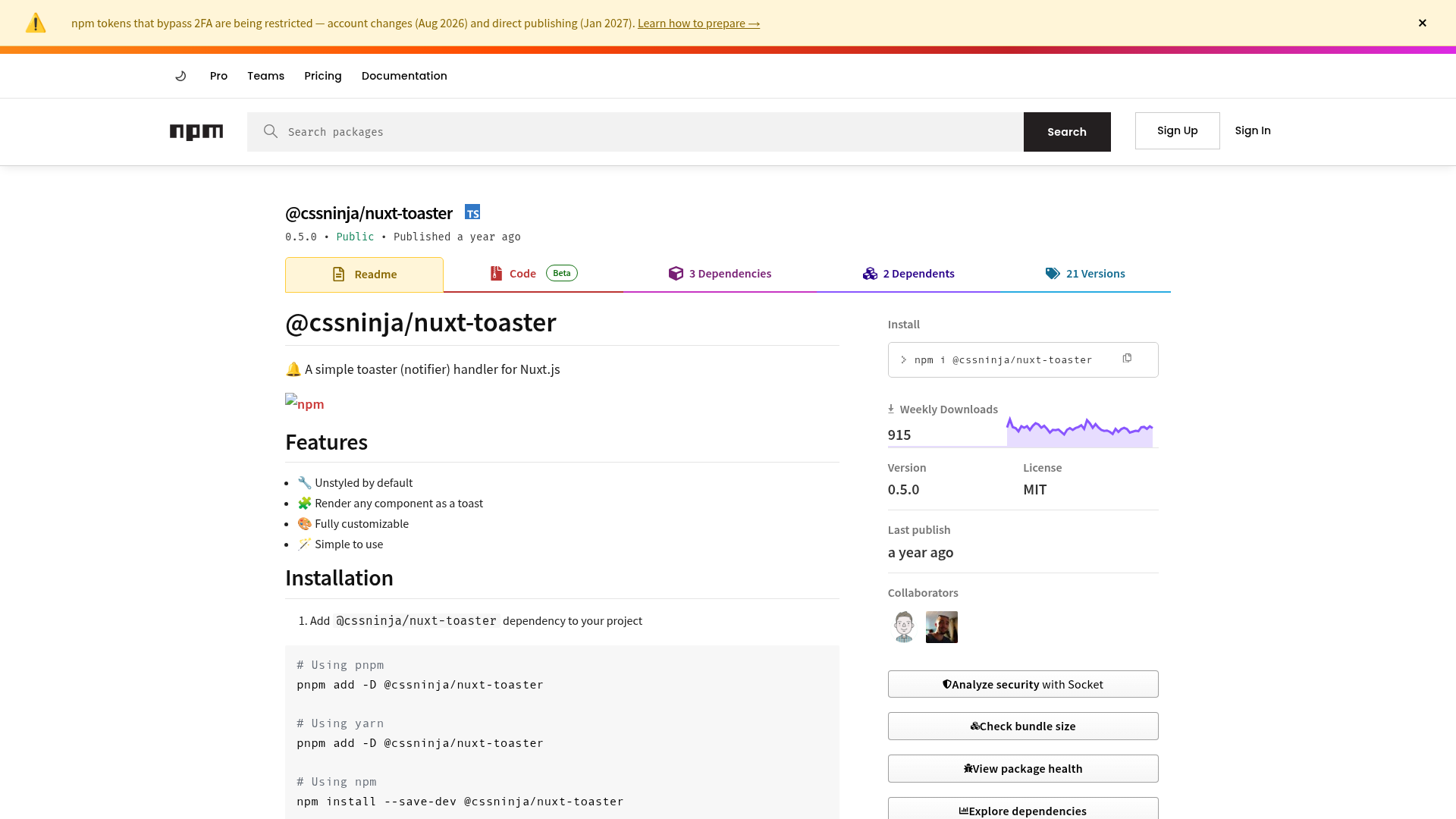
instapack is a zero-configuration command-line build tool that compiles TypeScript and Sass into optimized web application bundles, distributed as the npm package instapack.
What is instapack?
instapack is an all-in-one TypeScript and Sass compiler for web applications, powered by webpack and maintained by ryanelian on GitHub. It accepts a fixed client/js/index.ts entry point and a client/css/index.scss stylesheet, and produces ipack.js, ipack.dll.js, and ipack.css in a configurable output folder (default wwwroot). It runs on Node.js 12 or 14 LTS and can be installed globally or per project.
Key Features
- Zero-configuration defaults — With a default
clientinput folder andwwwrootoutput,ipackbuilds the project without any config file; all settings live in theinstapackkey ofpackage.json. - Project scaffolding —
ipack newgenerates ready-to-run projects forempty,react(React + Bootstrap 5),vue(Vue 3 + Bootstrap 5),vue2,blazor(ASP.NET Core Blazor), andangularjs(ES5, Bootstrap 3) templates;reactis the default. - Framework compilers built in — Supports Vue 2/Vue 3 Single-File Components, React (including JSX), AngularJS templates, and TypeScript JSX; Vue SFC
<script lang="ts">is linted automatically. - Rich build flags —
-wwatch,-ddev mode without minification,-sserve with Hot Reload,-RReact Fast Refresh,--httpswith mkcert,--statsfor webpack-bundle-analyzer, and--no-sourcemaps. - TypeScript module ecosystem — Imports ES modules, CommonJS
require, dynamicimport()for code splitting, JSON modules, and HTML templates (with shim declarations); TypeScriptpathsandbaseUrlare translated into webpack aliases automatically. - Sass module system — Uses
@use,@forward, and@import, resolves node_modules packages, partial files, and index files, and applies Autoprefixer automatically; plain CSS imports ending in.cssare left as external imports. - Babel and ESLint integration —
.babelrctransformations run after TypeScript compilation; ESLint 7 runs in memory during type-check, with example configs for Vue and React. - Environment variables — Reads a
.envfile in the root and accepts--env.KEY=valueflags, merged with flag values taking priority.
Who is it for?
- ASP.NET Core developers who want to build client-side TypeScript and Sass into
wwwrootand call TypeScript functions from C# via Blazor JS Interop using thenamespaceconfiguration. - Front-end developers who dislike configuring webpack who want a project that "just works" with a standard entry point and automatic bundling, minification, tree-shaking, and sourcemaps.
- Teams needing consistent builds who want to standardize the same build tool across multiple projects and CI pipelines, including Docker and GitLab CI examples.
- Developers maintaining multiple front-end projects who can "eject" client folders into separate projects with different
package.jsonandtsconfig.jsonsettings and redirect outputs into a shared backend assets folder.
What can you do with instapack?
- Blazor developers: scaffold a project with
ipack new blazor, export TypeScript functions through anamespace, and invokeinstapack.foo()from C# withJsRuntime.InvokeAsync. - Vue 3 developers: run
ipack new vuefor a Vue 3 + Bootstrap 5 project; edit.vueSingle-File Components with Hot Reload out of the box in-smode. - React developers: use
-Rto enable Fast Refresh, or configurereact-hot-loadermanually;ipack new reactincludes Bootstrap 5. - Legacy AngularJS teams: use the
angularjstemplate to target ES5 browsers (IE10+) with Bootstrap 3 and jquery-validation-unobtrusive for ASP.NET MVC client-side validation.
How does instapack work?
After installing the npm package globally or locally, create a project with ipack new empty or another template, then run ipack to compile. The build reads client/js/index.ts and client/css/index.scss, resolves imports from node_modules, splits vendor code into ipack.dll.js, and writes final assets into wwwroot; run ipack -s for a Hot Reload dev server.
FAQ
Can I use any JavaScript framework with instapack?
Yes — anything that works with plain JS and webpack will work with instapack. Frameworks not included in templates, such as Angular 2+, Preact, Inferno.js, and Mithril.js, are known to work; custom file formats like .vue are supported if they also support TypeScript.
Is it safe to target ES2015?
The README targets ES2015, which is supported by all major browsers except Internet Explorer; iOS 10.3 and above supports it. Microsoft no longer supports IE11, and the Chromium-based Edge provides IE Mode for legacy sites.
Can I change the entry point or build multiple entry points?
No. The entry points are fixed at client/js/index.ts and client/css/index.scss, and only one entry point per project is supported. For multiple front-ends, eject separate projects and redirect the output folder into the backend.
How do I debug instapack builds in Visual Studio Code?
Install the Debugger for Chrome extension, create a .vscode/launch.json with a Chrome launch configuration pointing at your app URL, and press F5. Sourcemaps are generated by default; use --no-sourcemaps to disable them.