Template details
Rusty Typewriter
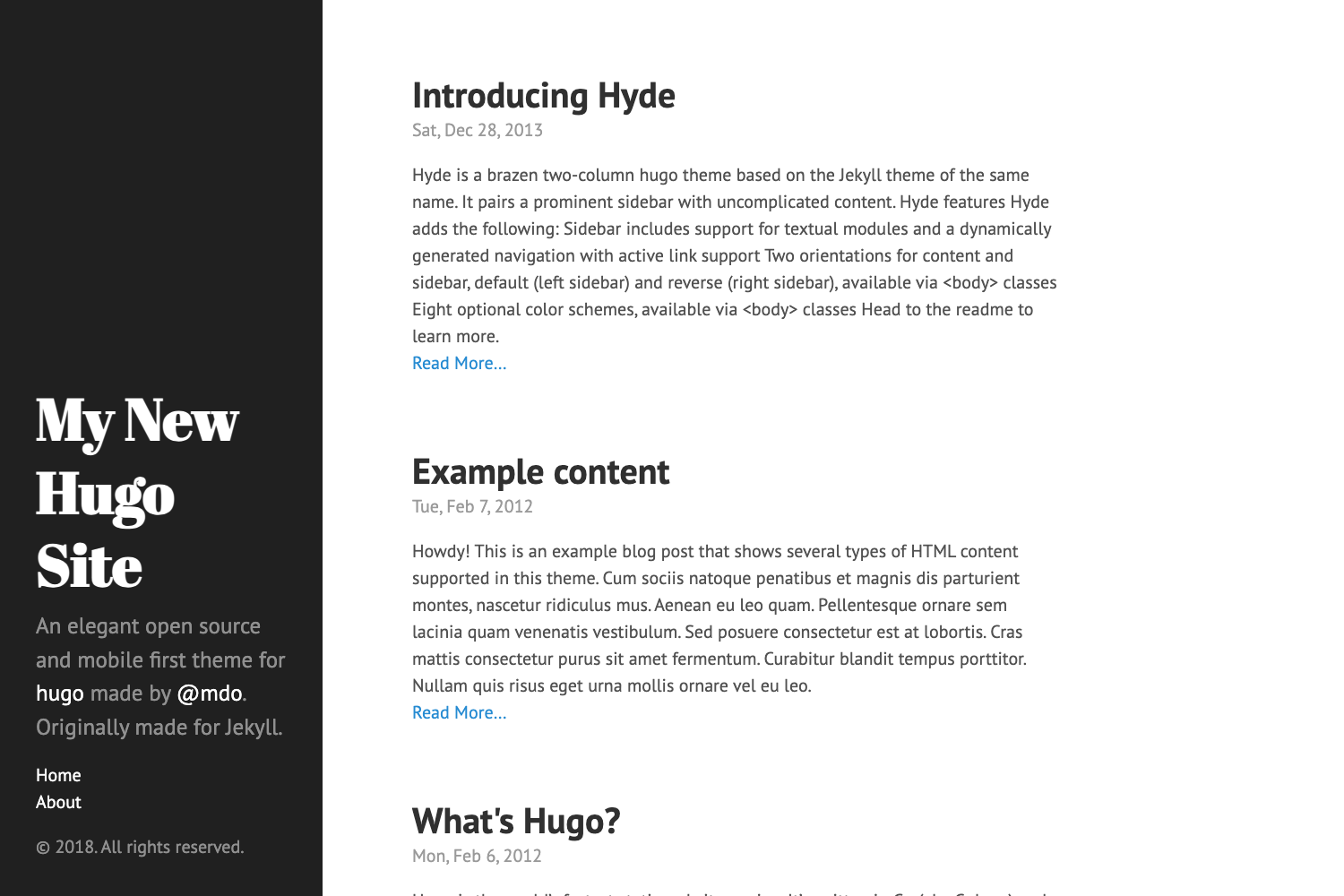
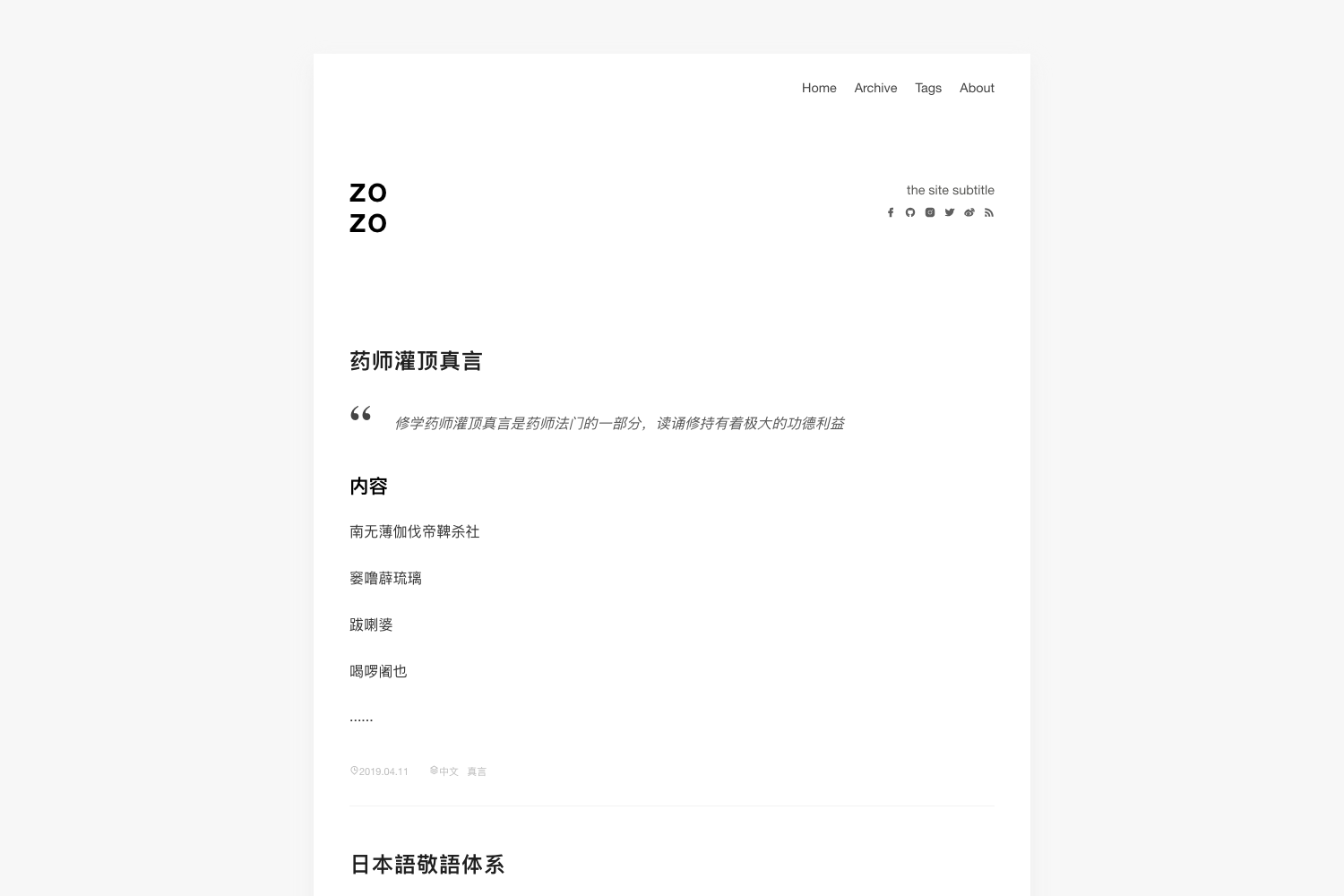
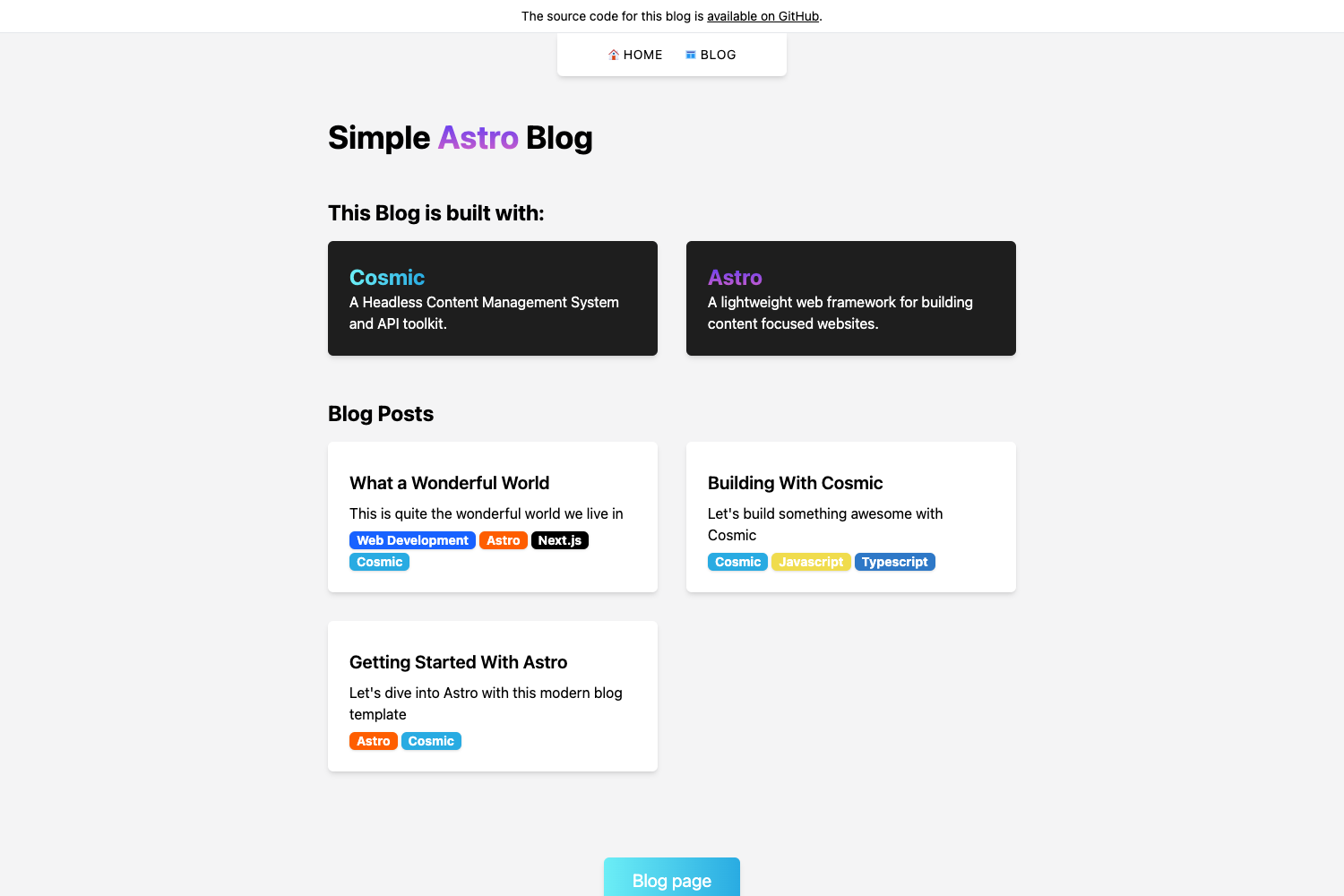
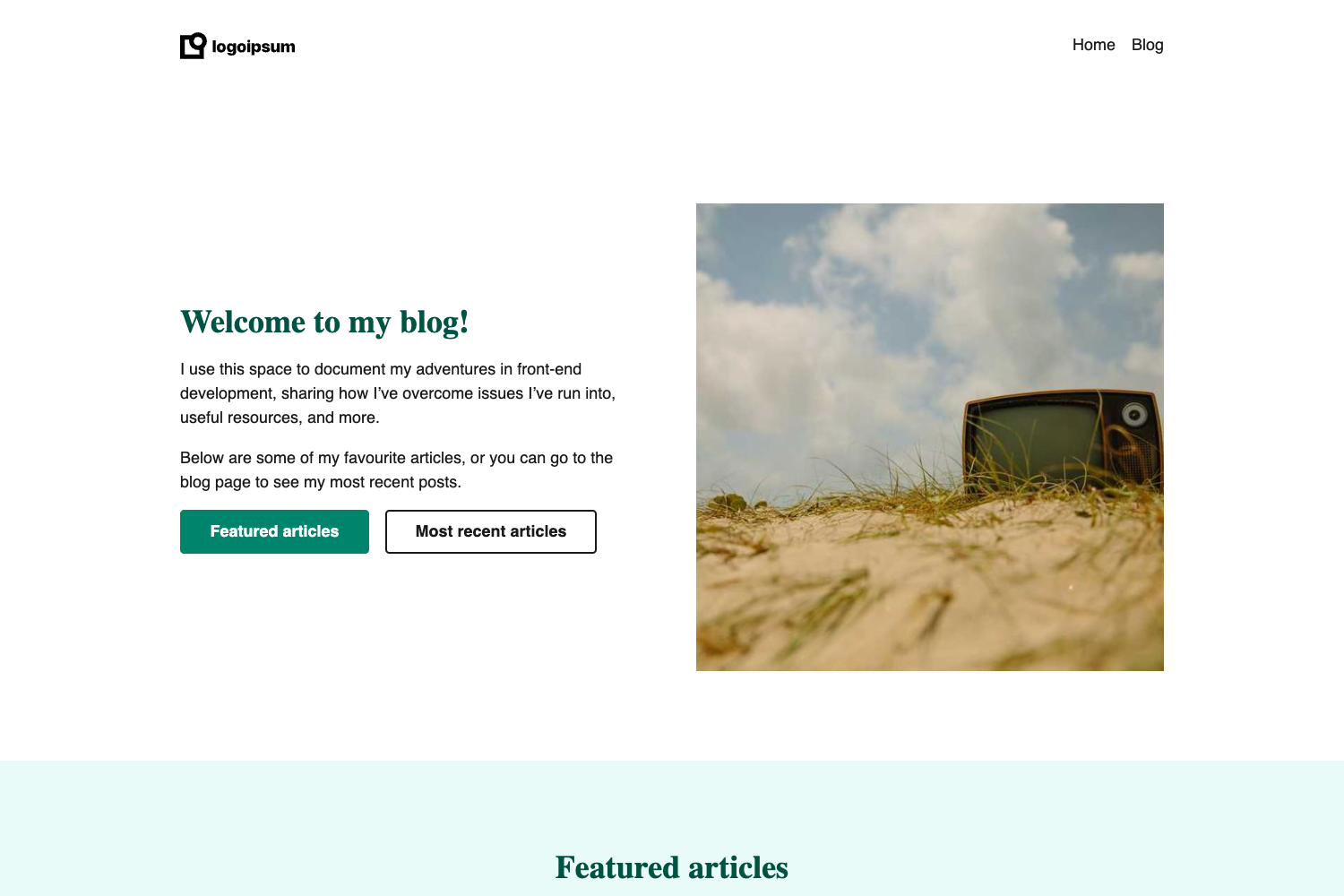
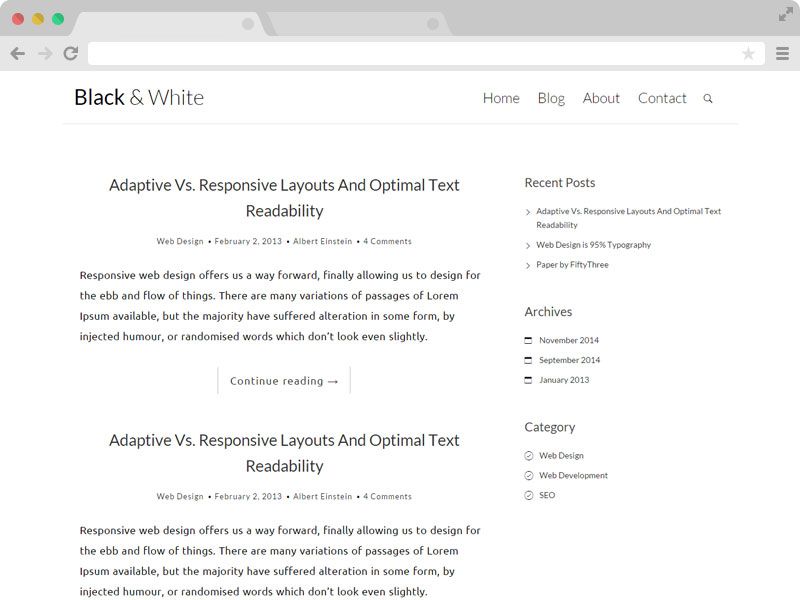
Minimalist Hugo blog theme with warm color palette, built-in search, table of contents, and customizable sidebar.
About this template
Rusty Typewriter is a minimalist Hugo theme for blogs, bringing a warm color palette and a distraction-free reading experience to static sites.
What is Rusty Typewriter?
Rusty Typewriter is a Hugo theme created by math-queiroz that transforms Markdown content into a clean, responsive static blog. It requires Hugo version 0.158.0 or later and is distributed under the MIT License. The theme features a warm color scheme and is designed specifically for blogs. Input is your site's Markdown files and configuration, and output is a fully static website ready to deploy to any host, including Netlify.
Key Features
- Clean, minimalist design — a warm color palette and uncluttered layout that keeps the focus on content.
- Fully responsive layout — adapts to mobile, tablet, and desktop viewports without extra effort.
- Built-in search functionality — lets visitors search your posts without needing an external search service.
- Table of contents support — automatically generates a TOC for individual posts.
- Custom taxonomies by default — ships with tags and supports additional taxonomies such as topics.
- Rich markdown with syntax highlighting — code blocks are highlighted for readability.
- Customizable sidebar — configurable through
[params.rtwt]settings, including sticky behavior and taxonomy counts. - Related posts suggestions — displays a configurable number of related posts below each article.
- File attachments support — attach files to posts and show them in a details section.
Who is it for?
- Writers and bloggers — who want a warm, minimal theme for publishing long-form articles.
- Content creators — who need a fast static site with search and related content without a database.
- Developers — who want a Hugo theme that is easy to customize via CSS overrides and layout overrides.
What can you do with Rusty Typewriter?
- Launch a personal blog — create a new Hugo site, add the theme as a git submodule, and configure it in
hugo.toml. - Customize the sidebar — toggle sticky positioning, choose which taxonomies appear, and set item counts.
- Adjust the home page — show a bio, author image, featured posts, and recent posts with configurable counts.
- Style the theme — add custom CSS in
assets/css/custom.css; files starting with an underscore are bundled with the theme defaults. - Use front matter controls — set
featured = trueto feature posts, assign tags and topics, and control display.
How does Rusty Typewriter work?
The quick start follows Hugo's standard workflow: run hugo new site my-blog, add the theme via git submodule add, then set theme = 'rusty-typewriter' in your site configuration. Starting the development server with hugo server launches the site locally. All layout behavior is driven by the site's config.toml under [params.rtwt], with separate blocks for home and single-page sidebar settings.