Template details
Mala Theme
A dark-mode Hexo blog theme based on iissnan/hexo-theme-next, with donation, social, and analytics widgets.
About this template
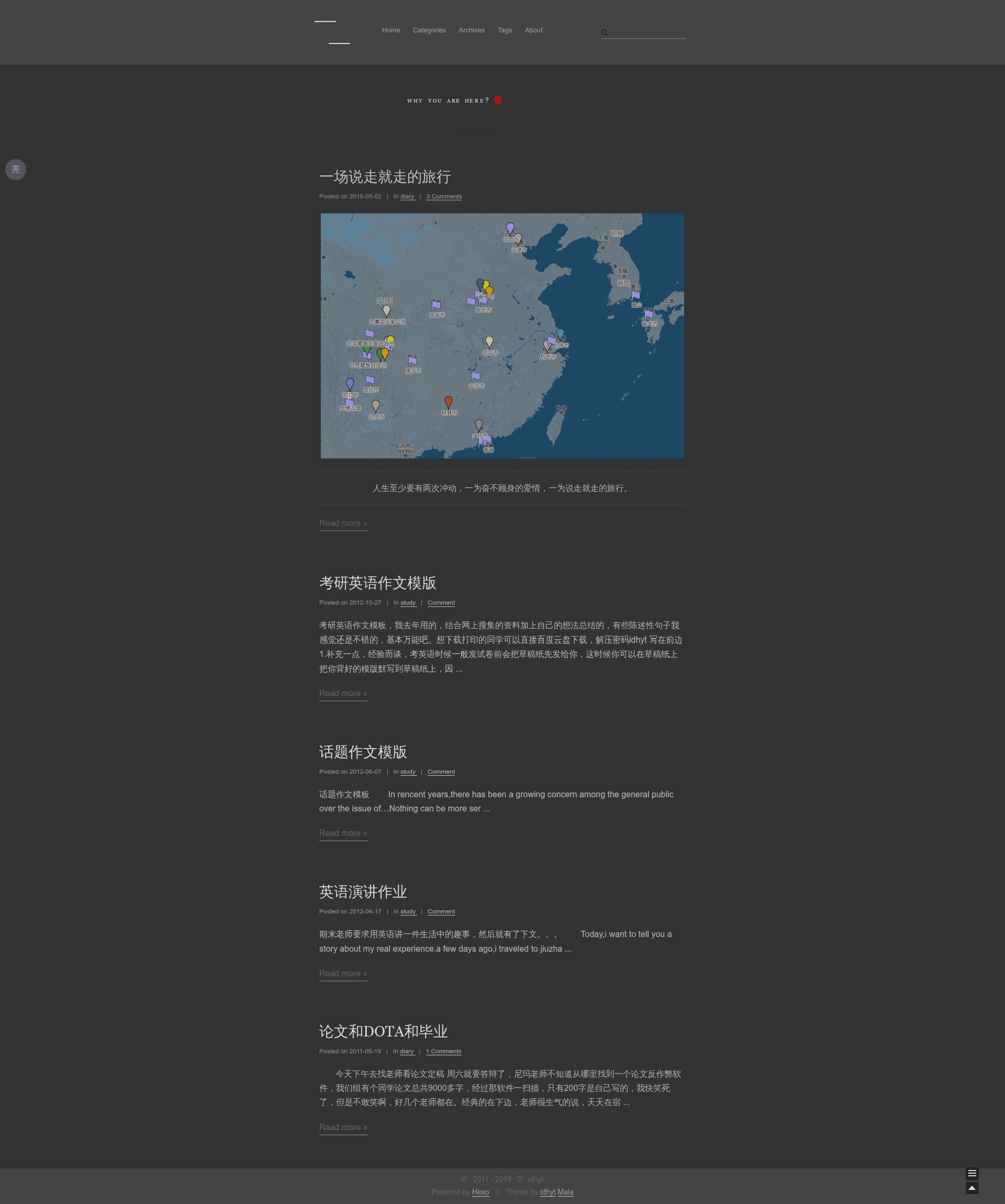
Mala Theme is a dark-mode Hexo blog theme forked from iissnan/hexo-theme-next, distributed via the magiclamp branch of the idhyt/hexo-theme-next repository. It adapts the classic NexT design into a black scheme and centralizes every theme option into the site-level _config.yml, so theme updates won't overwrite your settings. The repository metadata reports 70 stars, indicating a small but used open-source project.
What is Mala Theme?
Mala Theme is a Hexo blog theme that runs on Node.js through Hexo's theming system. You configure it by setting theme: magiclamp in the site root _config.yml and scheme: Mala in the theme's own _config.yml. The theme outputs a static HTML blog with a dark interface, sidebar, and post pages. It is authored by idhyt and based on the older iissnan/hexo-theme-next codebase.
Key Features
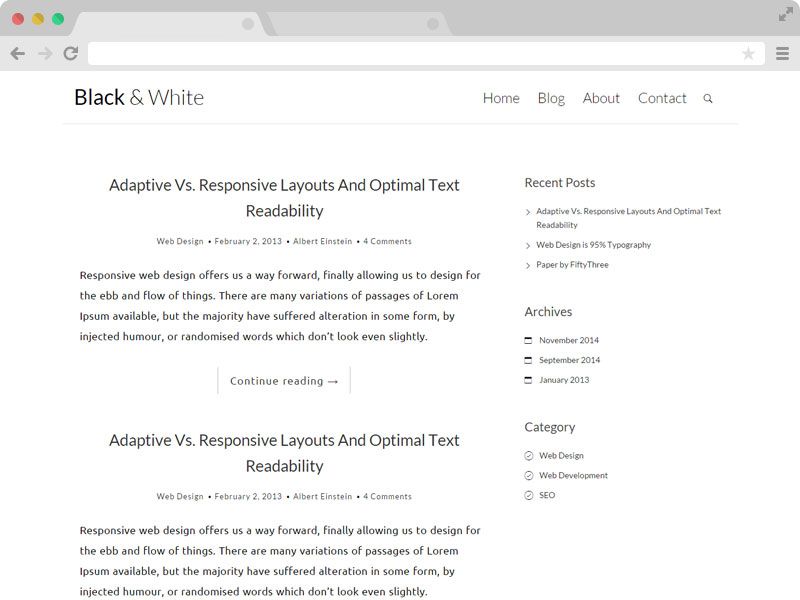
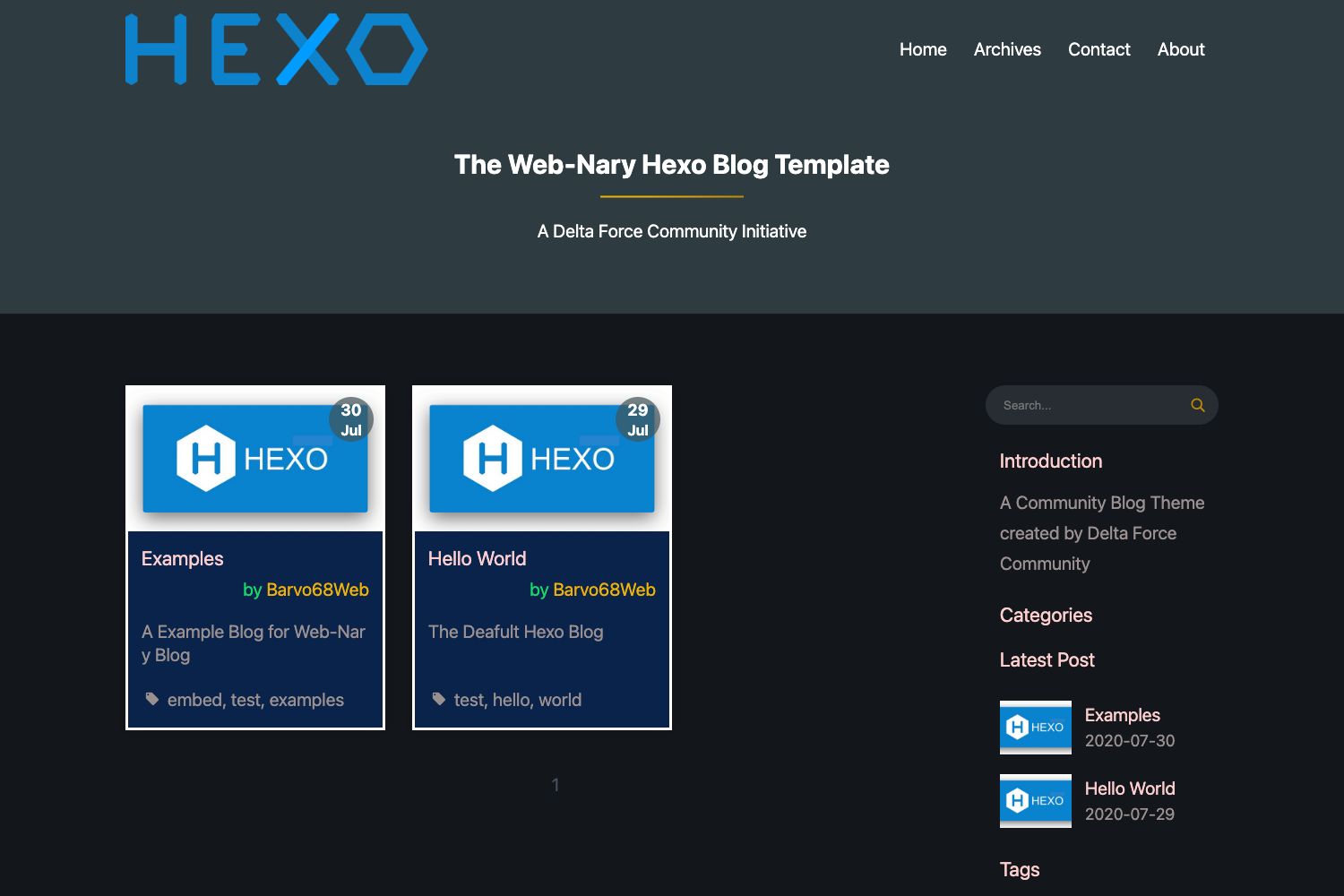
- Dark-mode design — The theme's distinctive look is a black/dark version of NexT; the repository screenshot shows a dark blog interface.
- Centralized configuration — Options like
donate,suprise,busuanzi,jiathis,baidu_share,disqus_shortname,social,links,creative_commons,google_site_verification,google_analytics,baidu_analytics,swiftype_key, andsinceall live in the site's root_config.yml, not inside the theme folder. - Donation widget — A built-in "reward" block that accepts WeChat and Alipay QR code image URLs, toggled by
donate.enable. - Comment via Disqus only — The update from 2017-05-01 removed all Duoshuo (多说) functionality, leaving Disqus as the sole comment back-end.
- Analytics and counting — Supports Google Analytics, Baidu Analytics, and Busuanzi (a non-necessary visitor counter) via simple boolean/string fields.
- Social sidebar — Configure icon links for GitHub, Twitter, Weibo, Zhihu, and more under the
socialkey. - Friend links — A customizable "Links" block with
links_titleand a list of name–URL pairs. - Creative Commons license — Choose a CC license from
by,by-nc,by-nc-nd,by-nc-sa,by-nd,by-sa, orzeroviacreative_commons. - Search integration — Swiftype search key (
swiftype_key) enables on-site search.
Who is it for?
- Hexo bloggers who want a dark theme — Ideal for developers and writers who prefer a darker reading interface instead of NexT's default light theme.
- Existing NexT users — Because it's a fork of iissnan/hexo-theme-next, migration is nearly seamless: clone the
magiclampbranch, rename the folder, and change two config lines. - Chinese-speaking bloggers — The configuration comments are written in Chinese, and it natively supports Baidu Analytics, Baidu Share, and WeChat/Alipay donation.
- Self-hosted static site owners — Works with GitHub Pages and Coding Pages deployments, as the sample config includes a
deploysection for both.
What can you do with Mala Theme?
- Add one-click reward buttons — Enable
donate.enableand paste your WeChat/Alipay QR code image URLs to display a donation section under posts. - Track visitors — Insert your Google Analytics ID or Baidu Analytics ID in the root config and start collecting page-view stats immediately.
- Show social profiles — Fill the
socialdictionary with your GitHub, Twitter, Weibo, Zhihu URLs and the sidebar will render them. - Display a site counter — Set
busuanzi: trueto activate the Busuanzi page-view counter. - Pick a sharing service — Toggle
jiathisorbaidu_shareto enable the corresponding post-share buttons.
How does Mala Theme work?
- Inside your Hexo project, go to the
themesdirectory. - Run
git clone -b magiclamp git@github.com:idhyt/hexo-theme-next.git. - Rename the resulting folder to
magiclampwithmv hexo-theme-next magiclamp. - Edit the site's
_config.ymland settheme: magiclamp. - Edit
themes/magiclamp/_config.ymland setscheme: Mala. - Configure all Mala-specific options at the bottom of the site root
_config.ymlunder the "Begin Mala Theme configuration" section.