Template details
JBlog
JBlog is a simple Jekyll theme for personal and technical blogs, with customizable fonts, colors, and social icons.
About this template
JBlog is a simple, open-source Jekyll theme for personal and technical blogs, built to run on GitHub Pages with minimal configuration.
What is JBlog?
JBlog is a minimal blogging theme for Jekyll, the static site generator. It takes a Jekyll site structure — posts in the _posts folder, configuration in _config.yml — and produces a static blog with a home page and post pages. The theme was created by Alperen Bozkurt and is hosted on GitHub. The author has used it for his own PHP and Ruby blogs.
Key features
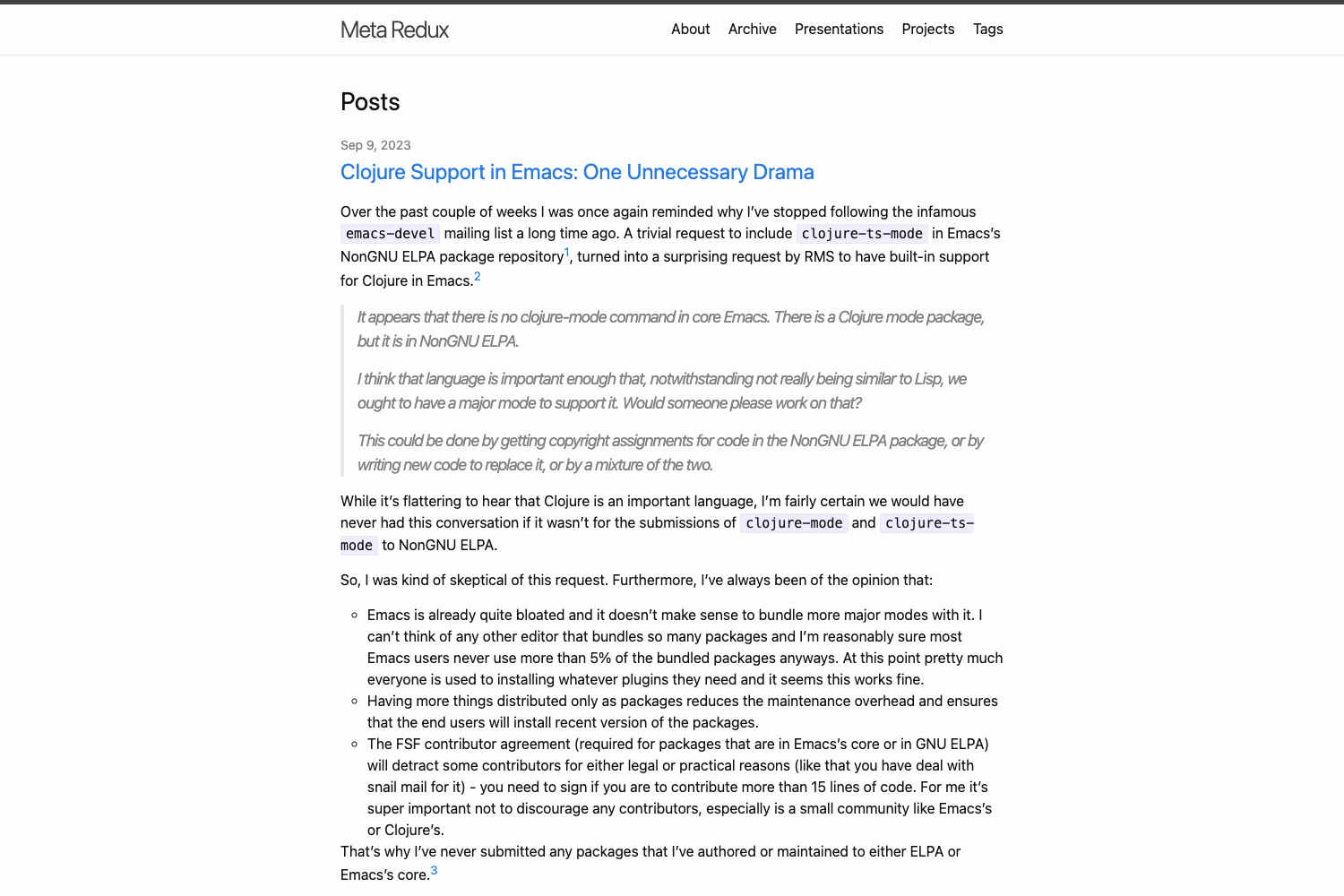
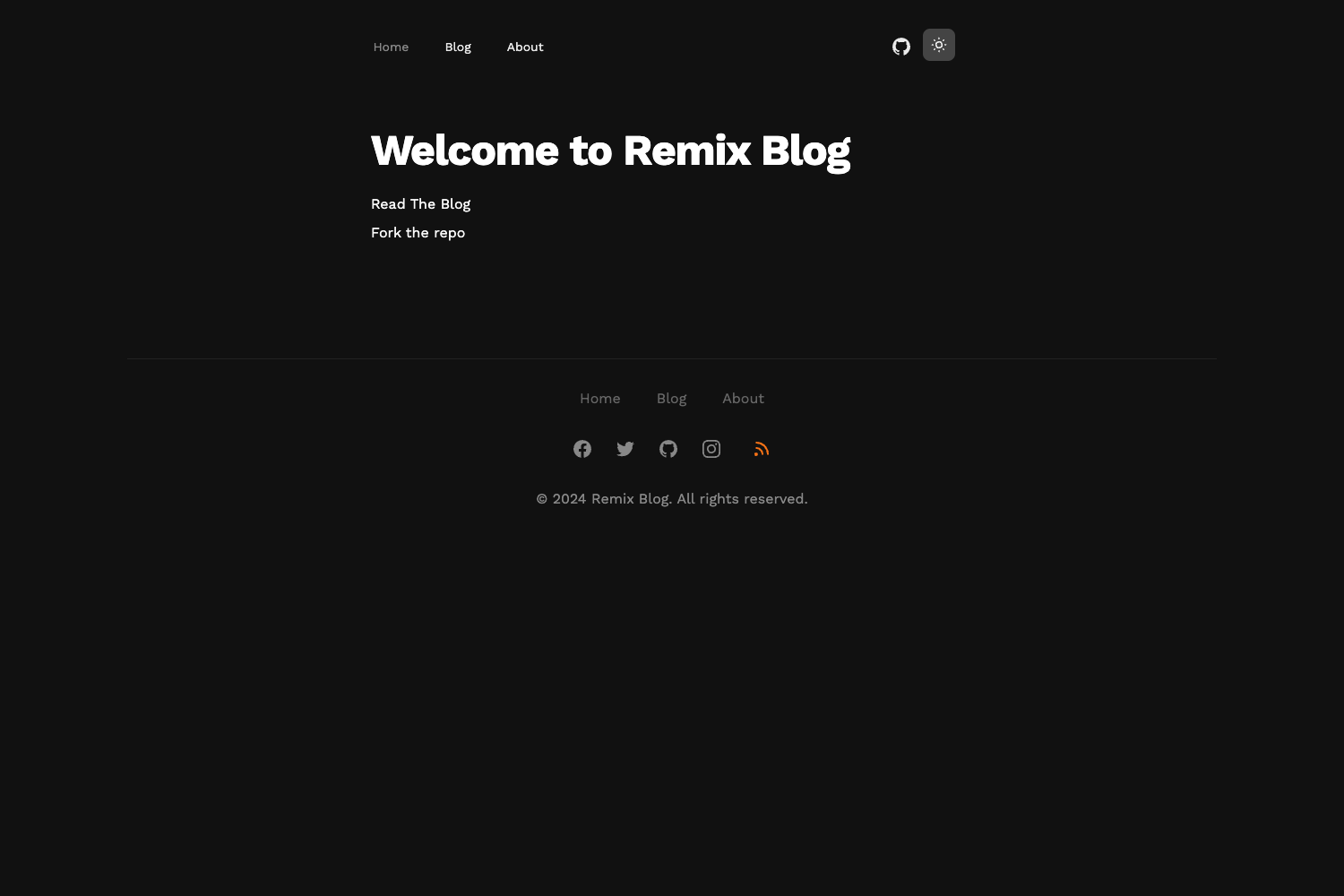
- Simple design — The theme provides a clean layout for a blog home page and individual post pages, as shown in the project's screenshots.
- Customizable fonts — The _sass/variables.scss file defines font variables (Lobster, Alegreya Sans SC, Roboto Slab) that you can replace.
- Customizable colors — The same Sass file exposes color variables for background, panels, buttons, links, and accents, with a default flat UI palette.
- Social network icons — You can configure social links and a profile image in the _config.yml file.
- GitHub Pages ready — Installation instructions walk through forking the repo, renaming it to your GitHub Pages domain, and enabling Pages in settings.
- Sample posts included — The repo ships with sample posts that you can delete and replace with your own Markdown.
- Open to contributions — The author invites pull requests to fix shortcomings and improve the theme.
Who is it for?
JBlog is aimed at developers and writers who want a no-frills Jekyll blog without learning a complex framework. It suits GitHub Pages users because the setup is tailored to that hosting flow. The author designed it for technical blogs, having used it on PHP and Ruby sites. It's also a good starting point for anyone who wants to learn how Jekyll themes are structured.
What can you do with JBlog?
- Personal bloggers: Set up a blog on GitHub Pages by forking the repo, editing _config.yml, and publishing Markdown posts in the _posts folder.
- Technical writers: Publish tutorials and code-heavy posts with a clean reading layout, using Jekyll's built-in support for Markdown and code highlighting.
- Theme customizers: Restyle the entire look by editing the Sass variables for fonts and colors — no need to touch HTML unless you want deeper changes.
How does JBlog work?
The README's installation guide says to fork the repository, edit _config.yml to set your site URL and social links, remove the sample posts and add your own files in _posts, edit the about page's index.md, rename the repository to yourusername.github.io, and enable GitHub Pages from the repo settings. Customization of fonts and colors happens in _sass/variables.scss, where the theme defines variables like the main font, menu font, and color palette.
Pros and cons
- Pros: The theme is free and open source, simple enough to understand quickly, and provides built-in customization for fonts, colors, and social icons. It is designed specifically for GitHub Pages, so deployment is straightforward.
- Cons: The author notes the theme has some shortcomings and asks for pull requests. The README does not list built-in support for advanced blog features such as search, analytics, or tag pages.
Pricing
JBlog is free and open source. The GitHub repository contains the full source code and no paid tiers or premium features are mentioned.
FAQ
Is JBlog free?
Yes, JBlog is an open-source Jekyll theme published on GitHub. The repository is public and no payment or license fee is mentioned; the author only asks for a star if you use it.
How do I install JBlog?
The README provides a step-by-step installation: fork the repository, edit _config.yml with your URL and details, remove the sample posts and add your own Markdown files in the _posts folder, edit the about page's index.md, rename the repo to yourusername.github.io, and enable GitHub Pages from the repo settings.
Can I change the fonts and colors?
Yes. The theme stores its fonts and colors in _sass/variables.scss. You can edit the Sass variables for the title font, menu font, main font, and the color palette, then rebuild the site.
Does JBlog work with GitHub Pages?
The installation guide is specifically written for GitHub Pages. You rename your repository to yourusername.github.io and turn on Pages in the repository settings, and the theme will be served from that domain.
What content format does JBlog use?
JBlog uses Jekyll's standard Markdown files for posts and pages. Posts live in the _posts folder with a filename convention like YYYY-MM-DD-title.md, and the theme renders them into HTML when the site is built.