Template details
Jekyll Gulp Boilerplate
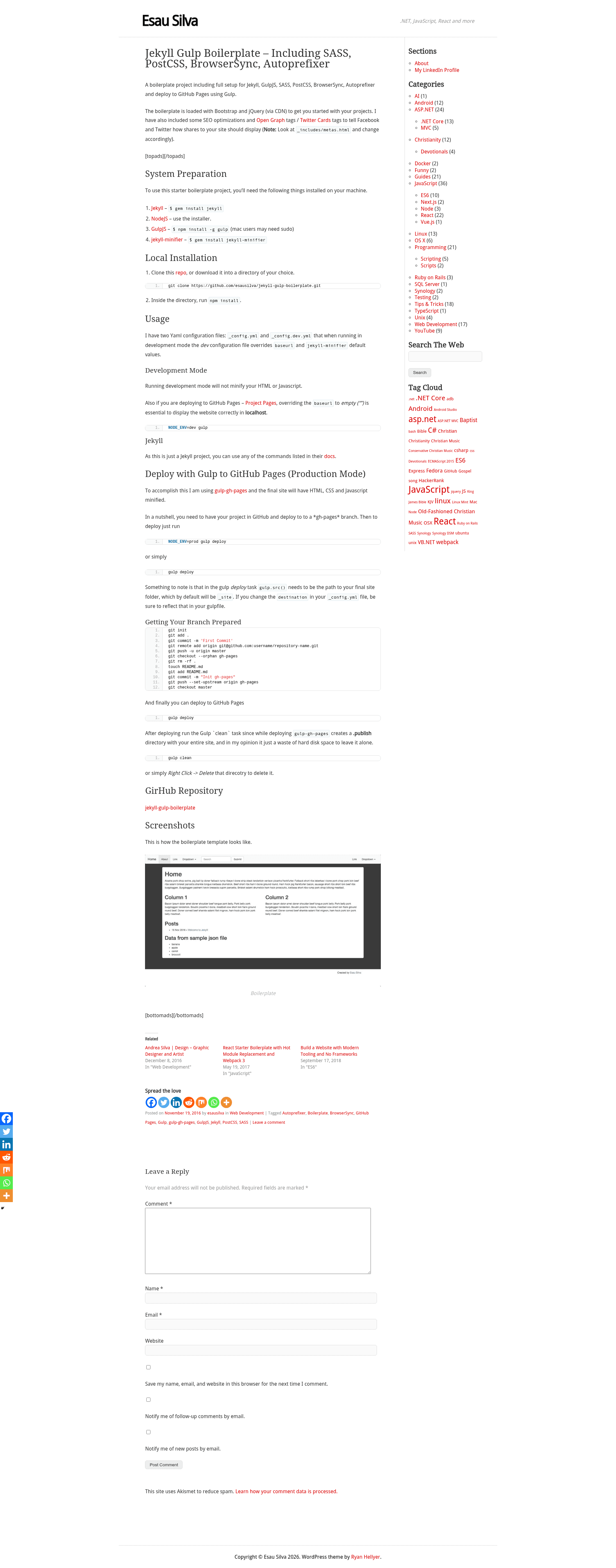
A boilerplate project including full setup for Jekyll, GulpJS, SASS, PostCSS, BrowserSync, Autoprefixer and deploy to GitHub Pages using Gulp.
About this template
Jekyll Gulp Boilerplate is a static site boilerplate that combines Jekyll, GulpJS, SASS, PostCSS, BrowserSync, and Autoprefixer to build and deploy Jekyll sites to GitHub Pages.
What is Jekyll Gulp Boilerplate?
Jekyll Gulp Boilerplate is a starting project for building static websites with Jekyll and a Gulp-based asset pipeline. It takes Jekyll content and source files as input and produces a minified static site in the _site folder, ready to deploy to GitHub Pages via a gulp-gh-pages task. The project is authored by Esau Silva and built upon the jekyll-gulp-sass-browser-sync starter by shakyShane.
Key Features
- Complete Gulp build pipeline — GulpJS tasks handle SASS compilation, PostCSS processing, Autoprefixer prefixing, and BrowserSync live-reloading during development.
- Deploy to GitHub Pages — A gulp-gh-pages deploy task publishes the built _site folder to a gh-pages branch with a single npm run deploy command.
- Development and production configs — Two YAML files, _config.yml and _config.dev.yml, let the dev config override baseurl and jekyll-minifier settings for local development.
- SEO and social sharing tags — Includes Open Graph tags and Twitter Cards in _includes/metas.html, configurable per site, so Facebook and Twitter previews display correctly.
- Bootstrap and jQuery via CDN — The template loads Bootstrap and jQuery from a CDN to get projects started quickly without bundling dependencies.
- HTML, CSS and JavaScript minification — Production builds run jekyll-minifier and Gulp tasks to minify output, while development mode skips minification for easier debugging.
- Easy clean-up after deploy — A gulp clean task removes the .publish directory created by gulp-gh-pages during deployment.
Who is it for?
- Front-end developers who want a ready-made Jekyll environment with Gulp, SASS and BrowserSync without configuring the toolchain from scratch.
- Static site developers who need to publish to GitHub Pages and want a one-command deploy workflow that also minifies assets.
- Bloggers or content authors using Jekyll who want built-in social sharing tags and SEO meta tags already wired up.
What can you do with Jekyll Gulp Boilerplate?
- Rapidly scaffold a Jekyll site — Clone the repo, run npm install, and start editing with live-reloading via BrowserSync in development mode.
- Deploy to GitHub Pages — Set your baseurl and url in _config.yml, prepare a gh-pages branch, and run npm run deploy to push the minified site.
- Customize social sharing — Edit _includes/metas.html to set Open Graph and Twitter Card tags for your domain, and preview with the Facebook Sharing Debugger or Twitter Card validator.
How does Jekyll Gulp Boilerplate work?
After cloning the project, run npm install from the root. Development mode is started with npm run dev, which uses _config.dev.yml to override baseurl and skip minification, and BrowserSync serves the site locally. For production, npm run deploy runs the Gulp build and deploy pipeline, which minifies HTML, CSS and JavaScript, then pushes the contents of _site to the gh-pages branch using gulp-gh-pages. After deployment, run npm run clean to delete the temporary .publish directory.
Pros and cons
- Pros — Complete Jekyll + Gulp integration out of the box; one-command deployment to GitHub Pages; both development and production configurations; includes SEO and social sharing meta tags.
- Cons — The version of gulp-sass used requires an older node-sass, and on Node 10.x you must manually update node-sass inside the gulp-sass folder to the latest version; also, you must manually prepare the gh-pages branch before the first deploy.
FAQ
Is Jekyll Gulp Boilerplate free?
Yes, the project is open source and available on GitHub under the repository esausilva/jekyll-gulp-boilerplate. It is free to clone, modify, and use for your own static sites.
How do I run the boilerplate in development mode?
From the root of the project, run npm install to install dependencies, then npm run dev. This starts Jekyll with the _config.dev.yml overrides so baseurl is empty and minification is disabled, while BrowserSync provides live reload at localhost.
How do I deploy my site to GitHub Pages?
First set the baseurl and url in _config.yml to match your repository. Then prepare a gh-pages branch using the git commands listed in the README, run npm run deploy, and finally run npm run clean to remove the .publish directory generated during deployment.
Does the template include Bootstrap and jQuery?
Yes, Bootstrap and jQuery are loaded via CDN, so you can start building your pages with these frameworks immediately. The boilerplate also includes SEO meta tags and Open Graph/Twitter Card tags in the _includes/metas.html file.
What should I do if I get an error with node-sass on Node 10?
The bundled gulp-sass depends on an older node-sass that is not compatible with Node 10. Navigate into node_modules/gulp-sass, run npm install node-sass@latest, and the build should work.