Template details
Jekyll Theme Fast
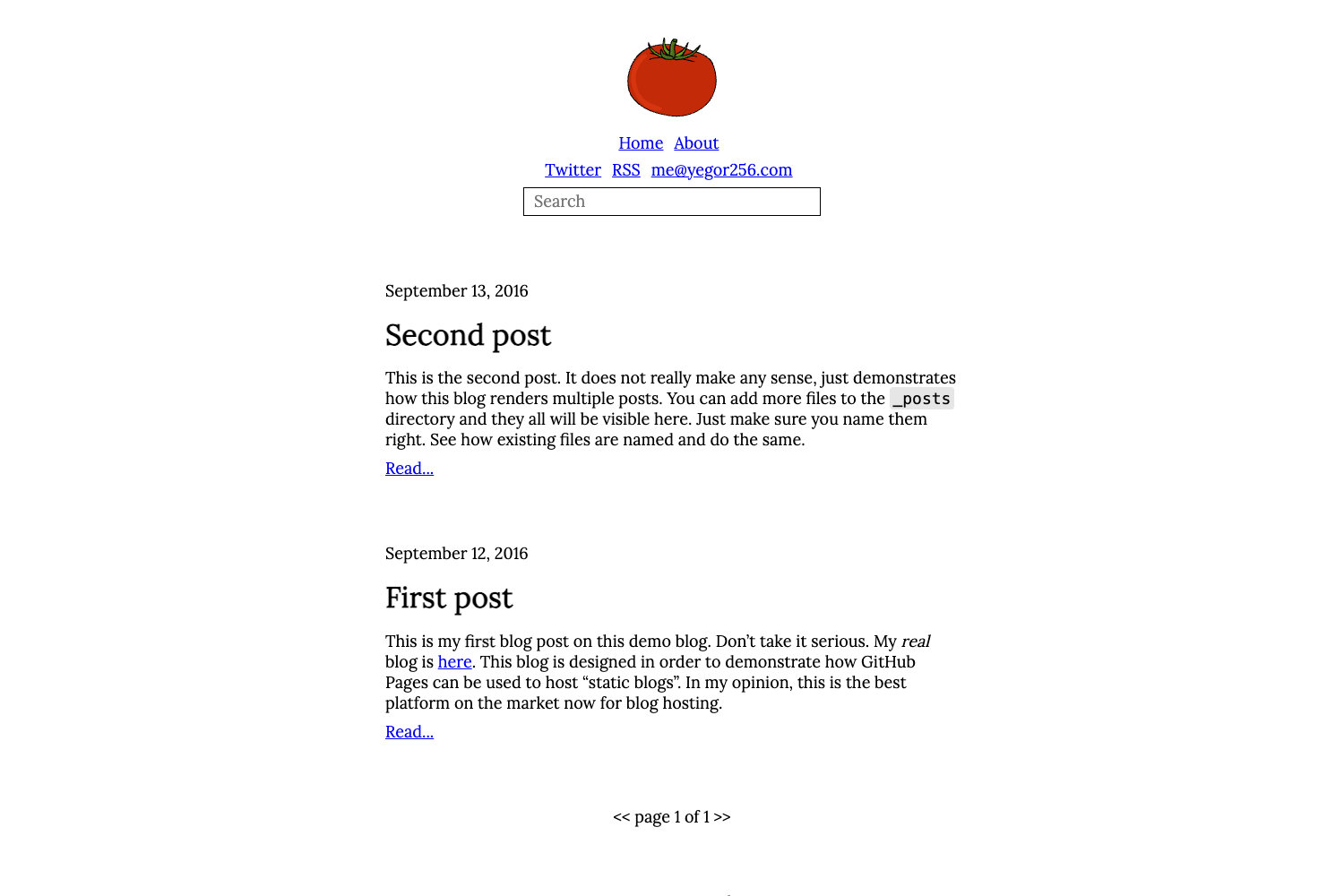
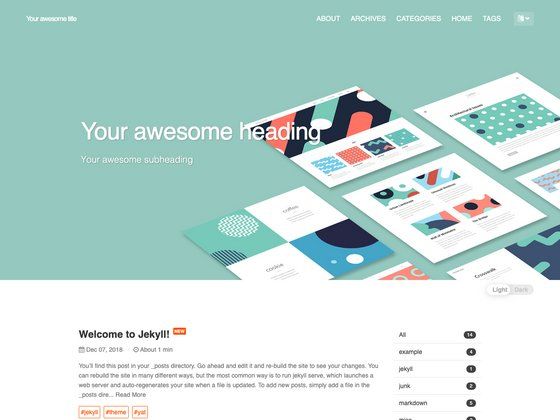
A fast, minimal Jekyll theme using vanilla JavaScript and little CSS for high performance and simple blogging.
About this template
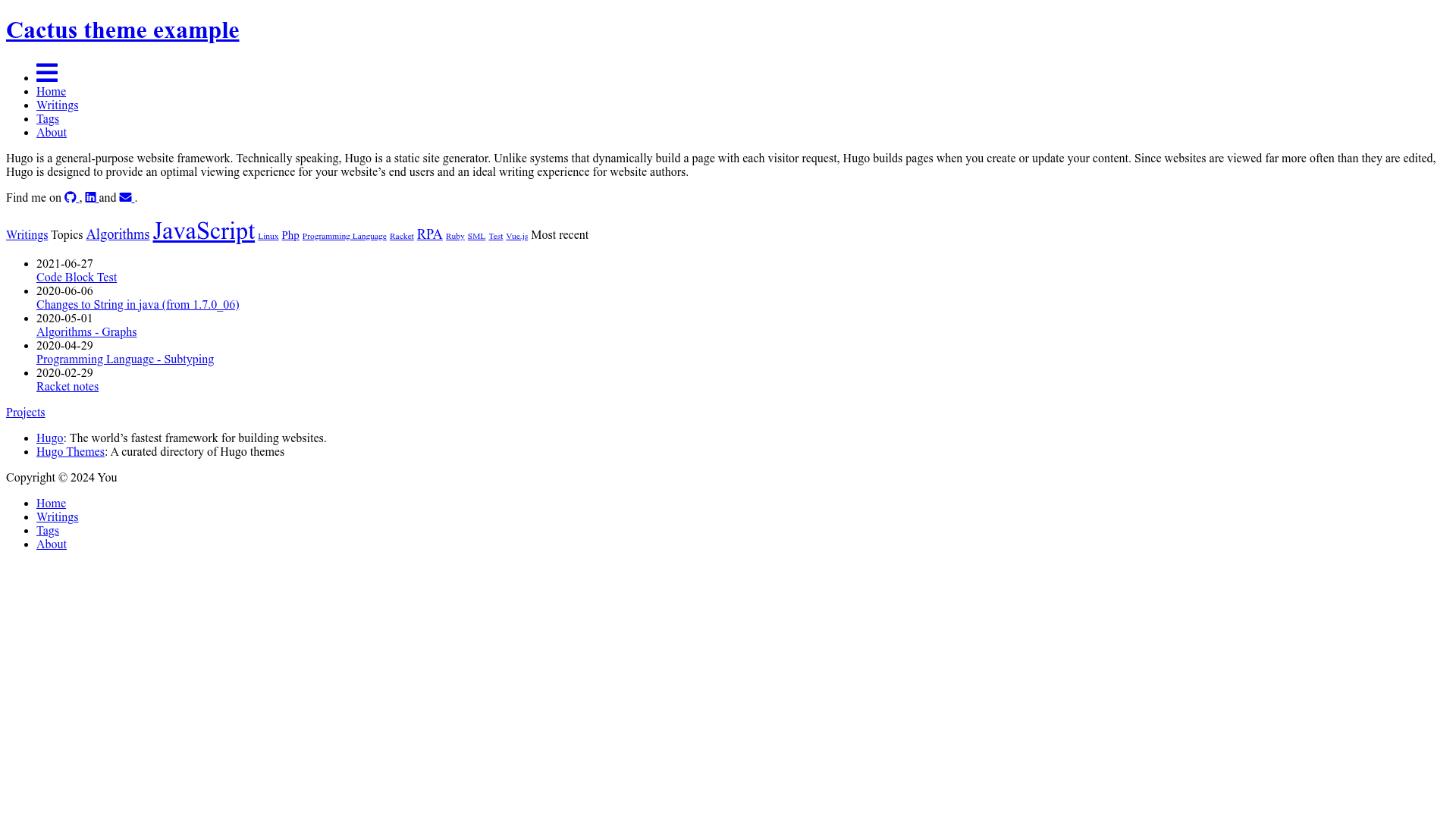
Jekyll Theme Fast is a lightweight Jekyll blog theme focused on performance and simplicity, using vanilla JavaScript and minimal CSS to keep page loads fast. It is a GitHub-hosted open-source theme by developer liurongqing, designed for users who want a clean, no-frills static site without the overhead of modern JavaScript frameworks.
What is Jekyll Theme Fast?
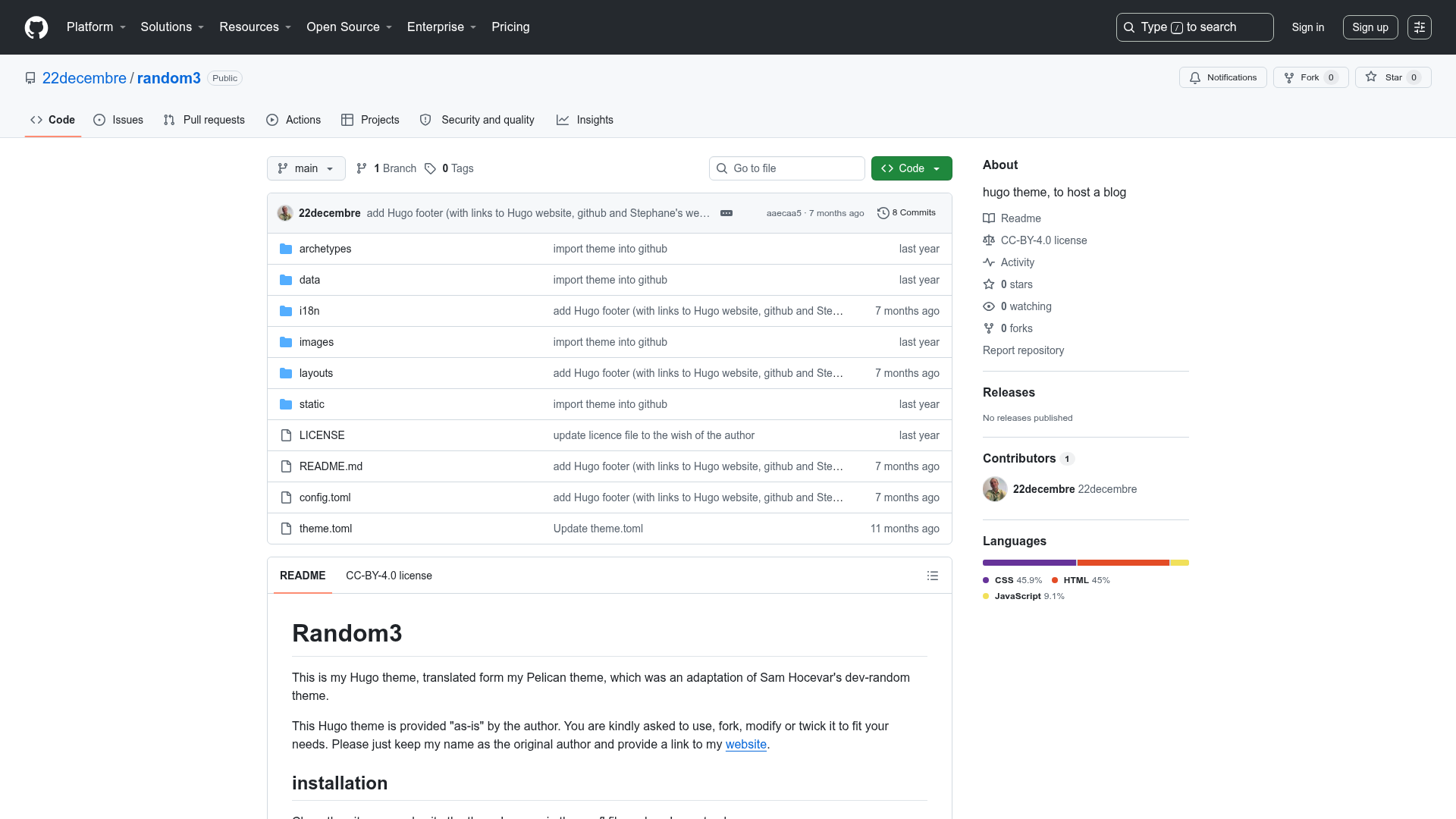
Jekyll Theme Fast is a theme for Jekyll, the Ruby-based static site generator. It takes standard Markdown content and renders it into a static website with a minimal, GitHub-style visual design. The theme uses only native JavaScript and a small amount of CSS, avoiding heavy dependencies. It is distributed both as a Ruby gem (jekyll-theme-fast) and as a GitHub repository that can be cloned directly.
Key Features
- Vanilla JavaScript — No front-end frameworks are used; all interactivity is implemented with native JS, reducing the amount of code the browser must download.
- Minimal CSS — The theme ships with scant CSS to achieve a clean look while improving load times.
- GitHub Markdown styling — Markdown content is styled with the widely used github-markdown-css stylesheet, giving posts the familiar GitHub typography and list styles.
- Rouge code highlighting — Source code blocks are highlighted with Rouge, Jekyll's built-in highlighter, using the Monokai color scheme (
syntax.monokai). You can generate the CSS withrougify style syntax.monokai > syntax.monokai.css. - Two installation routes — You can install it as a gem by setting
theme: jekyll-theme-fastin_config.ymland addinggem "jekyll-theme-fast"to your Gemfile, or clone the repository directly to modify the source. - Local preview with Jekyll — After installation, run
jekyll serveand openhttp://127.0.0.0:4000to see the site locally.
Who is it for?
- Developers who value speed — If you need a blog that loads quickly and keeps the front-end stack minimal, this theme avoids the complexity of React or Vue.
- Technical writers — With built-in Markdown styling and code highlighting, it's suitable for documentation-heavy blogs.
- Jekyll beginners — The simple installation process (gem or clone) and straightforward file structure make it easy to start a new Jekyll site.
What can you do with Jekyll Theme Fast?
- Start a personal blog — Configure the theme in
_config.yml, write posts in Markdown, and generate a static site that's easy to host anywhere. - Create a portfolio — Use the clean layout to showcase projects with minimal distraction, adding only the CSS you need.
- Experiment with Jekyll — Clone the repository, tweak the native JS or CSS, and learn how a minimal Jekyll theme is built.
How does Jekyll Theme Fast work?
The theme works like any standard Jekyll theme: you provide Markdown files with YAML front matter, and Jekyll processes them using the theme's layouts and includes. For local development, run jekyll serve, which rebuilds the site on changes and serves it at http://127.0.0.0:4000. To deploy, simply generate the static files with jekyll build and upload the _site folder to any static hosting service.
FAQ
Is Jekyll Theme Fast free?
Yes, it is an open-source theme distributed on GitHub, and it can be used for personal or commercial projects at no cost.
How do I install Jekyll Theme Fast?
Add the theme to your Jekyll site by either editing _config.yml to use theme: jekyll-theme-fast and adding the gem to your Gemfile, or by cloning the GitHub repository directly and running jekyll serve in that directory.
Do I need Ruby to use this theme?
Yes, Jekyll requires Ruby. The theme's README suggests installing Ruby with brew install ruby and then Jekyll with gem install jekyll.
How do I customize the code highlight color?
The theme uses Rouge's Monokai style. You can generate a custom CSS file with rougify style syntax.monokai > syntax.monokai.css and include it in your layout, or edit the colors in that generated file.