Template details
Snippet
Minimalist Hexo blog theme with vanilla JS, Less styling, article expiry warnings, reading progress, and multiple comment systems.
About this template
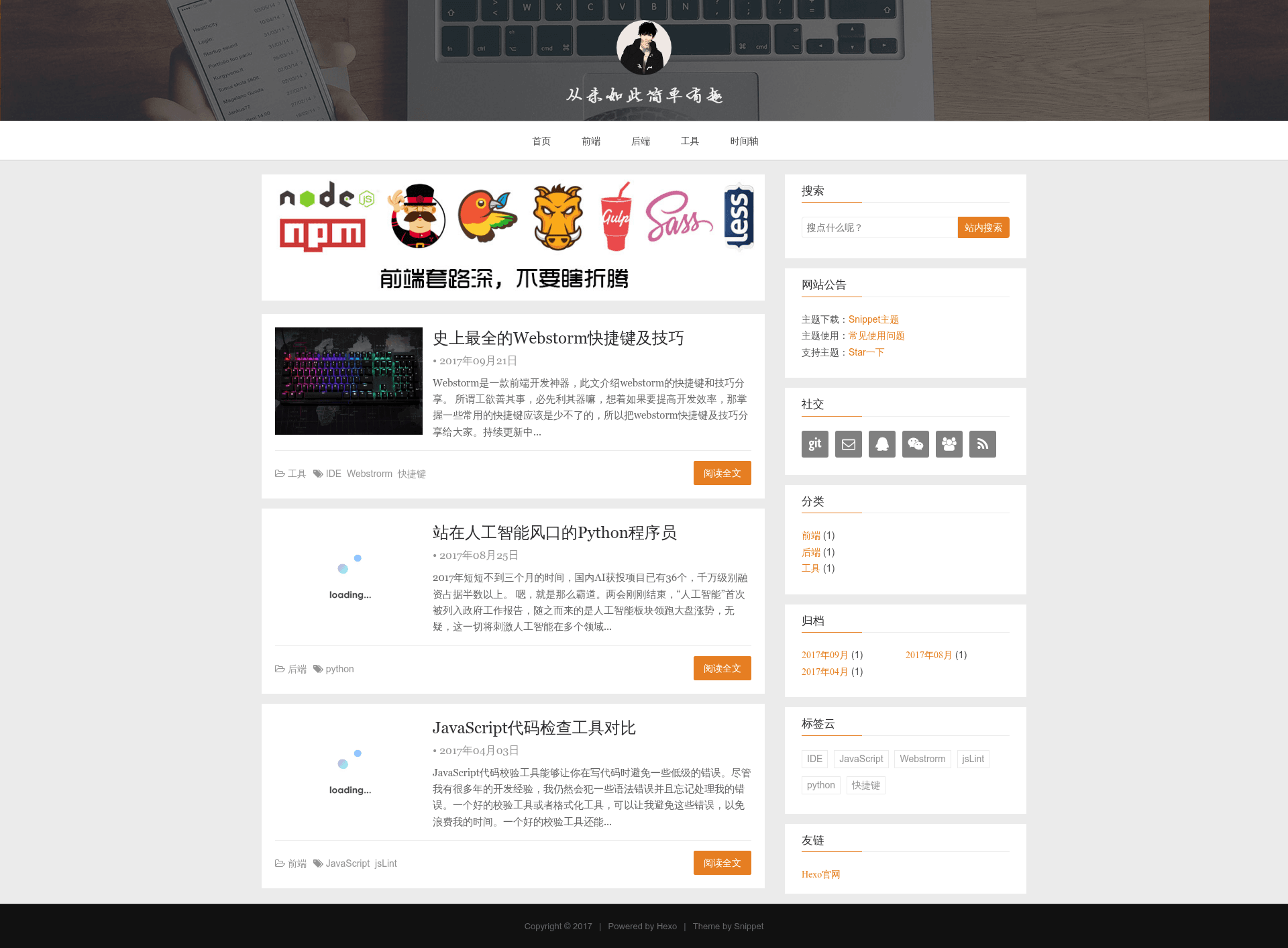
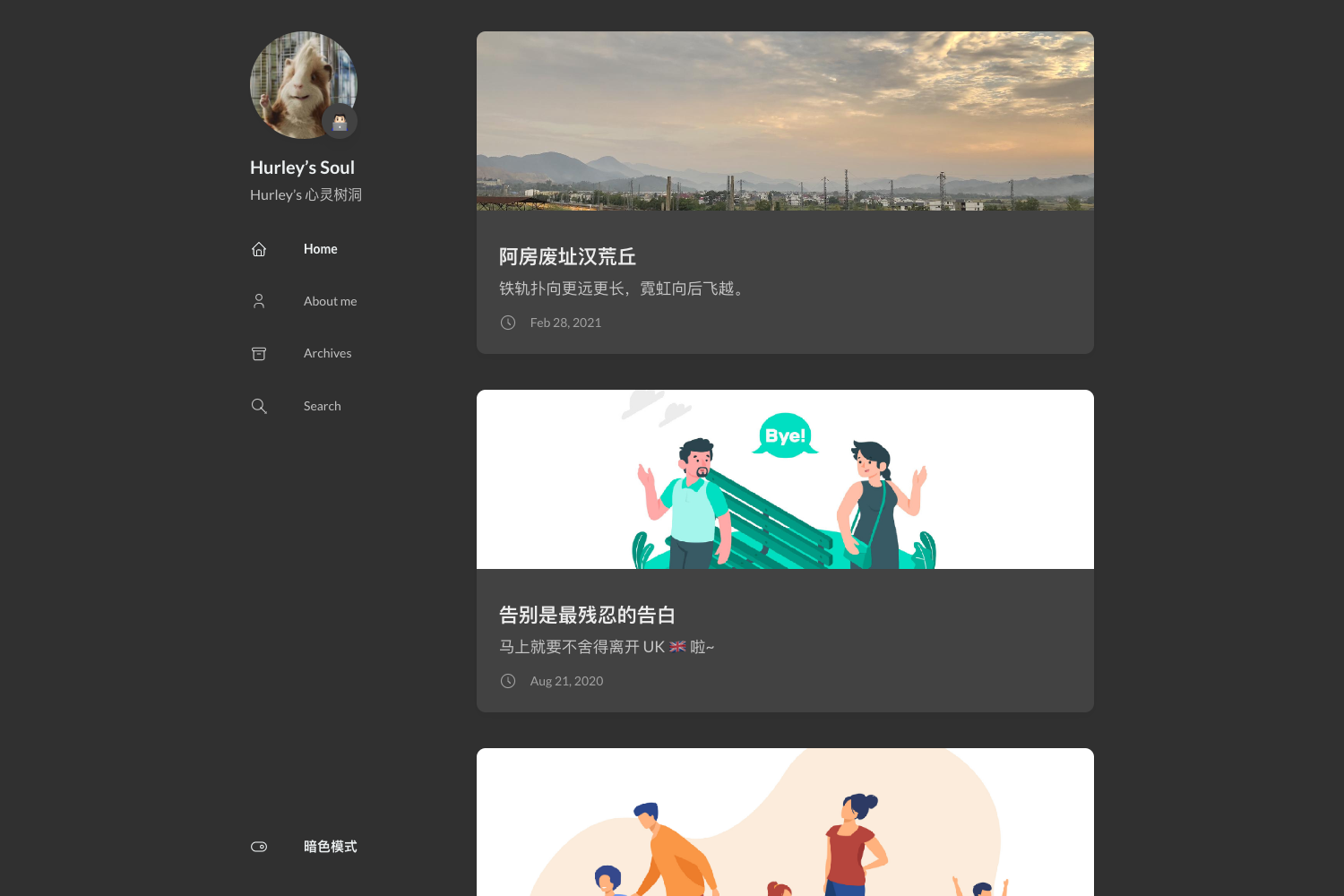
Snippet is a minimalist open-source Hexo blog theme that replaces jQuery with vanilla JavaScript and packs in a series of practical blog features out of the box. Developed by shenliyang, it targets Hexo 3.0 and above, with explicit support for hexo@7+. The theme renders a responsive blog with homepage, post pages, archives, categories, tags, local search, and a configurable sidebar, and it is released under the MIT License.
What is Snippet?
Snippet is a Hexo theme designed to stay lightweight and easy to configure, requiring only the standard Hexo environment — Node.js, Git, and Hexo itself. It uses the ejs template engine and the Less CSS preprocessor, so installing hexo-renderer-ejs and hexo-renderer-less is mandatory. The theme's source lives at github.com/shenliyang/hexo-theme-snippet, where it receives ongoing maintenance and accepts pull requests. Its output is a static blog generated by hexo clean && hexo g, which can be previewed with hexo s -p 4000 and deployed with hexo d.
Key Features
- jQuery-free JavaScript — All interactive behavior is implemented in native JavaScript, avoiding the jQuery dependency for faster page loads.
- Less-based styling — Styles are written in Less, allowing users to override variables and customize the theme's appearance without touching compiled CSS.
- Article expiry warning — A configurable warning banner appears on posts older than a set number of days (default 300), with a custom message that includes the day count.
- Reading progress bar — A progress indicator shows how far the reader has scrolled through a post.
- Multiple comment systems — Supports utterances, gitment, livere, uyan, disqus, changyan, valine, and gitalk, letting users pick the service that fits their platform.
- Local and Google search — Integrates hexo-generator-json-content for local search and offers a Google search option; Google requires an accessible network to that service.
- Auto thumbnail extraction — Homepage post thumbnails follow a fallback order: front-matter img field, first image in the post, random images from defaultImgs, then a no-image layout.
- CI/CD deployment support — Ships Gulp tasks and Travis CI configuration (travis.yml and travis.sh) that automate building and deployment, with email and DingTalk notifications on build results.
- Site statistics — Supports busuanzi visitor counts plus CNZZ, Baidu, Google, and Tencent analytics through simple config keys.
Who is it for?
Snippet is aimed at Hexo bloggers who want a clean, fast theme without heavy JavaScript dependencies. It suits developers who are comfortable editing _config.yml and want to customize features like the tag cloud, sidebar widgets, and excerpt length in YAML. The official documentation and GitHub issues are largely in Chinese, so it is especially approachable for Chinese-speaking users, though the config comments include English descriptions. It also appeals to bloggers who automate publishing through Travis CI and need email or DingTalk notifications on deployment outcomes.
What can you do with Snippet?
- Personal bloggers: Publish posts with categories, tags, a 3D tag cloud, and article rewards (Alipay/WeChat) to create a monetizable personal site.
- Technical writers: Use the built-in code highlighting, table of contents, and article expiry warnings to keep documentation and tutorial posts current.
- Automation-minded users: Copy the provided gulpfile, travis.yml, and travis.sh to your project root to get continuous deployment from a GitHub repository to GitHub Pages.
- Site managers: Enable local search via hexo-generator-json-content@2.2.0 and configure one of the eight comment providers to engage readers without building custom infrastructure.
How does Snippet work?
The theme follows a standard Hexo workflow: install the theme in the themes/hexo-theme-snippet directory, install required plugins with npm i hexo-renderer-ejs hexo-renderer-less hexo-deployer-git -S, then configure _config.yml in the theme folder. For building, you can use the optional Gulp pipeline by copying the theme's package.json and creating a gulpfile that requires the theme's gulpfile, then run gulp before hexo clean && hexo g. Updates are handled with git pull inside the theme directory.
FAQ
Does Snippet require specific Hexo plugins?
Yes. hexo-renderer-ejs, hexo-renderer-less, and hexo-deployer-git are mandatory for rendering and deploying. Local search additionally requires hexo-generator-json-content@2.2.0; without it, content.json is missing and the search box will not work.
How do I set a custom thumbnail for a post?
Put an img value in the post's front-matter. The theme loads thumbnails in this order: the front-matter img field, the first image found inside the article, a random image from the defaultImgs list, and finally a no-image layout.
Why are tags and categories pages returning 404?
That is expected behavior. The theme does not create tag or category pages by default; you must create them yourself with hexo new page tags and hexo new page categories.
How can I change the sidebar widget titles to Chinese?
Set the site language in your Hexo root _config.yml with language: zh-CN. The theme picks up this setting; without it, widget titles default to English.
Does Snippet have pagination?
Yes, pagination is built in and configured in your Hexo root _config.yml. The per_page parameter controls posts per page (10 by default, 0 disables pagination) and pagination_dir sets the pagination directory, defaulting to page.