Template details
Kopi
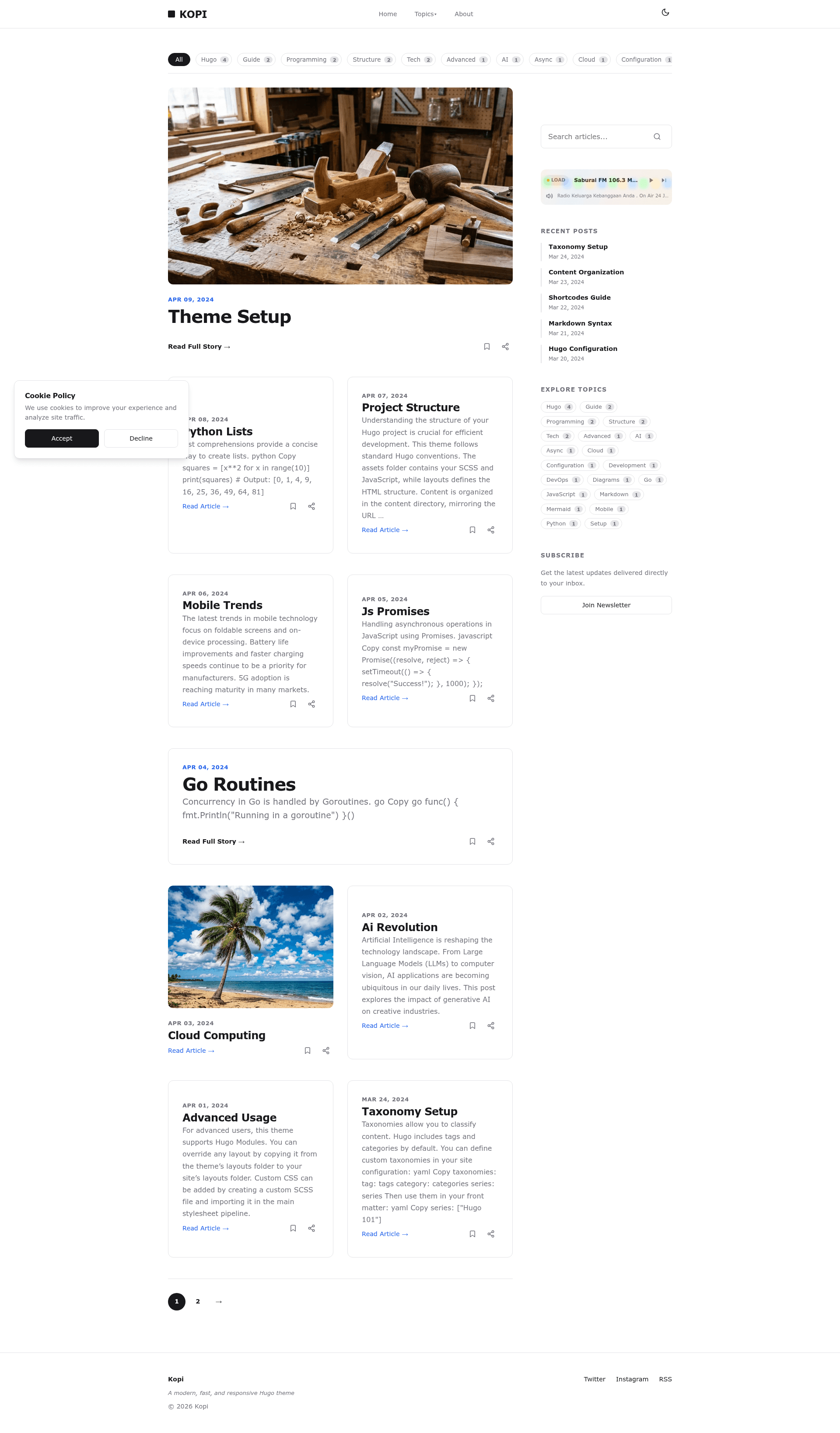
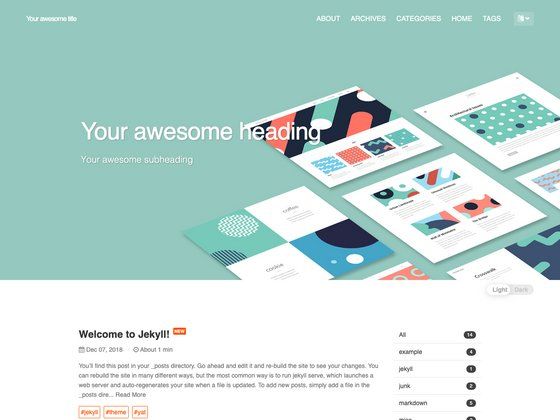
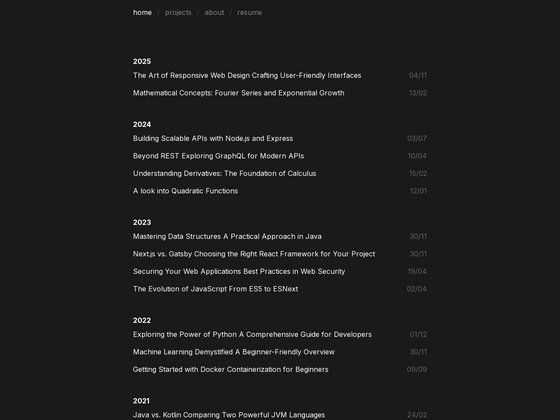
Kopi is a fast Hugo theme for dark-mode blogging with Turbo navigation, Mermaid diagrams, and an optional radio player.
About this template
Kopi is a Hugo theme for high-speed, dark-mode blogging that runs on Hugo Extended 0.157.0 and bundles Turbo navigation, Mermaid diagram support, and an optional radio player.
What is Kopi?
Kopi is a Hugo theme that builds a 2-column, magazine-style blog with automatic dark mode and near-instant page transitions via Turbo. It takes a standard Hugo site's markdown content and configuration and produces a static blog with an optional radio player output. The theme is developed by bect and published on GitHub, licensed under MIT.
Key Features
Kopi packs seven features that cover responsiveness, navigation, diagram rendering, and audio streaming.
- Responsive Design — The layout adapts to desktops, tablets, and mobile devices without extra configuration.
- Automatic Dark Mode — The theme switches between light and dark based on the visitor's system preference.
- Turbo Navigation — Interpage navigation is instant because Turbo replaces only changed content, avoiding full page reloads.
- Mermaid.js Support — You can embed diagrams and flowcharts directly in markdown with Mermaid syntax.
- 2-Column Layout — A magazine-style grid with a main content column and a sidebar for navigation and widgets.
- Radio Player Widget — A built-in player reads a list of stations from a data file and renders a visualizer with playlist support.
- GitHub Pages Deployment — A prepared GitHub Actions workflow is included so you can publish the site from the repository.
Who is it for?
Kopi suits three kinds of users who want a fast, minimal static blog.
- Hugo bloggers who want a fast, dark-mode-first theme without writing custom JavaScript.
- Developers who need a quick static blog with automatic deployment to GitHub Pages via the included Actions workflow.
- Radio enthusiasts or podcasters who want to embed a stream player into their blog with minimal configuration.
What can you do with it?
The theme supports these concrete workflows:
- Publish a personal blog — Write markdown posts, set author details, and customize navigation through the site's
hugo.yaml. - Add a radio player — Enable the RADIO output format, then edit
/data/radio.yamlto list stations with title, description, stream URL, location, and website URL. - Present technical content — Use Mermaid code blocks inside markdown to render flowcharts and diagrams without external tools.
How does Kopi work?
The theme is installed by adding it as a git submodule: git submodule add https://github.com/bect/kopi.git themes/kopi. You then set theme: 'kopi' in hugo.yaml. To enable the radio player, you add RADIO to the home page's outputs list; the widget reads stations from /data/radio.yaml.
Pricing
Kopi is free software distributed under the MIT License, so you can use and modify it without payment.
FAQ
Does Kopi require Hugo Extended?
Yes, the theme requires Hugo Extended version 0.157.0 or higher because it relies on extended features such as Sass compilation.
How do I enable the radio player?
Add RADIO to the outputs list for your home page in hugo.yaml. The widget will then appear on the homepage and read its playlist from /data/radio.yaml.
Is Kopi free to use?
Yes, Kopi is open-source and licensed under the MIT License, which permits commercial and personal use with attribution.
How do I customize the radio stations?
Edit /data/radio.yaml and follow the format: each station needs a title, description, stream_url, location, and website_url. Add or remove entries as needed.