Template details
Random3
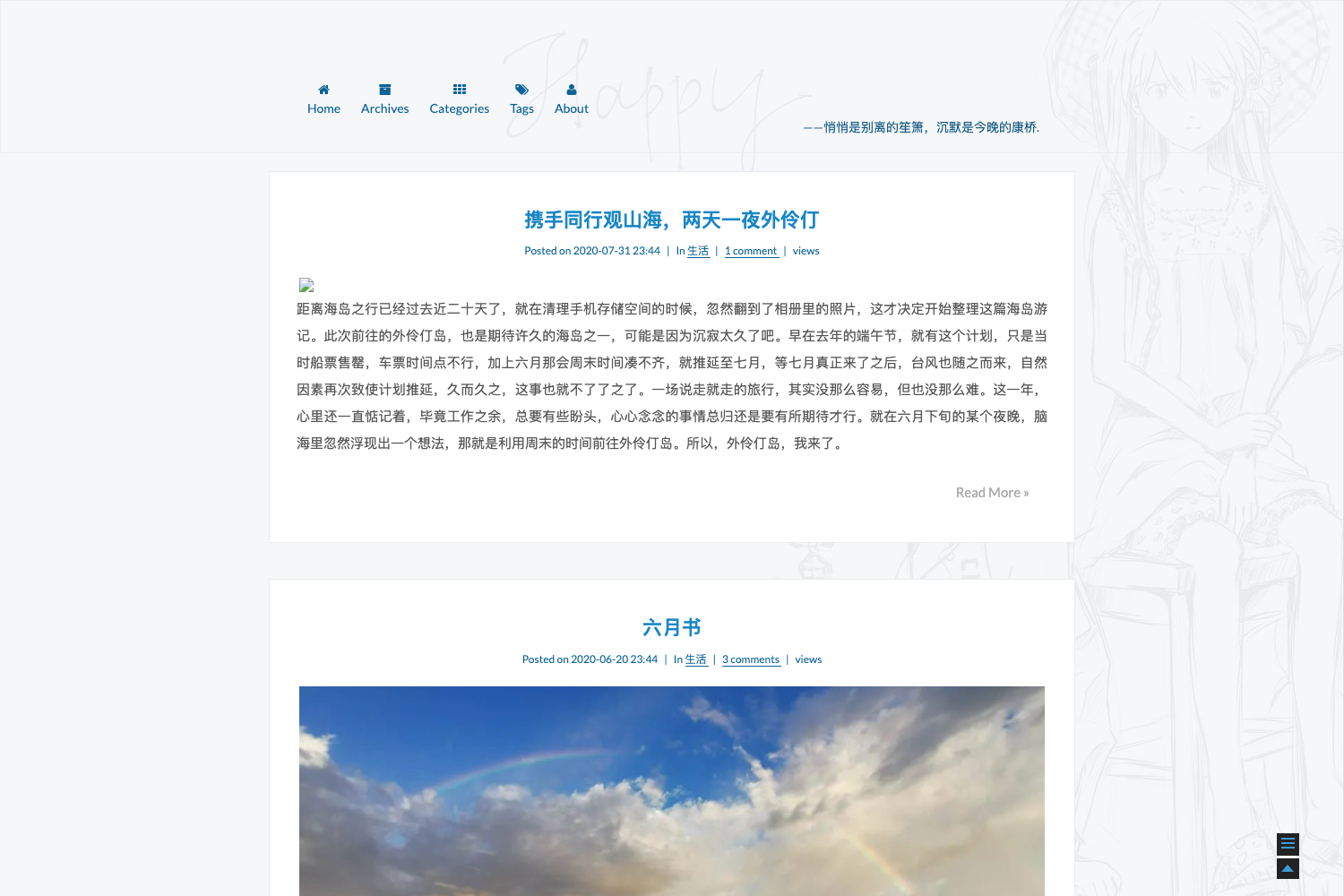
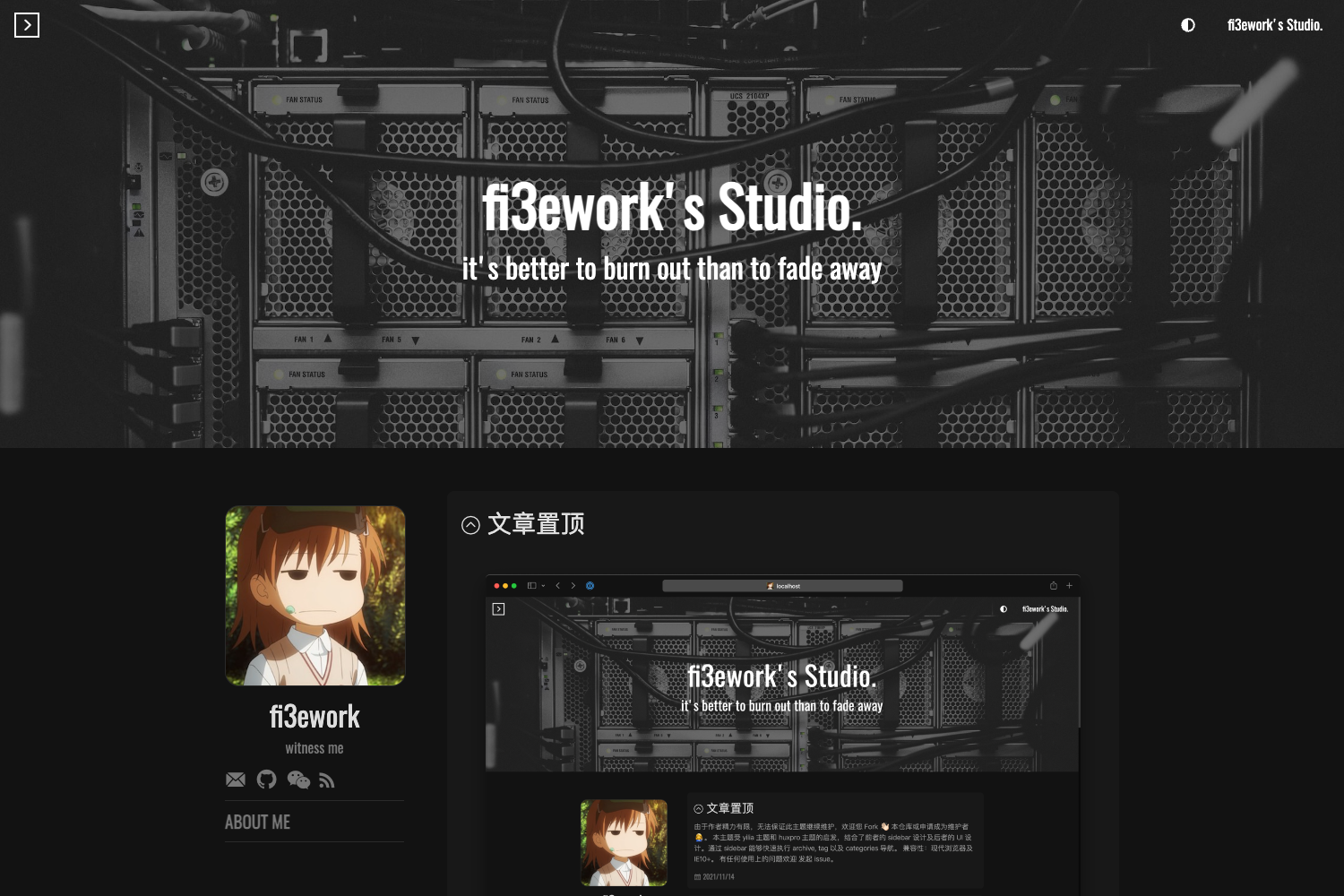
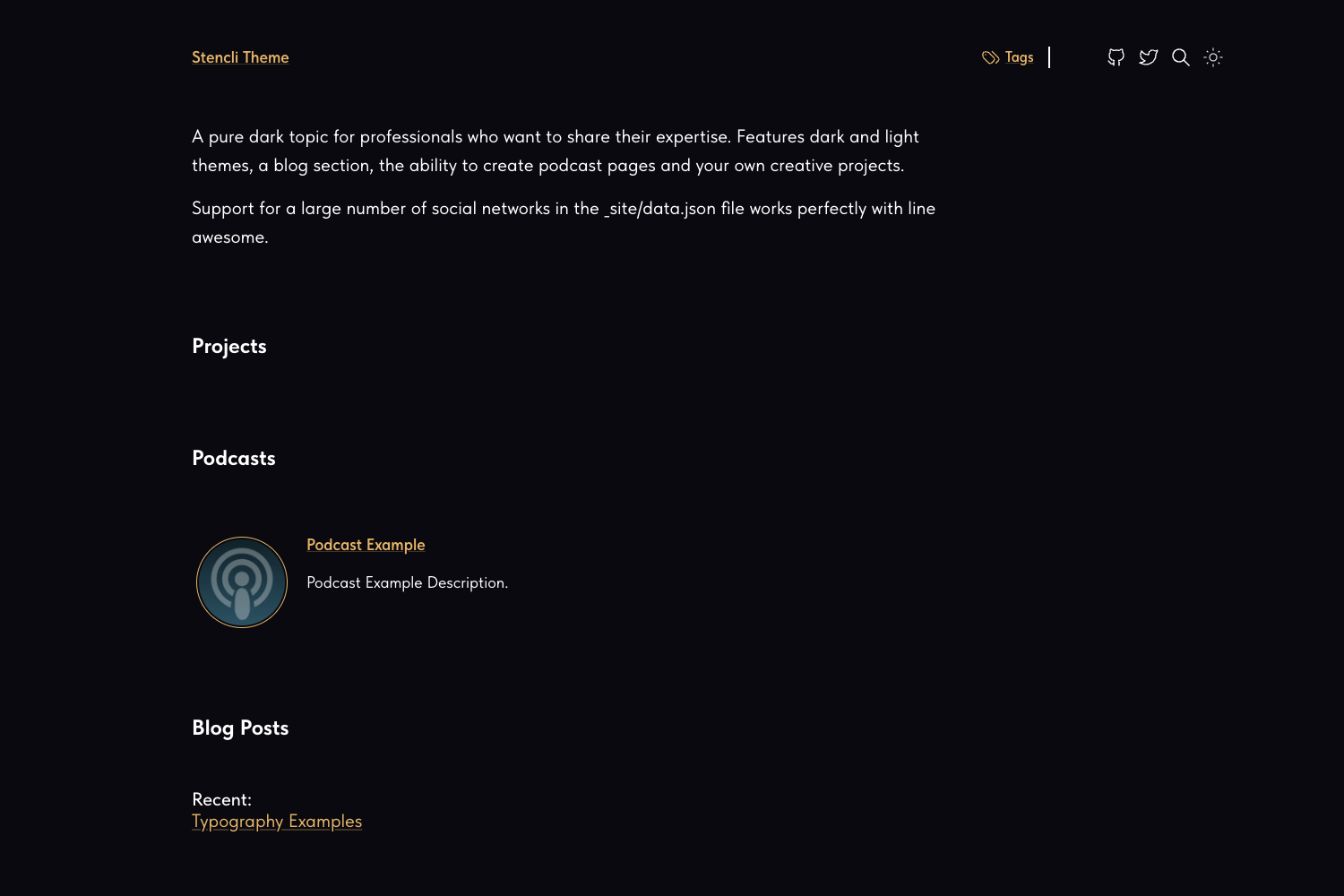
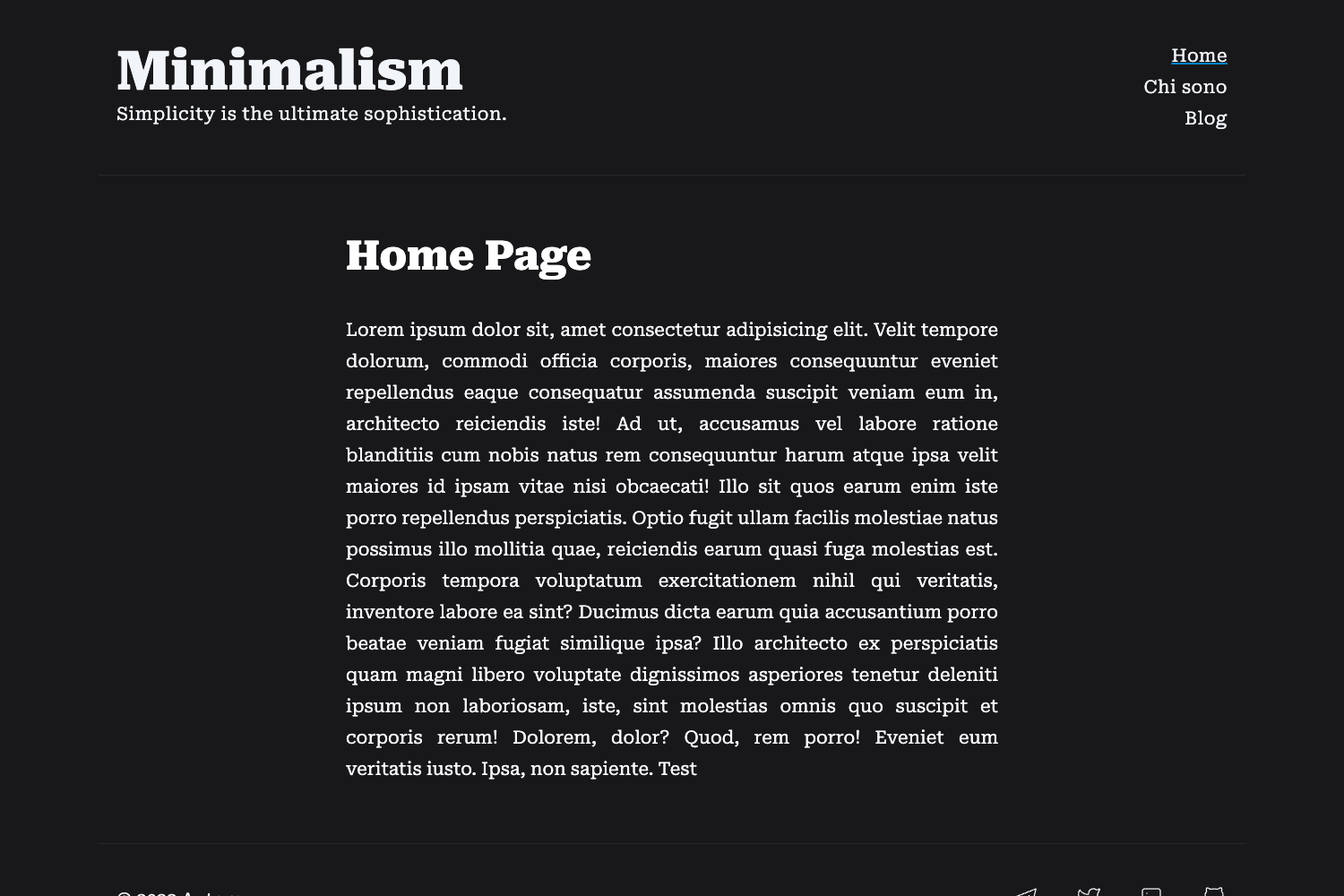
Responsive Hugo blog theme with Isso comments, tag cloud, and shortcodes for looping videos, images, and PeerTube embeds.
About this template
Random3 is a responsive Hugo theme for hosting a blog, translated from a Pelican theme and available as-is on GitHub.
What is Random3?
Random3 is a Hugo theme that turns Hugo content files and configuration into a static blog with a sidebar, tag cloud, and optional self-hosted comments. It is an adaptation of Sam Hocevar's dev-random theme, translated from a Pelican theme by the author of 22decembre.eu. The theme is distributed "as-is" with permission to use, fork, modify, and tweak as long as the original author is credited.
Key Features
- Responsive layout — the navigation bar moves to the bottom of the screen on mobile devices.
- Isso comments — a self-hosted Python comment system can be enabled with a config parameter and appears at the bottom of articles.
- HugoFooter — an optional footer displaying links to the Hugo website, the theme's GitHub repository, and the author's website; enabled by default.
- Tag cloud — tags appear in larger text when they are assigned to more articles.
- Media shortcodes — built-in shortcodes for looping muted MP4 videos, controlled images with width/height/alt, PeerTube embeds, and Wikipedia links in the post's language.
- Multilingual UI — translated into English, French, and Danish.
- Sidebar links — blogroll, social network, and local link lists are configured via JSON files in the data folder (Blogroll.json, Social.json, Local.json).
- Privacy-friendly social icons — Mastodon, Facebook, and Diaspora logos are plain images with no tracking links.
Who is it for?
- Bloggers who want a self-hosted comment system — configure Isso to keep all comment data on their own server.
- Privacy-conscious site owners — social icons are plain images with no tracking links, and comments can be fully self-hosted.
- Multilingual bloggers — the UI is available in English, French, and Danish, and the Wikipedia shortcode follows the post's language.
- Hugo users — the theme installs with a git clone and a single config.toml line, and requires no additional build tools.
Use cases
- Video bloggers: embed looping muted MP4 clips (for memes or backgrounds) with the videoloop shortcode, or embed videos from PeerTube instances with the peertube shortcode.
- Photography blogs: use the img shortcode to set image width, height, and alt text for accessibility without writing raw HTML.
- Personal sites: display a blogroll, social profiles, and local page links in the sidebar by creating three JSON files in the data directory.
How does Random3 work?
Installation is straightforward: clone the repository into Hugo's themes directory, then set theme = "random3" in config.toml. Configuration parameters are added under [params] in config.toml, including the Isso URL, a spam trap email, and a toggle for the HugoFooter. Sidebar links are defined by placing JSON files in the data folder of the Hugo site. The theme then renders the blog with the selected sidebar configuration, tag cloud, and shortcodes.