Template details
Nuxt Blog
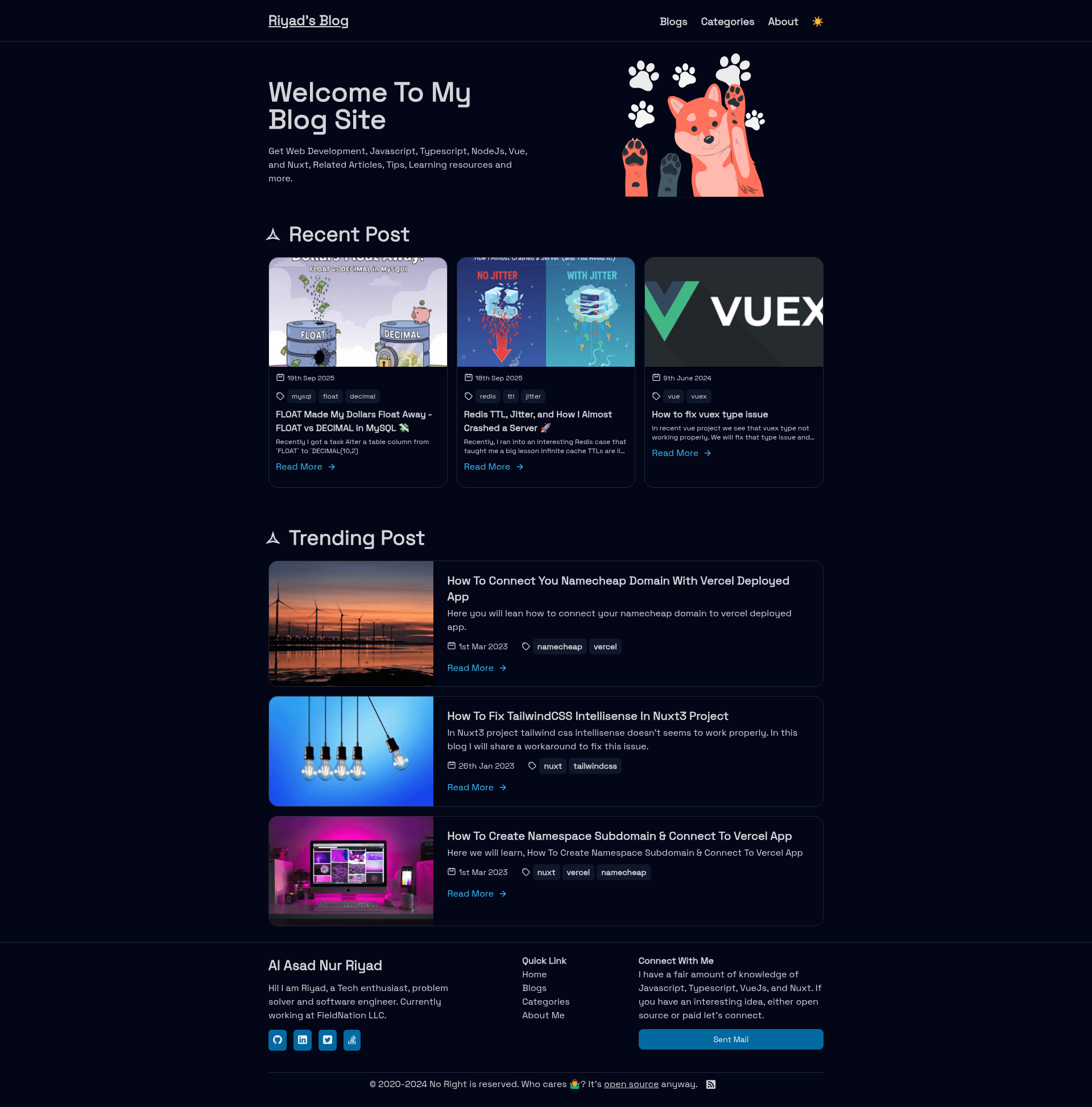
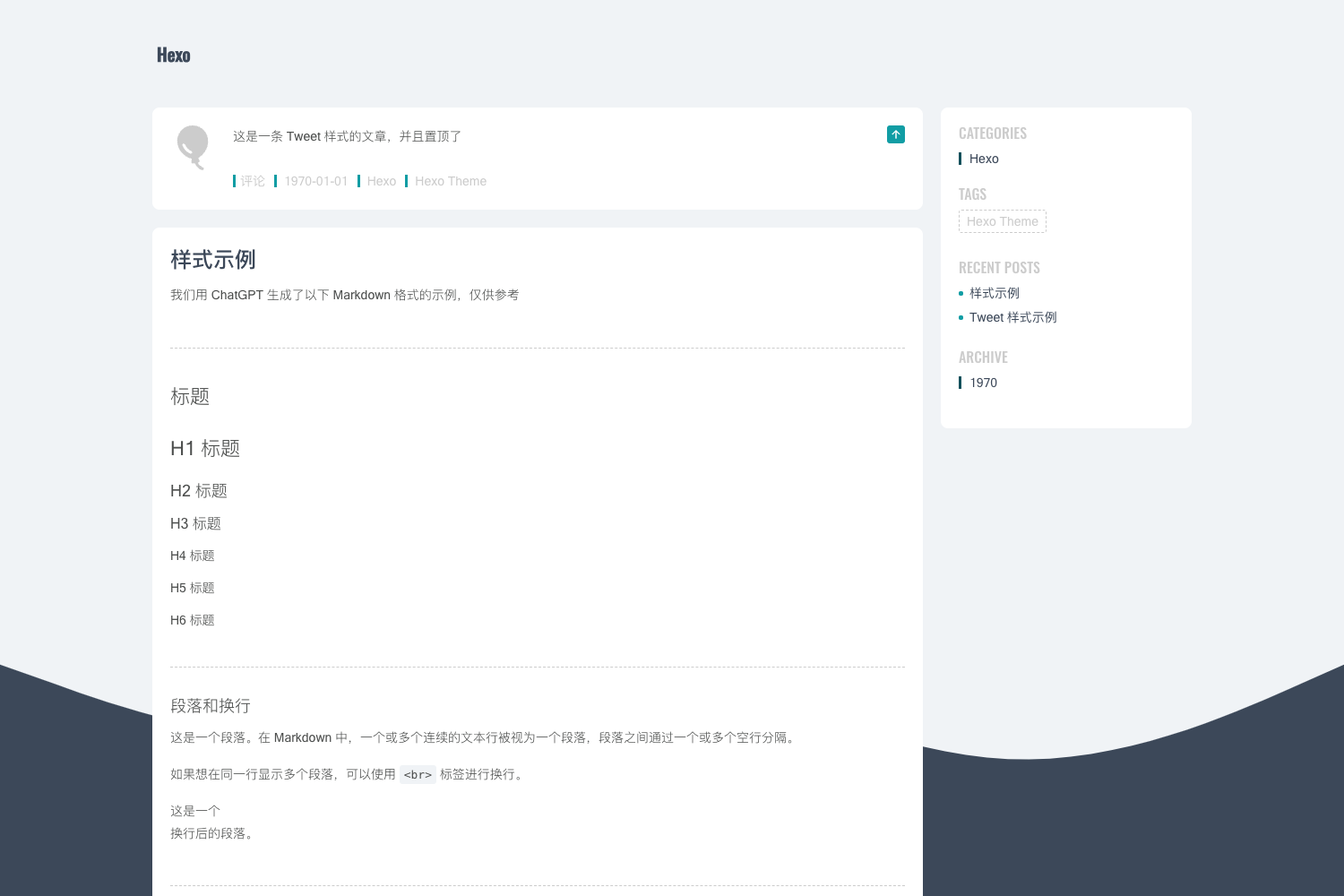
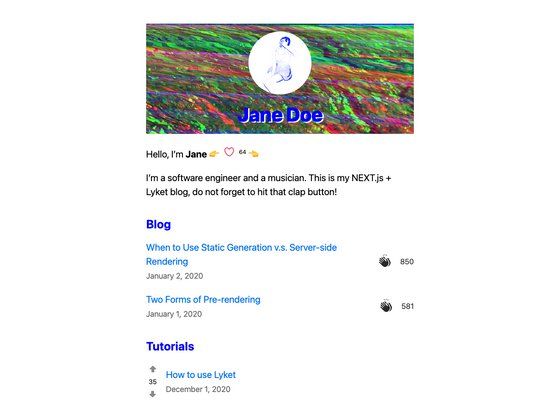
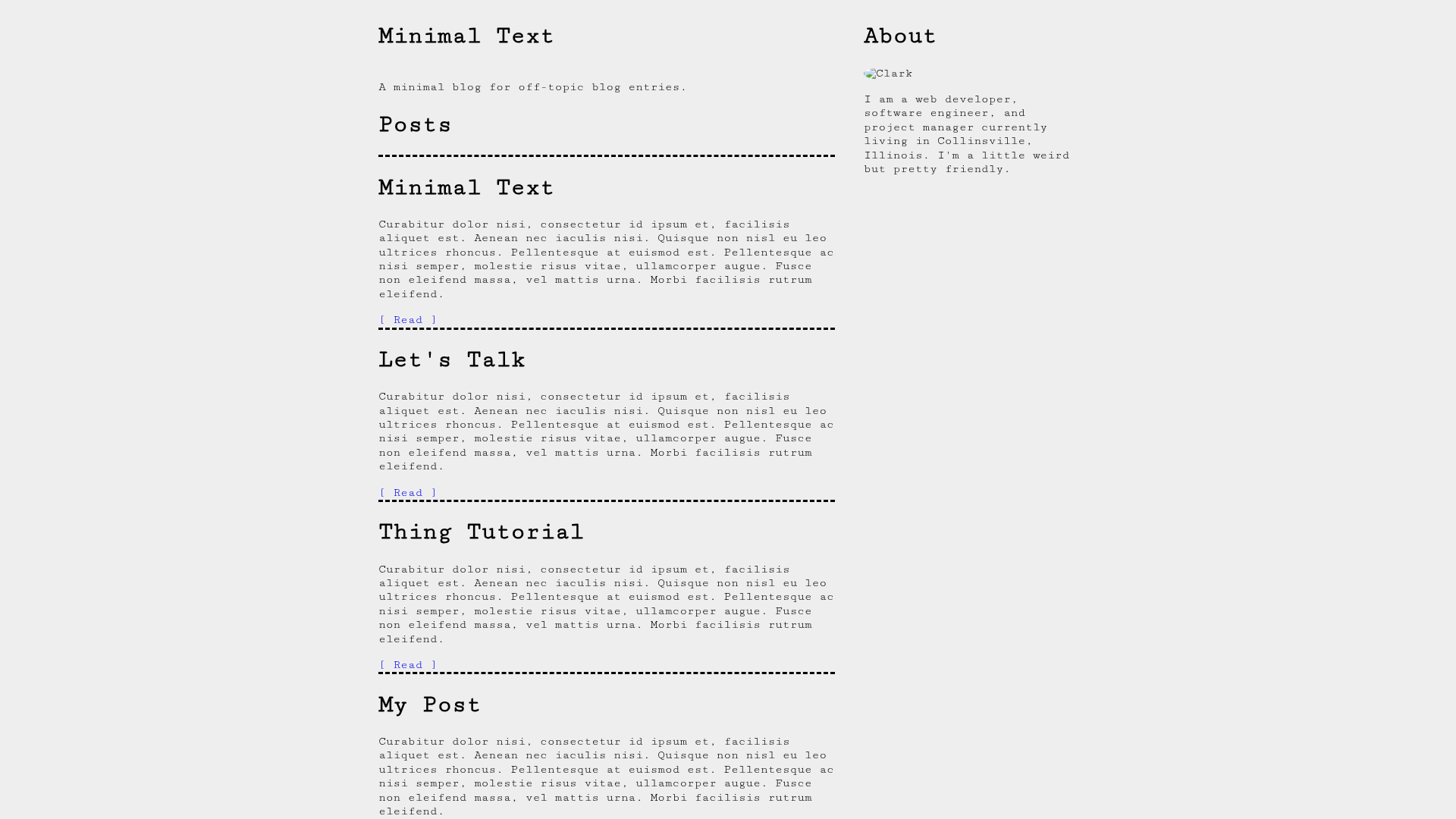
A personal blog template built with Nuxt, Nuxt Content, Vue 3, and Tailwind CSS, with markdown blogging, SSR, RSS, and dark mode.
About this template
Nuxt Blog is a personal blog template that compiles markdown files into a server-side-rendered Nuxt 4 website with automatic categories, search, pagination, RSS, and SEO features.
What is Nuxt Blog?
Nuxt Blog is a personal blog site template built with Nuxt 4, Nuxt Content 3, Vue 3, and Tailwind CSS. It takes markdown files placed in the ./content/blogs folder as input and outputs a complete blog website: a blog list page with search and pagination, individual post pages with auto-generated tables of contents, an About page, an RSS feed, and an XML sitemap. The site is server-side rendered (SSR) and can be deployed to Vercel with npm run build. The template requires Node.js 20.19+ to build.
Key Features
- Markdown blogging — Write posts in markdown and drop them into
./content/blogs; no database or CMS required. - Automatic category generation — Categories are derived from each post's metadata, so new topics appear without manual setup.
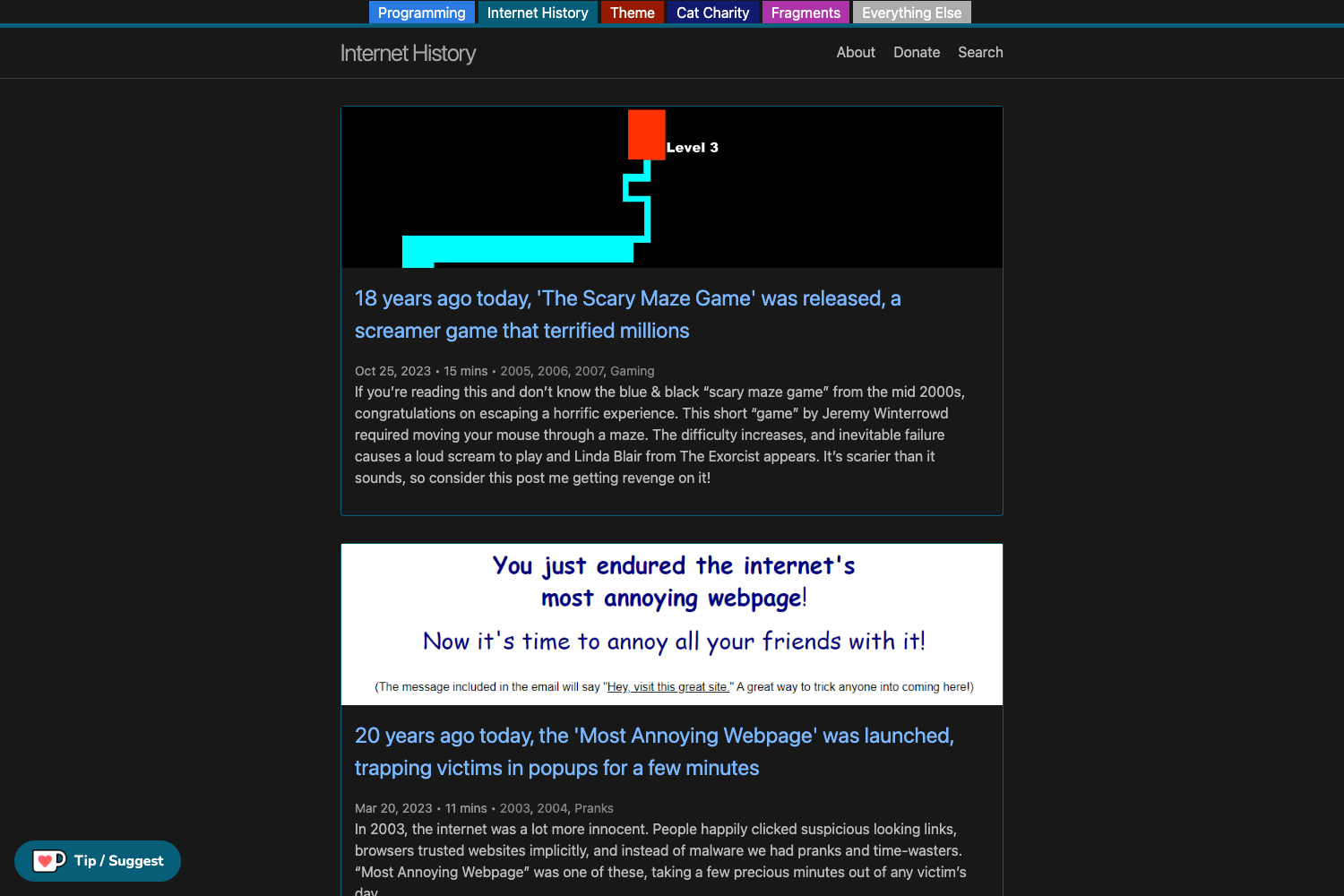
- Blog list with search and pagination — Readers can search across posts and page through the list on the main blog page.
- Auto table of contents — Each post gets a TOC generated from its headings, making long articles easier to navigate.
- Auto sitemap — An XML sitemap is generated automatically, which helps with search engine indexing.
- URL preview images — Uses Nuxt ogImage to generate Open Graph preview images for social sharing.
- Dark and light mode — A theme toggle switches between light and dark styles, built with Tailwind CSS.
- Server-side rendering — The Nuxt 4 app is SSR-enabled, improving load times and SEO despite being a content site.
- RSS feed — Subscribers can follow the blog through an auto-generated RSS feed.
Who is it for?
- Developers who want a minimal, code-based personal blog without the weight of a CMS.
- Technical writers who prefer authoring in markdown and want automatic SEO outputs like sitemaps and Open Graph images.
- Portfolio owners who need a blog plus an About me page to present professional information.
What can you do with Nuxt Blog?
- Personal bloggers: Publish markdown posts and get a fast, SEO-ready site with search, pagination, RSS, and dark mode out of the box.
- Developers: Extend the Nuxt 4 and Tailwind CSS source code to change layouts, add components, or integrate analytics.
- Portfolio creators: Use the About me page and the blog to write articles that showcase your expertise alongside a bio.
How does Nuxt Blog work?
The template is set up as a standard Nuxt 4 project. Clone the repository or use it as a GitHub template, then edit ./app/data/index.ts to add your personal information. Add markdown files to the ./content/blogs folder, and the site automatically builds categories, the blog list, TOCs, sitemap, RSS, and preview images. Run yarn install, then yarn run dev for local development at localhost:5173, or yarn run build for production.