Template details
Jughead
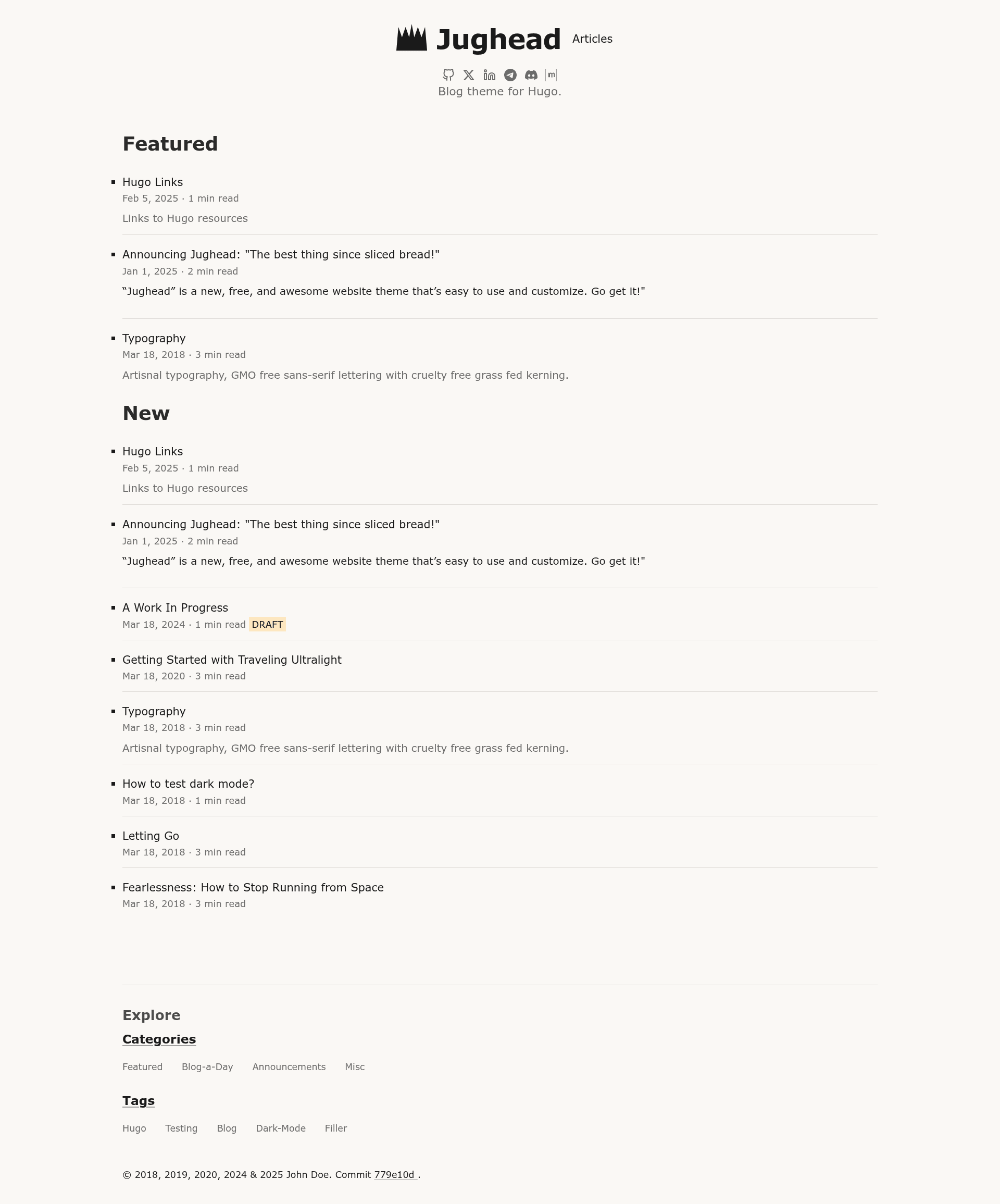
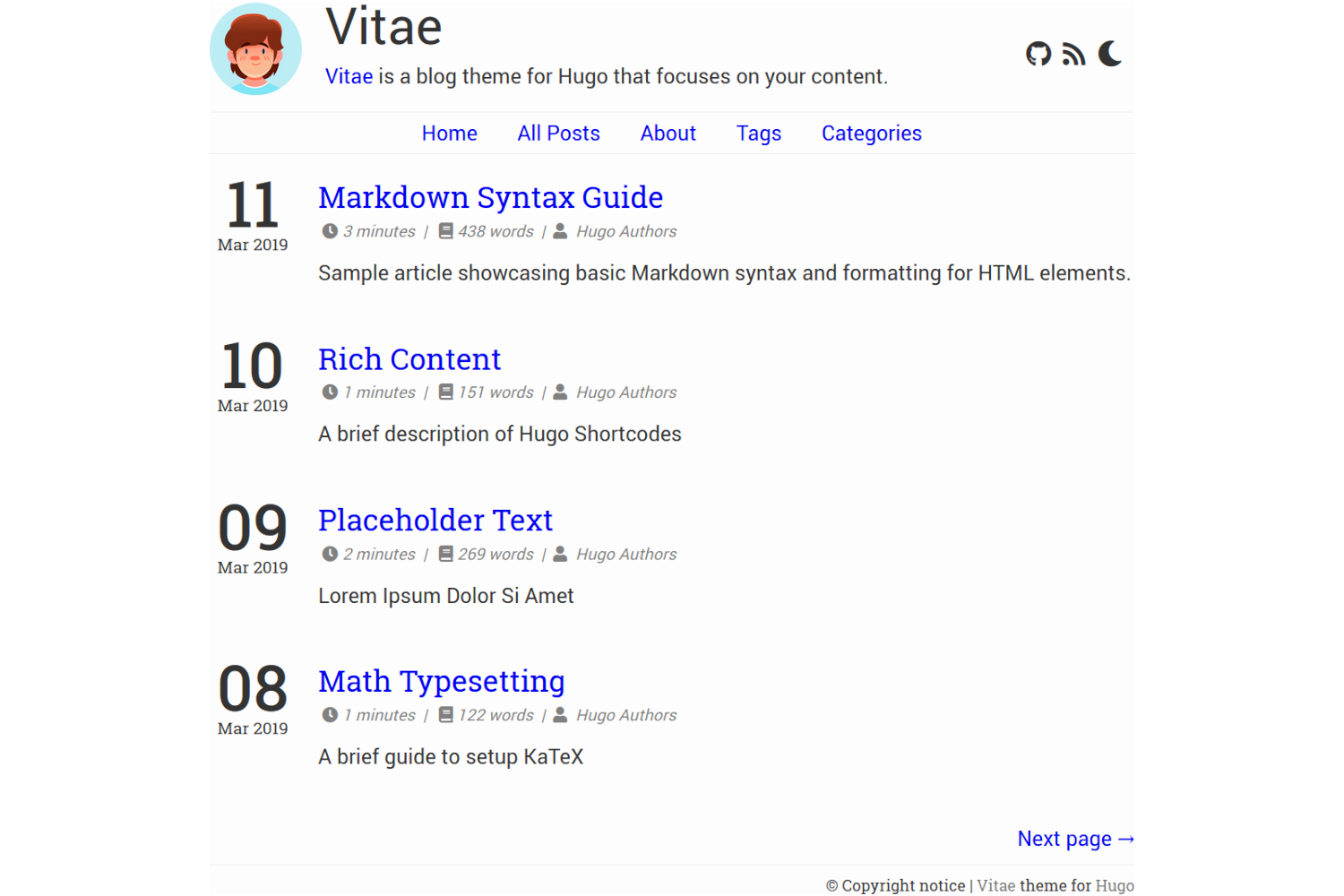
A Hugo blog theme with giscus comments, Mermaid diagrams, KaTeX math, offline caching, and two themes.
About this template
Jughead is a Hugo blog theme that turns Markdown content into a static site with giscus-powered comments, MermaidJS diagrams, KaTeX mathematics, offline caching, and two built-in color themes. Maintained by ananthb and forked from Archie, it targets bloggers and developers who want a lightweight site that loads only the JavaScript a post actually needs.
What is Jughead?
Jughead is a simple, powerful blog and portfolio theme for the Hugo static site generator. It takes TOML configuration, Markdown posts, and per-post frontmatter as input, and outputs a fully static website that can be deployed to any Hugo-compatible host. The theme ships with two color schemes—ink (a newspaper/OLED look) and earth (rust and slate)—plus an auto light/dark mode that follows the operating system.
What makes Jughead stand out?
- Giscus comments — Integrates GitHub Discussions via giscus for lightweight, database-free commenting on your posts.
- MermaidJS diagrams — Render flowcharts and sequence diagrams by setting
mermaid = truein a post's frontmatter; the script is loaded only on those pages. - KaTeX math formulae — Typeset LaTeX-style math by enabling
katexin frontmatter, keeping other pages fast. - Reading time indicators — Each post automatically shows an estimated reading time calculated from the word count.
- Offline caching — A built-in service worker caches visited pages so readers can access them without a connection.
- Two themes and auto dark mode — Switch between
ink(newspaper/OLED) andearth(rust/slate), with manual override for the dark/light mode. - i18n support — The theme includes translation files and welcomes contributions for additional languages.
Who should use Jughead?
- Technical bloggers — Publish tutorials that embed Mermaid diagrams and KaTeX equations, with rendering enabled only when needed.
- Developer-portfolio owners — Use the
featuredcategory and portfolio metadata to highlight projects on the homepage while keeping recent posts on the same page. - Hugo users who want a minimal theme — Get a no-CSS-framework theme with offline caching and multiple built-in appearance options.
What can you do with Jughead?
- Write math-heavy posts — Turn on
katexin frontmatter to render LaTeX-style formulas on the page. - Create diagram-rich documentation — Enable
mermaidto include flowcharts, sequence diagrams, and other Mermaid diagrams directly in Markdown. - Run a bilingual blog — Take advantage of the built-in i18n structure and submit translations to make the UI appear in more languages.
How does Jughead work?
Install the theme as a Hugo module by adding github.com/ananthb/jughead to the module imports in your hugo.toml, then copy the example hugo.toml from the exampleSite directory. Add custom homepage content via content/_index.md, create posts with hugo new posts/my-first-post.md, and toggle mermaid and katex in frontmatter per post. Featured posts appear on the homepage when you assign them the featured category.
Pricing
Jughead is open source and free to use. The repository is dual-licensed: MIT for contributions up to January 2026 and GPL 3.0 for later contributions.
FAQ
Is Jughead free?
Yes, Jughead is completely free and open source. There are no paid tiers; you download the theme from GitHub and use it in any Hugo site.
How do I enable Mermaid diagrams?
Add mermaid = true to the frontmatter of the post that needs diagrams. This loads MermaidJS only for that post, so the rest of your site stays lightweight.
How do I feature a post on the homepage?
Add the featured category to the post's frontmatter categories. Featured posts appear in a dedicated section above the recent-post list.
What color themes does Jughead include?
Jughead ships with two themes: ink for a newspaper-style, OLED-friendly look and earth for a rust/slate palette. You set them in hugo.toml under the params.
Can I customize the homepage?
Yes, create content/_index.md and write your custom Markdown there. The homepage will show your content above the standard featured and recent post sections.