Template details
Bazel Blog
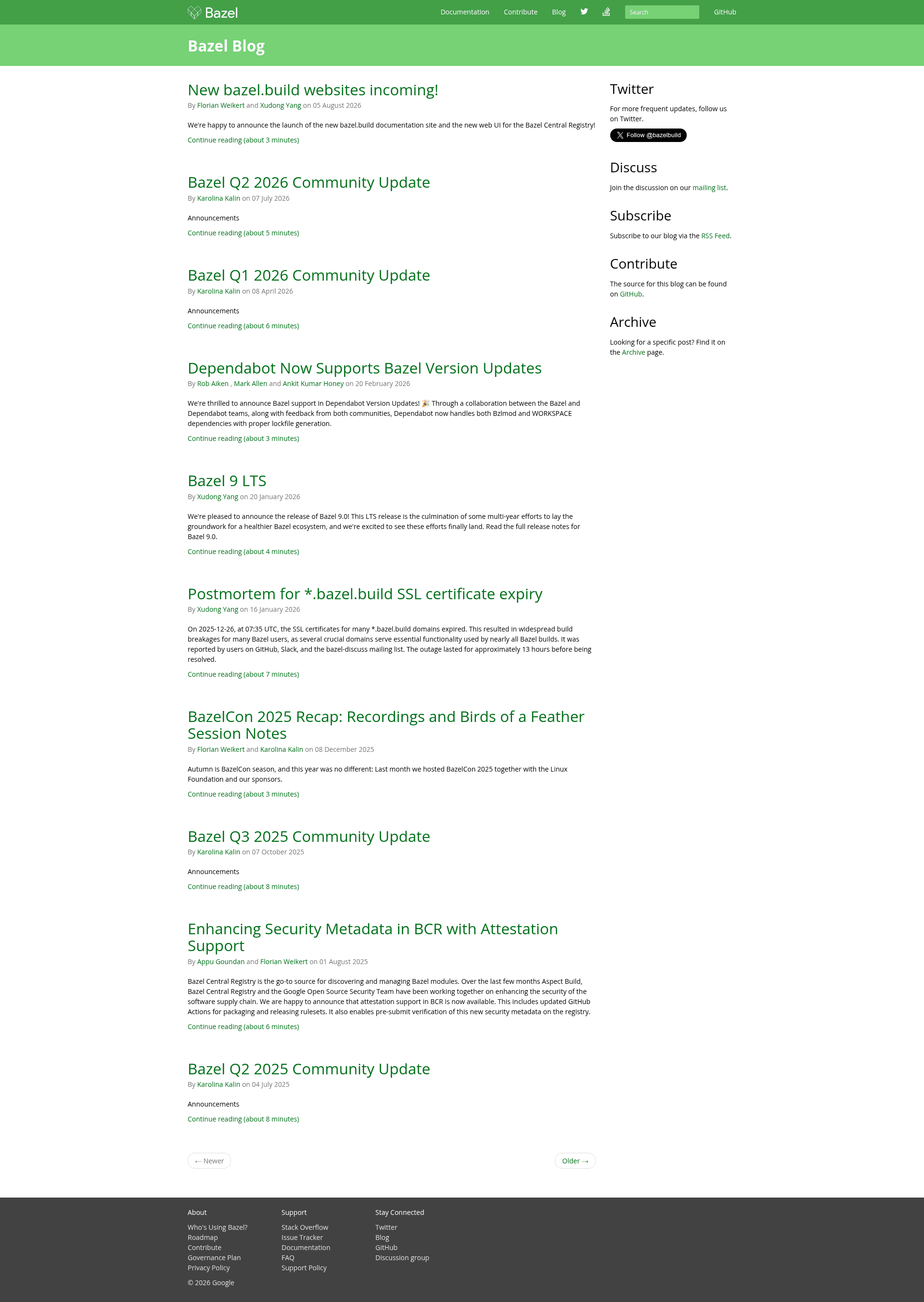
Content repository for the official Bazel blog, built with Jekyll and deployed automatically to blog.bazel.build.
About this template
Bazel Blog is a Jekyll-based content repository that powers the official Bazel blog at blog.bazel.build, where contributors publish posts via pull requests to a GitHub repository owned by the Bazel project.
What is the Bazel Blog template?
This repository hosts the source content for the Bazel blog, a Jekyll-powered static site. It takes Markdown files as input — one file per blog post, named with a year-month-day-title format — and produces a formatted blog page on the public site. The repository belongs to the Bazel organization (bazelbuild) and is maintained by the Bazel team, with contributions from the community via pull requests.
Key features
- Jekyll-based publishing — The site runs on Jekyll, requiring version 2.5.3 or above. Posts are written in Markdown with YAML front matter specifying layout, title, and authors.
- Strict filename convention — Each post must follow the filename pattern year-month-day-title.md, for example 2024-01-15-announcing-bazel-7.md; this format is required by the Jekyll processor.
- Required front matter — Posts must include a layout: posts line, a title, and an authors list referencing usernames defined in _config.yml; omitting the layout results in improper formatting.
- Docker-based development — A Docker container image gcr.io/bazel-public/docgen is provided so contributors can build the site without installing Jekyll locally; the run command mounts the repository and exposes port 4000.
- Local staging with Bazel — Running bazel run //:site stages the site locally for preview, leveraging Bazel itself to manage the build.
- Automated deployment — Once commits are merged to the master branch, the website deploys automatically; updates typically appear within about 30 minutes, with bazel-dev@googlegroups.com as the contact for issues.
- Cloud deployment tooling — Deploying requires gsutil and authentication via gcloud auth login, indicating the site is hosted on Google Cloud Storage.
Who is it for?
- Bazel contributors — Engineers who want to announce new releases, features, or changes can submit a Markdown post via pull request and have it published to the official blog.
- Community members — Anyone with a Bazel-related story, tutorial, or best-practice write-up can contribute content to the blog following the documented contribution process.
- Blog maintainers — The Bazel team uses the repository to review, merge, and deploy posts automatically, managing the site's content and deployment pipeline.
What can you do with it?
- Write a new blog post — Create a Markdown file in the _posts directory with the required filename and front matter, then open a pull request to the repository.
- Preview posts locally — Run bazel run //:site or the provided Docker container to see the rendered blog on localhost:4000 before submitting.
- Deploy the site — After a merge to master, deployment happens automatically, requiring no manual build steps from the contributor.
How does the workflow work?
To publish a post, a contributor adds a file to the _posts folder with the format year-month-day-title.md, starts the file with the required front matter block, writes the body in Markdown, and submits a pull request. Maintainers review and merge it; the site then deploys automatically to blog.bazel.build within roughly 30 minutes. For local testing, contributors can either install Jekyll 2.5.3 or higher or use the provided Docker image to run the site in a container.