Template details
Next-Plate
A ready-to-use Next.js starter template with TypeScript, Chakra-UI, and a full development toolchain.
About this template
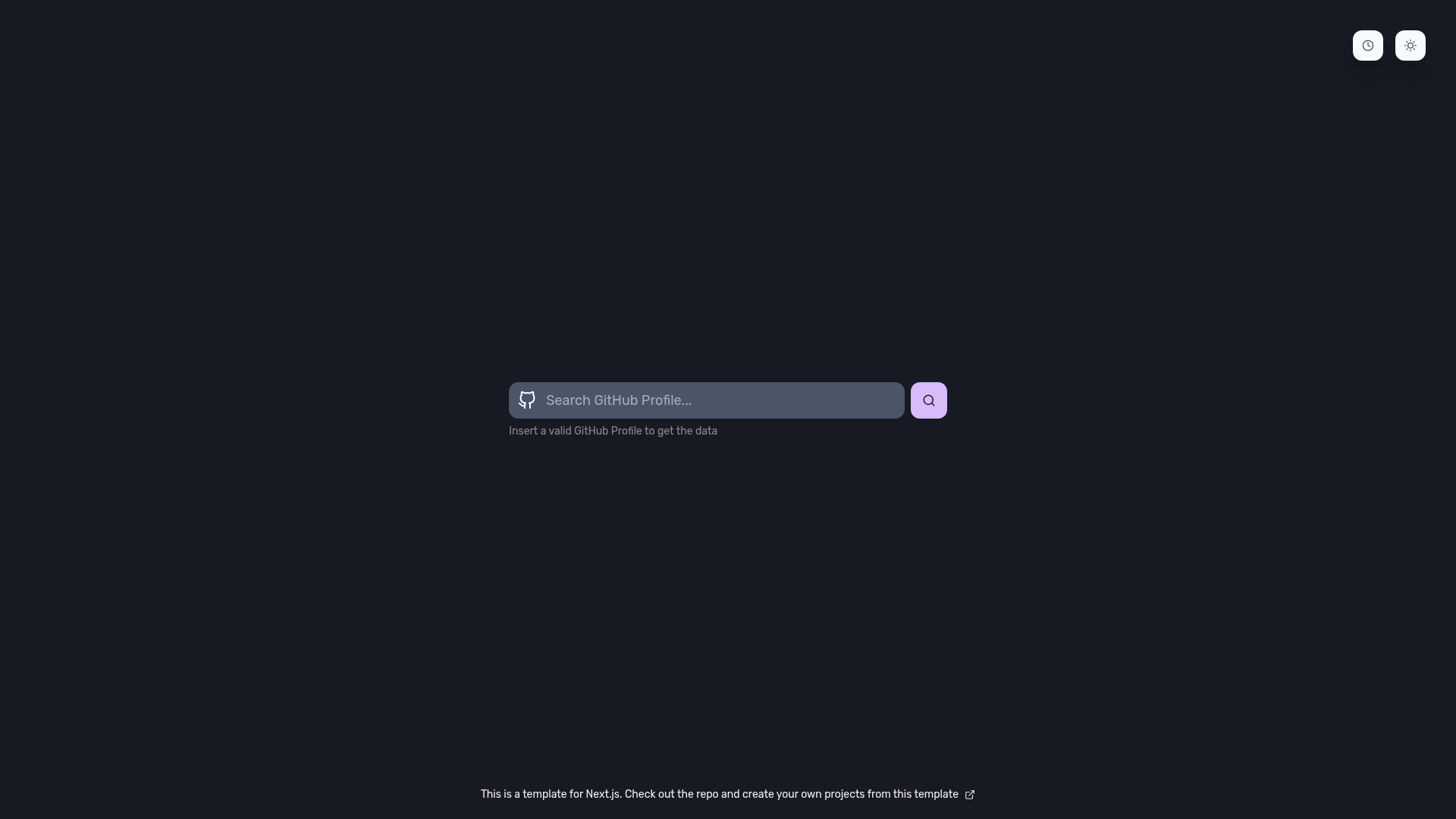
Next-Plate is a ready-to-use Next.js starter template that ships with TypeScript, Chakra-UI, and a complete set of pre-configured development tools for building React applications. The project, created by gmatthewsfeuer, is open source under the MIT License and features a live demo at next-plate.vercel.app, where users can preview the template before deploying their own copy.
What is Next-Plate?
Next-Plate is a boilerplate template for Next.js projects that combines hybrid rendering, TypeScript, and a curated set of libraries. As a GitHub template, it takes a new repository name and generates a full project structure containing example pages, services, stores, and configurations. The output is a runnable Next.js application with a Chakra-UI design system, Jest tests, and PWA support. It is developed by gmatthewsfeuer and documented in English, Brazilian Portuguese, and Korean.
Key Features
Next-Plate bundles more than a dozen pre-configured libraries and tools across framework, data fetching, forms, testing, and code quality. The template's key features are:
- Next.js framework — Uses Next.js for hybrid static and server rendering, with support for pages under the
src/pagesdirectory and TypeScript throughout. - Chakra-UI design system — Includes a pre-configured Chakra-UI theme in
src/styles/theme.ts, along with React Icons and Framer Motion for animations and iconography. - Data fetching options — Bundles React Query and Axios, and includes an optional SWR hook (
useFetch.ts) that can be swapped in for React Query by editingsrc/pages/_app.tsxand the users page. - State management — Provides Zustand stores in the
src/storesfolder, plus the react-use hook collection. - Form validation — Includes React Hook Form and Yup for schema-based form handling.
- Testing setup — Configures Jest and Testing Library with
jest.config.jsandjest.setup.jsfiles ready to run. - Code quality tools — Pre-configures ESLint, Prettier, Husky git hooks, lint-staged, and commitlint, with
standard-versionfor changelog generation. - PWA and SEO plugins — Adds next-pwa for progressive web app support, next-seo for metadata management, and next-sitemap for sitemap generation.
Who is it for?
Next-Plate is aimed at developers and teams who want a pre-built foundation for a Next.js TypeScript application. It suits front-end developers who need a project scaffold with testing, linting, and commit conventions already in place. It also helps teams that want to standardize their React stack by adopting the same libraries — Chakra-UI, React Query or SWR, Zustand, and React Hook Form — across projects.
What can you do with Next-Plate?
Because the template includes example user pages and API service files, you can adapt them for common scenarios:
- Indie hackers: spin up a new SaaS landing page or prototype with SEO and PWA features already configured.
- Agencies: clone the template as a starting point for client projects, keeping the pre-set ESLint and Prettier rules for consistent code style.
- Developers learning Next.js: study a working example that combines data fetching, forms, state management, and tests in one codebase.
- Open-source maintainers: use the commitlint and standard-version setup to enforce conventional commits and generate changelogs.
How does Next-Plate work?
To use the template, click the "Use this template" button on GitHub to create a new repository, then clone it locally. Install dependencies with pnpm, npm, or yarn, and run dev for development or build and start for production. The template also provides one-click deployment buttons for Vercel, Netlify, and StackBlitz.
FAQ
Is Next-Plate free to use?
Yes, Next-Plate is open source and released under the MIT License. You can use it for personal or commercial purposes, and the author asks for credit and a link back to the GitHub profile if you reuse the template.
Can I use SWR instead of React Query?
The template includes both React Query and an optional SWR implementation. To switch, install SWR, remove React Query providers and imports from src/pages/_app.tsx and src/pages/[login].tsx, and use the useFetch function.
Does Next-Plate support progressive web apps?
Yes, next-pwa is included as a dependency and the project includes a site.webmanifest file in the public folder. The PWA features are part of the template's default configuration.
What testing tools are included?
Next-Plate comes with Jest and Testing Library pre-configured. The package.json scripts include test and test:watch so you can run the test suite after cloning the repository.
Can I extend the template with my own components?
Yes, the template provides folders such as src/components, src/hooks, src/stores, and src/services for adding custom code. Many folders are marked optional in the file tree and can be deleted if you do not need them.