Template details
Terminal
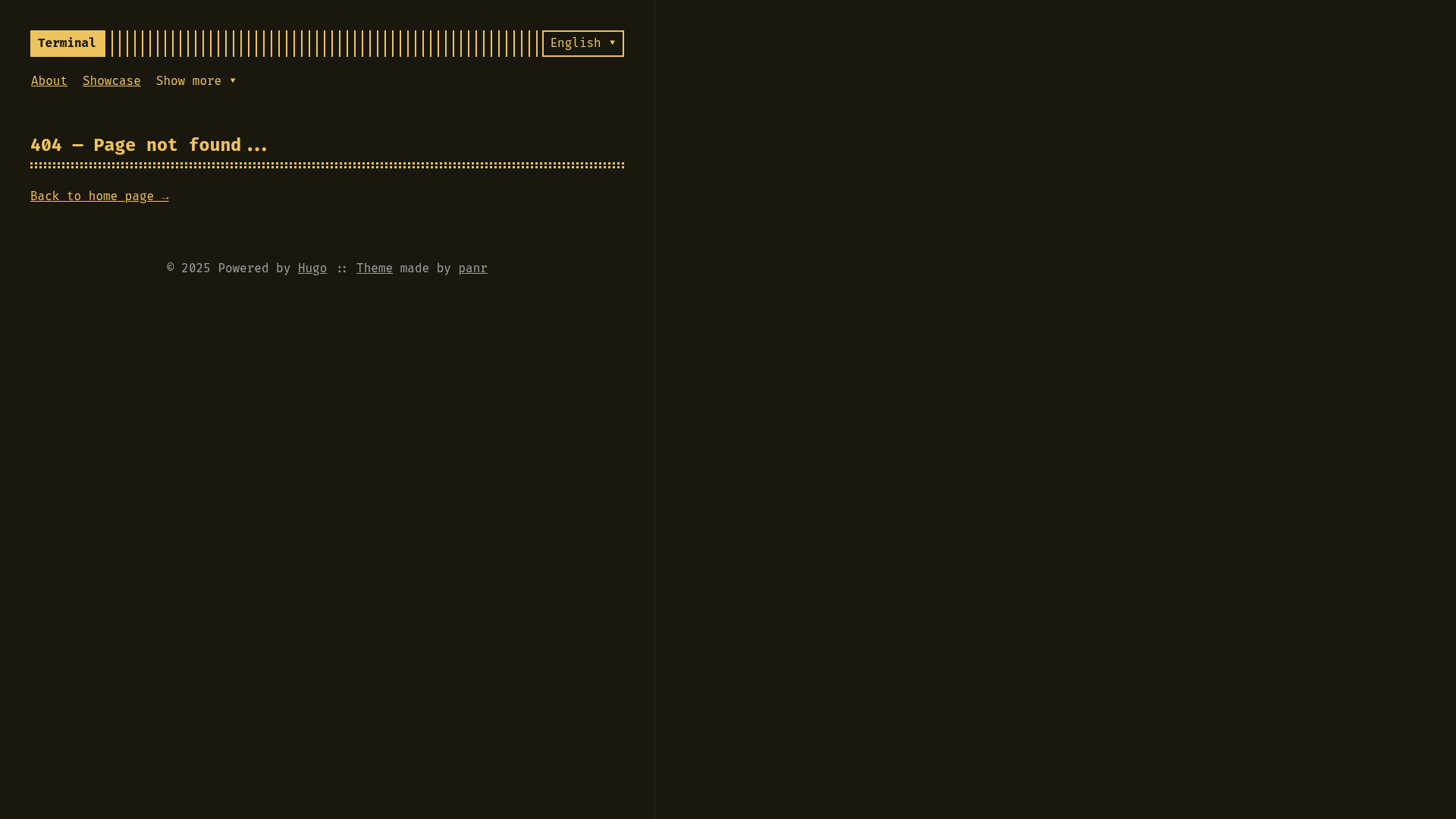
A simple, retro, terminal-styled Hugo theme with customizable color schemes and Chroma duotone syntax highlighting.
About this template
Terminal is a Hugo theme for blogs and personal sites that mimics a retro terminal interface, built by Radek Kozieł and released under the MIT License since 2019. It takes standard Hugo markdown content and produces a responsive, monospaced website with customizable colors and Chroma-based duotone code highlighting.
What is Terminal?
Terminal is a minimal, retro-styled Hugo theme created by Radek Kozieł (panr), designed to turn Hugo markdown content into a blog with a terminal-like look. It runs on Hugo Extended v0.90.x or newer and can be installed three ways: as a Hugo Module via hugo mod get github.com/panr/hugo-theme-terminal/v4, by cloning the repository into themes/terminal, or as a git submodule. The theme's default configuration works without advanced setup; you just copy the sample TOML config into your site.
Key Features
- Color scheme generator — The theme pairs with Terminal.css, an online generator at the demo link, letting users build a custom palette and apply it to the whole theme.
- Fira Code font — Fira Code is the default monospaced font, giving all body text and code a unified terminal aesthetic.
- Custom Chroma highlighting — The theme's duotone syntax highlighting is built on Chroma, Hugo's built-in highlighter, and requires the config setting
[markup.highlight] noClasses = false. - Responsive layout — The theme is fully responsive; the included code shortcode's CSS shows media queries for phone widths that wrap and break long code lines.
- Built-in shortcodes — The
imageshortcode acceptssrc,alt,position(left, center, right), andstyleprops; thecodeshortcode acceptslanguage,title, andopenprops. - Hugo ecosystem integration — Built on Hugo Pipes and Modules, with params for
showMenuItems,fullWidthTheme,centerTheme,autoCover,showLastUpdated,Toc, andreadingTime. - Multilingual UI strings — The config defines language blocks with translated labels for "Read more", "Read other posts", "Newer posts", "Older posts", "min read", and "words".
Who should use Terminal?
- Bloggers who want a simple, retro-looking blog where markdown posts, code snippets, and images are the focus.
- Developers building Hugo sites who prefer installing the theme as a Hugo Module or git submodule and overriding styles by adding a
static/style.cssfile. - Personal site owners who want a minimal monospace design with menu items, custom logo text, language selection, and optional cover images.
What can you do with Terminal?
- Bloggers: Write posts in markdown, wrap code in triple backticks for Chroma highlighting, and insert images with the
imageshortcode, choosing left, center, or right alignment and custom styles. - Site owners: Toggle the table of contents, estimated reading time, and last-updated date from the config or per-post front matter, without writing custom templates.
- Contributors: Fork the theme, implement a feature, document it, add it to
COMMUNITY-FEATURES.md, and submit a pull request to extend the theme while keeping the core simple.
FAQ
Is Terminal free to use?
Yes, Terminal is open-source and released under the MIT License. You can use it for personal and commercial projects, and modify it as you like.
What version of Hugo does Terminal need?
Terminal requires Hugo Extended v0.90.x or newer. If you see a "module not found" error when using the module version, remove the theme = "terminal" line from your config file.
Can I create my own color scheme for Terminal?
Yes. The theme's colors are generated by Terminal.css, an online generator linked in the theme's README. You can create a custom scheme and use it with the theme.
How do I install Terminal?
You can install Terminal as a Hugo Module with hugo mod get, clone it into your themes/terminal directory, or add it as a git submodule with git submodule add. The README includes commands for all three methods.
Does Terminal include comment support?
The theme ships with a layouts/partials/comments.html partial that you can customize to add comments. It also provides extended_head.html and extended_footer.html partials for injecting analytics or other scripts.