Template details
kembang
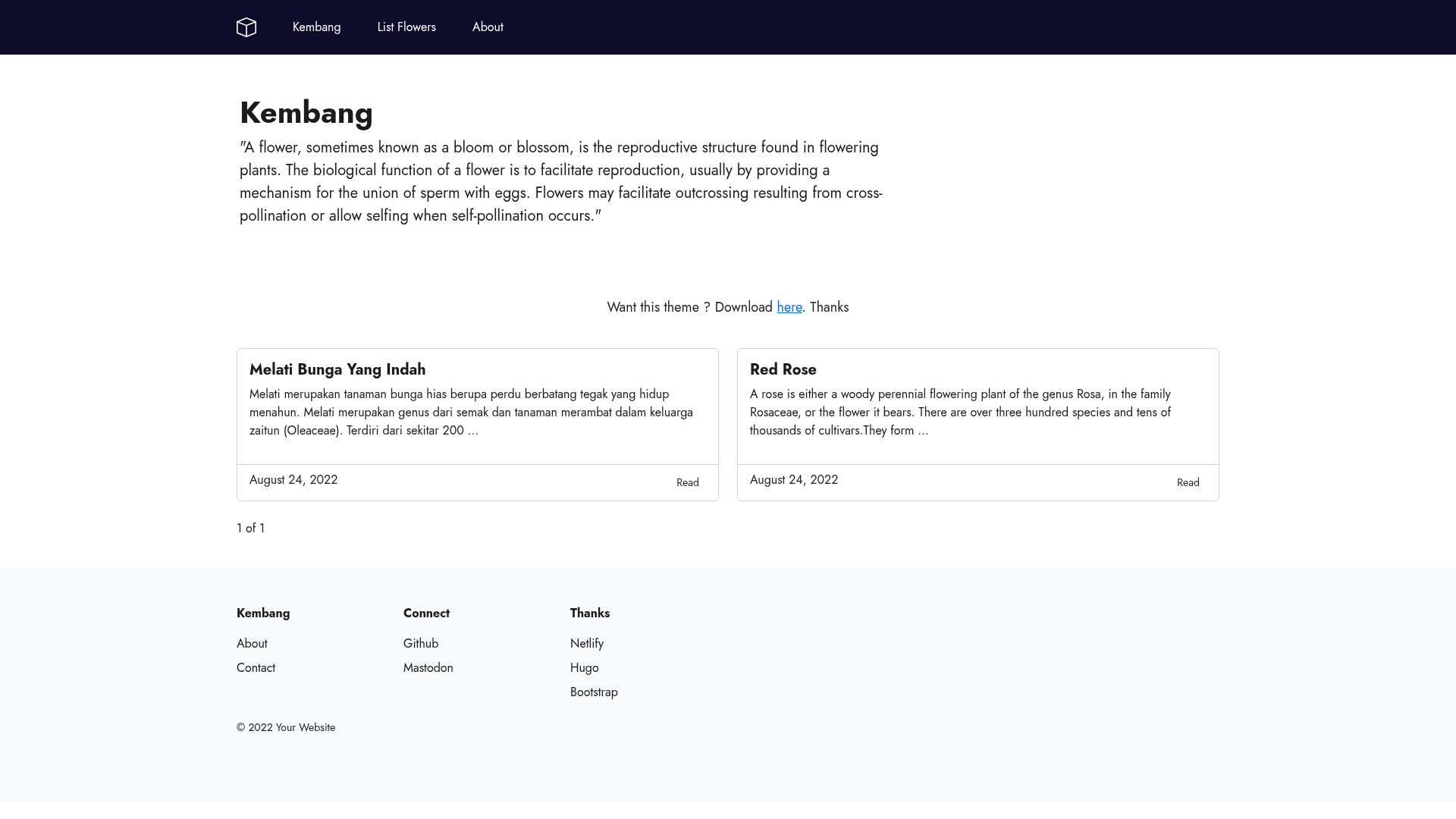
A minimal Hugo blogging theme built with Bootstrap 5.2, fully responsive, with About, Tags, and List pages.
About this template
Kembang is a minimal Hugo theme for blogging that pairs the Bootstrap 5.2 framework with a local Jost font to produce fast, fully responsive static sites. Its name comes from the Indonesian word for 'flowers,' and the theme is published on GitHub by httpsecure under the MIT License.
What is kembang?
Kembang is a Hugo-based static site theme focused on blogging. It takes Markdown content written for Hugo and renders it as a fully responsive website with About, Tags, and List page templates. The theme is maintained by httpsecure and distributed on GitHub with the repository description 'A minimal hugo theme focus for blogging made with bootstrap.' It runs on Hugo, and the demo is hosted at kembang-theme.netlify.app.
Key Features
- Fully responsive — The layout adapts to different screen widths using the Bootstrap grid and responsive utility classes.
- Bootstrap CSS only — Styling is built on Bootstrap 5.2. The theme includes local copies of main.css, normalize.css, and bootstrap.css, and lets you switch to the Bootstrap CDN for production.
- About, Tags, and List pages — The theme ships with templates for an About page, tag archives, and a generic List page, covering the core pages of a blog.
- Easy to customize — You can adjust the design by editing files in the static folder (for example /css/main.css) or by setting the custom_css parameter in Hugo configuration.
- Lighthouse score 100% — The demo site reports a perfect Lighthouse score, reflecting attention to performance and accessibility in the default setup.
- Mozilla Observatory A+ — The demo site achieved an A+ rating on Mozilla Observatory, indicating strong security header configuration.
- Local font Jost — The Jost font is bundled locally rather than loaded from a third-party service, reducing external requests.
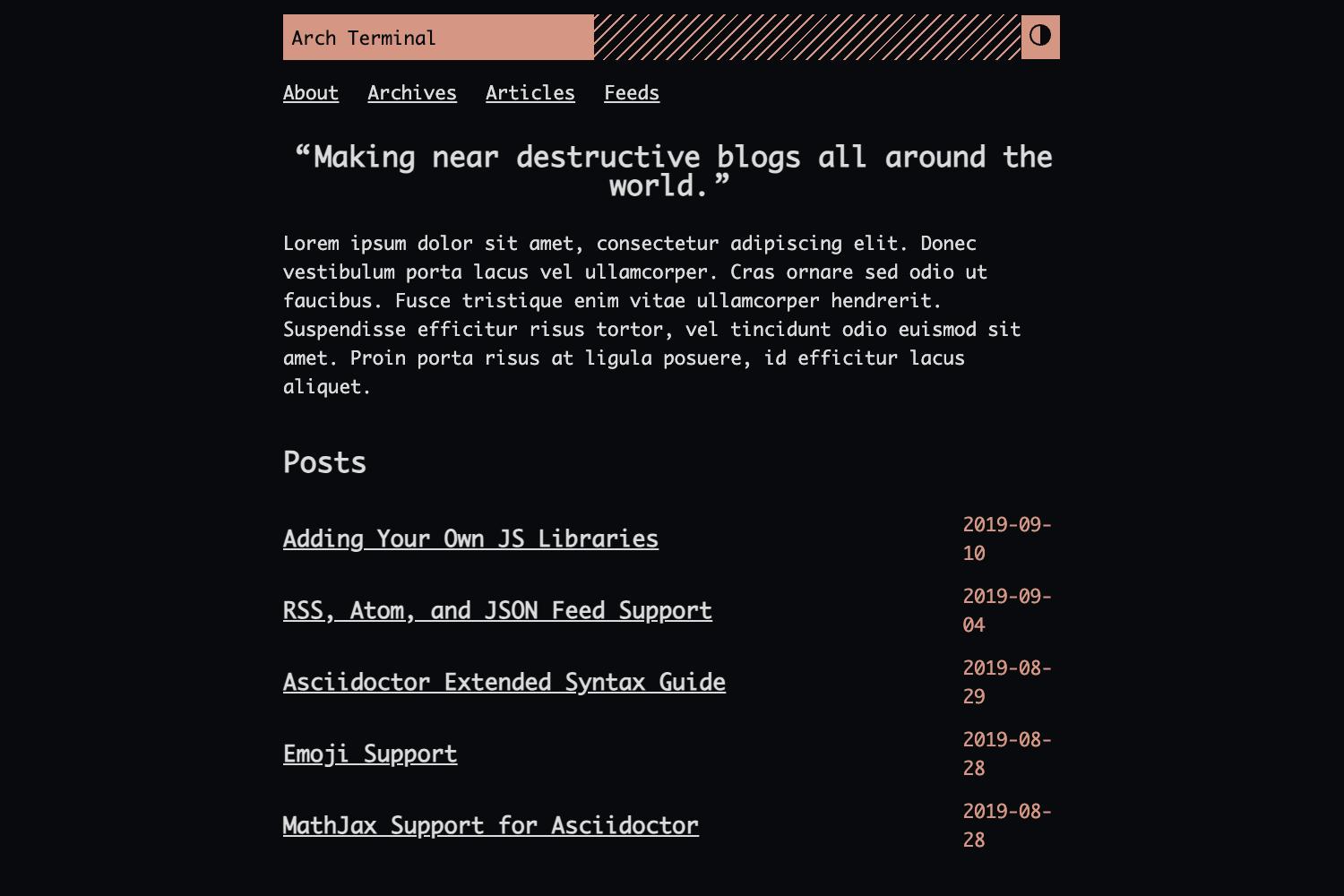
- Code highlighting — Hugo’s built-in Chroma engine colors syntax using the solarized-dark256 style; wrap code in fenced blocks with a language label to activate it.
Who is it for?
- Bloggers — Write posts in Markdown and publish a clean, responsive blog with tag-based navigation and an About page.
- Hugo beginners — The small template set (About, Tags, List) and standard Bootstrap utilities make it a readable starting point for learning Hugo layout conventions.
- Developers — Clone the repository and modify the Bootstrap-based CSS or front matter to match a custom design; the page notes you can use hugo-mod-bootstrap-scss for SCSS.
- Privacy-conscious site owners — Because the font is served locally and the Bootstrap CSS can be self-hosted, the theme minimizes third-party requests.
Use cases
- Personal blogs: Publish long-form Markdown articles and use tags to organize topics; Chroma highlighting formats code snippets in solarized-dark256.
- Simple portfolio sites: Reuse the List page and About page to present project write-ups and a short bio.
- Lightweight documentation: Structure docs as a series of Hugo pages and tag entries by subject; the minimal CSS keeps pages fast.
How does kembang work?
Install kembang by cloning the repository into themes/kembang or by manually extracting the included examplesite into your themes directory. Then set the theme in Hugo’s config file and run Hugo — if you install Hugo manually, the author recommends using the extended version, and on Debian/Ubuntu the repository package includes libsass1. For local development the theme reads custom_css parameters pointing to local stylesheets; for production you can edit head.html to substitute the Bootstrap CDN link, or use hugo-mod-bootstrap-scss to compile from source.
FAQ
Is kembang free?
Yes, kembang is released under the MIT License, the same license used by Bootstrap. You can use, modify, and redistribute it without cost.
Does kembang require Hugo extended?
The theme’s documentation says that if you install Hugo manually you should install the Hugo extended version. On Debian/Ubuntu systems where Hugo is installed from the repository, the required libsass1 library is already included.
How do I switch Bootstrap to a CDN?
Remove the "/css/bootstrap.css" line from the custom_css parameter and add the Bootstrap 5.2.1 CDN link into head.html. The theme also points to hugo-mod-bootstrap-scss as an alternative SCSS-based approach.
Can I change the code highlighting style?
Yes, kembang uses Hugo’s Chroma engine with the solarized-dark256 palette by default. You can generate a new Chroma style using the Chroma Playground and replace the default highlight CSS in the theme.
Is kembang production-ready?
The author notes at the top of the README that the theme 'needs a lot of improvement.' It offers solid performance scores and a permissive license, but you should review and test it before relying on it for a production site.