Template details
Hexo Theme Fengye
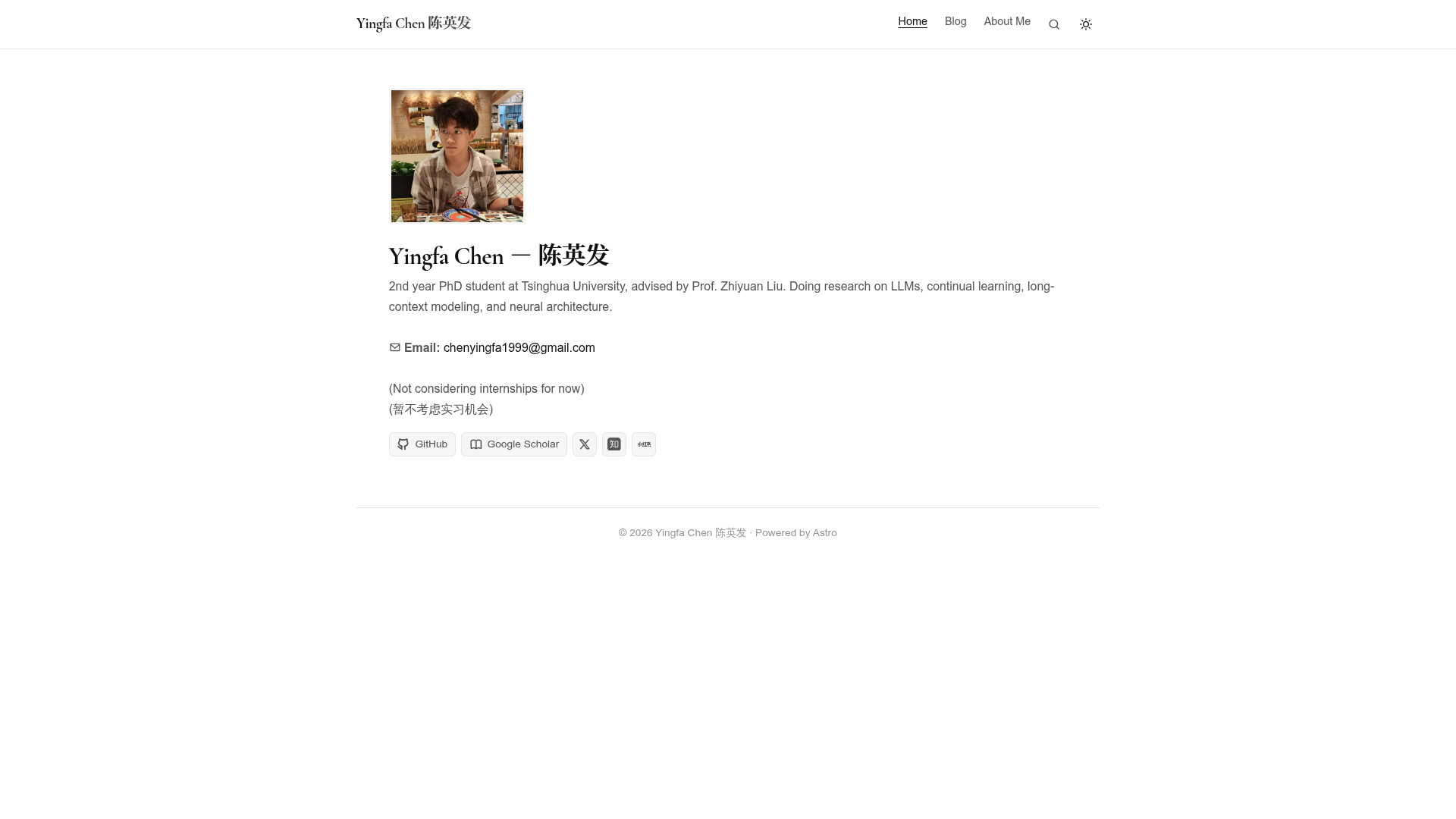
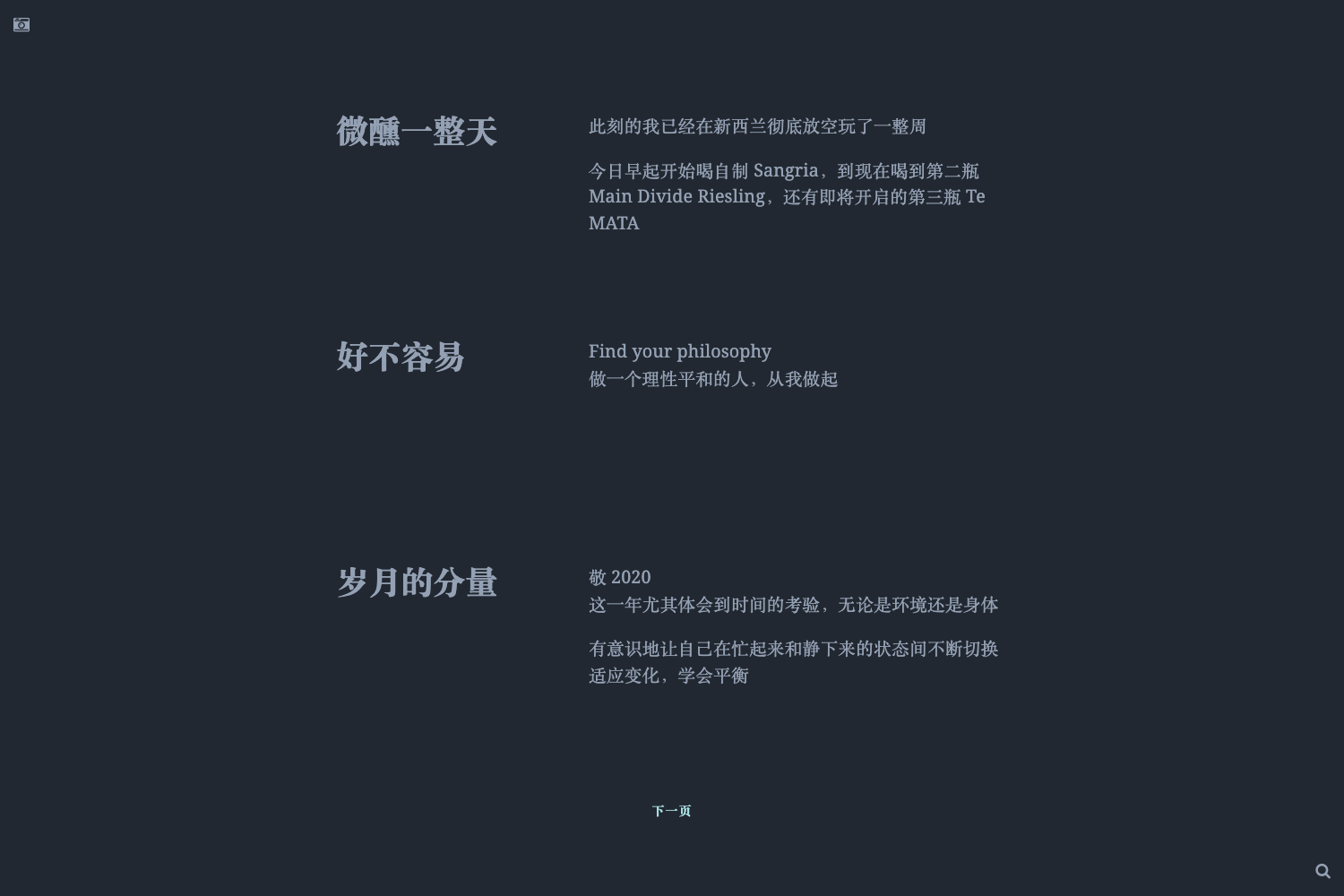
A minimalistic Hexo theme with zero-config setup, automatic light/dark mode, and MathJax, Mermaid, and Fancybox support.
About this template
Hexo Theme Fengye is a minimalistic Hexo theme for personal blogs and academic sites that ships with automatic light/dark switching, responsive layouts, and built-in MathJax, Mermaid, and Fancybox support.
What is Hexo Theme Fengye?
Hexo Theme Fengye is a theme for the Hexo static site generator, created by GitHub user chen-yingfa. It takes a standard Hexo site configuration and post markdown files as input and produces a static blog with a clean, minimalist look. The theme is designed to work with almost zero configuration, so you can install it and start publishing without editing many settings.
The repository name is hexo-theme-fengye, and it is described as a "minimalistic but powerful" theme. The demo is available at chen-yingfa.github.io. The theme is built with Hexo's templating system, using EJS templates and Stylus styling, and the source code is licensed under an open-source model on GitHub.
Key Features
- Zero configuration setup — Clone the theme into your blog's themes directory, change the theme value in _config.yml to fengye, and the theme works with no additional settings required.
- Automatic light and dark mode — The theme automatically switches between light and dark themes based on the user's system preference.
- Responsive design — The layout auto-fits mobile screens and desktop monitors responsively.
- MathJax support — Write LaTeX-style math equations in your posts and have them rendered by MathJax in the browser.
- Mermaid support — Include Mermaid diagrams and flowcharts in your Markdown posts; the theme renders them as interactive diagrams.
- Fancybox support — Image lightbox functionality via Fancybox, so readers can click images to view them in an overlay.
- Featured posts — Posts marked with featured: true in their frontmatter are displayed as a featured list on the home page; you can disable this with show_featured_posts: false.
- Built-in page templates — The header navigation includes Posts, Publications, About, Categories, Tags, and Home links, and each page type has a corresponding theme template.
Who is Hexo Theme Fengye for?
This theme is aimed at bloggers who want a distraction-free writing experience without heavy configuration. It suits academic users who need to publish research notes or publication lists, developers who want a personal tech blog, and anyone who already uses Hexo and wants to switch to a lighter theme. The Publications page layout and the ability to set my_location and cv_path in the config make it especially handy for academic or professional personal sites.
What can you do with Hexo Theme Fengye?
- Academic researchers: Publish a personal site with an About page, a Publications page, and math-heavy posts rendered by MathJax.
- Technical bloggers: Embed Mermaid diagrams and flowcharts into tutorials or documentation posts, and use the Fancybox lightbox for screenshots.
- Hexo users migrating themes: Swap your current Hexo theme by cloning this repository into your themes folder, changing one config value, and regenerating your site with hexo clean and hexo g.
- Personal site owners: Customize the home page portrait, description, title, subtitle, and location/cv fields from _config.yml, and curate featured posts.
How does Hexo Theme Fengye work?
Installation is a three-step process. First, clone the repository into your blog's themes directory with git clone git@github.com:chen-yingfa/hexo-theme-fengye.git fengye. Second, change the theme setting in your site _config.yml to fengye. Third, create any missing pages — for example, run hexo new page publications to create the Publications page — and set the proper layout for the Categories and Tags pages. After changing the config, run hexo clean and hexo g to regenerate the static files.
Pros and cons
Pros: the theme is almost zero-config, offers automatic dark mode, and includes MathJax, Mermaid, and Fancybox support out of the box. The default header navigation is already wired up for six common page types, and featured posts are easy to enable via post frontmatter.
Cons: the footer cannot be configured from _config.yml; you have to edit fengye/layout/_partial/footer.ejs directly. Additionally, some features mentioned in the README — such as Giscus comments, ECharts, and Baidu/Google Analytics — are commented out and not currently included.
Pricing
Hexo Theme Fengye is free and open source. You can download the source from its GitHub repository and use it without paying a license fee.
Alternatives
- Hexo Theme Maple — The theme on which Fengye is largely based, per the acknowledgments section.
- Hexo Theme NexT — A widely used Hexo theme with a larger built-in set of widgets and customization options.
FAQ
Is Hexo Theme Fengye free?
Yes, the theme is free and open source, hosted publicly on GitHub. You can clone it, modify it, and use it on your own Hexo site without cost.
How do I install Hexo Theme Fengye?
Clone the repository into your blog's themes directory, set theme: fengye in your site's _config.yml, and run hexo clean and hexo g to rebuild the site. No additional configuration is required for basic use.
How do I create a categories or tags page?
Run hexo new page categories and hexo new page tags, then add layout: categories or layout: tags to the page's frontmatter. Categories and tags are generated automatically from the categories and tags fields in each post's frontmatter.
How do I enable the featured posts section?
Set featured: true in the frontmatter of any post. By default, posts with this flag appear as a featured list on the home page. To hide the whole section, set show_featured_posts: false in _config.yml.
Does the theme support dark mode?
Yes, the theme automatically switches between light and dark themes based on the user's system preference, with no manual toggle required.