Template details
Light Bootstrap Dashboard
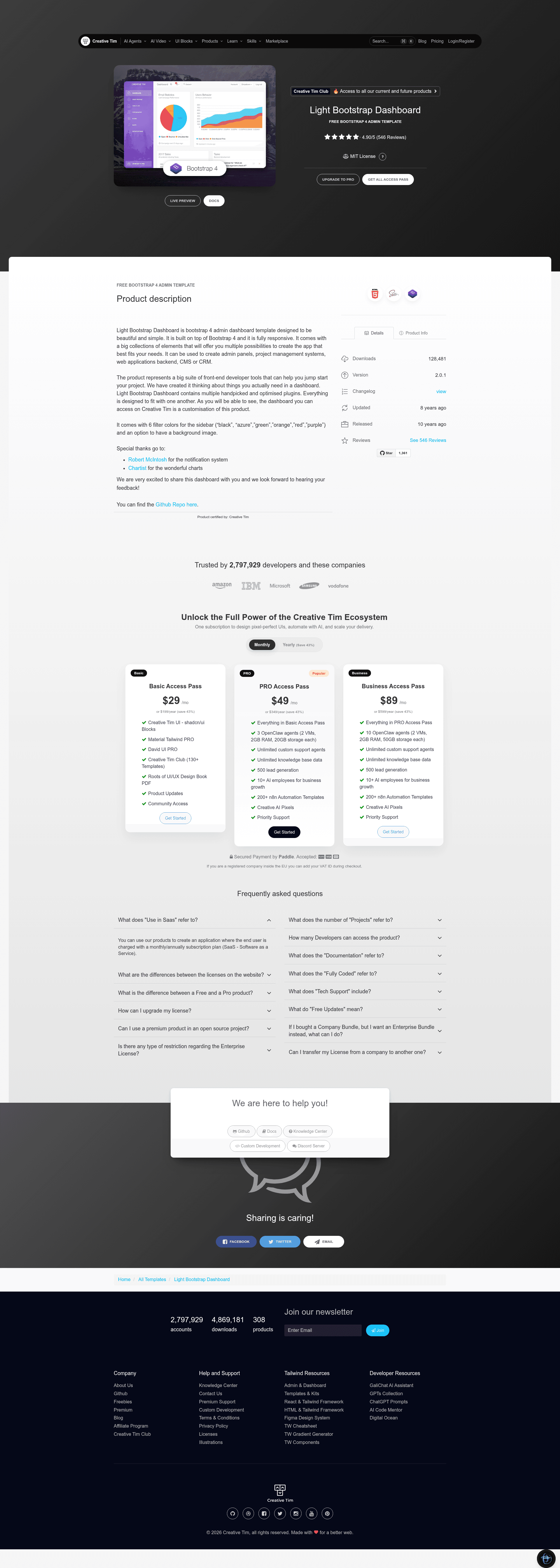
Light Bootstrap Dashboard is an admin dashboard template designed to be beautiful and simple.
About this template
Light Bootstrap Dashboard is a free, fully responsive admin dashboard template built on Bootstrap 4 by Creative Tim, designed to serve as a front-end starter kit for admin panels, CMS backends, and web application dashboards.
What is Light Bootstrap Dashboard?
Light Bootstrap Dashboard is a front-end admin dashboard template developed by Creative Tim and built on Bootstrap 4. It provides a complete set of HTML, CSS, and JavaScript files — including example pages, plugins, and documentation — that you can use to build admin interfaces. The template is fully responsive and runs directly in the browser without requiring a server-side framework. Its official description positions it for creating admin panels, project management systems, web application backends, CMS, or CRM.
The template includes 9 example pages: dashboard, table, typography, icons, maps, notifications, user profile, an extended forms page, and an upgrade page. These pages are located under the examples directory and can be opened directly or customized. The included assets folder contains core CSS/JS (Bootstrap, jQuery 3.2.1, Popper), demo.js, light-bootstrap-dashboard.js, and a plugins folder with datepicker, notify, switch, Chartist, and noUiSlider.
Key Features
- Bootstrap 4 foundation — The template is built on Bootstrap 4 and includes minified versions of Bootstrap, jQuery 3.2.1, and Popper in the assets/js/core folder.
- Six sidebar color filters — The sidebar can be switched between black, azure, green, orange, red, and purple, and you can optionally add a background image.
- Pre-built example pages — The examples folder contains dashboard, table, typography, icons, maps, notifications, user, extended forms, and upgrade pages as starting points.
- Handpicked plugins — Plugin JS files include bootstrap-datepicker, bootstrap-notify, bootstrap-switch, chartist.min.js, and nouislider.min.js.
- Documentation included — The documentation folder has template.html and tutorial-components.html, and a YouTube video tutorial is linked from the README.
- MIT license — Released under the MIT License, so it can be used in personal and commercial projects without licensing fees.
- One-click deployment — A deploy.sh script and a Genezio deploy button are provided, letting you deploy your own version of the template to Genezio with one click.
- Responsive layout — The product is fully responsive, adapting to desktop and mobile screen sizes.
Who is it for?
Light Bootstrap Dashboard suits developers and teams who need a pre-built HTML/CSS/JS admin interface. Backend developers can use it as a front-end for a web application backend, replacing the default markup with their own data. Freelancers and agencies can use the MIT-licensed template as a starting point for client projects that require a professional-looking admin panel. Project teams building CMS or CRM products can adopt the included tables, forms, notifications, and dashboard pages to accelerate UI development.
What can you do with it?
- Admin panels: Set up a responsive admin panel quickly by using the dashboard example and customizable sidebar color options.
- Project management systems: Use the table, notifications, and extended forms pages to build task lists, alerts, and data entry screens.
- Web application backends: Wire the static pages to any backend API; because the template is plain HTML/JS, it is agnostic to your server-side stack.
How does it work?
Download the template from GitHub or Creative Tim, or clone the repository. Open the HTML files in the examples folder directly in a browser to preview the pages, then edit the HTML, CSS, and JS to build your own interface. A deploy.sh script and a Genezio deploy button are included if you want to deploy a hosted version.
Pricing
Light Bootstrap Dashboard is free and open source under the MIT license. Creative Tim also sells a PRO version, Light Bootstrap Dashboard PRO, which starts at $39 and adds more components and features.
Alternatives
- AdminLTE, another free Bootstrap-based admin dashboard template.
- Material Dashboard, Creative Tim's Material Design-style admin template.
FAQ
Is Light Bootstrap Dashboard free?
Yes. The template is released under the MIT license, so you can download and use it for free, including in commercial projects. The README states the license is MIT, and the repository is publicly available on GitHub.
What Bootstrap version does it use?
It is built on Bootstrap 4. The included core JS files are bootstrap.min.js, jquery.3.2.1.min.js, and popper.min.js, which are standard Bootstrap 4 dependencies.
What plugins are included?
The assets/js/plugins folder contains bootstrap-datepicker.js, bootstrap-notify.js, bootstrap-switch.js, chartist.min.js, and nouislider.min.js. These cover date selection, notifications, switch toggles, charts, and range sliders.
Is there a PRO version?
Yes, Creative Tim offers Light Bootstrap Dashboard PRO, which starts at $39. The free version includes the core dashboard, while the PRO version is listed in the README's links.
Can I deploy this anywhere?
The template is static, so it can be hosted on any web server. For convenience, the README includes a deploy.sh script and a Genezio deploy button for one-click deployment to Genezio.