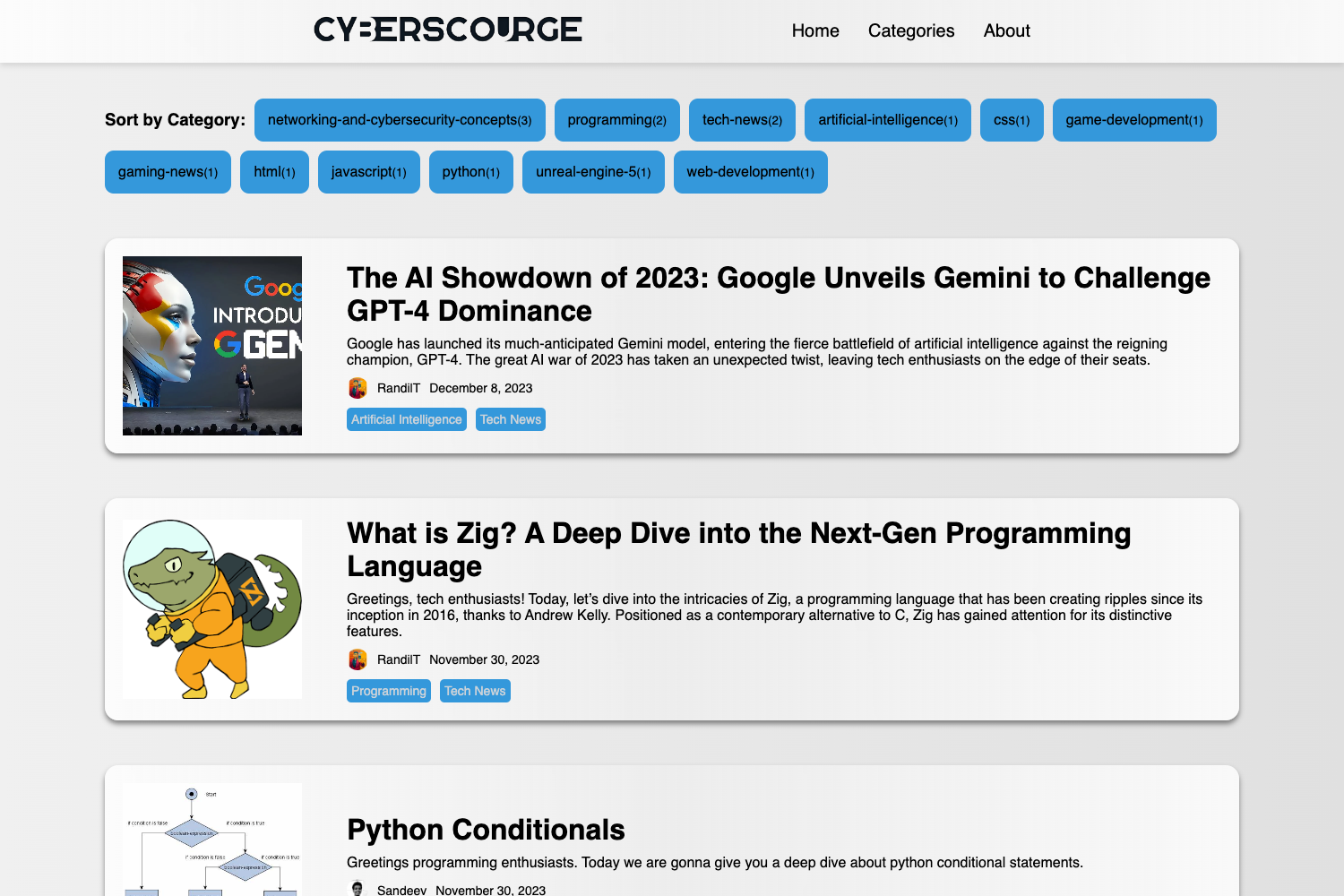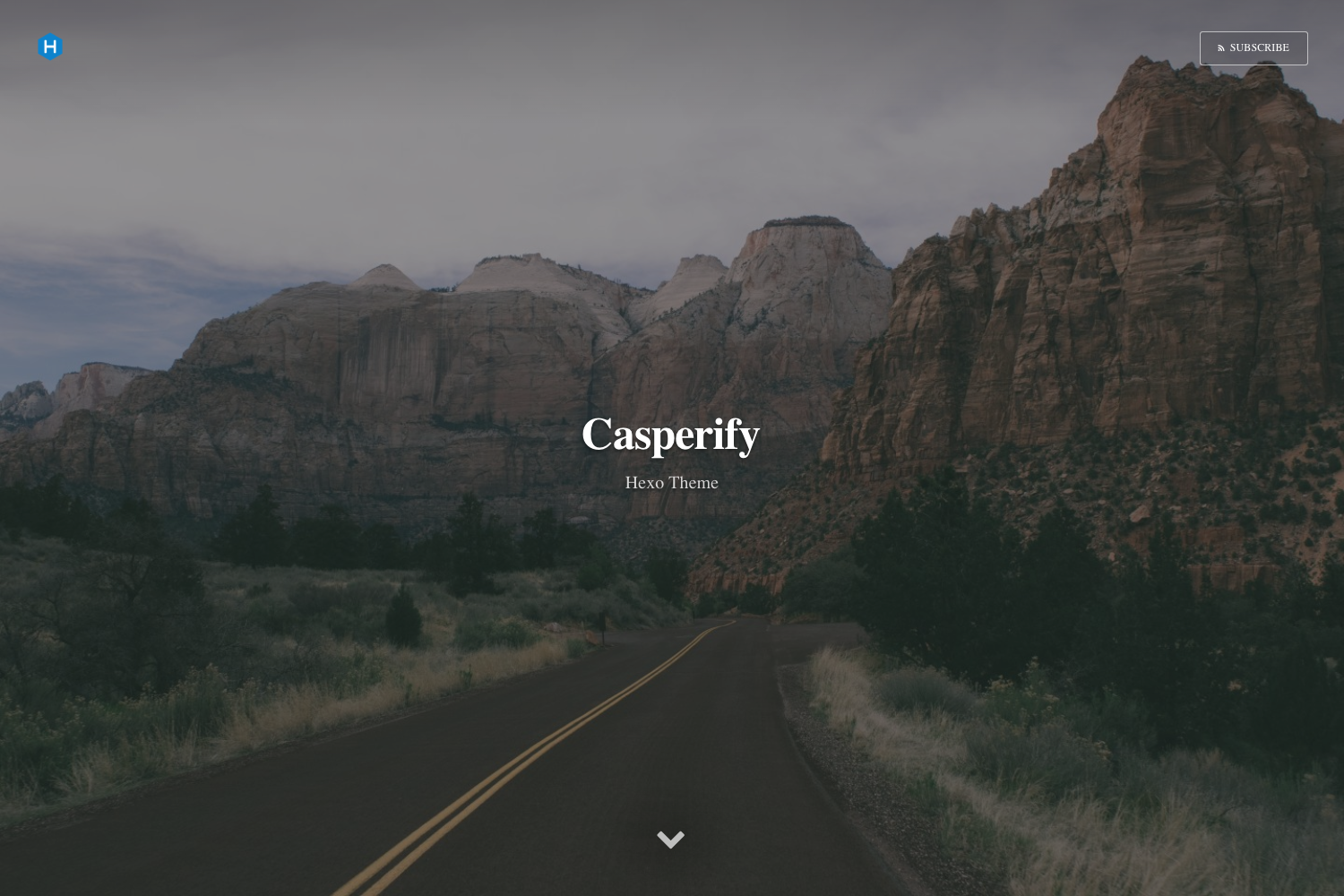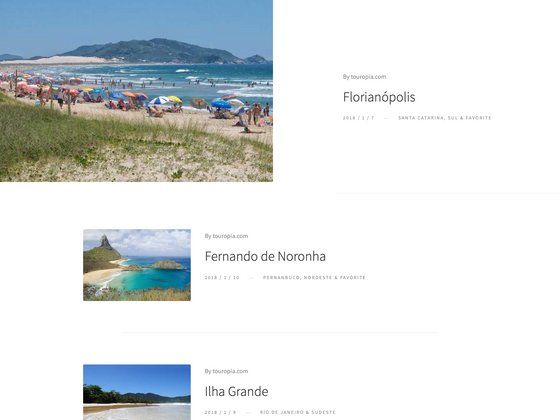
Template details
MAD4Jekyll
A Jekyll theme for GitHub Pages user sites with blog, gallery, and about pages, based on Clean Blog.
About this template
MAD4Jekyll is a Jekyll theme for GitHub Pages user sites that packages a blog, a gallery slider, and an about page into a single static site template.
What is MAD4Jekyll?
MAD4Jekyll is a Jekyll theme based on the Clean Blog theme by Start Bootstrap. It takes standard Jekyll content — Markdown posts, YAML front matter, and configuration in _config.yml — and produces a static website with a homepage, a writing/blog page, a gallery page, and an about page. The theme is explicitly configured for GitHub Pages "user" pages (the username.github.io project) and was last revised on August 27, 2016.
Key Features
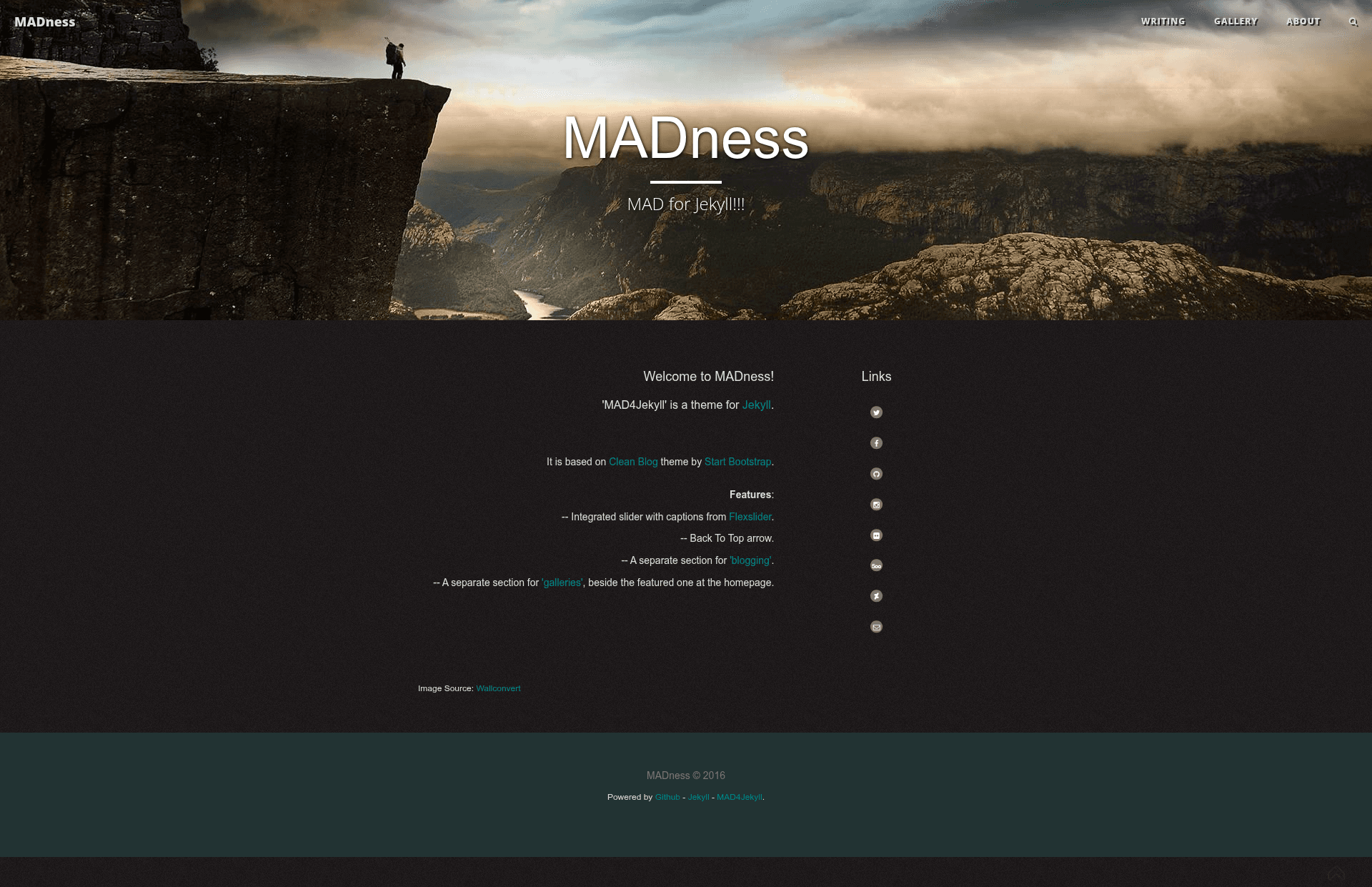
- Homepage with header image — The front page displays a header image, a brief site description, and contact info, with a slider section that is turned off by default.
- Navbar with logo — The top navigation shows a logo on the left and links to three main pages: Writing, Gallery, and About.
- Blogging page — A dedicated Writing section for Jekyll posts.
- Gallery sliders — A Gallery page that presents images as sliders, separate from the homepage slider.
- Search page — Includes a search interface with all tags and categories listed at the bottom of the page.
- Pop-up footnotes — Footnotes display in a pop-up style rather than inline.
- Full Jekyll environment — Run
jekyll serveorjekyll serve --watchto preview and auto-rebuild. - Grunt integration — A Grunt environment minifies JavaScript, compiles LESS files, keeps Apache 2.0 license banners intact, and can watch for changes with
grunt watch.
Who is it for?
- Personal bloggers — Publish a clean, static blog without a database or server-side processing.
- Photographers — Use the gallery slider page to present image portfolios.
- GitHub users — Host a personal site on GitHub Pages user projects with the required file structure.
What can you do with MAD4Jekyll?
- Start a personal site — Set your bio and contact info in
_config.yml, then runjekyll serveto preview locally before deploying to GitHub Pages. - Build a photography portfolio — Populate the Gallery page with images and enable the slider to create a slideshow.
- Publish a blog with search — Write posts in Markdown, and the search page gives readers a way to filter by tag or category.
How does MAD4Jekyll work?
First, edit _config.yml with your personal information. Then run jekyll serve --watch to build and preview the site locally. For asset work, run grunt to execute the default task (JavaScript minification, LESS compilation, and license banner insertion) or grunt watch to run these tasks on file changes. Running both commands together lets you watch changes and rebuild assets at the same time.
FAQ
Is MAD4Jekyll free?
Yes, the theme is released under the Apache 2.0 license, and the Grunt build process is set up to preserve the license banners in the compiled assets.
How do I enable the slider?
The homepage slider is turned off by default. You need to adjust the relevant configuration or front matter in the theme files to turn it on; the README does not specify the exact setting.
Does MAD4Jekyll work with GitHub Pages?
Yes, it is explicitly configured for GitHub Pages user pages, meaning it is designed for the username.github.io repository layout.
What static site generator does it use?
It uses Jekyll, and it is based on the Clean Blog theme from Start Bootstrap.