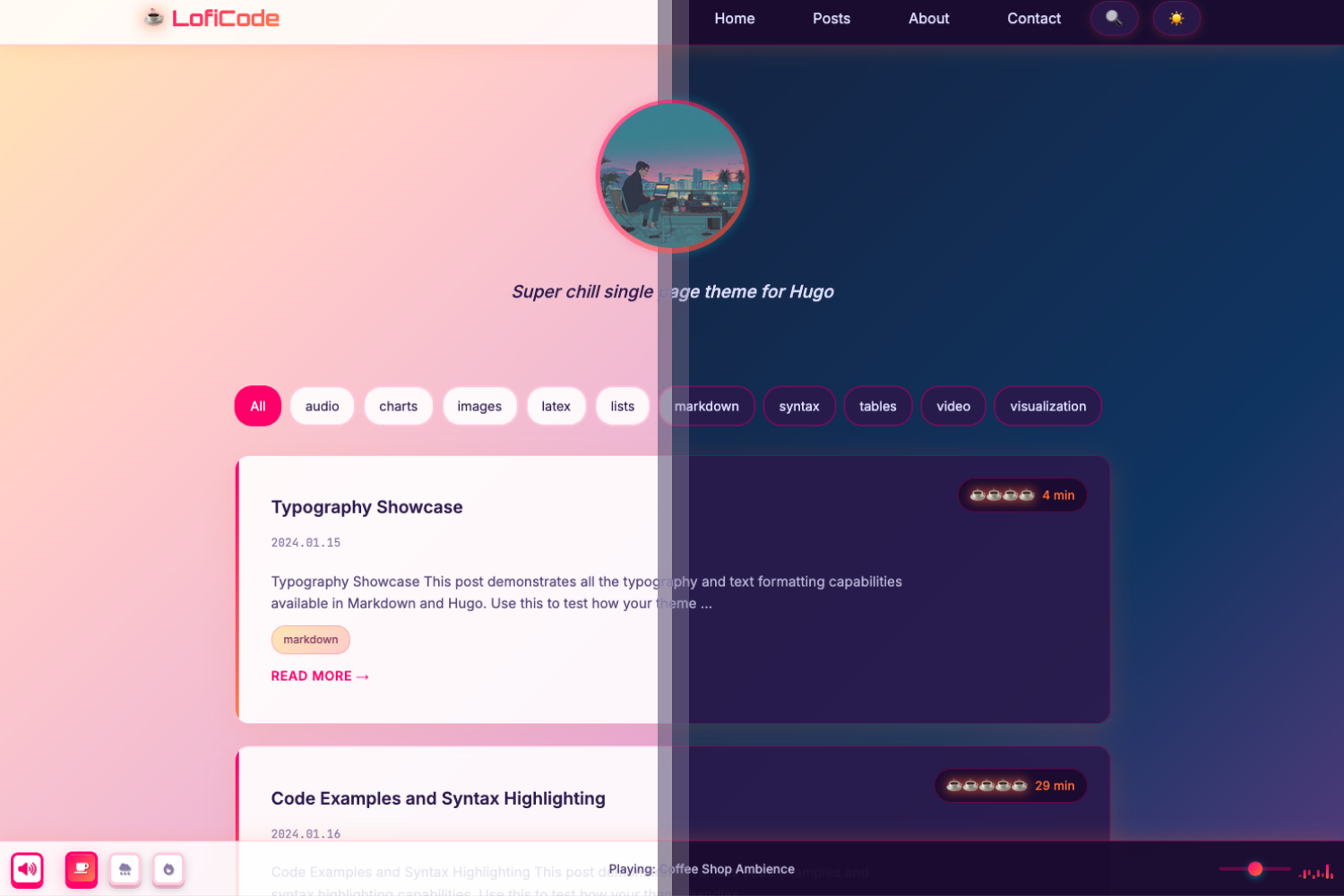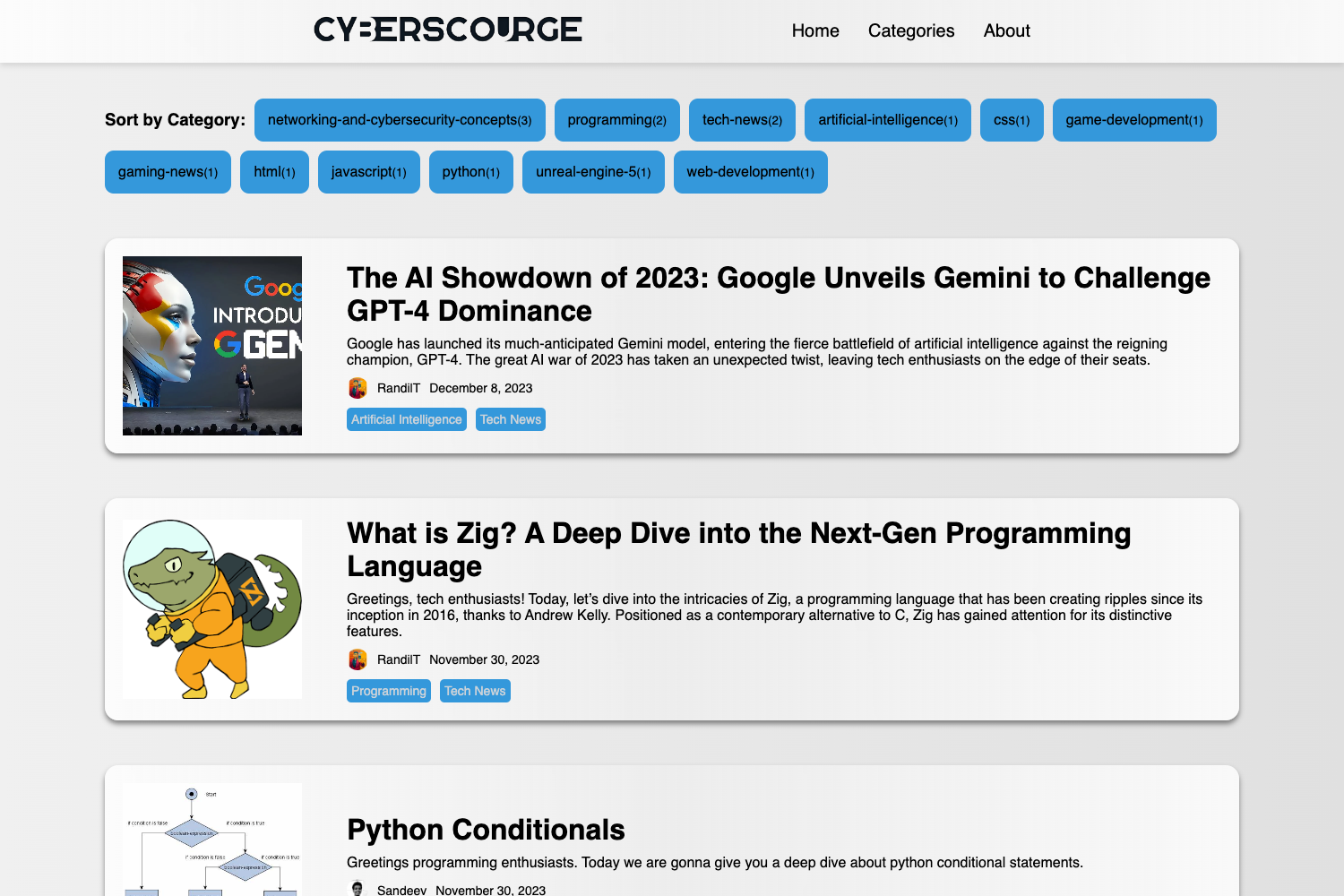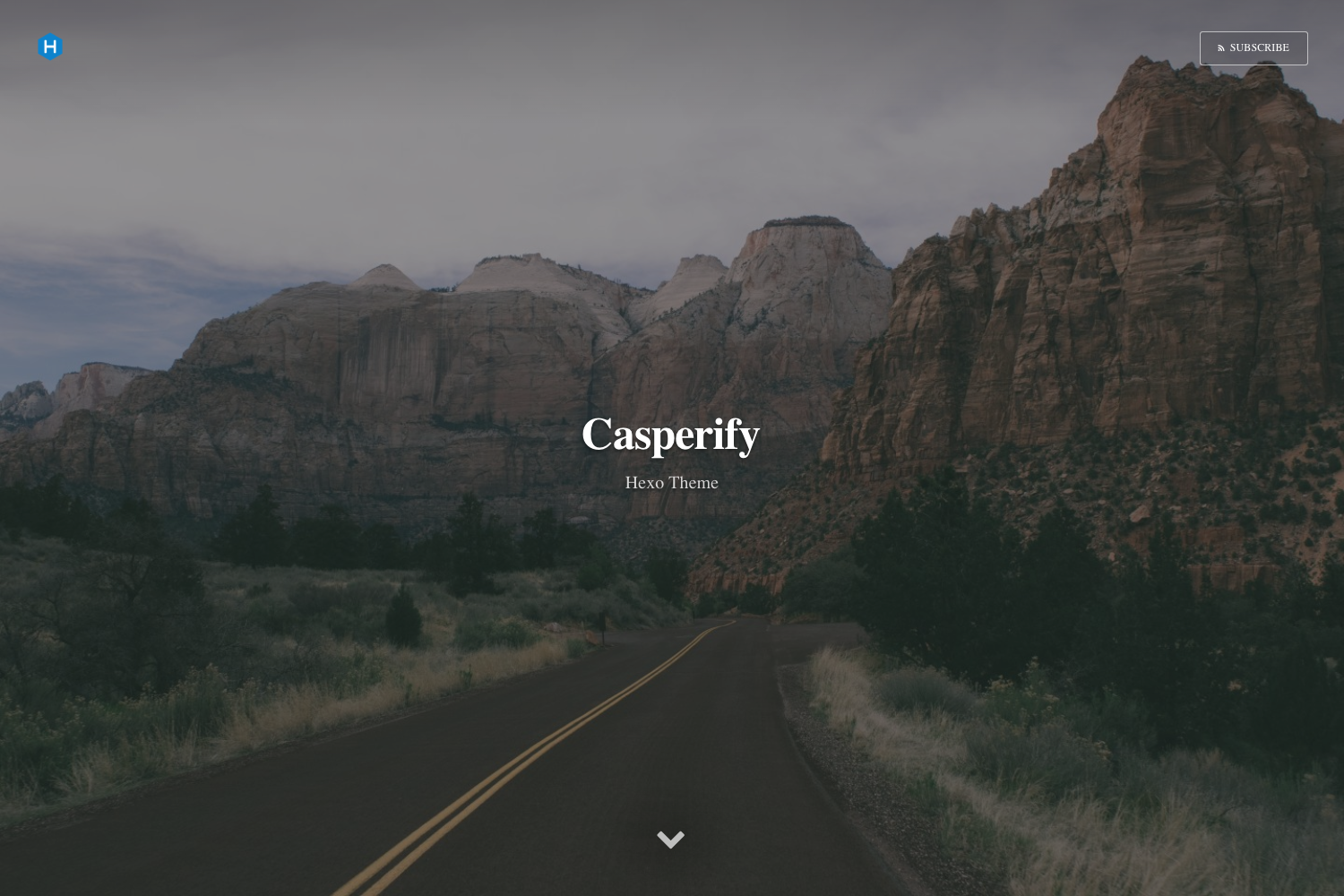
Template details
SkyScript
A modern Astro v5 blog template with AstraCMS headless CMS integration, Tailwind CSS v4, fast performance, and SEO optimization.
About this template
SkyScript is an open-source, content-first blog starter built with Astro v5, Tailwind CSS v4, and the AstraCMS headless CMS, designed to produce a fast, SEO-optimized static site.
What is SkyScript?
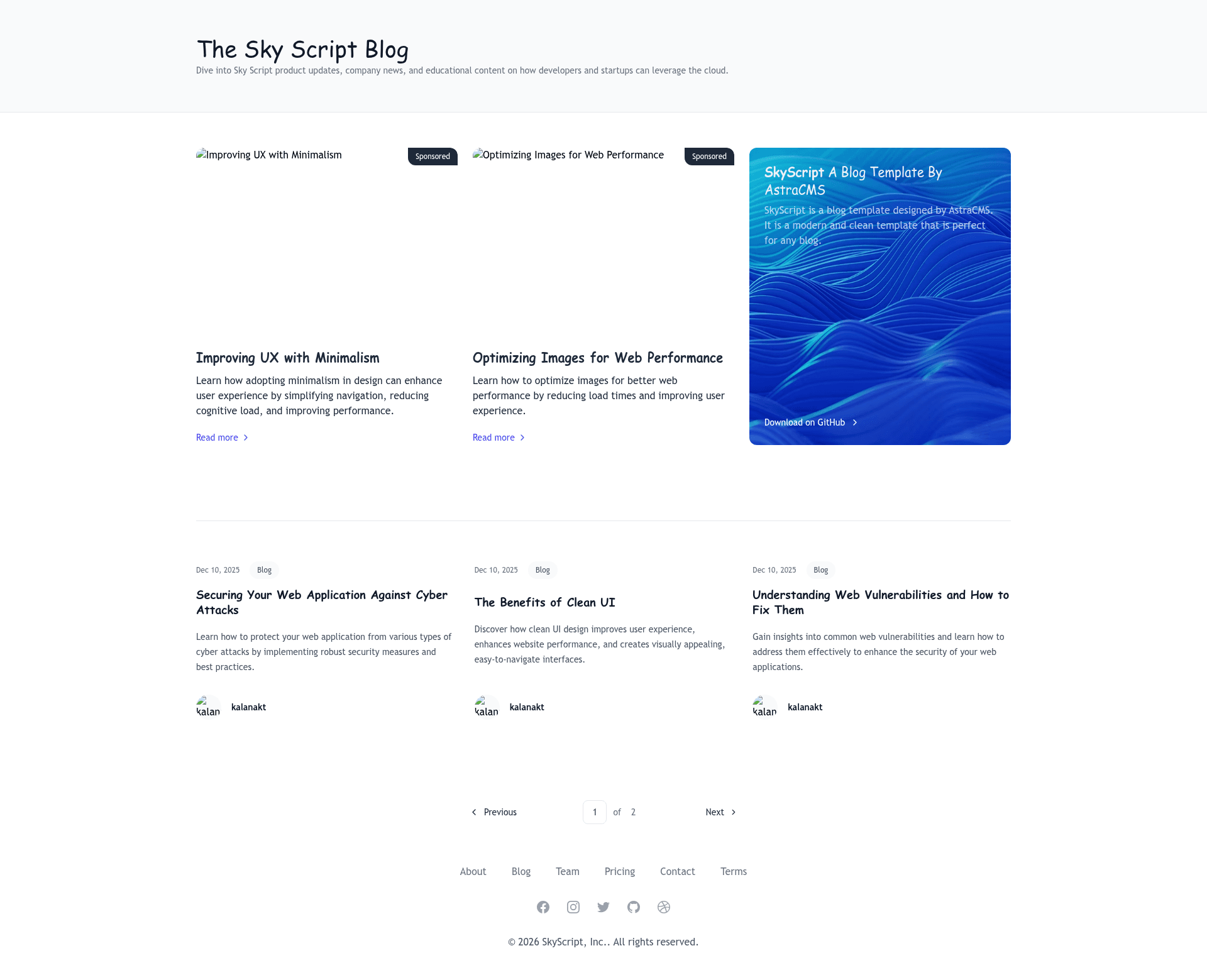
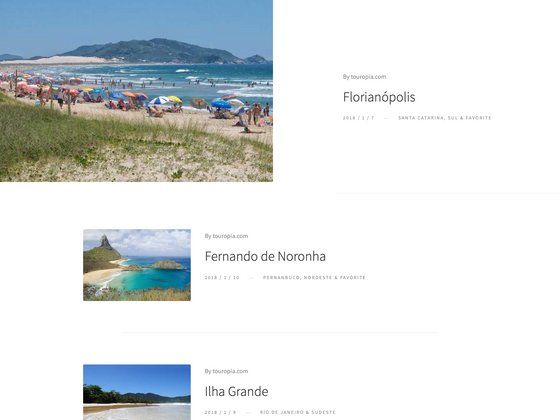
SkyScript is a modern blog template that combines the Astro v5 static site generator with Tailwind CSS v4 for styling and AstraCMS as a headless content management system. It takes content managed in AstraCMS and renders it as a fully static, responsive blog with support for featured posts, categories, pagination, author cards, related posts, and a newsletter signup component. The template runs on Astro's build pipeline and outputs static HTML that can be deployed to any hosting provider, including Vercel and Netlify. It is maintained by the AstraCMS team and hosted at github.com/astracms/skyscript.
Key Features
- AstraCMS integration — headless content management with a content loader configured in
src/content.config.ts; the site pulls posts and site data through the AstraCMS API. - Static site generation — Astro v5 builds the project into static HTML files for optimal performance, with automatic sitemap generation.
- SEO and social meta — dynamic meta tags derived from post content, plus Open Graph, Twitter Cards, and canonical URLs; centralized site configuration in
src/constants.ts. - Responsive, minimalist design — styled with Tailwind CSS v4, including distinct layouts for the homepage, blog listing, individual posts, and paginated archives.
- Content organization — featured posts, category-based sections, author cards, related posts, and a tag footer.
- Newsletter component — a subscription component ready to be wired to an email service.
- Developer experience — TypeScript support, ESLint and Prettier configuration, View Transitions API for smooth page transitions, and a component-based architecture in
src/components. - Deployment ready — one-click deploy buttons for Vercel (with environment variable setup for ASTRACMS_API_KEY) and Netlify.
Who is it for?
- Personal bloggers who want a fast, SEO-friendly home for their articles without hand-coding a CMS integration.
- Company blogs and marketing teams that need a clean, content-first site with category organization and newsletter capture.
- Developers who want an Astro starter with TypeScript, linting, and Prettier already configured, and who are already using or evaluating AstraCMS as a headless CMS.
What can you do with SkyScript?
- Publish a content-rich blog — manage posts via AstraCMS and see them rendered with featured images, tags, and related content.
- Author pages with rich meta — each post automatically gets dynamic meta tags, Open Graph images, and Twitter cards for better sharing on social platforms.
- Customize site-wide settings — edit
src/constants.tsto change the site name, description, URL, meta author, keywords, OG image, footer navigation, and social links without touching component code. - Deploy a static site — run
pnpm buildand deploy the output to any host; the template also provides Vercel and Netlify one-click deploy buttons.
How does SkyScript work?
The template uses AstraCMS as its content source. After cloning the repository, you install dependencies with pnpm install, copy .env.example to .env, and add your AstraCMS API key. Running pnpm dev starts a local server on port 4321, while pnpm build generates the production static site. The constants.ts file centralizes configuration, and Astro's content loader in content.config.ts ties AstraCMS content to the pages.
FAQ
Is SkyScript free to use?
Yes, the project is open source and includes a LICENSE file in the repository.
What do I need to run SkyScript?
You need pnpm and an AstraCMS API key from astracms.dev. After cloning, run pnpm install, then create a .env file with ASTRACMS_API_KEY set to your key.
What pages are included in the template?
The template ships with a homepage, a blog listing page, individual post pages with a [slug].astro route, paginated archive pages, and layouts for blog and general pages, along with shared header and footer components.
Can I deploy SkyScript to Vercel or Netlify?
Yes. The README includes one-click deploy buttons for both. The Vercel deploy flow prompts you to set the ASTRACMS_API_KEY environment variable; Netlify deployment is also supported.