Template details
cooked-folio
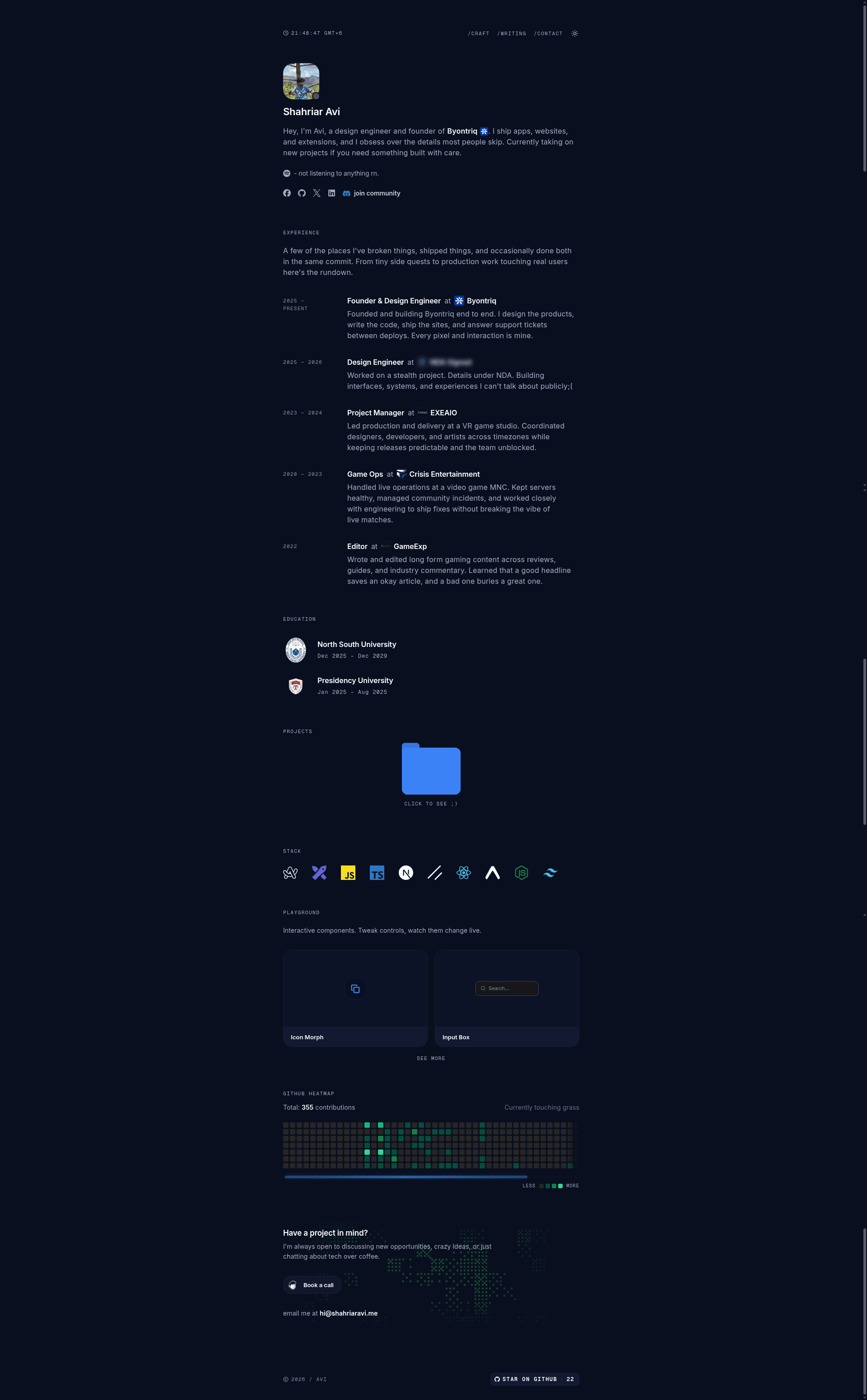
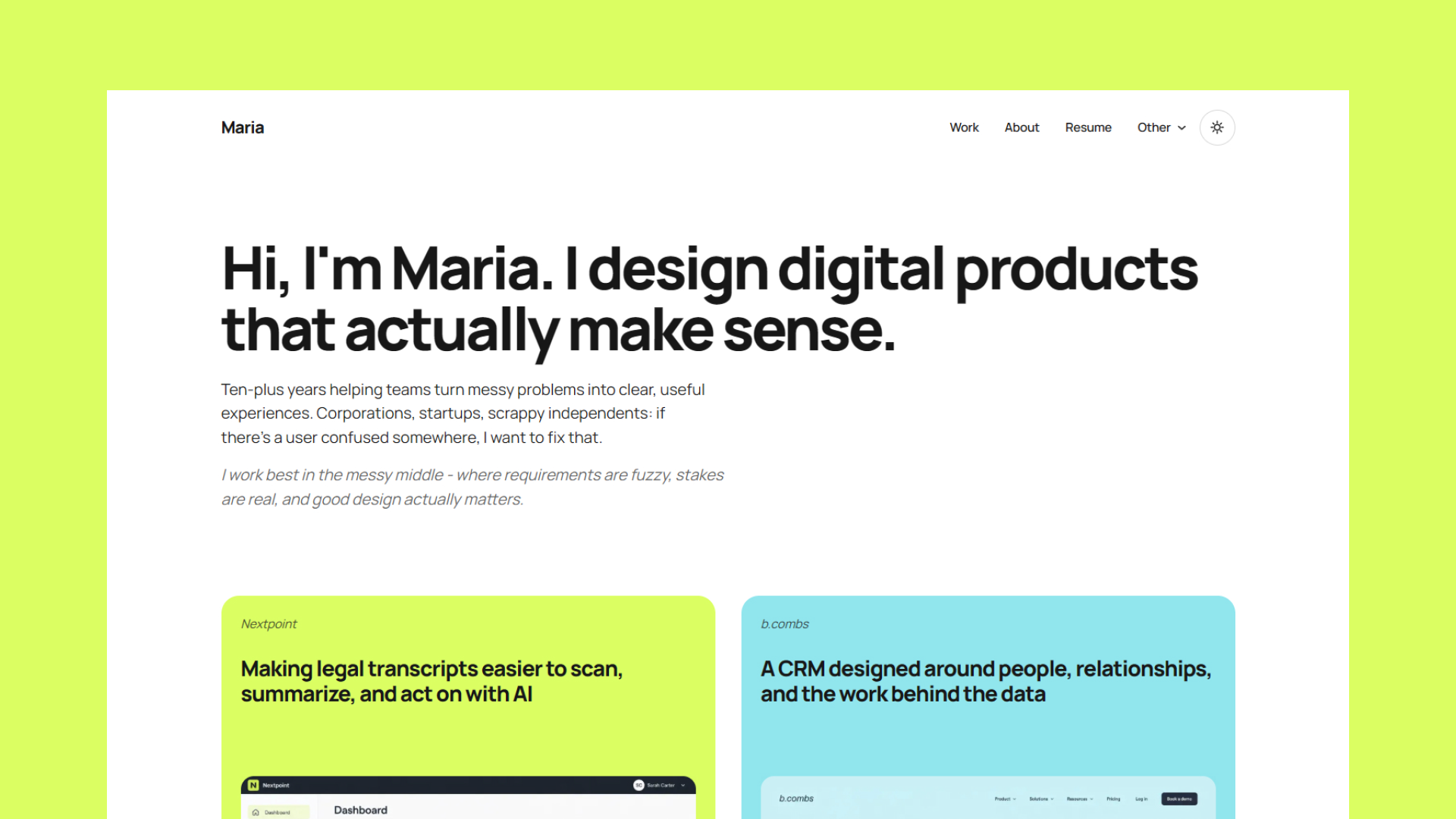
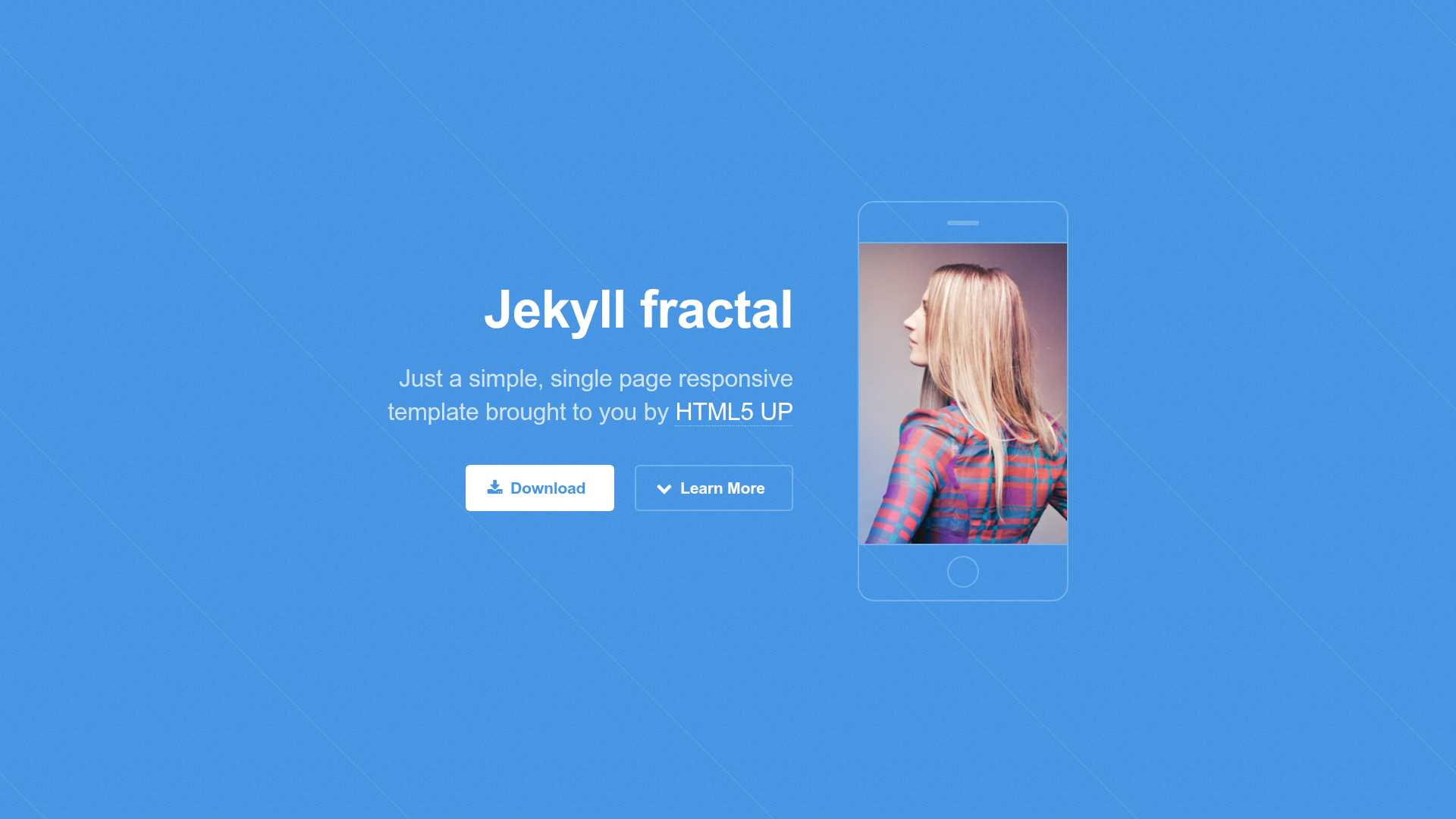
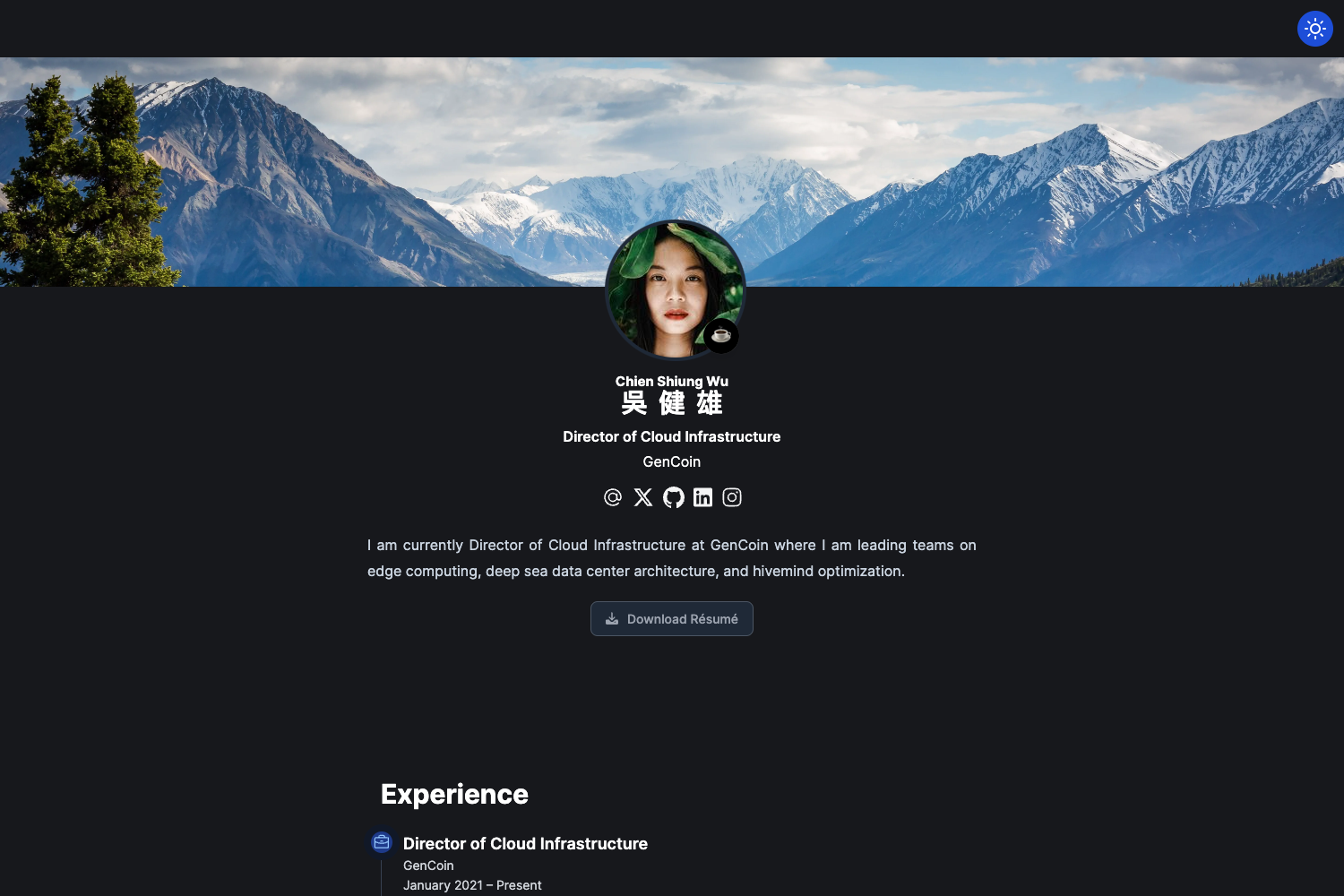
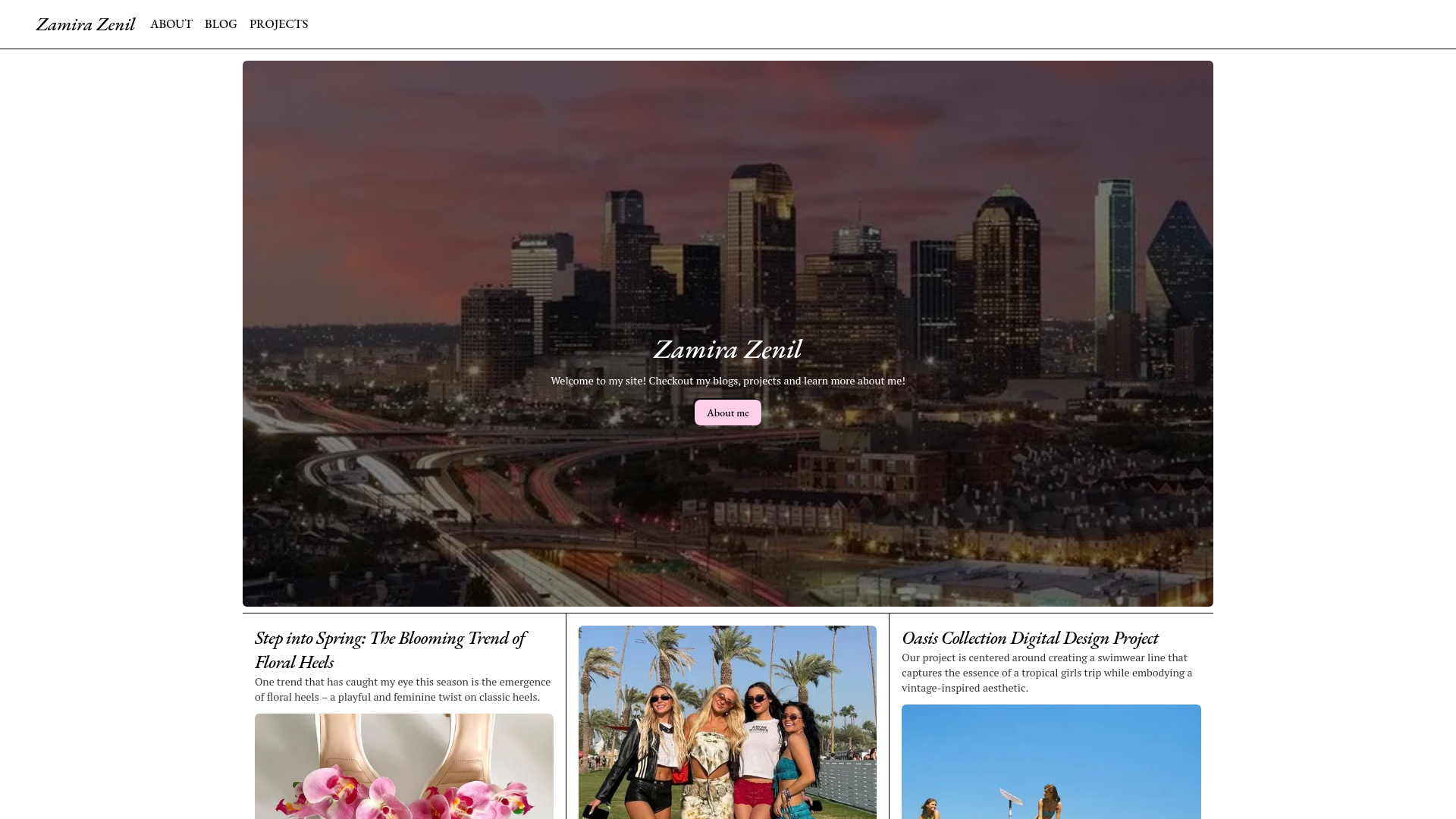
Minimal editorial portfolio for Next.js 14 with Discord presence, Spotify now-playing, GitHub heatmap, MDX blog, and chat-style contact.
About this template
cooked-folio is a free, MIT-licensed portfolio template built on Next.js 14 (App Router) that turns a developer's GitHub repository into a full personal site: live Discord presence, Spotify now-playing, a GitHub contributions heatmap, an MDX blog with dynamic OG images, and a chat-style contact form.
What is cooked-folio?
cooked-folio is a minimal editorial portfolio template written in TypeScript and styled with Tailwind CSS, with source available on GitHub. It takes configuration from a single config file and environment variables for Discord, Spotify, and GitHub, then generates a multi-page site with homepage, /writing blog, /playground interactive component demos, /contact, and /donate routes. The template is made by Shahriar Avi and deploys with one click on Vercel, with a clone-and-run setup using npm.
Key Features
The template's live integrations and content tooling are all configured through environment variables and a single content config file.
- Discord presence — Uses Lanyard to show a real-time status dot and current activity; requires your Discord User ID in NEXT_PUBLIC_DISCORD_USER_ID.
- Spotify now playing — Displays the current track with album art via the Spotify Web API using SPOTIFY_CLIENT_ID, SPOTIFY_CLIENT_SECRET, and SPOTIFY_REFRESH_TOKEN.
- GitHub contributions heatmap — Renders a contributions graph and live star count in the footer using GITHUB_USERNAME and a GitHub PAT with read:user scope.
- MDX blog — Author posts as .mdx files in src/content/writing; the filename becomes the URL slug, and reading time, word count, related posts, share menu, and per-post OG images are generated automatically.
- Chat-style contact form — Walks visitors through sequential prompts and posts the completed message to a Discord webhook.
- Interactive playground — Includes a /playground route with controls (text, number, slider, color, select, multiselect, toggle) that sync component configurations through URL parameters.
- SEO and AI crawler support — Ships JSON-LD Person, WebSite, and BlogPosting schemas, a dynamic sitemap, robots.txt, and lets GPTBot, ClaudeBot, Gemini, and Perplexity crawl the site.
- Dark mode with extension lock — Provides dark/light toggle and a darkreader-lock meta tag plus CSS resets so tools like Dark Reader cannot override the site's own theme.
- Tech stack — Built with Next.js 14.2 App Router, TypeScript, Tailwind CSS, SWR for data fetching, Vercel Analytics, next-mdx-remote for MDX, rehype-pretty-code with shiki for syntax highlighting, and @vercel/og for dynamic OG images.
- Included pages — Homepage with hero and sections for experience, education, projects, stack, and playground; /writing blog list and post pages; /playground component demos; /contact chat-style form; /donate with thank-you page.
Who is it for?
cooked-folio is aimed at developers and creators who want a personal site that doubles as a live status page and writing platform.
- Developers who want a portfolio that shows live activity from Discord, Spotify, and GitHub without building those integrations themselves.
- Technical writers who want a Markdown/MDX-based blog with code highlighting, reading time, and share buttons bundled into a personal site.
- Front-end designers who want an editorial, typography-focused layout and the ability to create interactive playground pages for experimenting with components.
- Job seekers who need a URL to showcase experience, education, and projects, with a contact form that routes messages to Discord.
What can you do with cooked-folio?
Using the template's built-in routes and integrations, you can show live status, publish posts, demo components, and collect messages without a custom backend.
- Show off your live status: Display your Discord presence and current Spotify track as social proof on the homepage.
- Publish long-form posts: Drop a .mdx file into src/content/writing and get a post with auto-generated reading time, share options, and an OG image.
- Demo your design work: Create /playground pages with selectable controls per component, using the included registry and state-syncing hooks.
- Collect messages without a backend: Use the chat-style contact form to send submissions to a Discord webhook, then forward donations through the /donate page.
How does cooked-folio work?
Clone the repository, run npm install and npm run dev to start at localhost:3000, then copy .env.example to .env.local and fill in the integration tokens. Content lives in src/lib/config.ts for socials, stack, experience, education, and projects, and in src/content/writing/*.mdx for posts. Deploy to Vercel with the one-click button, which preloads the required environment variable names.
Pricing
cooked-folio is free to use and modify under the MIT License, and the source is publicly available on GitHub. There are no paid tiers or premium features mentioned in the repository.
FAQ
How do I deploy cooked-folio?
Use the Deploy with Vercel button in the README, which clones the repository and prompts for the environment variables, or deploy manually to any Node.js host after running npm run build.
What does cooked-folio cost?
It is free and open-source under the MIT License. There are no license fees, and the README includes instructions for removing optional pages you do not need.
What environment variables are required?
To activate the core integrations, set NEXT_PUBLIC_URL, DISCORD_WEBHOOK_URL, NEXT_PUBLIC_DISCORD_USER_ID, SPOTIFY_CLIENT_ID, SPOTIFY_CLIENT_SECRET, SPOTIFY_REFRESH_TOKEN, GITHUB_USERNAME, and GITHUB_TOKEN, all listed in .env.example.
How do I add a new blog post?
Create a .mdx file under src/content/writing using frontmatter with a title and date. The filename becomes the URL slug, and reading time, related posts, sitemap, and the post's OG image update automatically on the next build.