Template details
Markdown Resume
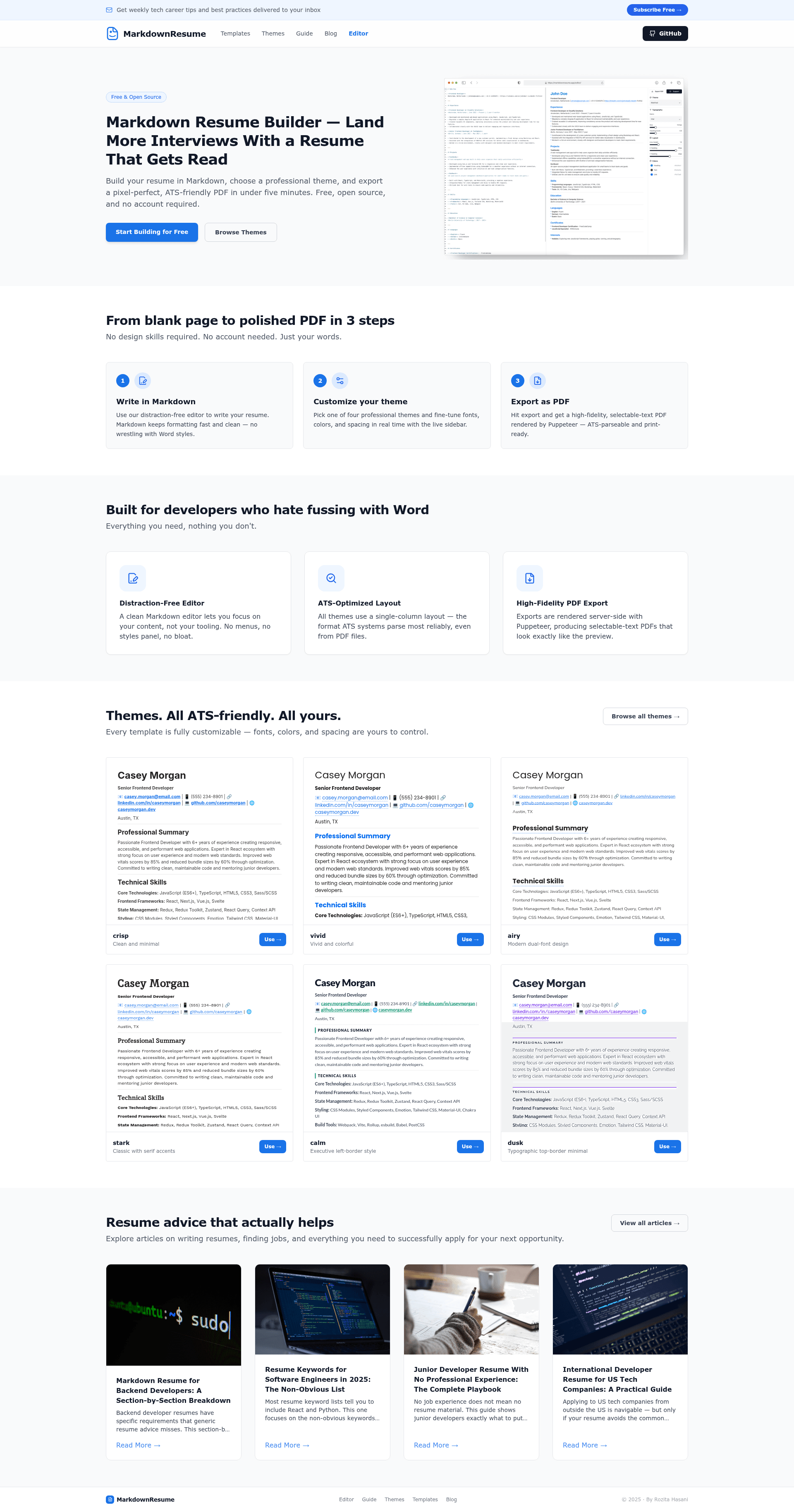
Create a professional resume by writing in Markdown, preview live, customize themes, and export as PDF.
About this template
Markdown Resume is an open-source resume builder that converts Markdown source text into a customizable, PDF-exportable resume through a live-preview web interface built with Next.js and React.
What is Markdown Resume?
Markdown Resume is a web application that lets you write your resume in Markdown and preview the formatted result in real time. It accepts plain Markdown as input, lets you adjust themes, fonts, layout, and colors, and exports the final document as a PDF. The project is distributed under the MIT License and is available for anyone to run locally or contribute to via GitHub. The author is reachable at rozita.hasani.work@gmail.com for questions and support.
Key Features
Markdown Resume bundles six core capabilities that cover writing, previewing, styling, and exporting.
- Write in Markdown — Compose your resume using standard Markdown syntax, supported by React Markdown and MDXEditor.
- Live Preview — The editor renders a real-time preview of your resume as you type, so you see exactly how it will look.
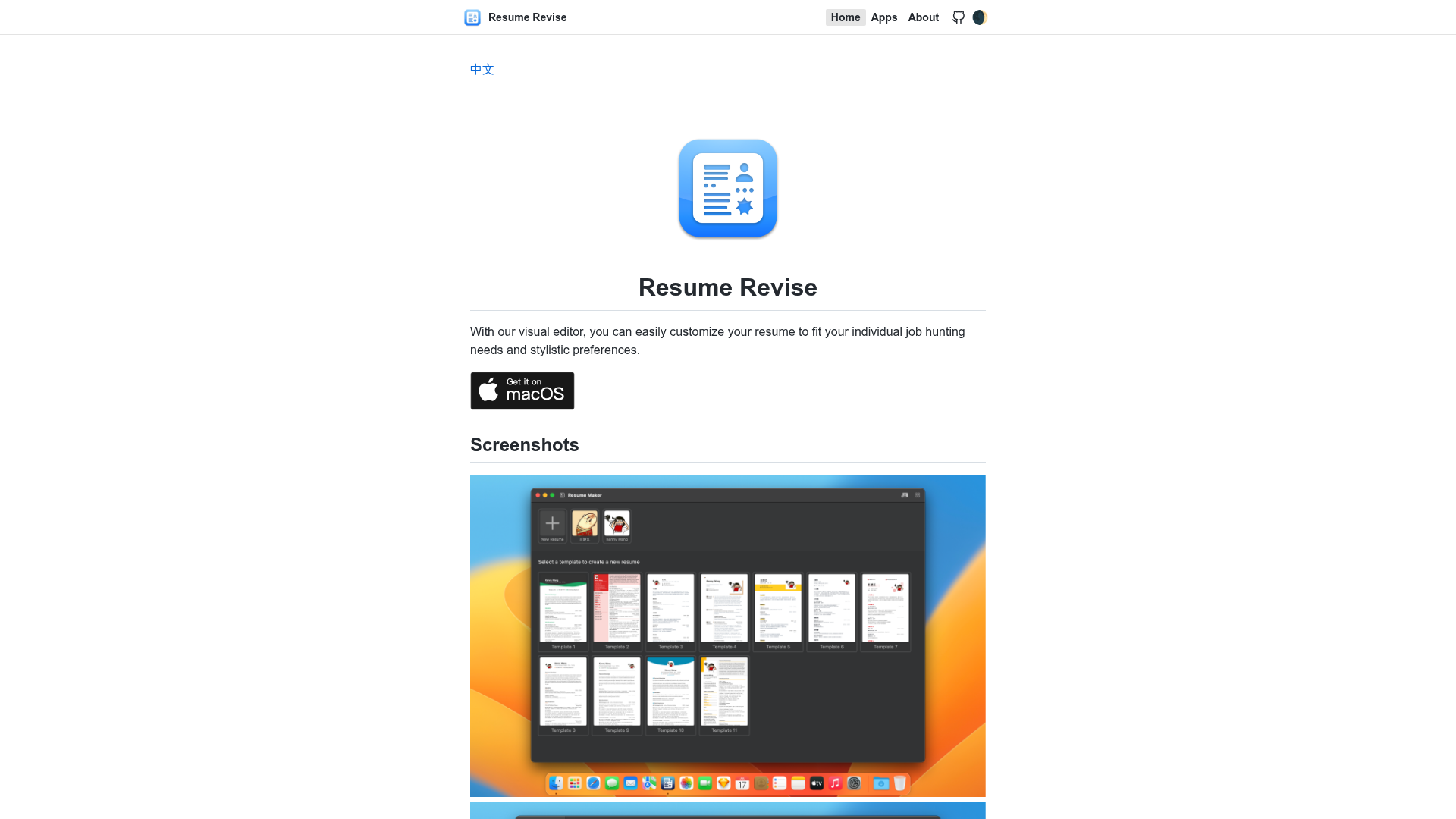
- Multiple Themes — Switch between different built-in styles to change the overall appearance; example screenshots in the repository show resumes such as the mashhad-resume, isfahan-resume, tehran-resume, and shiraz-resume.
- Custom Fonts, Layout, and Colors — Adjust fonts, sizes, line heights, and colors to match your personal preference.
- Export as PDF — Produce a PDF document that is ready to share or print.
- Modern Tech Stack — Built with React, Next.js, TypeScript, Vite, Tailwind CSS, and Lucide Icons, making it easy to extend or embed.
Who is it for?
Markdown Resume is built for anyone who prefers writing resumes in plain text and wants a styled PDF without design work.
- Job seekers — Write a clean, professional resume quickly by focusing on content in Markdown, then export to PDF for applications.
- Students and recent graduates — Create a resume from scratch without needing design skills, using themes and simple formatting options.
- Developers — Customize the open-source codebase, add new themes, or integrate the resume builder into other projects.
- Open-source contributors — Contribute features or fixes through the standard fork, branch, commit, and pull request workflow described in the repository.
What can you do with Markdown Resume?
The tool covers the full resume workflow: authoring, styling, exporting, and local development.
- Create a resume from Markdown — Paste or type your career history in Markdown and see it formatted instantly.
- Personalize the design — Change themes, fonts, colors, and layout without touching CSS or HTML.
- Export a shareable PDF — Generate a PDF file suitable for emailing, printing, or uploading to job portals.
- Run it locally — Install dependencies with npm install, start the development server with npm run dev, and access the app at http://localhost:3000.
How does Markdown Resume work?
To run the project locally, install dependencies with npm install, then start the development server with npm run dev. Open http://localhost:3000 in your browser to see the application. The editor provides a live preview of the formatted resume as you type Markdown.
FAQ
Here are answers to common questions about running and using Markdown Resume.
Is Markdown Resume free?
Yes. The project is open source and licensed under the MIT License, so you can use and modify it freely.
How do I run Markdown Resume on my computer?
Clone the repository, run npm install to install dependencies, then run npm run dev and open http://localhost:3000.
What input format does it accept?
The resume content is written in standard Markdown. The editor supports Markdown through React Markdown and MDXEditor.
Can I export my resume as a PDF?
Yes. The application includes an export feature that converts your resume into a PDF document ready to share.
Can I customize the appearance?
Yes. You can choose from multiple themes and adjust fonts, sizes, line heights, and colors to suit your style.
Contributing
The project is open to contributions and provides a standard GitHub workflow. Fork the repository, create a feature branch, commit changes, push the branch, and open a pull request. For questions or support, reach out via the contact email in the repository.