Template details
PlusAdmin
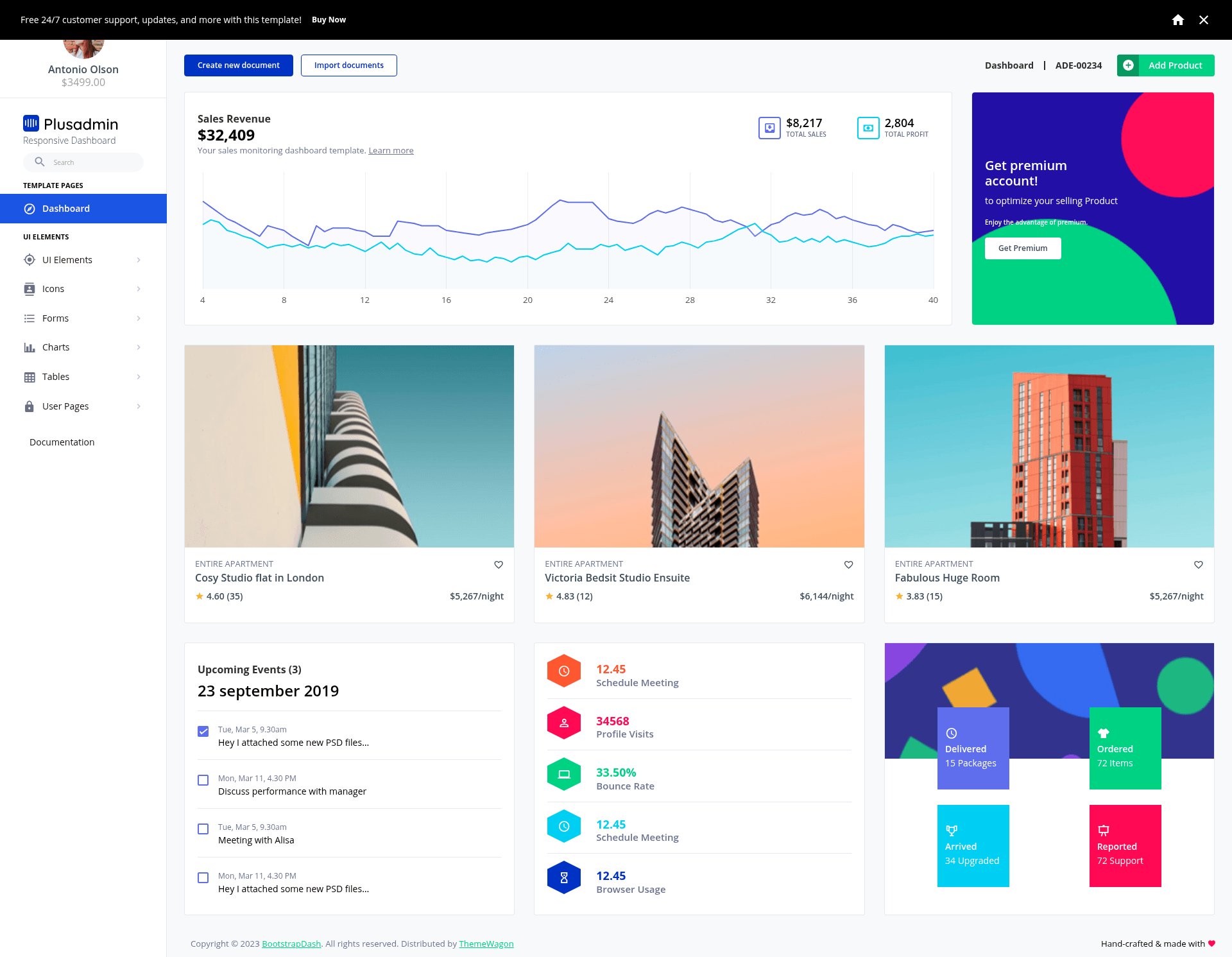
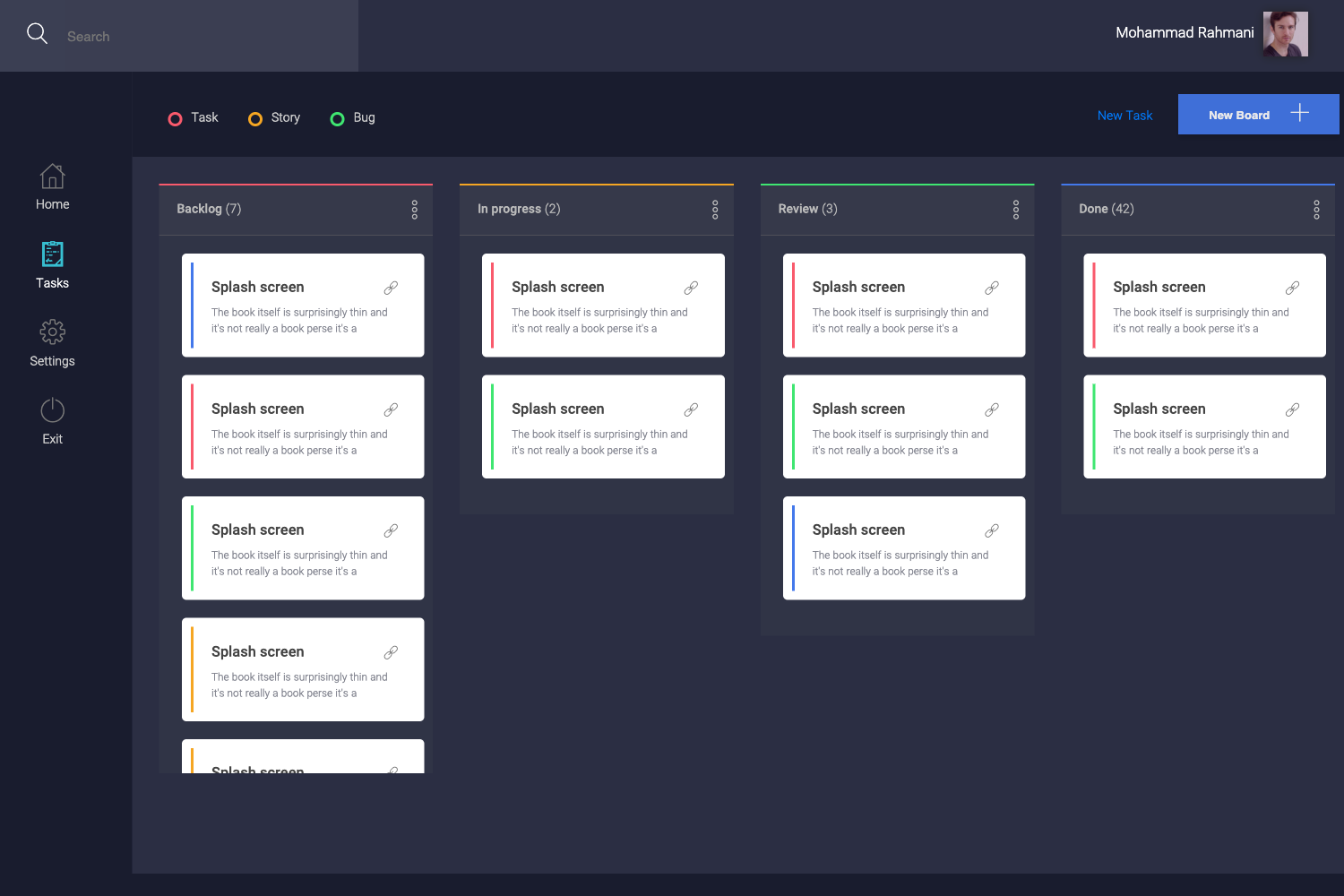
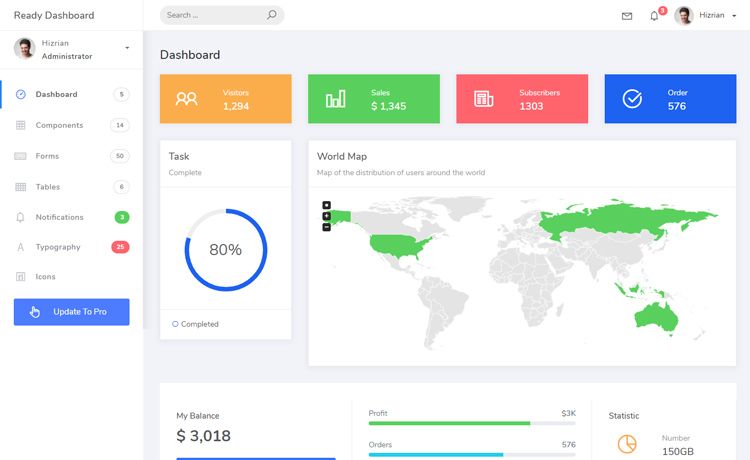
Free Bootstrap 5 admin dashboard template with charts, tables, forms, and collapsible navigation.
About this template
PlusAdmin is a free, multipage Bootstrap 5 admin dashboard template from ThemeWagon that gives developers a ready-made admin UI with vertical and horizontal layouts, charts, tables, forms, and a collapsible navigation bar.
What is PlusAdmin?
PlusAdmin is a free HTML5 admin dashboard template built with Bootstrap 5, HTML5, CSS3, SCSS, and jQuery, distributed through ThemeWagon and created by Bootstrap Dash. It provides a set of admin interface components—including charts, tables, forms, widgets, and UI elements—wrapped in a responsive layout that adapts to any screen size. The template runs in any modern browser (Chrome, Edge, Firefox, Safari, Opera, and mobile browsers) and produces a static HTML site you can host anywhere. Because it is free, open source, and licensed for commercial use, it works as a starting point for building back-office applications.
Key Features
- Bootstrap 5 — Built entirely on Bootstrap 5 with SCSS source files, so you can customize variables and components using a familiar CSS preprocessing workflow.
- Vertical and horizontal layouts — The template supports both sidebar and top-bar navigation arrangements; the collapsible navigation bar and sticky top navigation bar adapt when you switch layouts.
- Multipage design — Includes multiple HTML pages that cover common admin screens such as login forms, tables, and dashboards, rather than forcing a single-page app setup.
- Charts and tables — Ships with several chart types and different table styles (tagged with Datatables capabilities) so you can visualize data without wiring up a separate chart library.
- Forms and dropdowns — Provides different types of forms, search boxes, dropdown menu bars, and UI elements ready to be populated with your authentication and data-entry logic.
- Icons and fonts — Uses Material design icons, Font Awesome, and Google Fonts to keep icons and typography consistent throughout the UI.
- On-hover effects — Includes hover animations and interactive styling to improve feedback on buttons, links, and menu items.
- Cross-browser and responsive — Designed to render correctly on desktop and mobile across Chrome, Edge, Firefox, Safari, and Opera.
Who is it for?
The template targets developers and teams that need a free admin shell for internal or client projects. Specific groups include:
- Backend developers — Use PlusAdmin as the frontend for a custom admin panel, hooking the existing forms, tables, and charts into a REST API or database.
- Freelancers and agencies — Hand the template to clients as a starting point for e-commerce dashboards or project management portals, saving hours of UI work.
- Startups prototyping an MVP — Quickly assemble a working dashboard for a SaaS product by editing the HTML pages provided in the box instead of starting from scratch.
- UI learners — Study a well-commented codebase to see how a professional Bootstrap 5 admin theme integrates SCSS, jQuery, and common plugins.
What can you do with PlusAdmin?
- E-commerce platforms: Build an order-management dashboard where staff can view tables of orders, track changes, and manage products using the built-in tables and forms.
- Project management systems: Create a project overview page with progress charts, task tables, and dropdown menus for filtering by status or team.
- Software backends: Replace the default dashboard contents with your own widgets and UI elements to monitor servers, users, or logs.
- Admin panels: Use the sticky top navigation and collapsible sidebar to organize navigation across many admin sections without custom CSS.
FAQ
Is PlusAdmin free to use?
Yes, PlusAdmin is a free template from ThemeWagon. It is open source, can be used in commercial projects, and includes lifetime free updates, according to the download page.
What is included in the download?
The package contains one HTML page along with all demo images, all HTML files, JavaScript source files, and library and plugin files. Version 1.0.0 is the current release.
Which browsers and devices are supported?
The template is fully responsive and compatible with Chrome, Edge, Firefox, Safari, Opera, and mobile browsers. It uses a sticky top navigation bar that works across those environments.