Template details
Sufee Admin Dashboard
Free Bootstrap 5 admin dashboard template with Vite, dark mode, and build-time Handlebars partials.
About this template
Sufee Admin Dashboard is a free, open-source Bootstrap 5 admin dashboard template for building internal tools, analytics panels, and back-office UIs, built on Vite with build-time Handlebars partials and a selector-based component registry.
What is Sufee Admin Dashboard?
Sufee Admin Dashboard is a responsive admin dashboard template originally authored by Colorlib and modernized in v3.0 as a Bootstrap 5.3.8 project. It takes HTML, SCSS, and JavaScript source files in a src/ directory and produces a static dashboard site in dist/ via Vite, with no runtime JavaScript framework and no jQuery. The template ships with a real design system: layered design tokens, a dark mode that persists, and build-time partials for composing cards and widgets without copy-paste.
Key Features
Sufee Admin Dashboard's key features are the token-based design system, the persistent dark mode, build-time partials, and declarative data attributes that wire up charts, tables, and forms.
- Design tokens — radius, shadow, transition, and focus-ring values are defined once in
variables.scss; theme colors are set as SCSS variables such as$primaryand$successand compiled into Bootstrap's--bs-*custom properties. - Working dark mode — a header toggle flips the
data-bs-themeattribute, saves the choice inlocalStorage, and followsprefers-color-schemeby default; dark surfaces use a slate palette with black-tinted shadows. - Build-time Handlebars partials — drop a file into
src/components/and call it with a partial invocation; three partials ship (stat-card,social-card,icon-stat-card) and are inlined at build time with no runtime fetch. - Declarative chart API — one canvas with
data-chart,data-values, anddata-colorsattributes drives line, bar, pie, doughnut, radar, area, polarArea, horizontal, and stacked charts, replacing ~430 lines of inline Chart.js setup. - Selector-based component loading —
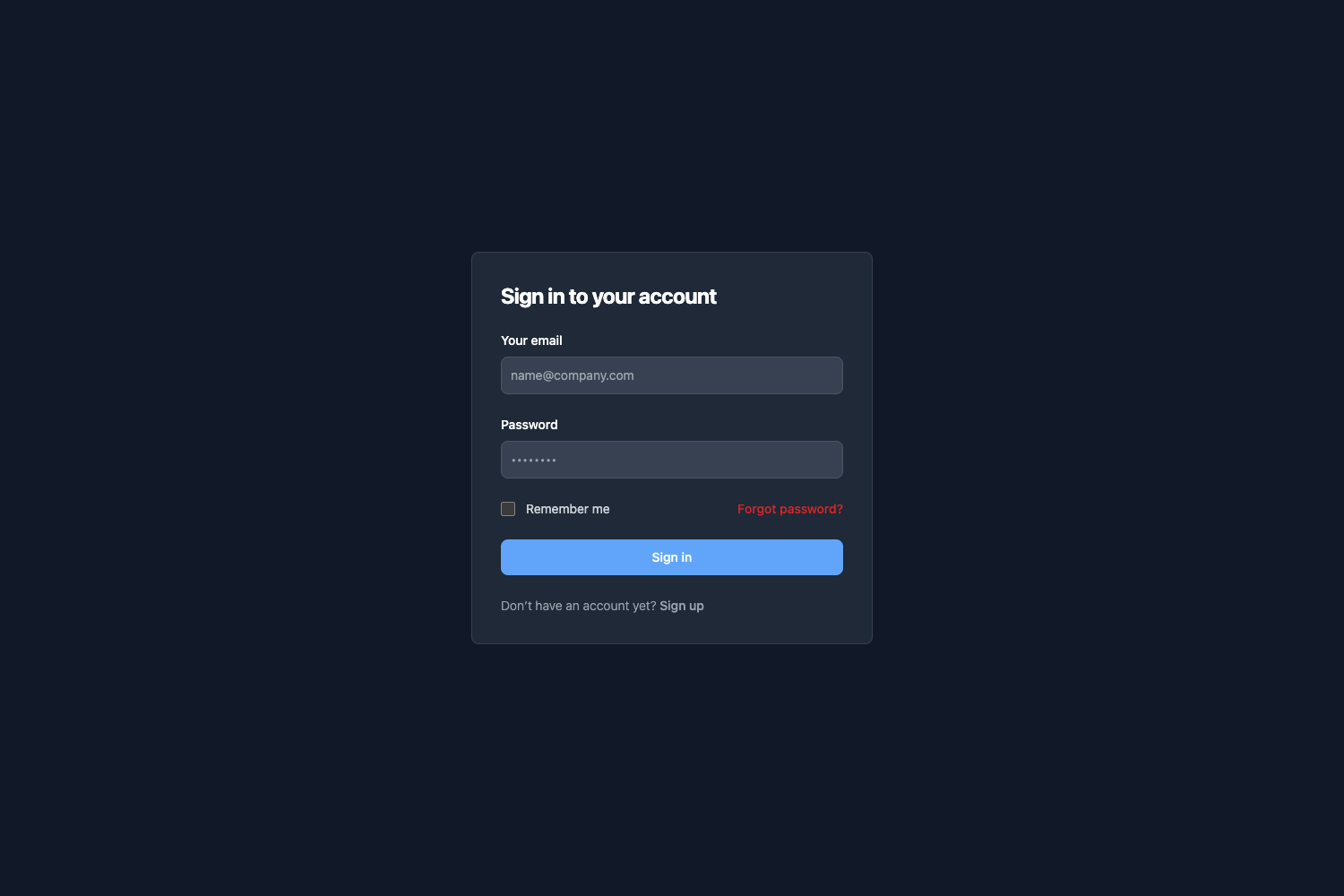
App.COMPONENT_REGISTRYlazy-imports modules such as DataTable (data-table), ChartManager (data-chart), and FormValidator (data-validate) only when their selector exists in the DOM. - Auth and error page shells — login, register, forget, 404, and 500 pages share one 303-line CSS shell built from
.auth-cardand.auth-herocomponents. - Vite glob-discovered pages — drop an HTML file into
src/and it is automatically picked up by the build; no central page registry to update. - Zero jQuery — the project is 100% vanilla JavaScript with ES6+ modules, native HTML5 form validation, and a custom vanilla-JS DataTable component.
Who should use Sufee Admin Dashboard?
Sufee Admin Dashboard suits developers and teams who need a Bootstrap 5 foundation for admin interfaces without paying for a commercial template.
- Developers building admin panels can scaffold a back-office interface with the included sidebar, header, and breadcrumb partials, then add sortable tables or charts by writing a few
data-*attributes. - Agencies shipping client projects can reuse the auth and error page shells for login, registration, and 404 flows, and customize the brand palette in one SCSS file.
- Teams migrating from Bootstrap 4 can use the documented migration path from v1.x, covering class renames like
.badge-*to.bg-*anddata-toggletodata-bs-toggle.
What can you do with Sufee Admin Dashboard?
With Sufee Admin Dashboard you can assemble a working admin site in about ten minutes using the documented five-step recipe.
- Analytics dashboards: compose
stat-cardpartials with Chart.js data via thedata-chartAPI to show traffic, sales, and user activity on a single page. - Internal tools: use the
data-tablecomponent for a sortable, searchable, paginated table with no third-party dependency, plus validated forms viadata-ruleson inputs. - Developers evaluating templates: open the component catalog page to inspect every reusable pattern with rendered previews, copy-paste markup, and a props table before committing to the template.
How does Sufee Admin Dashboard work?
The workflow is: create an HTML file in src/, attach runtime partials for the sidebar and header, compose content with build-time partials, and add interactive behavior through data-* selectors. Vite auto-discovers the page, the component registry lazy-loads the matching JavaScript modules, and npm run build outputs the static site to dist/.
Alternatives
Sufee sits alongside other Bootstrap admin dashboards from the Colorlib and DashboardPack ecosystem. Admindek ships 100+ components with light/dark modes, RTL, and 10 color presets. Adminty includes 160+ pre-designed pages, and ArchitectUI offers 250+ UI components across 9 dashboard views. TailPanel is the React-based option, built with TypeScript, Tailwind CSS, and Vite.
FAQ
Is Sufee Admin Dashboard free?
Yes. Sufee is released under the MIT License, so you can use, copy, modify, merge, publish, distribute, and sell products built with it. You must state that Colorlib is the original author of the template.
Does Sufee Admin Dashboard use jQuery?
No. jQuery was completely removed in v2.0; all code is 100% vanilla JavaScript with ES6+ modules, native HTML5 form validation, and custom components that replace DataTables and other third-party plugins.
What version of Bootstrap does Sufee use?
v3.0 ships with Bootstrap 5.3.8 compiled from SCSS source, along with Chart.js 4.5.1, Font Awesome 7.3.1, Leaflet 1.9.4, and the Open Sans variable font via @fontsource-variable/open-sans.
How do I add a new dashboard page?
Drop an HTML file into src/ and Vite's glob discovery will build it. Add the shared sidebar and header through runtime partials, then compose your page with build-time partials like stat-card; add a sidebar link with a matching data-page attribute for the active state.
Does Sufee support dark mode?
Yes. A header toggle switches the data-bs-theme attribute, the choice persists in localStorage, and the default follows prefers-color-scheme. The dark palette uses layered slate colors and black-tinted shadows.
Which browsers are supported?
Sufee supports the last two versions of Chrome, Firefox, Safari, and Edge. Internet Explorer is not supported.