Template details
Argon Dashboard Flask
Free Flask dashboard starter with Argon UI Kit, SQLAlchemy, Blueprints, and authentication.
About this template
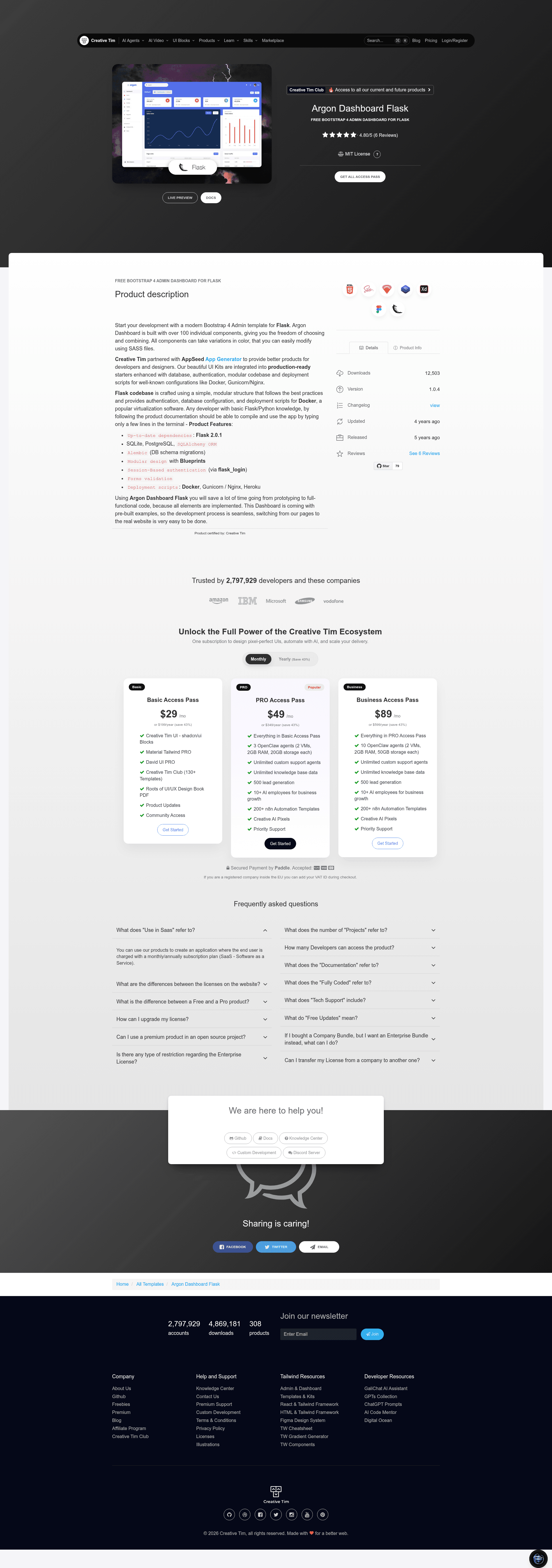
Argon Dashboard Flask is a free, open-source admin dashboard starter that pairs the Argon Dashboard UI Kit by Creative Tim with a Flask 2.0.1 codebase maintained by AppSeed, giving developers a pre-built authenticated back office for Python web apps. In production it uses SQLAlchemy ORM, Blueprints, and Flask-Login to serve pages such as login, registration, index, and a 404 page, all styled with Bootstrap 4-based Argon components.
What is Argon Dashboard Flask?
Argon Dashboard Flask is a Flask starter project that produces a multi-page admin dashboard application, taking as input a SQLite or PostgreSQL database and a set of modular blueprints, and outputting a running web app with session-based authentication. The UI Kit is provided by Creative Tim and the Flask codebase by AppSeed, and it supports deployment via Docker, Gunicorn/Nginx, and Heroku. It also includes SCSS compilation through Gulp so the Argon design tokens can be recompiled.
Key Features
- Flask 2.0.1 codebase — Up-to-date dependencies pinned in
requirements.txt, with separaterequirements-mysql.txtandrequirements-pqsql.txtfiles for MySQL and PostgreSQL deployments. - Argon Dashboard UI Kit — Free Bootstrap 4 admin template from Creative Tim, with login, register, index, and 404 pages provided as Jinja templates.
- SQLAlchemy ORM + Alembic — Database models and schema migrations are included, supporting SQLite in development and PostgreSQL/MySQL in production.
- Modular Blueprints — The app is split into
homeandauthenticationblueprints, each with its own routes, models, and forms. - Session-based authentication — Uses
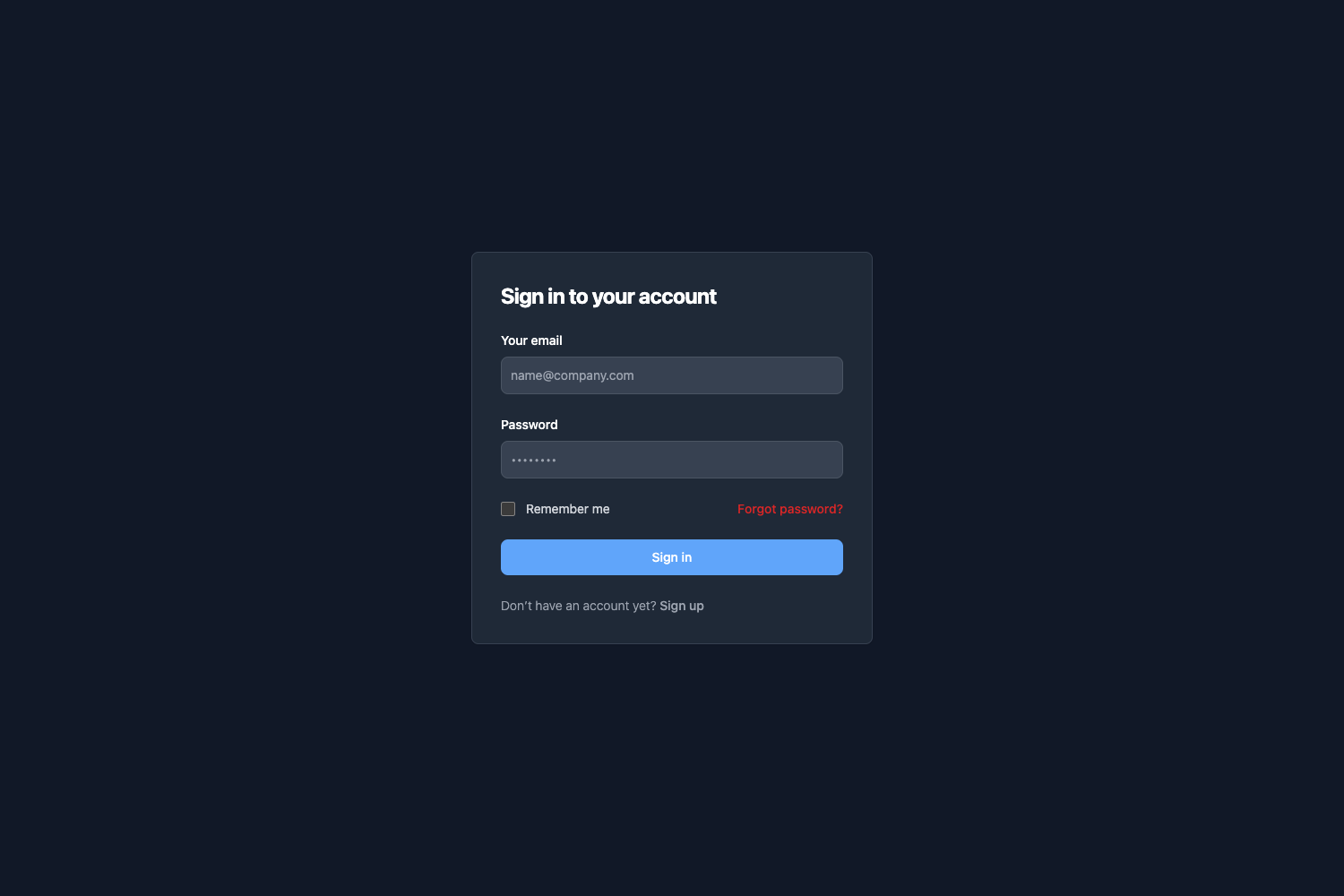
flask_loginwith login and registration forms, plus form validation; default demo credentials aretest/pass. - Deployment scripts — Dockerfile and
docker-compose.ymlfor containerized runs, plusgunicorn-cfg.pyand an Nginx config for production hosting. - Environment-driven configuration —
run.pyloads a.envfile and switches between SQLite (debug) and specified production DB drivers, then calls the app factory inapp/__init__.py.
Who is it for?
- Flask developers who need a starting point for an admin panel with auth already implemented, so they can focus on business logic.
- Agencies and freelancers delivering internal dashboards, who can rebrand the Argon UI and wire in custom models via SQLAlchemy.
- Developers evaluating Creative Tim UIs who want a working Flask integration to compare against the Django version.
What can you do with Argon Dashboard Flask?
- Kick off an internal tool: clone the repo, create a user on the registration page, and get a protected index page plus sidebar/navigation components immediately.
- Prototype an admin for production: connect PostgreSQL via the provided requirements file, run Alembic migrations, and deploy with Docker Compose on port 85 as documented.
- Restyle the frontend: edit SCSS in
apps/static/assets, then rungulp scssto regenerate the compiled CSS instatic/assets/css.
How does Argon Dashboard Flask work?
The bootstrap flow starts with run.py, which loads the .env file and calls the app factory create_app. In debug mode SQLite is used; otherwise the configured MySQL or PostgreSQL driver is loaded. Guests are redirected to the login page, and once authenticated, the home blueprint serves the private pages. To run locally, install dependencies with pip install -r requirements.txt, set the FLASK_APP environment variable to run.py, and execute flask run --host=0.0.0.0 --port=5000.
Pricing
Argon Dashboard Flask is a free product. It is licensed under the Creative Tim End User License Agreement, and the source is publicly available on GitHub with an open-issues tracker.
FAQ
Is Argon Dashboard Flask free?
Yes, the project is explicitly labeled a "Free product" on the Creative Tim product page. You download the source from GitHub or the product page and use it under the Creative Tim EULA.
What are the default login credentials?
The live demo accepts test as the username and pass as the password. On your own instance, you must visit the registration page and create a new user before accessing the private dashboard pages.
Does Argon Dashboard Flask support PostgreSQL?
Yes. The repo includes requirements-pqsql.txt for installing the PostgreSQL connector, and Alembic is included for database schema migrations. Configuration is switched through environment variables in the .env file.
How do I recompile the SCSS?
Navigate to apps/static/assets, run npm install (or yarn), then execute gulp scss. The compiled CSS is written to static/assets/css, and you need NodeJS 12.x or higher plus the Gulp CLI installed globally.
Which browsers are supported?
The project officially supports the last two versions of Chrome, Firefox, Edge, Safari, and Opera, as stated in the product README.